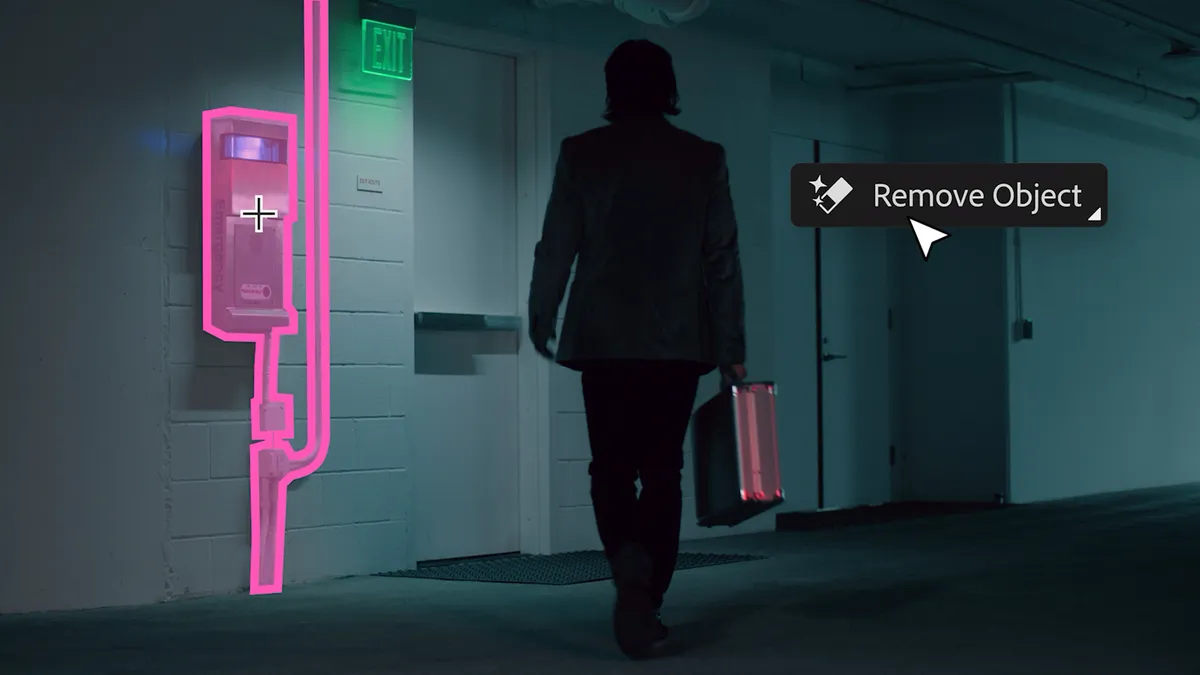
In a short YouTube video, Photoshop Product Manager Bryan O'Neil Hughes, takes a look at photo editing in Adobe Camera Raw 7. Blessed with a rewritten RAW processing engine, there are a slew of new controls to play with, all designed to give you more flexibility when chasing perfect picture clarity, shadows and contrast.
• Check out our Photoshop C6 review!
In fact, the Adobe Photoshop Lightroom 4 beta uses the same processing engine. You can find and download it from Adobe Labs.
Adobe Photoshop CS6 preview
What's more interesting is the teasing look at Adobe Photoshop CS6, which now features a darker interface for what Hughes calls a more "immersive experience". In CS6, Adobe is keen not to distract you with the software interface, allowing you to focus on the image.
Of course, you can roll back to the look and feel of CS5 if you don't like the cosmetic update that will undoubtedly appear as standard in the Adobe CS6 package.
Adobe is also introducing rich cursor support in Photoshop CS6, which will be able to deliver extra information about what you're working on. For example, rather than just showing a visual, representation of brush size, rich cursor support will provide detailed information about brush diameter, hardness and opacity.
Take a look for yourself in the YouTube video below:
Are you looking forward to Adobe Photoshop CS6? What features would you like to see included in the next release? Let us know in the comments below.