Looking for the best Blender tutorials to get started with one of the most versatile 3D apps available? Blender isn’t just the best free 3D modelling software; it’s a complete suite for animation, game development, architectural visualisation, and more. Its flexibility means it regularly appears in our guides to the best 3D modelling software and best animation software, as well as our roundup of the best free animation software.
Blender is an ideal starting point for beginners: it’s free, open-source, and widely used by top industry professionals. This curated collection of the best Blender tutorials starts with beginner-friendly lessons, moves into intermediate techniques, and finishes with advanced tips used by professional 3D artists.
Once you’re confident in Blender, check out our guide to the best laptops for 3D modelling or explore the best software for game development. Combined with Blender and a platform like Godot, you can bring your 3D projects to life.
What's new in Blender
Some of the tutorials on our list were created for older versions of Blender, but the core training remains useful. To get you up to speed, let's recap on how Blender has evolved.
Blender 5.0, released in November 2025, brought major improvements, including full HDR workflow support, enhanced geometry nodes, upgraded video editing tools, and faster rendering performance. These changes allow artists to create more complex scenes and realistic visuals with greater efficiency. Blender 5.1, currently in beta, promises further enhancements, including new nodes, optimised performance, and workflow refinements, expected in March 2026.
For more details and how to download Blender, visit the Blender 5.0 website.
Blender tutorials for beginners
01. Blender texturing for beginners

In this video lesson from Andrew Price, he reveals the secrets of realistic texturing. Discover how to take a texture and create some variations of it, using Photoshop or a Photoshop alternative, then putting them into Blender. Want more? Andrew has a whole host of excellent Blender video tutorials on his YouTube channel.
02. Ten tools every Blender noob should learn
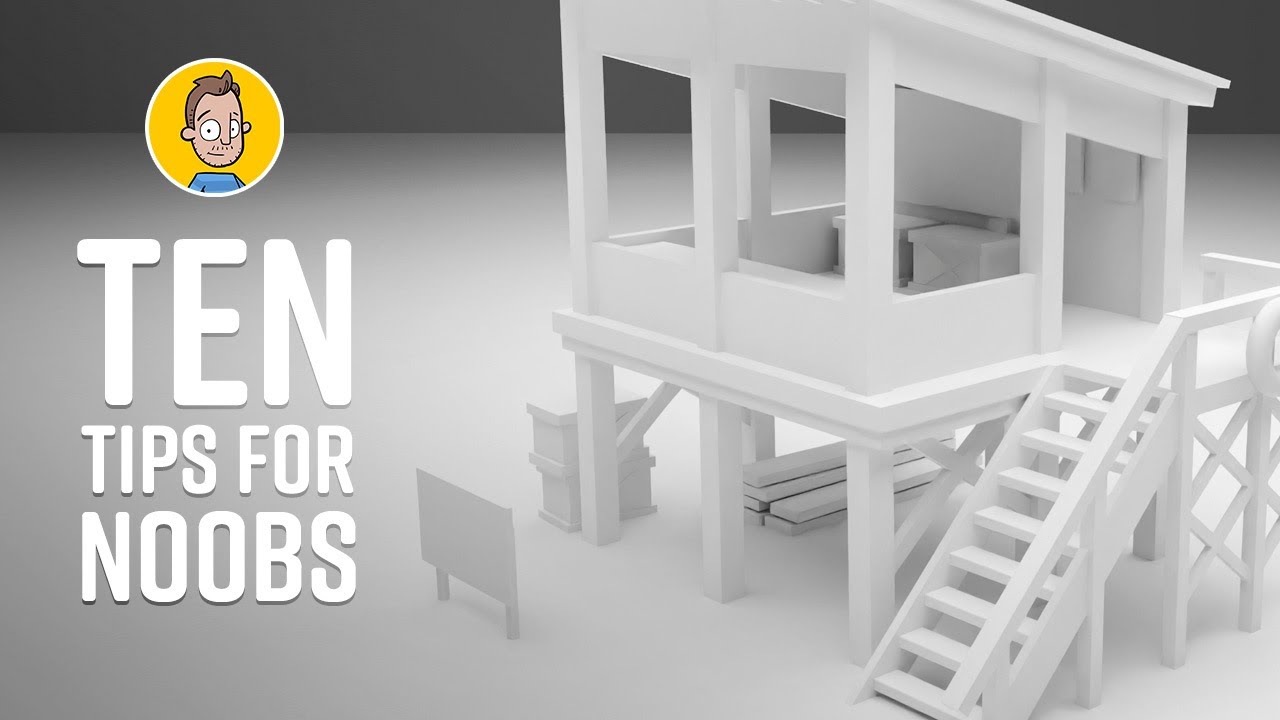
This beginner Blender tutorial takes a different approach. Rather than taking a fast-track approach to one complete end-to-end process, it breaks things down into 10 specific tools that Blender newbies need to learn how to use, including applying transformations, the loop cut, array tool, extrude tool, moving the camera and speeding up rendering. It's all presented by an animated Brad Colbow.
03. Blender fast track beginner tutorial

This helpful Blender tutorial from CG Fast Track takes you through all you need to know to get started. It's quite a lengthy one, split up into three parts so make sure you set the time aside to watch it as it's absolutely worth it.
You'll make a sword and a stone animation to learn the skills on the job, and as some students have noted in the comments, it can be exciting and motivating for beginners to start out with something other than the usual "donuts and bananas".
04. Use VDM brushes for sculpting
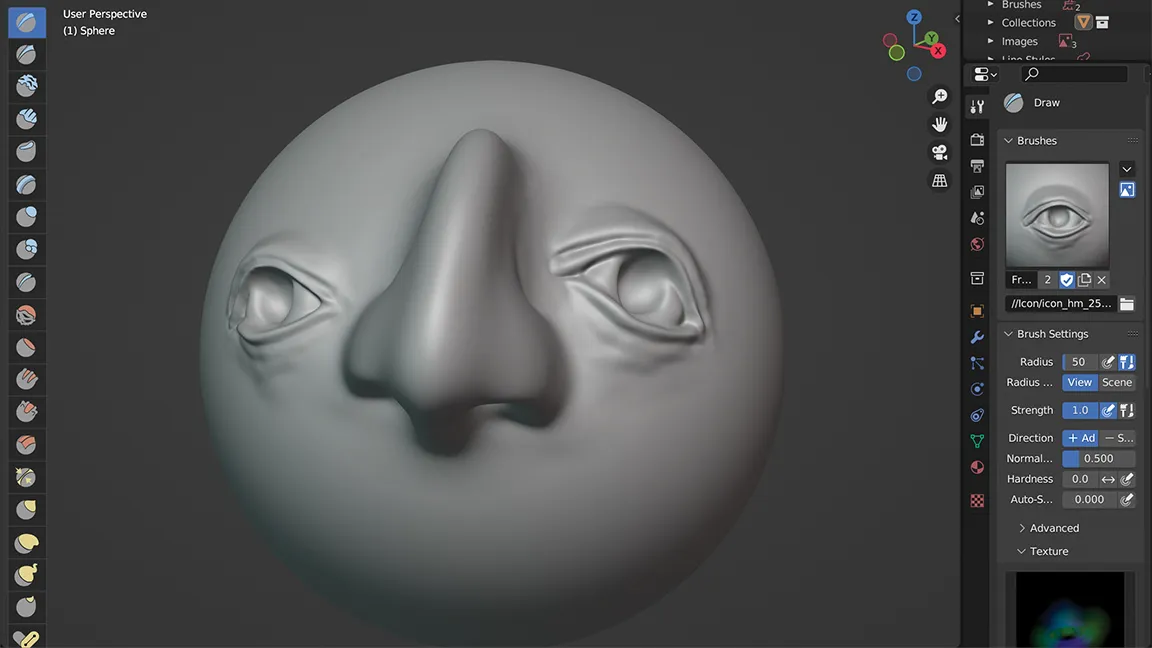
VDM stands for Vector Displacement Maps and it’s a feature that found its way into Blender’s sculpting tools with Blender version 3.5. In this tutorial Paul Hatton explains how to use them for faster, more powerful sculpting. Essentially this capability allows you to download displacement map kits that enable you to create complex models with minimal effort.
05. Greenscreen masking for VFX in Blender

Add some Hollywood flair to your projects. Here you'll learn the basics of masking and chroma keying in Blender – just the thing for mixing real world footage with CG via a bit of green screen action.
06. Rigging for beginners

Rigging is the process of adding bones to your character so that it can be posed and animated. In just under an hour Joey Carlino explains everything you need to know to get started with character rigging in Blender.
07. Camera tracking for beginners
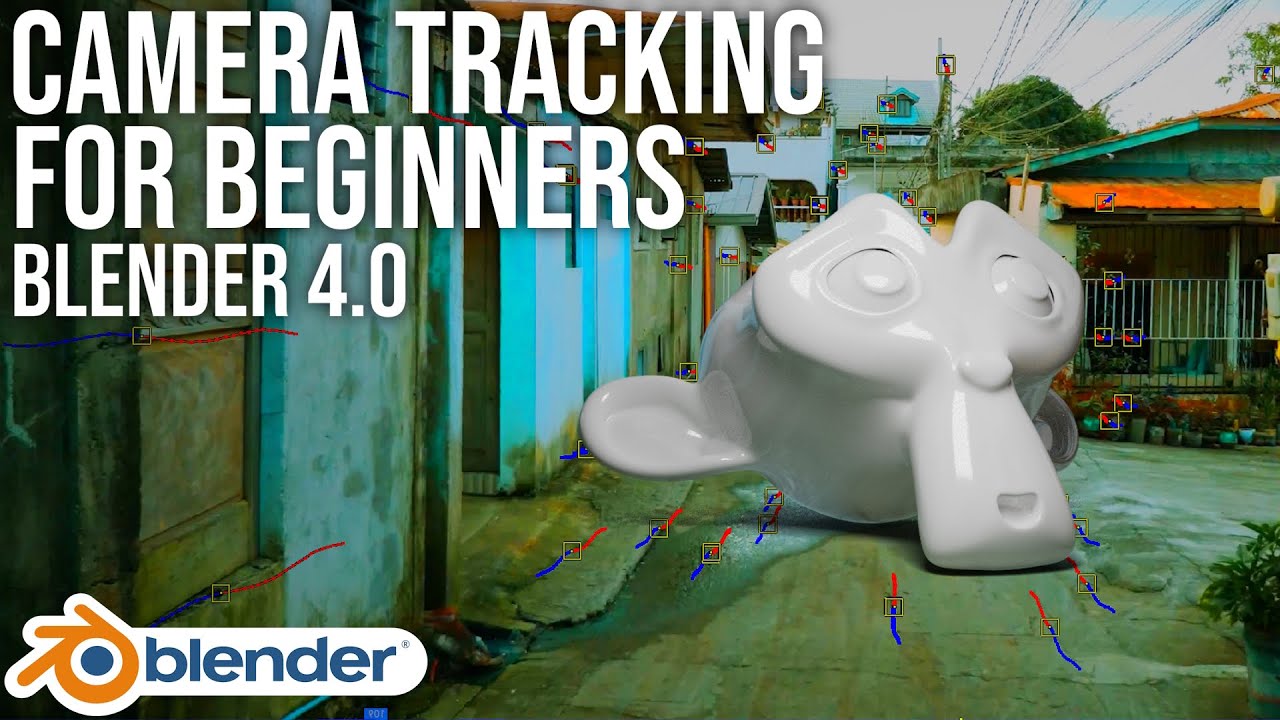
Blender comes bundled with an awesome feature called Camera Tracking. Camera Tracking is a process that involves using real footage and tracking its motion so that 3D elements and VFX can be added to it. This tutorial gives you a complete beginner's introduction to what this tool is and how to start using it right now.
Intermediate Blender tutorials
08. What's new in Blender 4.1

Blender 4.1 was made available in March 26th, 2024, and while this release mainly focuses on performance improvements, there are also some new features. In the video above, AskNK talks us through some of the highlights, from the UI to rigging and animation, modelling improvements and all-new drag-and-drop capabilities.
09. Build a tranquil ocean setting
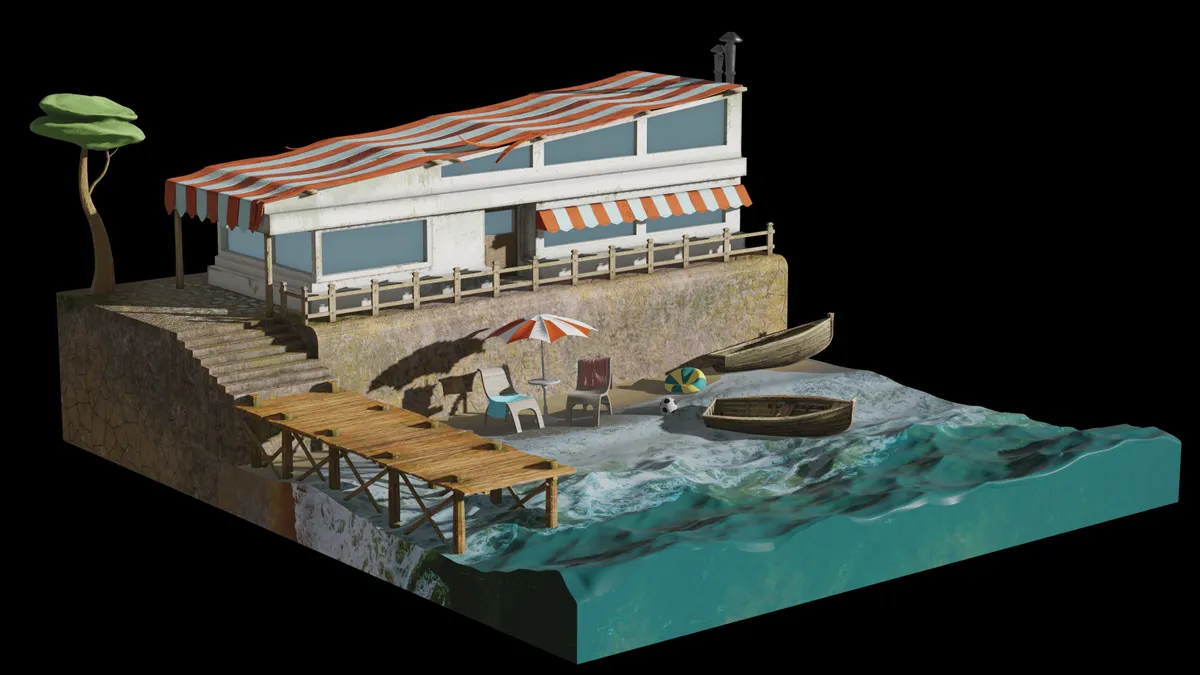
Creating beach scenes can be really tricky because as well as the water itself there are many different textures and other elements to deal with. In this tutorial Paul Hatton takes you through the process of using the built-in Blender Ocean modifier to create waves that lap on the shore. Once you’ve mastered the basic technique you can fine-tune the results to push the image further.
10. Render faster in Cycles

Tired of waiting forever for your stuff to render? This short but sweet video could help you speed things up. Ever-mindful of your time, the narrator has even speeded up the tutorial video itself so you can absorb his wise advice double-quick.
11. Animate overgrown 3D text

This text effect Blender walkthrough demonstrates how to make some text look like it’s overgrown with lush plant life. You’ll pick up a few useful general Blender techniques as you follow this one through, including particle systems, textures, lighting and camera setup.
12. Morph anything Into anything

Morphing an object from one shape to another smoothly is an impressive 3D trick to be able to pull off, and in this tutorial from Bad Normals you'll learn techniques for creating an amazing shapeshifting effect.
13. How to use hair assets in Blender 3.5+
This Blender tutorial from Stache offers a quick overview of the added hair and grooming assets that were added in Blender 3.5 in March 2023. It introduces the Generate Hair Curve Node, the Interpolate Hair curve node, the trim hair curve node, the hair curve noise node, the frizz hair curve node and more and explores the geometry nodes aspect of these hair elements.
14. Create braided hair in Blender
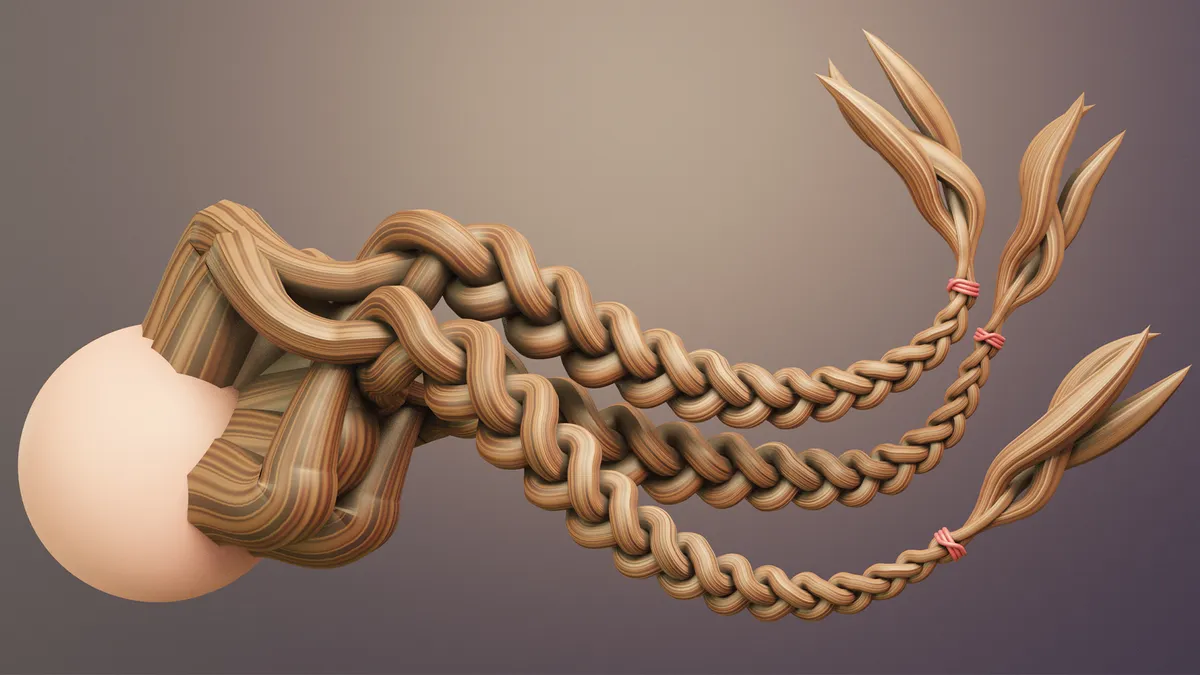
This speedy tutorial teaches you how to effortlessly create braided hair using the Blender extension Braidify. Created by Nino (AKA DefoQ), the free tool is available alongside some incredibly helpful training videos.
The tool takes all the hard work out of creating braids by requiring a single curve that is then used to drive the braid. The looks you can generate are realistic, predictable and suitable for production-quality work. Without a plugin, braided hair can be a cumbersome and monotonous task, so skip the hassle and check out the tutorial here.
15. Model realistic materials
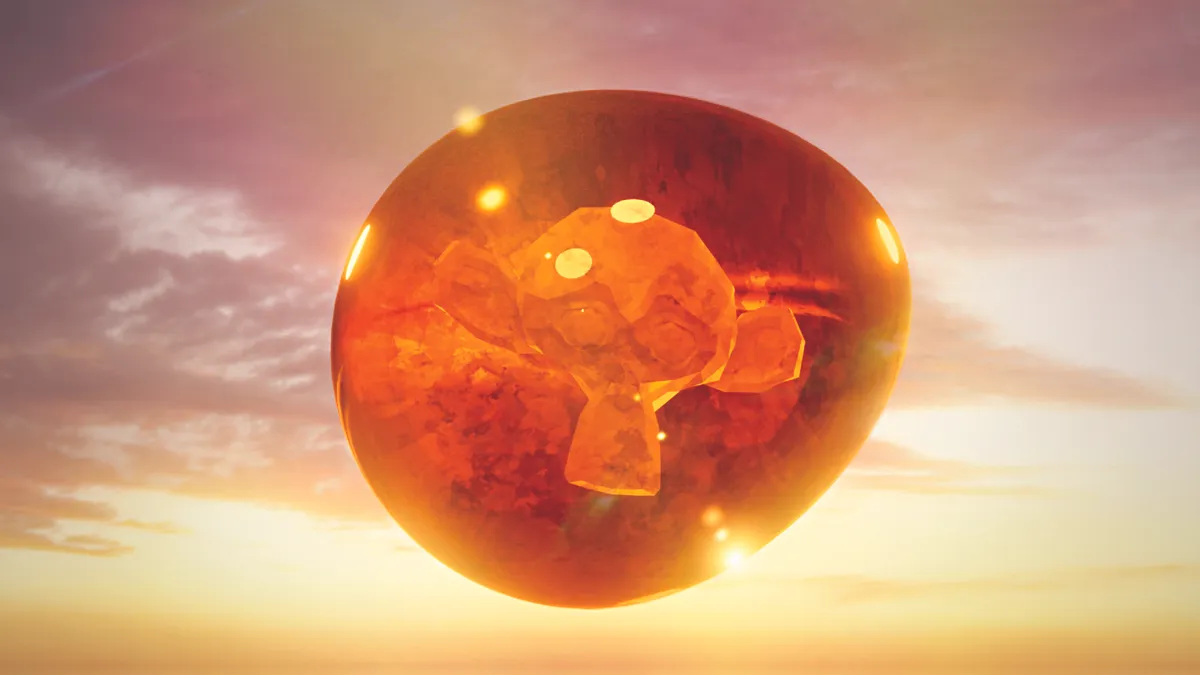
Making procedural textures is a fine art, and in these tutorials Pietro Chiovaro takes you through the finer points of creating a realistic peppermint candy material, glowing amber, and a translucent and wobbly-looking jelly.
Blender tutorials for professionals
16. Blender tips for creating video game art

Blender can be intimidating, but speed comes from smart habits, not brute force. In this Blender concept art tutorial, Rahul Chandwaney shows how to quickly block out your ideas, focus on the playable space, and iterate constantly. Set up a personal startup file, use photo textures and references, and keep your scenes organised with collections.
Master values, lighting, and silhouette before detail. Trim unnecessary geometry, embrace instancing, and rely on modular assets. Small tweaks and workflow hacks save hours, letting you build complex, believable game environments faster and cleaner.
17. Sculpt and texture a character
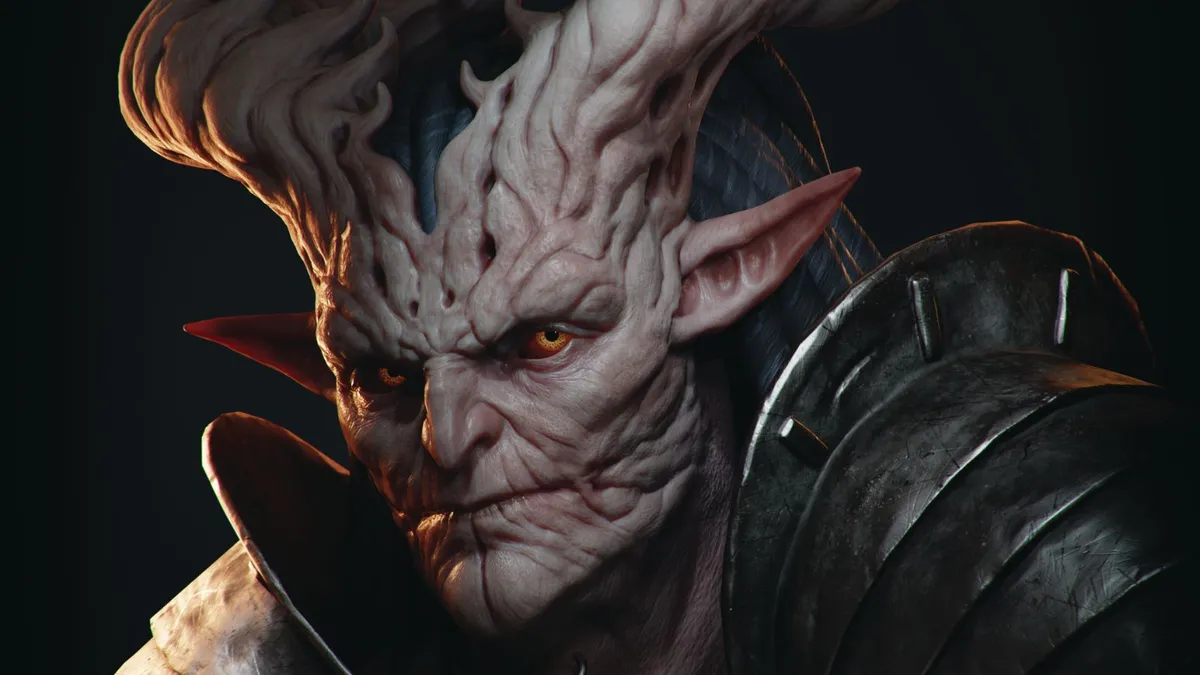
Elena Leonteva tests out Blender’s high-poly sculpting capabilities as she guides you through her process for creating a 3D portrait based on concept art by Veronika Kozlova. She writes: “We'll start off by sculpting in Blender, before retopologising and unwrapping the textures. With that done, we’ll create PBR textures in Substance 3D Painter. Next, I’ll show you how to set up a scene in Blender and make the final render in the EEVEE engine, and we’ll also do some small post-processing with compositing in Blender for the final image.”
18. Concept a game scene
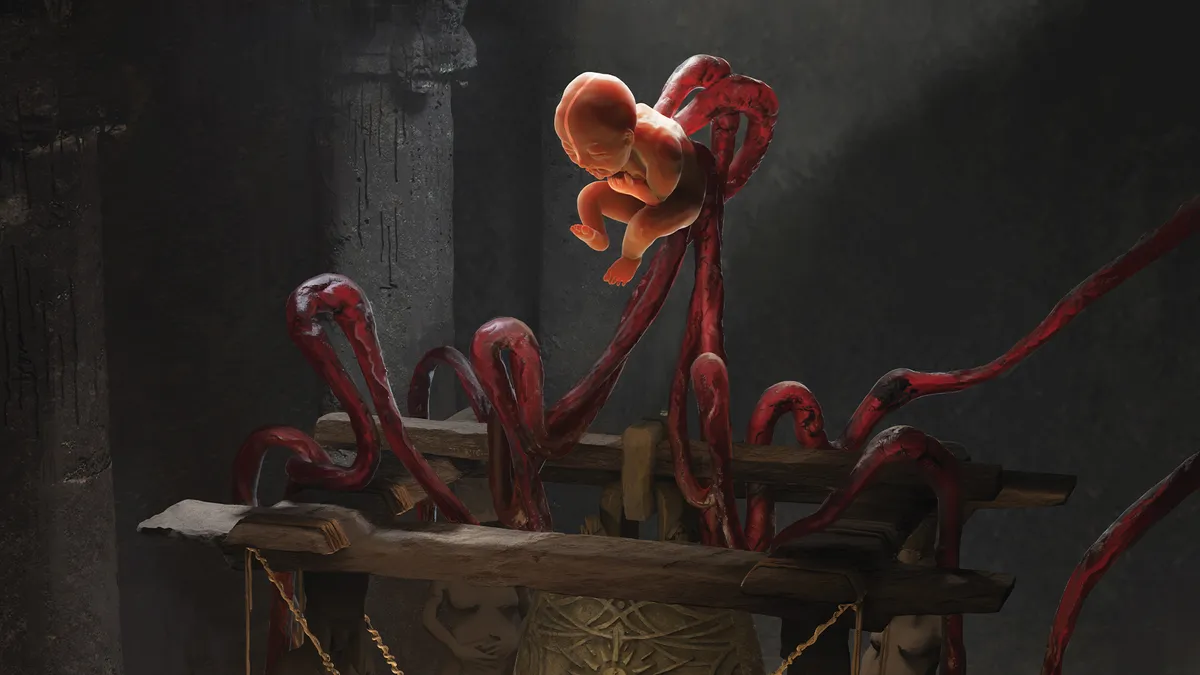
Video game artist Kay Tang has worked for clients such as Bandai Namco, Grinding Gear Games and Marvel, and here she shares her process for concepting in Blender. She writes: “I’ve found that using a high-fidelity 3D workflow offers the other art teams a close idea of what the work will look like when it reaches the final product.”
19. Level up your video game assets
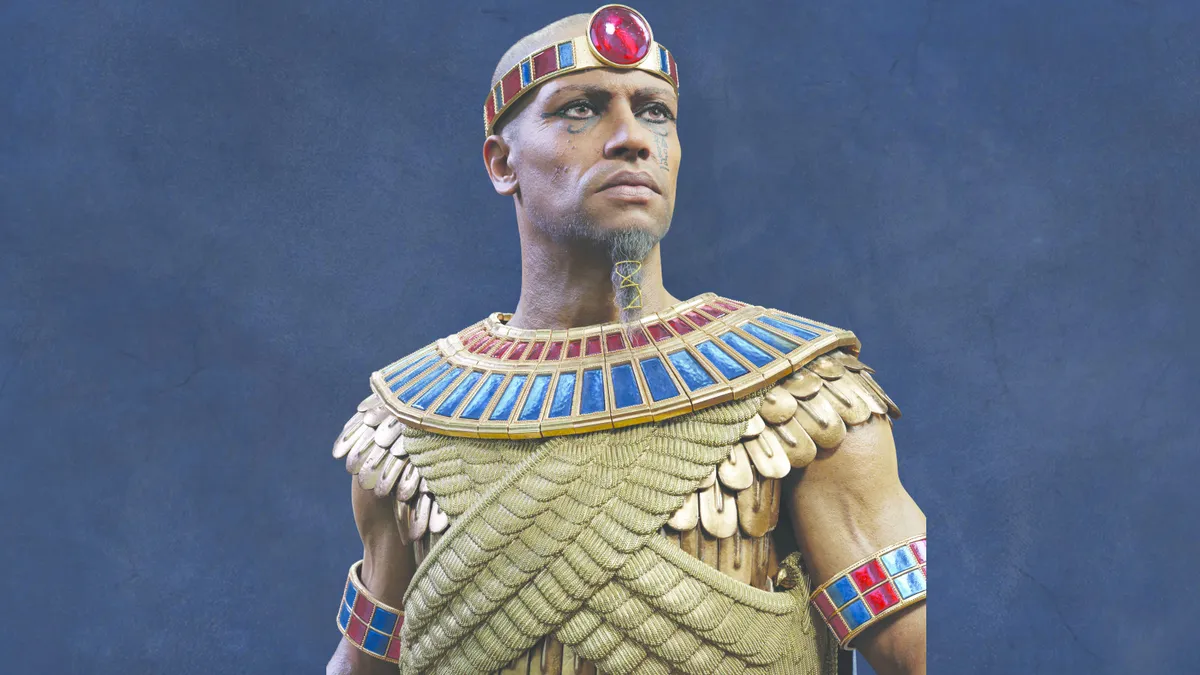
There are some really clever techniques in this tutorial by 3D character artist Mihai Dobrin. He was hired to upgrade some in-game assets from Total War: Pharaoh, and here he explains in detail how he did it. One trick you’ll learn about is how he used ChatGPT to generate a script to work on some armour, and another is his technique for generating hairs out of the existing skin pores using nodes.
20. Push your 2D art

There are many ways that 2D artists can benefit from learning Blender, and this tutorial does a great job of demonstrating what it can do for you. Rob Green builds, lights and renders his scene in Blender, then paints over it in Photoshop to achieve the finish he’s looking for.
21. Easy camera projection

Camera projection is used extensively in the film industry to create distant backgrounds for VFX shots using matte paintings or photos. This short video tells you all you need to know to get started.
22. Making materials in Blender
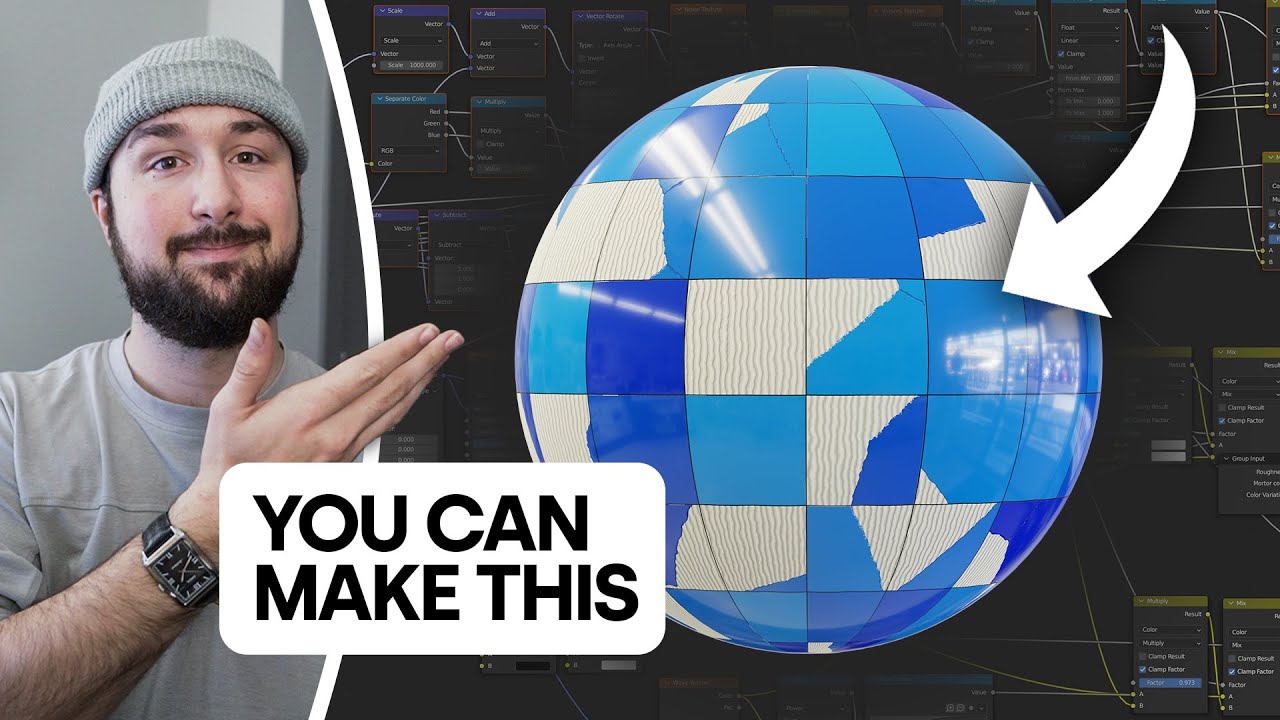
If making 3D materials in Blender seems like a scary idea, 3D artist Nathan Duck is here to show you otherwise. In this 16 minute video he walks you the process of making a procedural galvanized steel material, to show how easy this process is in practice.
23. Create atmospheric concept art

This Blender tutorial, created by concept artist Nenad Nacevic, details how to use the 3D software to create an immersive scene. "Right now, it’s the closest thing to perfect for creating concept art, and on top of that, it’s completely free," he says. From creating the initial models to adding the final fiery detail that brings the piece to life, it's a great tutorial if you're looking to improve your concept art skills. Check it out here.