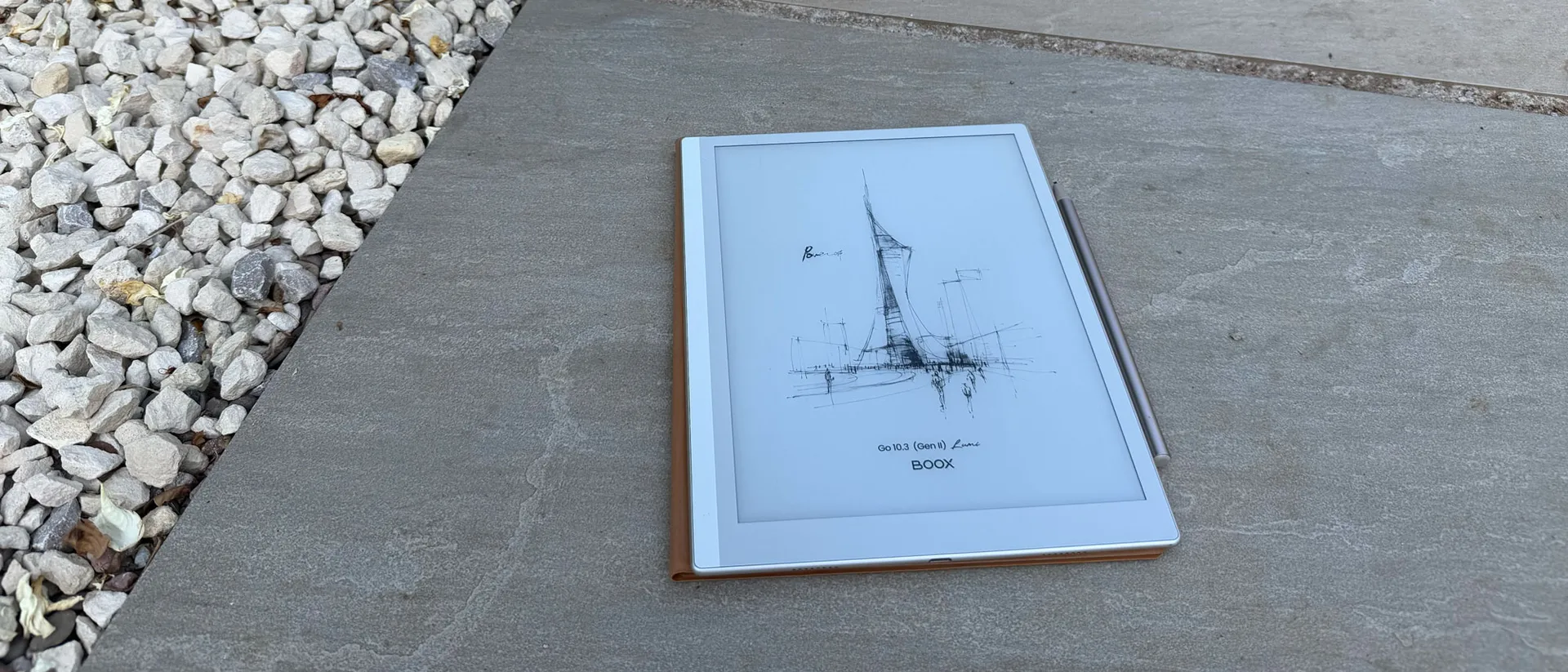
Our Verdict
Sleek, light, thin and with oodles of note-taking functionality, this is a nifty device that's well designed. If you like the idea of an e-ink tablet then you won't do much better than this.
Why you can trust Creative Bloq Our expert reviewers spend hours testing and comparing products and services so you can choose the best for you. Find out more about how we test.
I've been testing out the Boox E-ink tablet for a few weeks now, and I'm surprised to say it's become a really useful addition to my everyday life. I wasn't expecting to find it quite such a help – after all, I already have a Kindle and a paper notebook, so really what could it add to my workflow?
It turns out, a lot. There are a lot of handy features not found on the afore-mentioned objects, it runs on Android (I get into the benefits of this) and it is beautifully designed. If you are someone for who enhanced note-taking and reading is a staple, I wouldn't hesitate to recommend this neat, portable tablet to you (and it'll soon be hitting our best e-ink tablets guide). It's worth noting now that it isn't a drawing tablet, and it isn't mean to be. It's for other uses entirely.
Pricing
The Boox Go 10.3 Gen II comes in two versions. The standard model (no front light) is priced at $399.99/£399.99, while the Lumi version, which adds an adjustable dual-tone front light, comes in at $449.99/£429.99.
On Amazon, prices differ slightly: the standard is $419.99 and the Lumi is $449.99. Both models include a pen with replaceable tips and a folio case in the box. For context, the reMarkable 2 matches the standard Boox price but doesn't include a case, and its backlit Paper Pro costs $650, making the Lumi a notably competitive option
Design and build
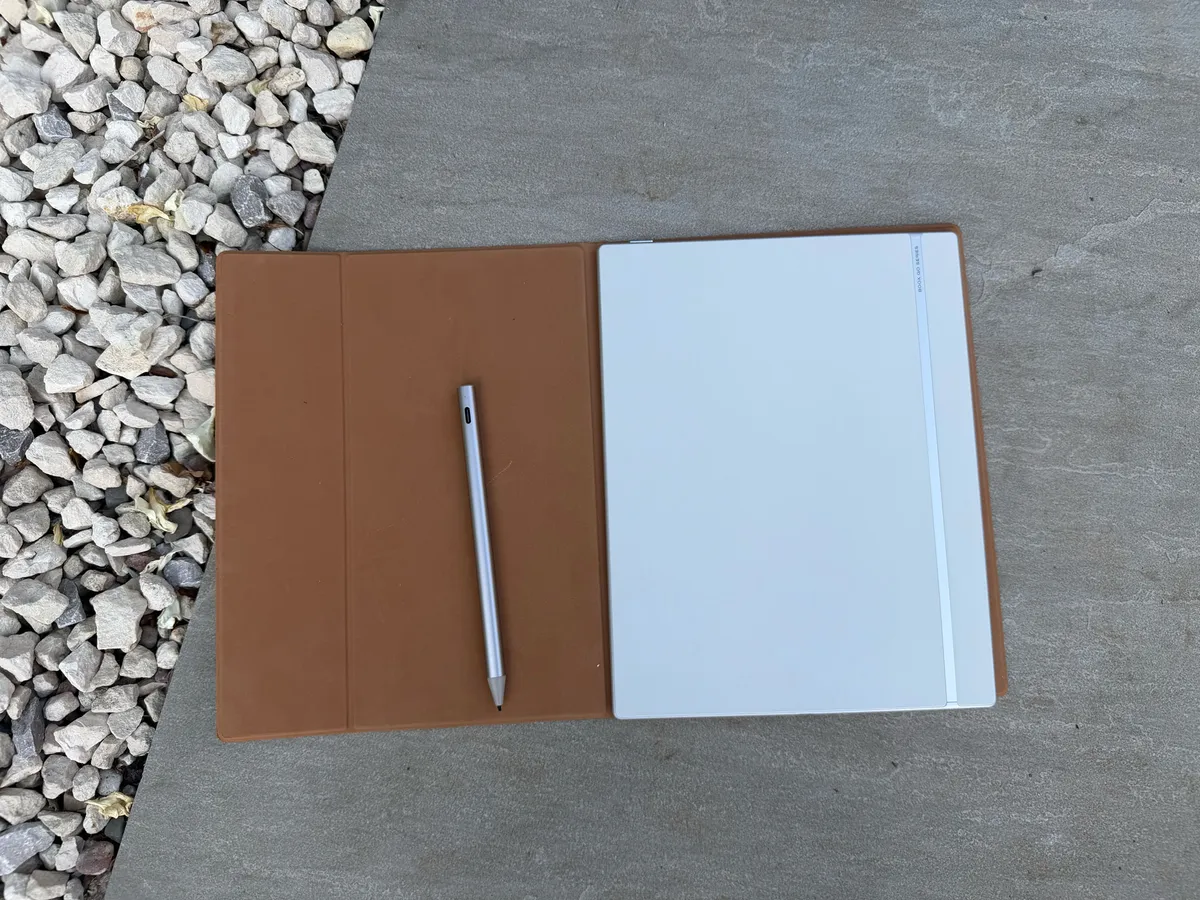
The Boox Go 10.3 Lumi is a sleek tablet that's light and thin enough to slide into most bags – and perfect for taking on the go (it weighs 364g). Unlike other tablets (or the iPad) that are a little too clunky to carry around and genuinely not notice it, this is designed to be as unobtrusive as possible – even though the 10.3-inch size still delivers a screen that doesn't feel cramped.
The materials feel solid, premium and sturdy – the outside of the device is beautifully textured, which adds to the premium feel. My tablet came with a suede-like case, which is equally as light and doesn't add bulk to the tablet. The device magnetically attaches to the case with a satisfying click.
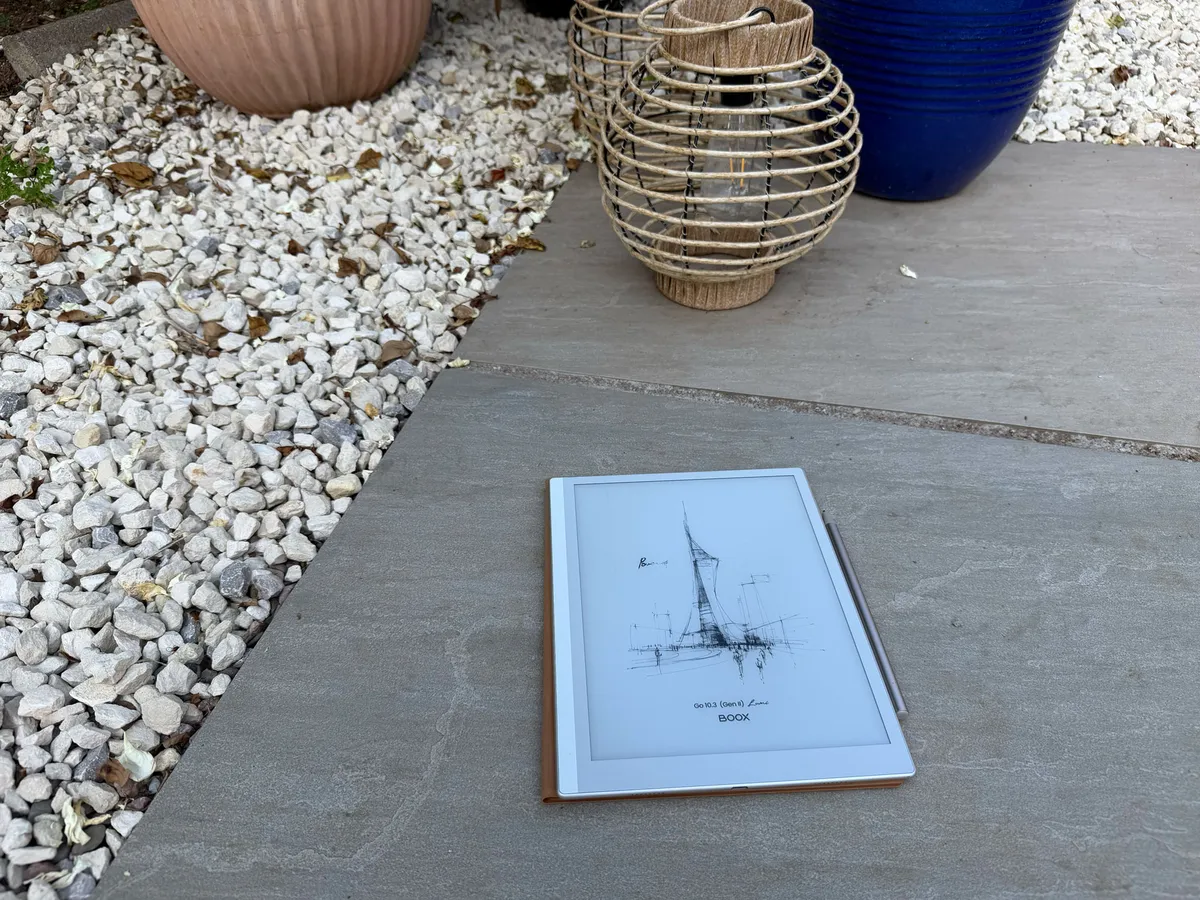
The screen has a bezel, which works for holding the device comfortably without touching the display itself – something that I miss on bezel-less tablets.
I have the version of the Lumi with the light, and the brightness of the screen goes up to 145 nits at full brightness. This is plenty bright enough for reading and note-taking in all lights. The anti-glare feature works well – I can read clearly even in super-bright sunshine (which we're enjoying in the UK right now).
It has speakers (they are good for audio books but don't listen to music on them), and there's a USB port, but no other connectivity via port. You get Bluetooth so can connect earbuds or similar, which is a nice addition.
I've had mine for weeks and haven't charged it yet on light use. The battery is really impressive.
Note-taking capabilities
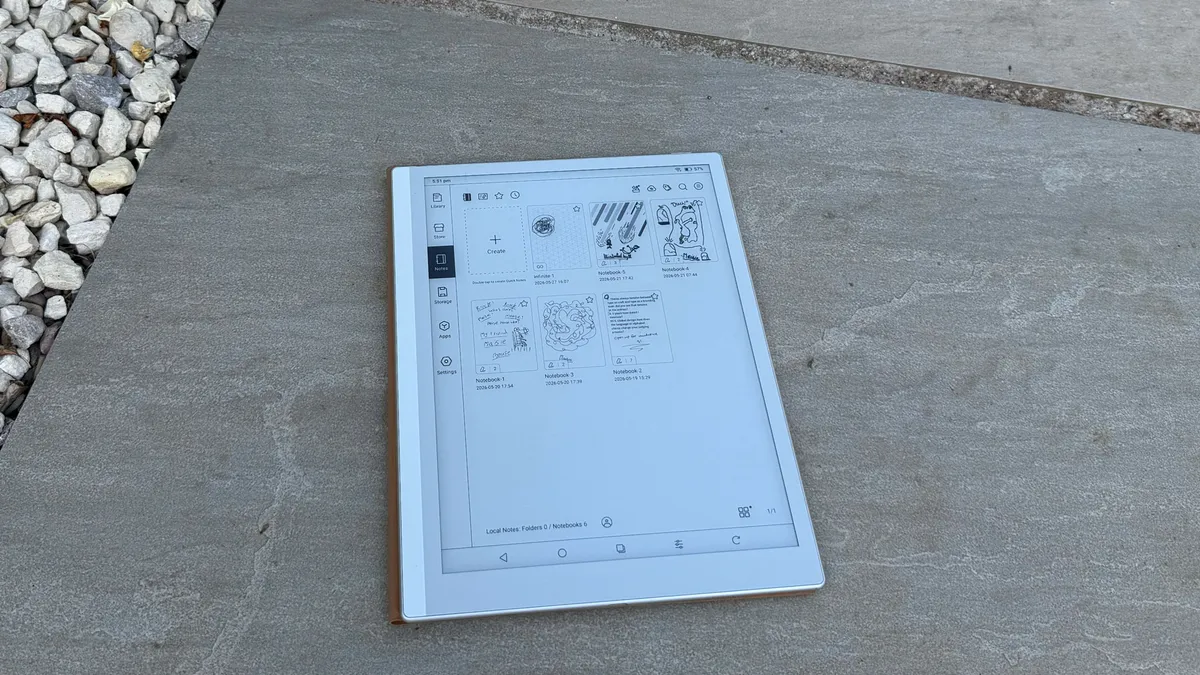
So, onto the notes. The functionality here is exceptional – you can insert images, attachments, import PDFs, annotate documents and more. This is where I truly feel the benefit above using a paper notebook in conjunction with my laptop. With this, you can work more seamlessly across digital devices rather than using a paper notebook and it feeling separate from your laptop workflow.
The AI handwrite-to-text feature is one of my most used alongside the infinite notes. I like scribbling notes but find it impossible to read my handwriting in the moment – for example if I'm speaking in public. This capability means I can write my notes, convert them to text and then read them much more easily. I can then scribble over the top of those notes if I need to.
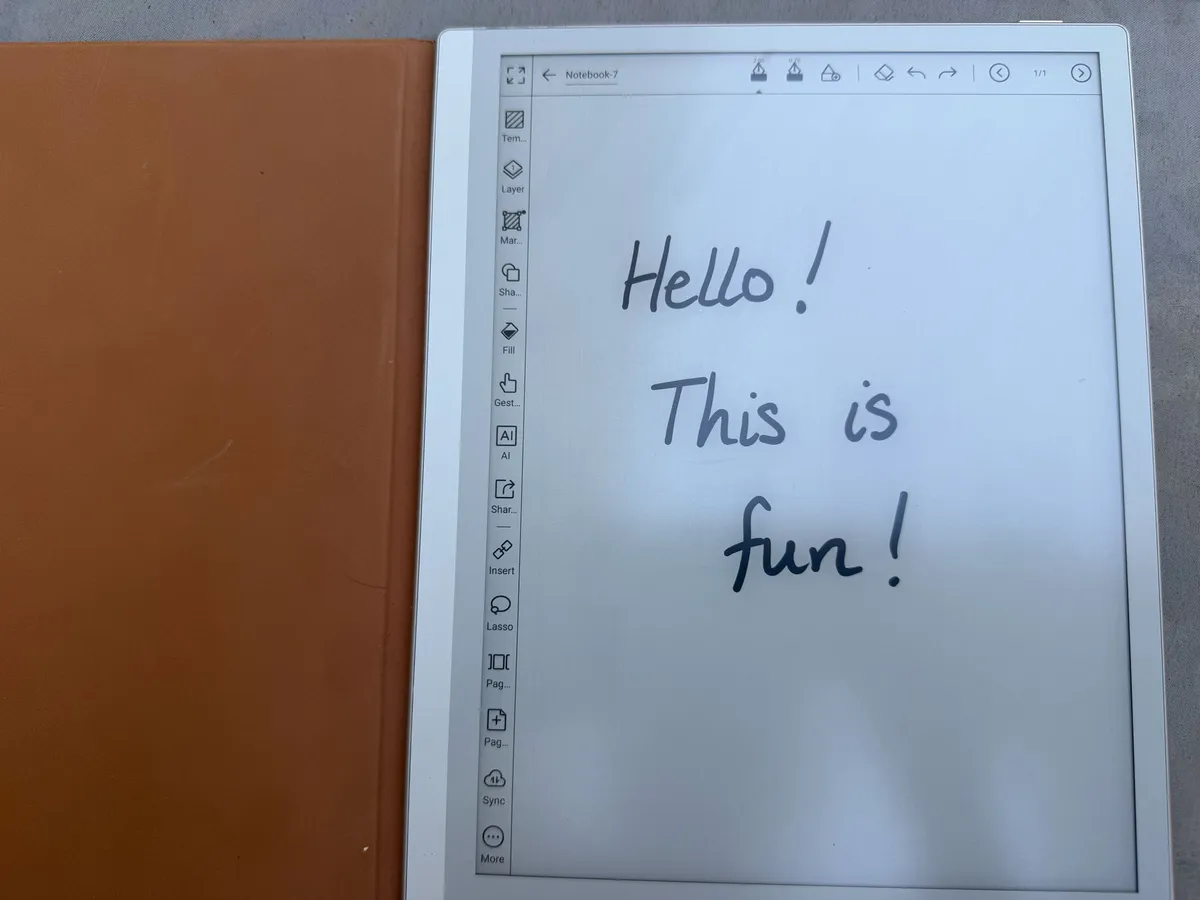
There are other small touches, like scribble to erase, which save time and are so much better than writing on paper. Having to cross out my ramblings takes up a lot of paper space, and this way I can erase them and start again easily. Using the gestures is also a good time saver – for example pinching on the screen to zoom.
I have heard that the original stylus was a Wacom, and offered a much better writing experience. While writing with this stylus is fine, I have found it a little less smooth than I'd like, though the latency is still good, and the screen texture is much nicer than writing on a smooth iPad screen. You do, unfortunately, need to charge this new stylus, which wasn't the case with the magnetic Wacom pen.
Reading
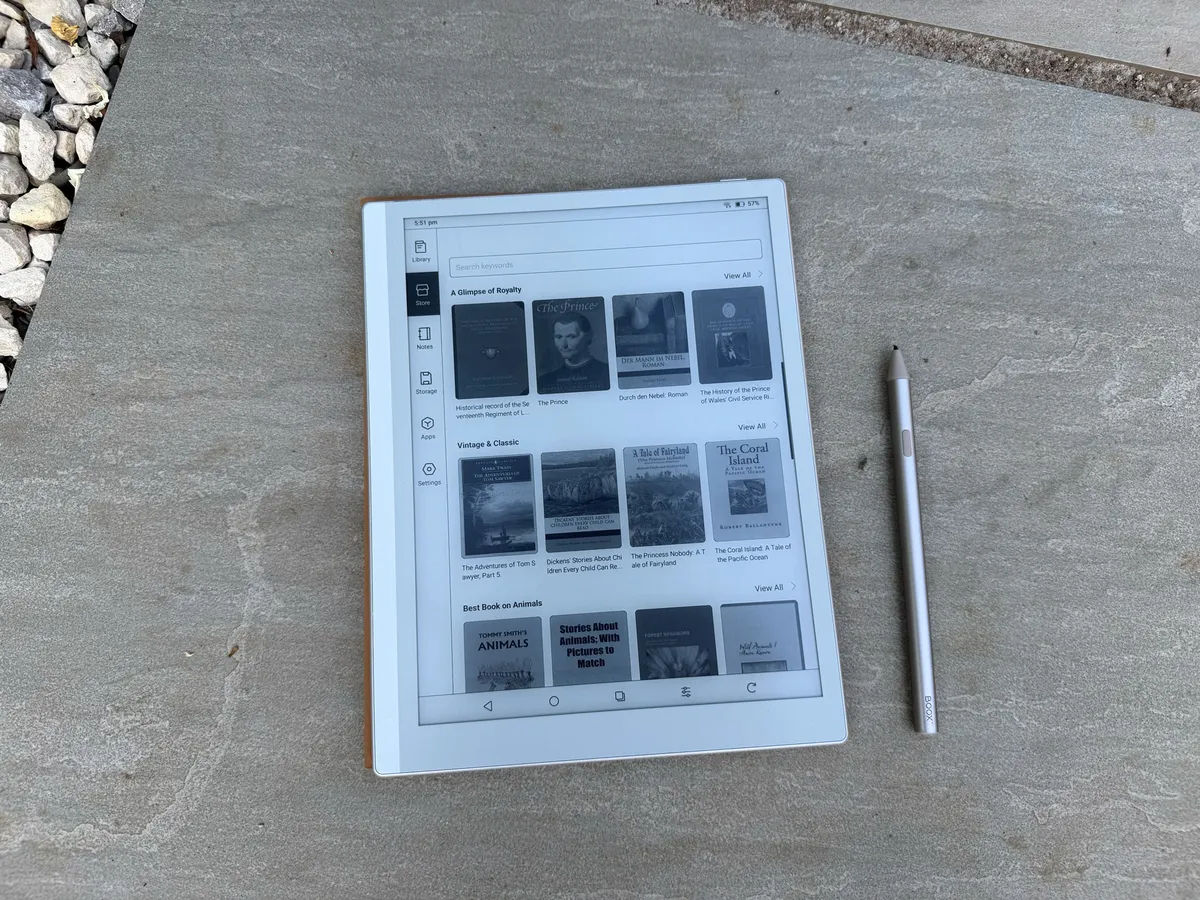
The Boox Go 10.3 Lumi as an e-reader beats out the competition because of one thing: it's an Android tablet. That means, in the right regions, you can download the library app and borrow books for free. Kindle e-readers can't do that because they are locked into the Amazon ecosystem. There is also a wealth of free books on the store homepage.
The text is sharp and clear, even illustrations look good, as demonstrated by the 'Power Off' screen, which is a fine line drawing showing off how much clarity the display offers. and you can choose from light settings – Bright, Soft, Custom and Off so it's easy to personalise your reading experience.
The weight of the Go tablet is ideal for reading – it's so light that it doesn't make your hand ache, even though it's bigger than a standard book or Kindle.
Interface
I'll be honest, I did expect E-ink tablets to have come on slightly in the actual technology. There's a flicker and slight lag that happens with the interface that it feels should have been smoothed out by now.. The Boox Go Lumi is the best I've experienced – but it's not perfect.
The actual interface is simple to use, with clear menu bars and a nice format. It's easy to get the hang of, and to navigate around. There are no hidden menus or clunky workflows, and everything is labelled well.
You can download most Android apps, and most productivity apps are useful in this context. Though you wouldn't want any games, you will want the likes of DropBox, Kobo and Drive. It's like having a normal tablet, but slower and with an ink screen.
Should I buy one?
If you want a digital extension to your productivity workflow, a way to note take with a stylus but with functions like documents, PDFs and more then yes, this is great. I loved taking mine onstage for a panel discussion I hosted – it allowed me to note take during the discussion, read my questions and not get tangled up in a mess of turning pages in a notepad and losing my place in messy handwriting. And if you like reading digital books then it's a double yes. But if you need a tablet to be a fully functioning, bells and whistles digital device then no, it's not for you.
out of 10
Sleek, light, thin and with oodles of note-taking functionality, this is a nifty device that's well designed. If you like the idea of an e-ink tablet then you won't do much better than this.