
Despite some strong competition, the iPhone continues to be one of the best smartphone for designers. Apple's pocket-sized marvel can be a pretty handy design tool. Combined with the best iPhone apps, it can pack some real punch in the studio – and more importantly, out of the studio.
So whether you plan to do some sketching on the move, are after a particular tool to aid your daily design work, or prefer to take things more seriously with something to help you manage your projects, time and money, there's a great selection of must-have apps right here. (If all that creativity gets a bit much, you can also check out our favourite mindfulness apps.)
If you want the iPhone mostly for its camera, then check out our best iPhone for photography roundup, or head to our page that lists the best iPhone 13 Pro prices.
(And if you're using an iPad instead, we've got the best iPad Pro apps, the best drawing apps for iPad , the best iPad apps for designers and the best video editing apps covered too.)
01. Procreate Pocket
Why you can trust Creative Bloq Our expert reviewers spend hours testing and comparing products and services so you can choose the best for you. Find out more about how we test.

- Developer: Savage Interactive
- Price: $4.99/£4.99
- UK App Store
- US App Store
Procreate has long been established as the go-to art app for the iPad, but on the iPhone's smaller screen it's always felt just a little too fiddly to be worth the effort. The latest version, though, is a much more rewarding experience, with a redesigned interface and a custom QuickMenu that lets you instantly access your favourite tools.
It also packs some impressive new features such as QuickShape, which will turn your rough doodles into smooth and flawless shapes, as well as the text tools that got iPad users so excited a few months ago. There are also Liquify, Warp and Distort tools as well as an advanced layer system that you can even use to create animated GIFs. If you've been holding off trying Procreate on your iPhone, now's the time to give it another chance.
02. Retrospecs

- Developer: John Parker
- Price: Free
- UK App Store
- US App Store
If you want a quick and easy way to create authentic-looking pixel art, Retrospecs is the perfect retro option. Simply feed it photos and video clips from your phone and it'll pixelate them to look like they would on most home computers and games consoles from the 1970's through to the 1990's, covering everything from the Sinclair ZX Spectrum through to the Sega Mega Drive.
There's a limited number of presets available in the free version, but for cheap one-off payment you can unlock all the systems and dither modes as well as a custom editor, video processing and animation modes.
03. Tayasui Sketches
- Developer: Tayasui
- Price: Free
- UK App Store
- US App Store
A venerable iOS classic that's received loads of updates along the way, Tayasui Sketches is perfectly built for sketching on the iPhone and comes with everything you need to create beautiful images. It's free to download, and if you need more tools to play with you can upgrade to the Pro version for $5.99/£5.99 and get your hands on extra brushes, unlimited layers, gradients and the ability to save your favourite palettes, plus more.
04. Adobe Illustrator Draw

- Developer: Adobe
- Price: Free
- UK App Store
- US App Store
Packed with all the power that designers have come to expect from Adobe, this app also includes all the popular drawing tools and features from Adobe Ideas.
Adobe Illustrator Draw is filled with everything illustrators need to send layered and flat artwork, letting you draw with vectors; access high-res, royalty-free images; and sync assets to appear in your workflow wherever you need them.
05. Adobe Photoshop Sketch

- Developer: Adobe
- Price: Free
- UK App Store
- US App Store
Draw while on the move with Adobe Photoshop Sketch, using a host of brushes, pencils, pens and markers. The iPhone app harnesses the power of Photoshop’s painting engine, and enables you to import brushes too, giving you all the textures and blending effects you’d get on paper.
You can share your sketches on Behance or send them to Photoshop CC for more editing.
06. Filmic Pro

- Developer: FiLMiC
- Price: $14.99/£14.99
- UK App Store
- US App Store
FiLMiC Pro is, quite simply, the answer to the frustrations that filmmakers have with Apple's default camera app. The most obvious and immediately useful features are the ability to set the focus and exposure separately, to lock them individually, and to lock the white balance. They're all vital for getting the tone and mood of what you're filming right, and FiLMiC knows that.
Video nuts will find wide-eyed glee in the ability to specify not only what resolution it films at, but also the framerate and, best of all, the bitrate, so you can record at quality far beyond the Apple defaults – great if you're filming lots of motion.
07. Assembly
- Developer: Pixite
- Price: Free
- UK App Store
- US App Store
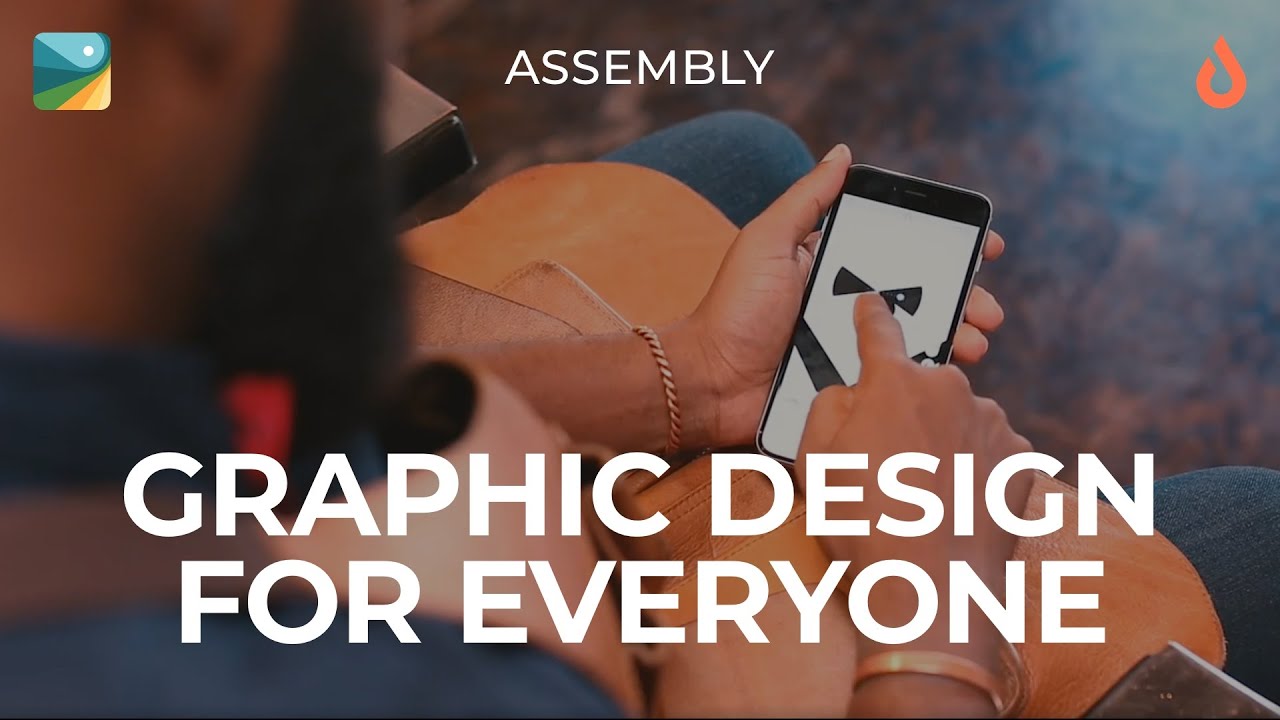
Coming on like a grown-up take on Fuzzy Felt, Assembly earns its place in the best iPhone apps list by enabling user to easily create beautiful vector imagery without having to master Illustrator's tricksy ways.
Rather than painstakingly creating your own vector shapes, you can dive into Assembly's library of over 1,000 basic shapes that you can then fit together to make larger designs, either over a plain backdrop or on top of a background image.
It's a building-block approach to design that might sound a little simplistic, but it's been put together intelligently and with just enough tools to enable you to craft detailed images in minutes, and is perfect for creating designs when you're on the move.
08. PANTONE Studio

- Developer: Pantone
- Price: Free
- UK App Store
- US App Store
This official app from the undisputed kings of colour acts as a digital swatch book, including over 10,000 colours from the Pantone Plus Series and beyond. You can use it to match hues from photos, generate harmonious colour palettes and then share them, or sync them with your design software programs of choice.
09. Paper

- Developer: WeTransfer
- Price: Free
- UK App Store
- US App Store
Capable of capturing and connecting your notes, photos and sketches, Paper is one the best iPhone apps out there for designers – acting like a digital wall of sticky notes for your phone.
Thanks to unique swipe-to-style formatting, Paper lets users quickly create checklists and notes, as well as clarifying details in photos. With the original iPad app crowned Apple's App of the Year back in 2012, this version for iPhone is a completely free must-have for designers.
10. Adobe Comp CC

- Developer: Adobe
- Price: Free
- UK App Store
- US App Store
Comp CC turns your rough shapes and lines into crisp graphics, letting you create layouts on your iPhone using natural drawing gestures.
You can pull in colours, images and vector shapes from your Adobe Creative Cloud Libraries, plus fonts from Adobe Typekit, and then send your comps to Photoshop, Illustrator, InDesign or Muse to finish when you’re back in the office.
11. Exify

- Developer: Iconfactory
- Price: $1.99/£1.99
- UK App Store
- US App Store
One of the best iPhone apps for pro photographers, Exify is a bunch of tools rather than a camera or editor. Fire it up and you can quickly delve into the fine details behind your pics: lens info; image size; colour space; exposure.
There are graphs for histograms, location and time details, and also a magnifier for getting up close and personal with every little detail of your iPhone snaps.
12. DesignLab Studio

- Developer: MuseWorks
- Price: Free
- UK App Store
- US App Store
DesignLab, formerly PicLab Studio, is a nifty app for creating those inspiring images that you get all over the internet these days. You know, the ones featuring a photo – probably with at least one retro filter applied – with a helpful aphorism layered over the top in an attractive, friendly typeface.
DesignLab makes them an absolute doddle, enabling you to either snap a photo or grab one from your photo library, then go to town on it. A Pro version is also available as an in-app purchase, for $5.99/£5.99 per month.
13. Behance

- Developer: Behance
- Price: Free
- UK App Store
- US App Store
We're huge fans of online portfolio platform Behance at Creative Bloq, especially this super-slick iPhone app. It offers many of the perks enjoyed by users of the online version, including the ability to search millions of projects and follow top creatives.
Users can also access their personal profile and collections and view stats about their work, all on the go, all for free.
14. Autodesk SketchBook

- Developer: Autodesk
- Price: Free
- UK App Store
- US App Store
SketchBook Pro by Autodesk is one of the most popular iPad art apps with digital artists. The smaller-screen version is a brilliant addition to any designer's iPhone app collection.
There's a wide range of digital pencils, pens, markers and airbrushes to choose from (over 170 customisable brushes in total), all accessed via a simple but intuitive UI that lets you pin toolbars to the screen for easy access. You can work with layers, transparency options, annotations, and advanced blend modes. What more could you want?
15. Evernote

- Developer: Evernote
- Price: Free
- UK App Store
- US App Store
Evernote allows you to save your ideas, things you like, things you hear and things you see. You can access your inspiration anywhere as it works with nearly every computer, phone and mobile device out there. And to make things easier, you can search by keyword, tag, or even printed and handwritten text inside images.
16. Instagram

- Developer: Instagram
- Price: Free
- UK App Store
- US App Store
Chances are, you don't need an introduction to this app. Instagram is a wildly popular photo-sharing app that enables its community (currently over one billion-strong) to take pictures, apply digital filters to them, and share them on a variety of social networking services.
Used right, it can be a great source of design inspiration – check out these amazing illustrators of Instagram, graphic designers on Instagram, typography accounts on Instagram, and fantasy artists on Instagram, for example.
17. OmniFocus 3

- Developer: The Omni Group
- Price: $39.99/£38.99
- UK App Store
- US App Store
Having scooped the Apple Design Award for best productivity app when the iPhone App Store first launched, OmniFocus has continued to develop and packs plenty of features into its simple, intuitive interface.
The app is free to download and trial, but there's a high price tag of $39.99/£38.99 to unlock the standard services. Despite this, it's invaluable for organising all your daily tasks in one place.
18. Palettes Pro

- Developer: Rick Maddy
- Price: $3.99/£3.99
- UK App Store
- US App Store
This is a great way to create and manage colour palettes to use in your design work, whenever and wherever inspiration strikes. You can sample colours from images, websites or whatever you can find, as well as adding them manually.
19. Hipstamatic

- Developer: Hipstamatic
- Price: $2.99/£2.99
- UK App Store
- US App Store
The winner of Apple's very first App of the Year, Hipstamatic enables you to switch lenses, film and flash settings to create and share highly stylised images. It's also highly expandable, with a broad range of special packs available for in-app purchase.
20. Adobe Photoshop Express

- Developer: Adobe
- Price: Free
- UK App Store
- US App Store
While many of the Touch suite are arguably best suited to iPad, Photoshop Express has some useful tools for photo manipulation on the go that can be just as valuable on iPhone – including filters, effects and basic editing tools. You can also upload files from your device to Creative Cloud, Dropbox, Facebook or Google Photos.
21. Over

- Developer: Over
- Price: Free
- UK App Store
- US App Store
While a picture is worth a thousand words, sometimes you need some words as well to let people know what they're looking at. Over is one of the best iPhone apps for Instagram addicts, Over enables you to add typography to your images quickly and easily.
There's also a feature that lets you find the perfect canvas dimensions for Facebook, Pinterest, Twitter, Instagram, iPhone and even Apple Watch.
Related articles:

