

This 3D artist's work looks hand painted, but that painterly look is actually created entirely procedurally in Blender, the free 3D modelling software. The key is in the use of noise and EEVEE shader that the artist is offering to other artists (for more inspiration, see our collection of Blender tutorials, and see what's new in Blender 5.2 LTS).
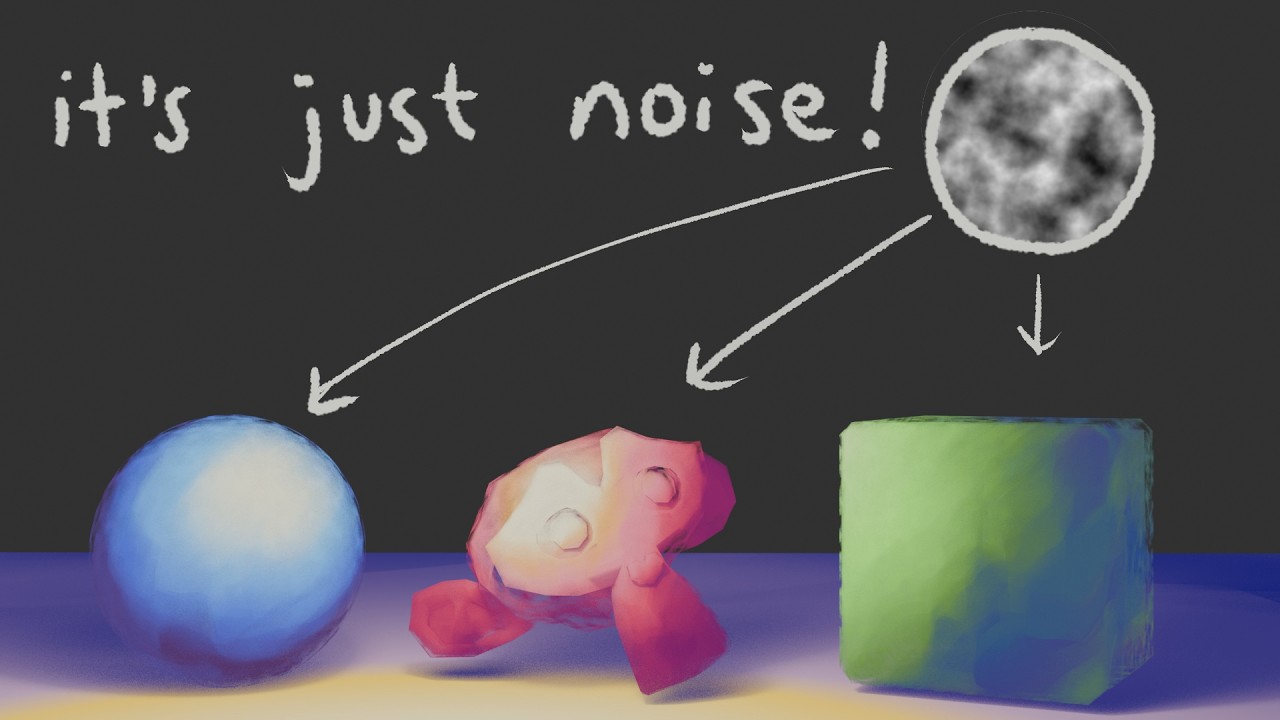
As she explains in the tutorial above, the artist Alyssa begins her work with a 2D sketch and then uses Blender to bring it into 3D. She uses her EVEE shader to create a dreamy painterly look.
She published the shader on ko-fi.com, allowing artists to pay what they like and ad it to their Asset Library. There's also a demo scene where you can see it in use. Alyssa just asks that other artists tag her in projects so she can see how it's being used.
Sign up to Creative Bloq's daily newsletter, which brings you the latest news and inspiration from the worlds of art, design and technology.

Joe is a regular freelance journalist and editor at Creative Bloq. He writes news, features and buying guides and keeps track of the best equipment and software for creatives, from video editing programs to monitors and accessories. A veteran news writer and photographer, he now works as a project manager at the London and Buenos Aires-based design, production and branding agency Hermana Creatives. There he manages a team of designers, photographers and video editors who specialise in producing visual content and design assets for the hospitality sector. He also dances Argentine tango.
You must confirm your public display name before commenting
Please logout and then login again, you will then be prompted to enter your display name.