It's a bit staggering how popular 3D printing has become in recent years. I got sucked into the hype surrounding these magic machines 3 years ago, and now my small house is overrun with 5 (yes, really) 3D printers all working at once.
3D printing is addictive, exciting, sometimes stressful, but mostly it can open up a whole new world of creativity. It's tricky to master at first, but once you get confident, I recommend investing time in using 3D modelling software if you plan to print your own creations. The best 3D pens will also come in handy more than you think for patching up errors.
Below are my tried and tested top 3D printers, suitable for creatives of all levels. You don't need to spend a fortune on your first machine, but spending a little more is so worth it – Bambu Lab 3D printers are still the most reliable and unbeatable options in my opinion.
Also check out my favourite filaments, as well as the best filament dryers for 3D printing.
1. Best overall 3D printer


If you're into 3D printing, you've definitely heard of Bambu Lab. The company makes some of the best 3D printers in existence, and has brought out its latest flagship "H" series, which includes the Bambu Lab H2D, H2S, and H2C models.
If you're deciding between the 3 choices, I'd recommend the H2S for most people, given that its the more affordable option, has a ginormous build volume, and if you opt for the full laser combo - you get a laser engraver, cutting machine, and multicolour 3D printer all in one (cheaper than buying an xTool + Cricut machine + printer).
However, the H2D offers a dual-nozzle head, and the H2C is the colour king (see it further down this list for more details). So definitely don't rule out these options if you plan on printing with multiple materials or colours in the same print. The H2S is perfect for anyone wanting the quality performance that Bambu Lab is known for, and it has the biggest build volume of them all.
The laser module is excellent, though the H2S is only compatible with the 10W laser and not the 40W available for purchase with the H2D. I never found this to be an issue during testing, and it performed perfectly when cutting wood and engraving business cards. It's not quite on the same level as an xTool (one of the best laser cutters and engravers you can get), but it can produce some really nice results.
As for the cutting and pen plot modules, I won't be replacing my Cricut machine with the H2S anytime soon. But again, for creatives who want to stick to just one craft machine, it does a very impressive job.
Stay tuned for my full Bambu Lab H2S review (in progress).
2. Best budget-friendly 3D printer

The Elegoo Centauri Carbon is an updated version of Elegoo's original Centauri printer, but with an upgraded activated carbon filter to optimise air flow. It's super competitively priced - at only $299.99 / £299.99 at the time of writing, which is excellent for the features, construction, and print speeds on offer here.
We're also in the process of testing the even newer Centauri Carbon Combo 2 model (stay tuned in the coming weeks), which adds multicolour compatibility to this already great machine. Sure, there are definitely more affordable 3D printers on the market that you can get for less than $200, but this is the cheapest model I've seen for a Core XY unit (a printer that has two motors moving horizontally for more accurate positioning and speeds).
During our Centauri Carbon review, our tester found that this model comes pretty close to perfection. It offers a great balance between speed, quality, and versatility at a great price, despite being built like a tank. It can only print with one filament at a time for now, which means it's not multicolour capable just yet – but Elegoo has teased that this will all change later in the year with multi-colour compatibility coming with the Centauri Carbon Combo 2.
For more details, see our Elegoo Centauri Carbon review.
3. Best waste-saving 3D printer (zero poop)


Another company that's making headlines in the 3D printing space is Snapmaker, and the latest U1 3D printer is remarkable. Similar to Bambu Lab's H2C printer, the U1 also offers significantly reduced filament waste, but instead of changing nozzles, it changes the entire tool head, thanks to the SnapSwap system it has in place.
This means that colour changes during a print can be as fast as 5 seconds, compared with the usual 3-5 minutes that you might get with a typical AMS or automated material changing system. So typically, where a multicolour print with lots of changes could take 20-ish hours to print, the Snapmaker reduces this to roughly 4 hours.
I'm still in the process of testing the Snapmaker U1 to the extreme, but I'm thoroughly impressed with it so far. The only things to note – it doesn't seem to like certain spools, namely the Anycubic and Elegoo plastic ones, and will fling them off the spool holder mid-print (see example image in the gallery above).
The one big thing for me as a Bambu Lab user is that the Snapmaker (while brilliant) seems restricted by only being compatible with 4 colours, unlike the H2C, which can make use of 20+ colours when combined with multiple AMS and HT units. It would be great to see Snapmaker bring out additional colour compatibility in the future somehow, but for now, it's fantastic.
Stay tuned for my full Sapmaker U1 review (in progress).
4. Best multicolour 3D printer


The Bambu Lab H2C is the colour king. It has not only a dual-nozzle toolhead, but can also make use of up to 7 nozzles in a single print, to reduce purge waste to near zero. Not to mention, it can cut print times in half for complex models with a ton of colour swaps. I found during testing that models which would take 3 days or longer on my H2S would take just over 24 hours on the H2C (and I wasn't left with a bin bag of printer poop afterwards).
Released a bit later after the dual-nozzle H2D and more affordable H2S, the H2C lives up to its reputation. These impressive features are all thanks to the innovative Vortek 6-hotend automatic swap system designed by Bambu Lab to allow the printer to swap nozzles mid-print, for colour changes in seconds rather than minutes.
It works with a new type of hotend called an induction hotend, which magnetically attaches to a rack on the right-hand side of the printer. The toolhead can easily swap and change these nozzles (right nozzle only) at lightning speeds, and there's no need for purging as the old colour remains in the previously used nozzle, while the newly attached nozzle will have the new colour installed.
The best part? Its compatibility with the already existing Bambu Lab ecosystem of AMS machines makes it limitless in colour quantity. What I mean by this is you can use virtually any number of colours you desire in a single print, so long as you have at least 2 AMS 2 Pro machines feeding into the right hotends, and an AMS HT for the left hotend to fully maximise all of the hotends available.
The verdict? I'm still in the process of testing, but right now it's a solid 5/5.
Stay tuned for my full Bambu Lab H2C review coming shortly.
5. Best bedslinger 3D printer


The Anycubic Kobra 3 V2 Combo is a tricky one to recommend. The printer alone: fantastic. With the ACE Pro included, yikes. It prints flawlessly in single colour, and is just about big enough to print cosplay helmets with if separated into parts, but the Ace Pro is problematic at best. I noted in my review that this machine will take a lot of trial and error to get used to, but for the price, it's very hard to overlook.
The Kobra 3 V2 replaces the original Kobra 3 machine, and differs by offering a wider Y-axis rail, upgraded bearings on the X-axis, a slightly larger build volume (a measly 5mm increase), an improved hotend, faster startup speeds, plus you get an HD camera for AI spaghetti detection and print monitoring.
In terms of price, the Kobra 3 V2 alone is $299 / £299, or approximately $379 / £340 for the Combo Ace Pro package - Anycubic's version of an automated material system used for multicolour printing. I found that, unfortunately, the Ace Pro was the source of 99% of errors and problems that occurred during my time testing this printer, but the print quality when everything runs smoothly is actually very impressive. I'd say it's even comparable to the prints I get with my Bambu Lab X1 Carbon.
Check out my Anycubic Kobra 3 V2 review for all the details.
6. Best resin 3D printer

If you're looking for a resin printer rather than an FDM 3D printer, then the Saturn 4 Ultra from Elegoo is an excellent choice. This printer is very beginner-friendly, with a sleek and professional design that produces super high-res 12K prints.
This is the very first resin printer that I've used, and I have to say that despite my initial fears and the curveballs from learning to print with resin, I've enjoyed every moment of getting to grips with this printer. The easy-to-grasp user interface, slicing software, and design of the Saturn 4 Ultra made the learning process much less overwhelming for a complete newbie to resin printing.
I found during my review of the Saturn 4 Ultra that there would sometimes be nothing on the build plate after coming back to check on the printer. This is an issue that I'm still dealing with, and I think slower lift speeds and longer wait times coded into my print files might be the key. Overall, I've managed to create some amazing models using this machine, and you can bag yourself an Elegoo Saturn 4 Ultra for only $399 / £499.99 at the time of writing.
See our Elegoo Saturn 4 Ultra review for more details.
7. Best dual-vat resin 3D printer
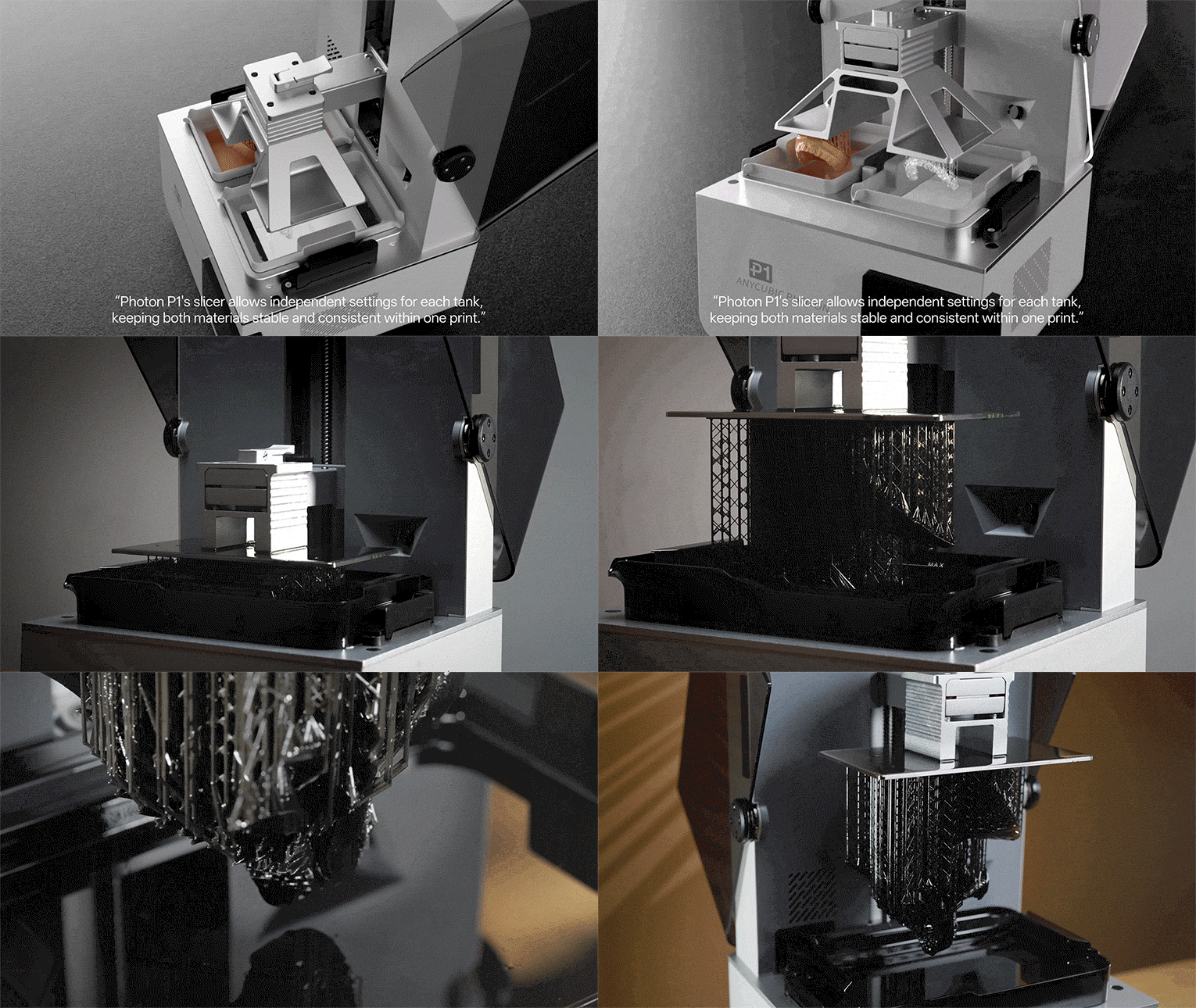

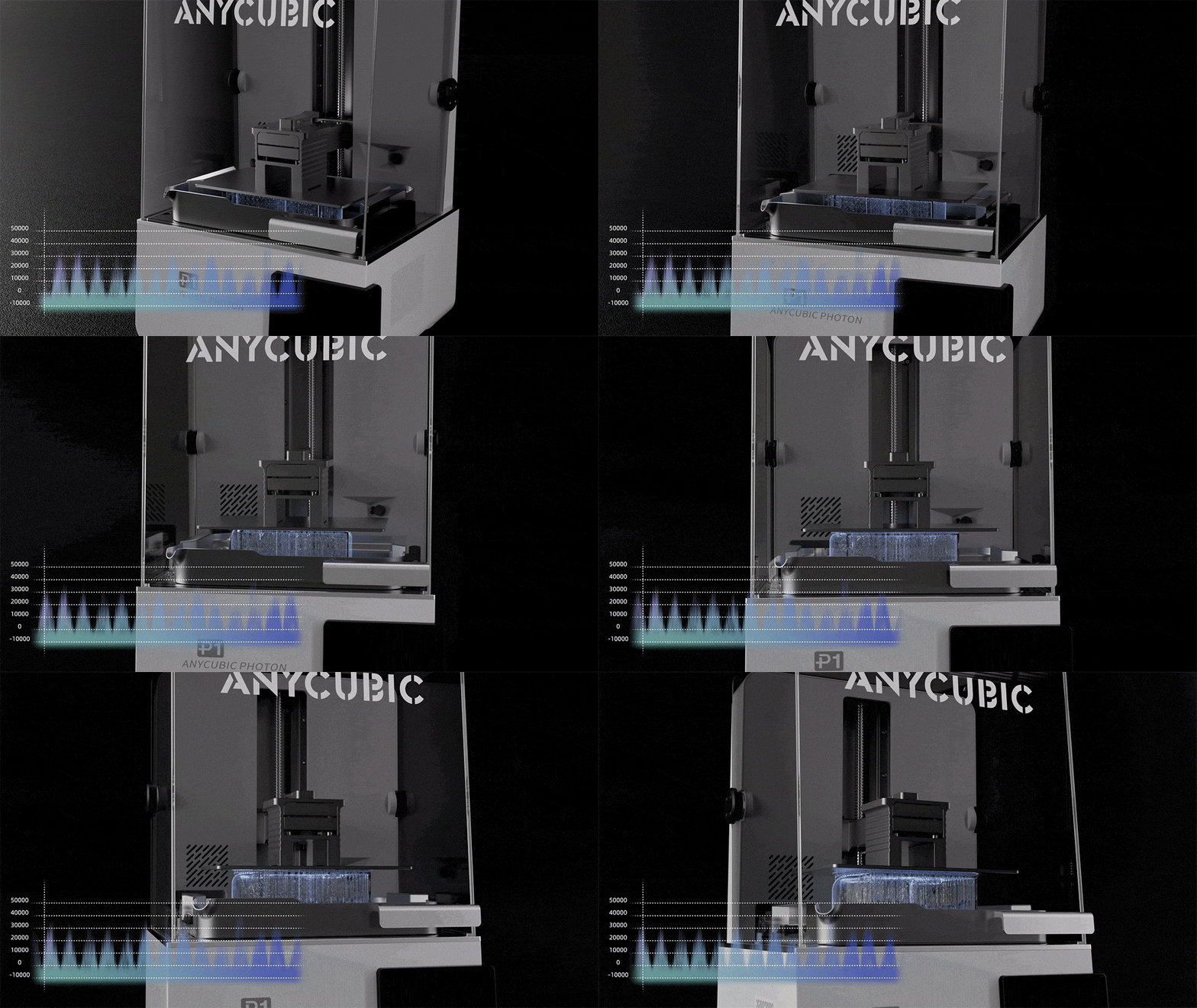

This new resin printer from Aycubic has a very cool party trick. It can print two different models using two different colours and/or materials simultaneously. This is a first-of-its-kind (as far as I know) machine in the resin MSLA category, and could fundamentally change the workflow for resin artists and makers alike.
Not only that, the dual-vat setup is optional and changeable, so you can switch back to a full-sized plate whenever you want for a larger build volume. To learn more about the advanced features of this printer, you can check out my initial thoughts on the Anycubic Photon P1 announcement.
Anycubic has sent me the Photon P1 for review, so stay tuned to hear my final verdict once I've gotten my hands dirty with testing it (I can't wait).
8. Best beginner-friendly resin 3D printer
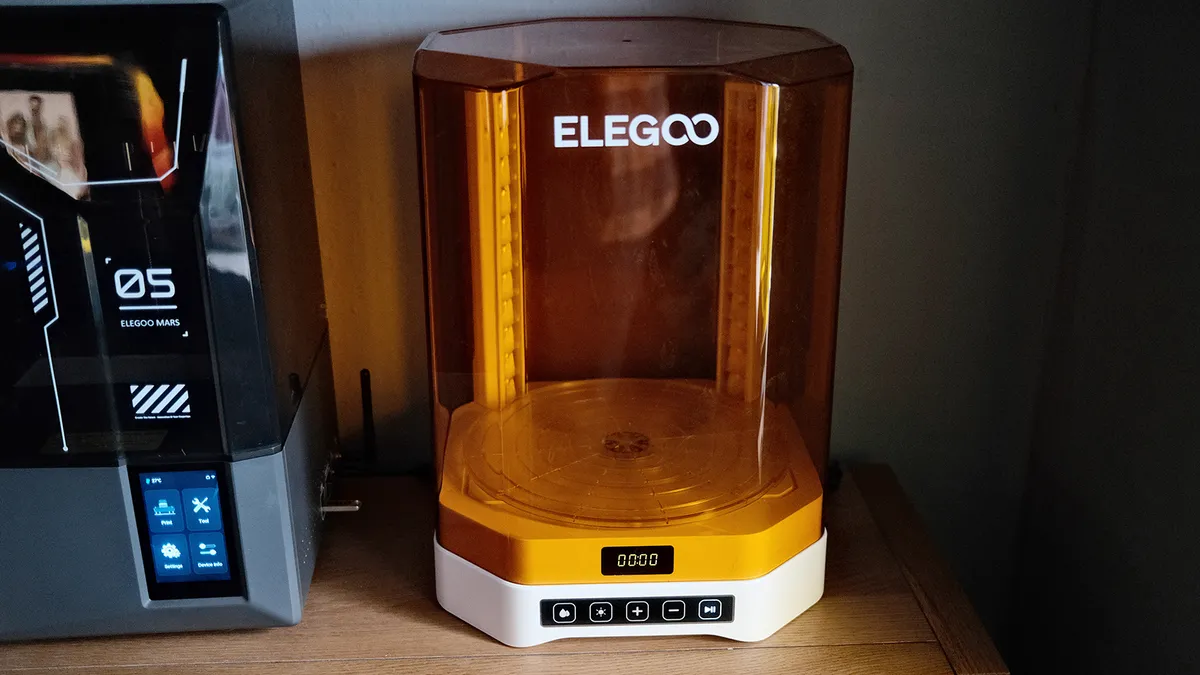
The Mars 5 Ultra from Elegoo is best used for printing smaller models, such as game pieces, Warhammer miniatures and intricate figures, or even fine jewellery. It offers exceptional print quality with highly detailed prints, but don't forget to put drainage holes in your models before you slice them!
Our reviewer found that the Elegoo Mars 5 Ultra produced high-end results and described it as a "bargain" beginner-friendly 3D printer for those new to resin printing. I know from my own experience using the Elegoo Saturn 4 Ultra that working with resin as a material is far from easy.
It requires you to be safe and careful above all else, since chemical VOCs from resin can be harmful if not handled safely. Then there are a few extra steps to wash and cure your print with isopropyl alcohol after it leaves the machine too, until it can be safely touched without wearing Nitrile gloves. Elegoo's Mercury Washing and Curing stations help massively with this process.
The Mars 5 Ultra is priced very generously at $338 / £289.99 - but has dropped in price recently since its launch to as low as $269.99 / £231.99 when on sale. If you're interested in the process of 3D printing with resin but don't want to invest too much money into it as a precaution, then the Mars 5 Ultra could be the perfect printer.
See our Elegoo Mars 5 Ultra review for more details.
Also tested

The Bambu Lab X1 Carbon previously held the top spot in this guide, but we've had to demote it for two reasons. Number one: Bambu Lab has some better models available (for a higher price) aimed at creative pros. Number two: I'm pretty sure the X1 Carbon has been discontinued by the company, but don't quote me on that.
Check out my full Bambu Lab X1 Carbon combo review for all the details.

I have to be honest, I have a strong love/hate relationship with Anycubic's Kobra S1 Combo series. I tested two of these machines, and they both developed an array of different issues, so I can no longer confidently recommend it in our guide. However, others have had good experiences with this printer, so don't be completely put off.
See my full Anycubic Kobra S1 Combo review to learn about my time testing this printer.
How to choose a 3D printer
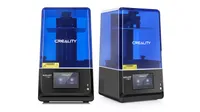
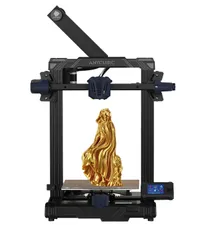
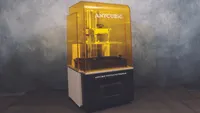
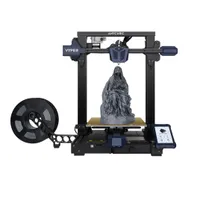
There are three main types of 3D printers available. Each comes with its own price bracket, and each has its pros and cons. So the best type of 3D printer for you will depend on how sophisticated you want your prints to be, and how much you're willing to spend.
The most common and affordable type of 3D printer is the FDM (Fused deposition modelling) type. It uses a heated nozzle to melt plastic filament, which is then deposited layer by layer to create a 3D object. FDM printers are relatively affordable, easy to use, and a great choice for amateurs, hobbyists and beginners. However, they typically have lower resolution than other types of 3D printers.
A more expensive type of 3D printer is one that uses resin, also known as the SLA (Stereolithography) type. This uses a laser to cure liquid resin, which is then hardened to create a 3D object. SLA printers have high resolution and can create very detailed prints. That makes them a good choice for semi-pro users and creatives using 3D printers as part of their professional design work.
The most expensive type of 3D printer is the SLS (Selective laser sintering) type. This type of 3D printer uses a laser to sinter (fuse together) powdered material to create a 3D object. SLS printers allow you to create high-resolution, strong and durable prints. For this reason, they are the best choice for professional and industrial-level 3D printing.
There are a couple of other factors to consider when choosing a 3D printer. Think about the size of the prints you want to create, as some 3D printers have a limited build volume. Also, consider the materials you want to use, because not all 3D printers can use all types of materials. PLA is the most common for FDM printers, but there's also flexible TPU if you want to be able to squish your models or let them bounce.
Additionally, keep in mind that a resin printer might not be the best choice if you have young children and pets in the house, but it's excellent for those who have the skills to paint models themselves, either using spray paint or hand-brushing delicate details.
FAQS
How do 3D printers work?
FDM printers use long spools of filament that get heated similarly to how a glue gun works, and are then laid out on the print bed to form patterns and models. Whilst the quality is great, it's usually a longer process and it takes more work afterwards to eliminate printed layer lines manually.
Resin 3D printers, however, use an LCD screen to expose light to a pool of resin, while others use a laser to cure the liquid resin. Using resin as a material has its complications, and you'll need to take extra health and safety precautions with this, such as wearing gloves and avoiding inhaling fumes.
Do I need to understand 3D modelling?
Only a little bit. Once you've got your 3D printer set up and running, you have the option to use STL / GCode model files to print from that you've either created yourself or downloaded online from sites like Thingiverse, MakerWorld, Printables, Thangs, and Cults3D (there are hundreds more!). Just be sure to check the licensing agreements and ensure it's for personal use only unless you plan to sell.
Next, you'll need to use slicing software to scale your file, make any alterations you need, adjust settings such as flow rate, add or remove supports, and change the infill amount so that your printer knows exactly how to print this model. I know this might sound complicated at first but trust me, it's really simple, and if I can learn this stuff you can too!
Having an understanding of 3D modelling is not essential but it can really help you to navigate slicers much easier, make tweaks to a model before you print, and start creating your own designs should you choose. It's very accessible to learn how to 3D model now, with a wealth of tutorials and courses available online to help you bring your ideas and projects to life.
What can you make with a 3D printer?
Pretty much anything.
Owning one of the best 3D printers can enable you to print everything from miniature models (resin printers are ideal for this), project prototypes, fun fidgets, functional parts, decorative ornaments, a basketball (yes, really) and much more. There are almost endless ways you can use these machines.
I would argue that 3D printing has become easier in recent years thanks to auto levelling and advanced AI tech, but not every 3D printer works the same, and different methods garner different results.
I bought my very first 3D printer less than 3 years ago, and I've come a long way in a short time. I've gotten my hands dirty learning to 3D print with resin, as well as learning how to create a HueForge 3D print, and dipping my toe into working with more complex materials like ABS and TPU too.
Are 3D printers still expensive?
When Creative Bloq launched back in 2012, the 3D printing revolution was just taking off, but now, this medium is bigger than ever and more than just a creative hobby with real-world applications. 3D printers used to be prohibitively expensive, but those days are long gone.
Nowadays, you can buy an entry-level 3D printer for as little as $200. That said, this type of 3D printer will only be useful for hobbyist purposes, and an industrial-grade 3D printer will still cost you several thousand dollars.
There are plenty of models to choose from, with serious hobbyist models starting around $500 and professional models starting around the $1,000 mark. Note that some models like the Bambu lab H series offer compatibility with laser and cutting modules too, for the ultimate 3-in-1 craft machine (look out Cricut).
When budgeting for a 3D printer, it's important to consider the cost of printing materials too, which can range from $10 to $50 per 1KG spool. Other materials, such as resin, can be just as expensive, if not more, at approximately $30 per bottle.
Overall, the cost of 3D printing has come down significantly in recent years, and there are now many affordable options available for hobbyists and makers. However, it's worth remembering that 3D printers can use a lot of electricity, so expect your bill to increase a little and keep this in mind when calculating costs.