Backrooms was one of the biggest breakthrough movies of the year. With a budget of $10 million, it's gone on to be A24's most successful movie earning over $360 million. Not bad for a project that began as a series of short videos made in the free animation software Blender.
Inspired by the internet legend, director Kane Parsons famously started creating Backrooms videos back in 2022. He was just 16 at that time and learning how to use Blender as he went. You can still watch his original Backrooms films on YouTube.
But just how easy it is to make your own Backrooms in Blender today? Pretty easy, reckons the expert who produced the handy Backrooms tutorial video below. He's outlined a detailed guide to how to create the iconic yellow liminal space.
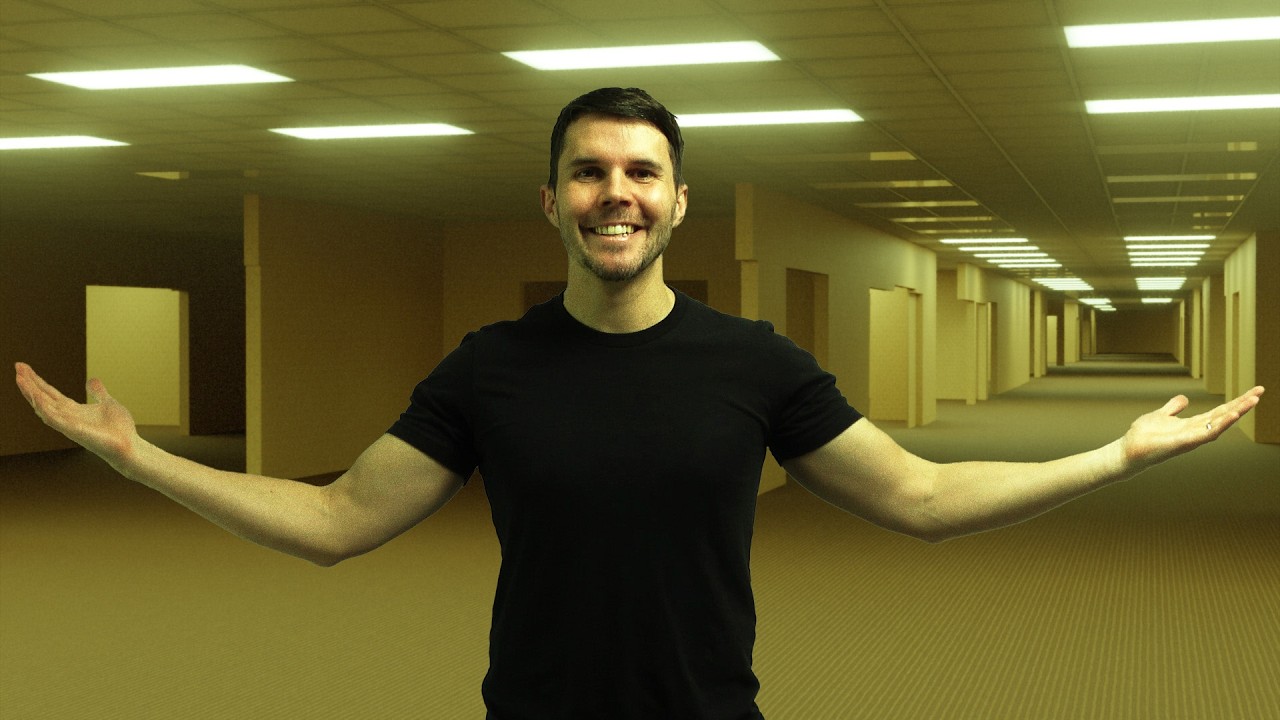
In the 80-minute tutorial above, Andrew Price AKA Blender Guru shows that making Backrooms in Blender is (relatively) straightforward since it doesn't require modeling or UV unwrapping. Indeed, 90% of the work is achieved with only six nodes.
His step-by-step Backrooms tutorial shows how those endless yellow walls can be built with maths, while the paths are built with textures and the cutouts with cubes. Projection mapping is used to apply textures.
For added polish, lights can be controlled with a slider and RGB curves can be used to apply colour grading. Andrew also uses Blender 5's new film grain to achieve that analogue found-footage look, although he notes that it's best to avoid baking this in if you plan to go on to edit in DaVinci Resolve or any of of the best video editing software.
The Poliigon Blender add-on can be used to make quicker work of adding the yellow wallpaper and carpeted floor more quickly.
The tutorial also runs through importing emission maps, segmenting materials in Geometry Nodes, first renders with Cycles and how to make the corridors longer – more like how they appear in the movie. Andrew also looks at creating random wall cutouts and light panel randomness, linking a shader value to Geometry Nodes and compositing.
If you find your system struggling at any stage of the process, see our guides to the best laptops for animation and the best laptops for video editing. For more inspiration, see our own collection of Blender tutorials.