




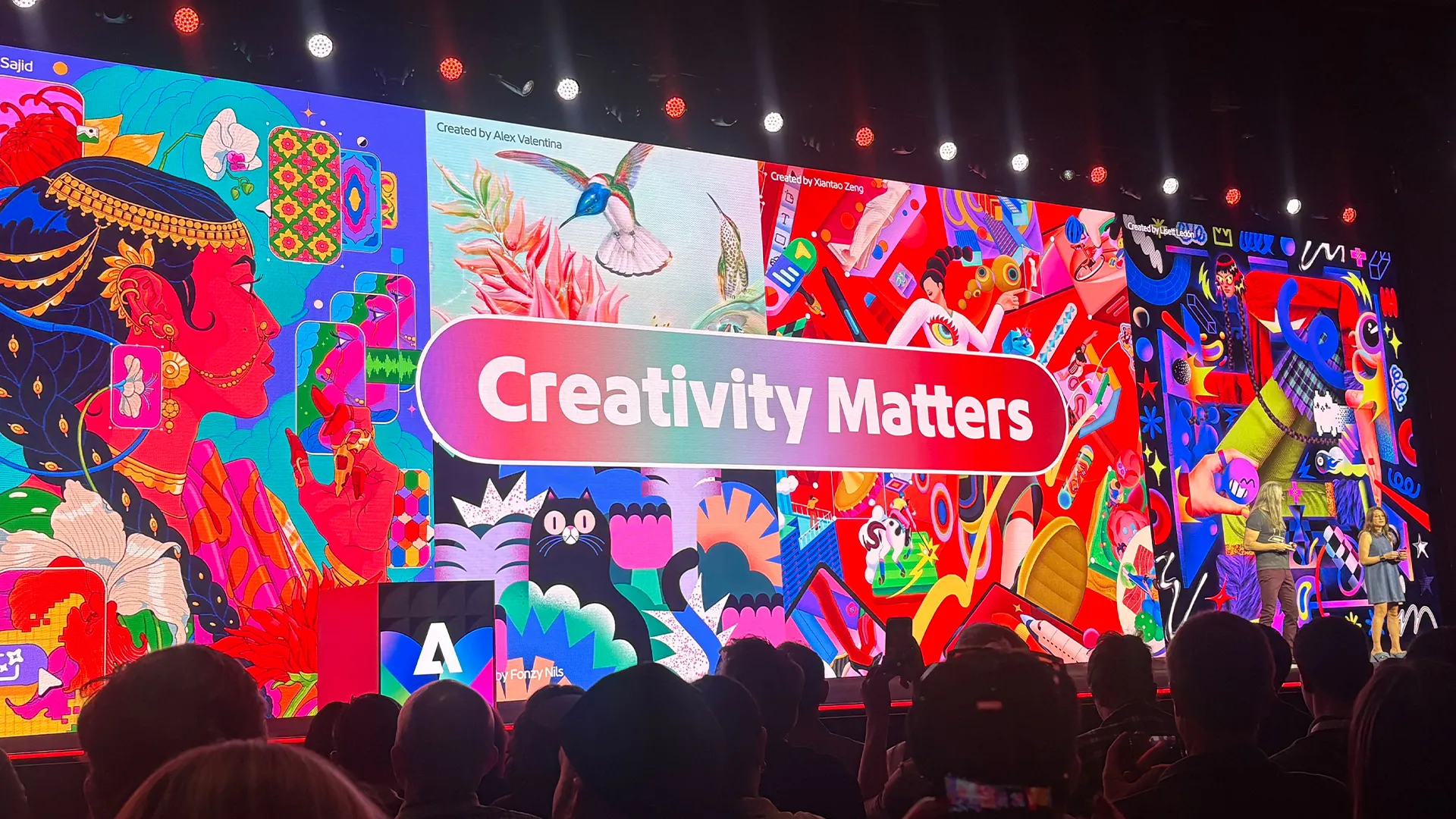
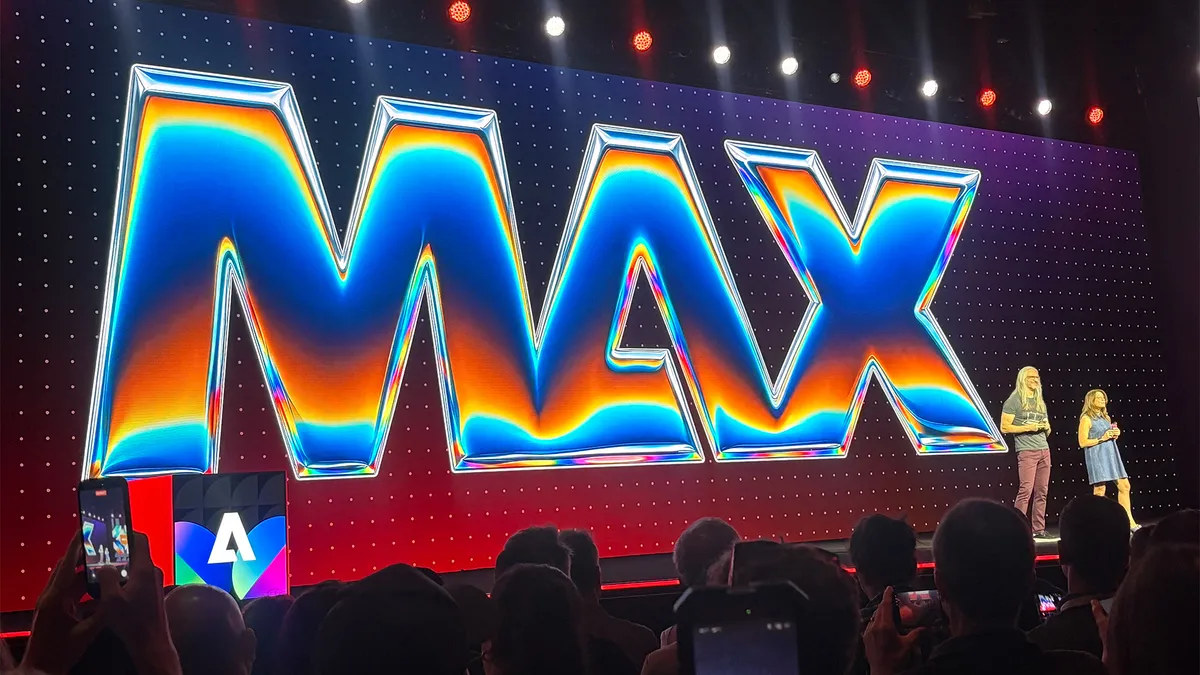
Sneaks is often the highlight of Adobe MAX, giving the brand an opportunity to share the exciting innovations it's working on. Among the wild Adobe Sneaks announced today, one tool in particular could be game-changing for a whole host of creatives, from illustrators to concept artists, marking an exciting upcoming era for the brand.
Project Link Up is set to revolutionise vector design, turning the simple dragging function into context-aware fusion that automatically matches a scene's perspective. (TLDR: constantly redrawing objects at new viewing angles could soon be a thing of the past).
To understand more about Project Link Up, I caught up with Hailin Jin, senior principal scientist and research lead for imaging and design at Adobe, to get his behind-the-scenes insight into the work.
What inspired the creation of Project Link Up? What was the specific designer frustration or “aha!” moment that sparked this project?
Mohit and the team started with an observation about an everyday gesture: dragging an object. Design tools usually interpret that as an instruction about placement, but there’s much more intent in what a designer moves, where they move it and how they move it.
Placing an illustrated car into a parking space, for example, can involve separately adjusting its perspective, scale and style. The team asked whether the gesture itself could communicate more of that creative direction and help adapt the object to its surroundings, while keeping the result editable.
Will the designer have parametric control, such as a slider, over how subtle or intense the visual adaptation is?
Yes. In our current prototype, a creativity slider lets the designer guide how subtle or expressive the adaptation should be, from preserving more of the original form to exploring a more dramatic transformation.
The goal is to combine the ease of a gesture with explicit creative control. The resulting vector artwork remains editable, so designers can continue refining it.
How does Project Link Up handle two vector elements that are fundamentally opposed in style?
Two contrasting styles don’t necessarily need to become one. The key is understanding the creator’s intent: should the object match the scene, retain its own personality, or create a deliberate contrast?
Project Link Up explores combining the drag gesture and scene context with creative controls and prompt guidance. A designer could specify “match the scene’s illustration style” or “keep this character’s style, but adapt its perspective and lighting.”
The aim is to help designers steer the relationship between elements, while keeping the resulting vector artwork editable.
What’s the creative philosophy behind Project Link Up?
The philosophy is to make creative exploration more immediate. When combining two elements requires substantial adjustment before you can judge whether an idea works, that effort can interrupt the process of discovery.
Link Up explores how a familiar gesture could let designers try different relationships between objects, see what happens and develop the ideas they find interesting. Keeping the result editable as vector artwork matters: a promising combination becomes something the designer can continue shaping.
If a designer incorporated this into their daily routine, what is the single most time-consuming, tedious chore it could remove?
A strong example is manually reworking an asset to fit a new scene, particularly redrawing it from a different perspective. The team is exploring how that adaptation could happen as the designer places the object. That could reduce the preparation needed to evaluate a composition and give designers more time to refine the creative decisions that make it work.
Looking five years ahead, how could tools that ‘understand what they hold’ change what it feels like to work inside Adobe apps?
A major direction in our research is helping tools understand creative content and the relationships within it. That understanding can make interactions more meaningful: moving an object into a scene could communicate an intention about perspective or composition, rather than simply a new position.
For experienced designers, the opportunity is to express their judgment more directly and retain precise control over the result. Link Up explores one part of that future. We want to learn what creators expect a gesture to mean and how tools can respond in ways that feel useful and predictable.
For more MAX news, check out Adobe's new Photoshop 2027 features.