




Until recently, if you wanted to print onto, say, a phone case, a slate coaster or a leather notebook cover, you'd have to either pay a print shop, or blow a fortune on an industrial flatbed. Now, magically, that's all changed.
A new wave of desktop UV printers has arrived at affordable prices and manageable sizes. And they offer exciting new creative opportunities to designers, illustrators, crafters and anyone wanting to make stuff to sell on Etsy.
A UV printer jets ink onto an object and cures it instantly with ultraviolet light, so the ink sits on top of the surface rather than soaking in. If you want, you can build it up in layers to create raised, tactile textures. Many of the best UV printers also add white ink for printing onto dark or clear materials, and a varnish channel for gloss and spot effects. Of course, there's also the old fashioned choice of the best 3D printers out there, but make no mistake – UV printers use use a far more sophisticated (and expensive) technology.
In the article below, I've listed the three best UV printers on the market today, along with two Kickstarter projects that are well worth keeping an eye on (and potentially supporting, if you believe in the project).
Best UV printer overall
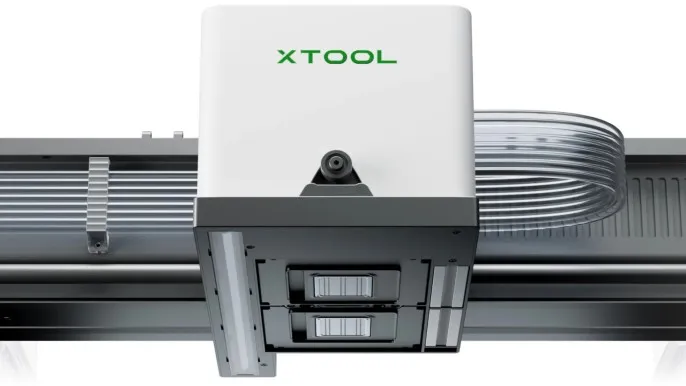
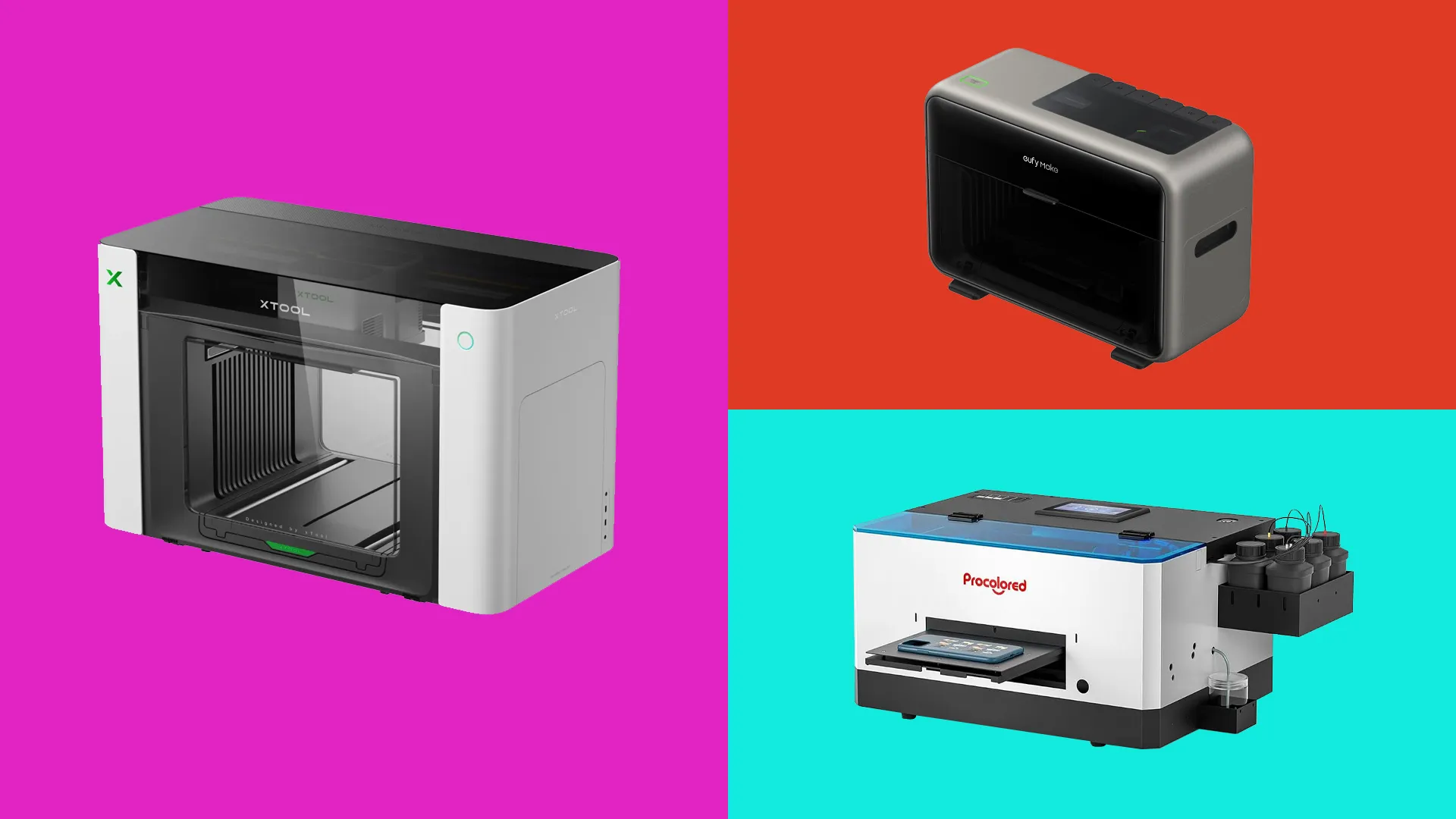
xTool is best known for making some of the best laser cutters, and the O1 Omni is its first UV printer, which it describes as a 4-in-1.
You can use it for UV printing onto standard surfaces. It can also make UV DTF transfer stickers for curved and awkward surfaces. And the top-of-the-range, "UV + DT" model can print directly onto cotton (DTG), and onto film for heat transfer to fabric (DTF). If you want to do all of those things, then, you're saving yourself from buying two or three separate machines.
It's also very precise. Rather than relying on a fixed overhead camera, which distorts things towards the edge of the frame, xTool's Pixel-Scan system combines laser sensing with a scanning imager to map the bed one-to-one.
On the downside, the O1 Omni prints a whole job at the height of the tallest object, so mixing a chunky item with flat coasters can leave the lower ones blurred. It's also big and heavy (41kg) so you'll need a sturdy surface to work from. On the plus side, xTool's cartridges are pretty affordable. And overall, if you want one machine that does nearly everything, this is the top dog.
Best UV printer for beginners
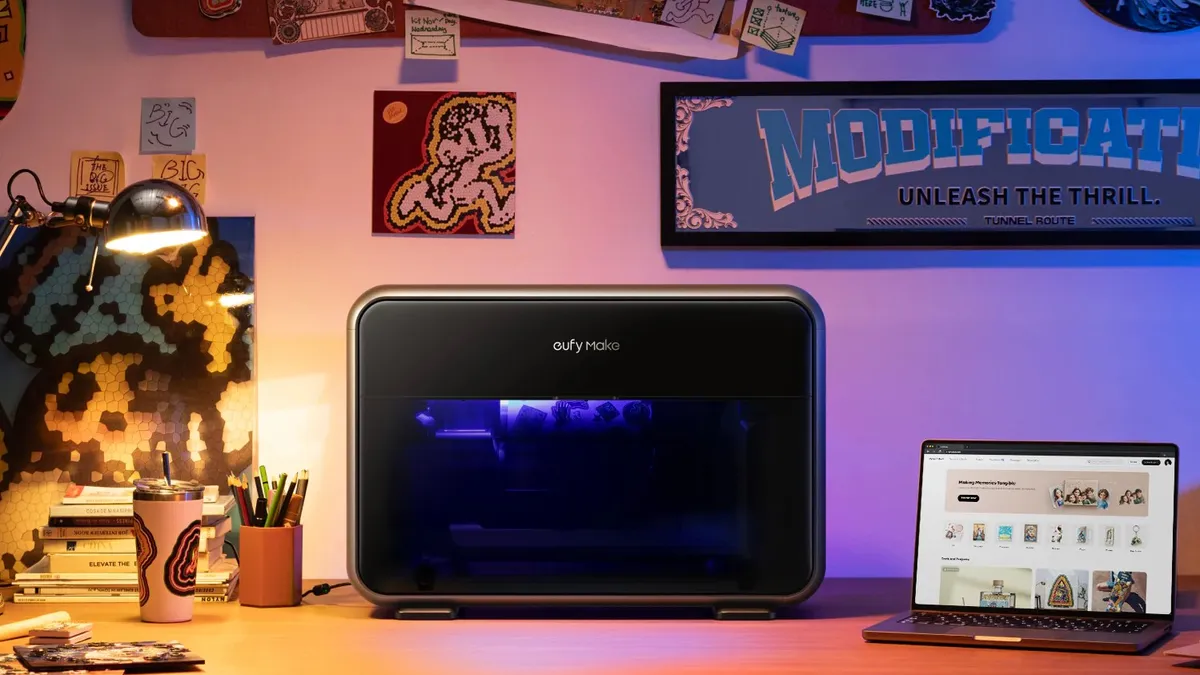
Eufymake is a sub-brand of global hardware company Anker, and the E1 is arguably the machine that kicked off the desktop UV boom. It became the most-funded project in Kickstarter history, made TIME's list of Best Inventions of 2025, and is now on sale generally.
If you want something that's easy to set up and use, this is it. The UV printer arrives fully assembled, the cartridge system means you don't have to mess about with syringes or bottles, and it's quick and easy to get from unboxing to a first print. The E1 stacks ink up to 5mm high, allowing 3D texture effects. You can in theory, then, reproduce brushstrokes on a canvas print, raised lettering on a business card or a leathery grain on a phone case. There's an optional rotary attachment for printing on curved surfaces like mugs and tumblers.
It's not perfect: the cartridges are more expensive than rivals', so if you're printing at scale that's worth considering. On the plus side, it's around half the size and weight of the Xtool, making it easy to fit into a home studio. In short, this is the one we'd recommend if you're new to the world of UV printing.
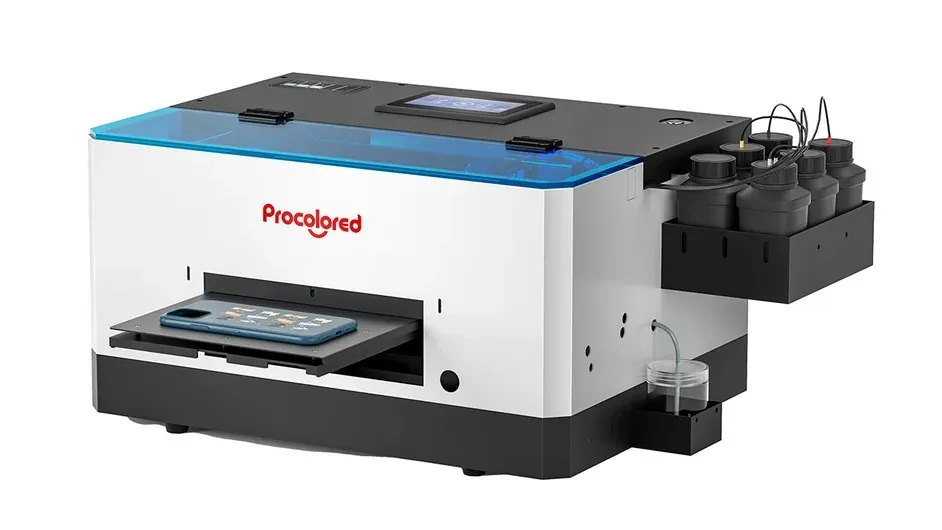
Best UV printer for phone cases
Procolored has been making DTF and UV printers for small print businesses for years. Its UV printer, the Procolored V4, was created primarily for one specific job: printing onto phone cases.
The 120 x 170mm A5 bed with a 15mm height limit is the perfect size for a large smartphone case laid flat. An infrared sensor measures the height of what's on the bed, and you align your designs using printed guides. The V4 is able to print onto cases made of hard plastic, soft silicone and glass. It doesn't just work on phones, either: Other small, flat items such as acrylic keyrings, badges, tiles and metal nameplates work too, as long as they fit within the print area.
Ink comes from bottles not cartridges, which helps keep running costs affordable. The V4 automatically cleans its head every 10 hours when it's left on, using about 1ml of ink a day, to keep the nozzles from clogging.
On the downside, it's slower than the newer machines and there's no varnish channel for gloss or raised textures. The software only works on Windows, and isn't the simplest to use. And for only slightly more money, you can get one of the larger all-rounders above. If you only want to print on phone cases, though, the V4 delivers exactly what it promises.
Kickstarter products to watch
These UV printers haven't actually shipped yet, so we haven't included them in our main list. They're close to doing so though, so assuming all goes well, they're well worth keeping an eye on.
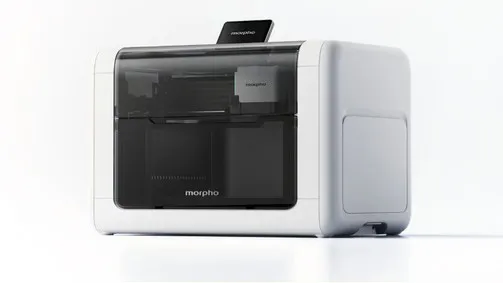
Most desktop UV printers slide the bed back and forth under the printhead. On the Morpho UV Printer, the head moves on a gantry, allowing more space for taller objects: 168mm of clearance, to be specific. The bed will bear items up to 10kg, and Morpho is also promising G7-certified colour calibration for print-shop consistency. It looked pretty good to us at the consumer electronics show IFA this September: here's a short video of it making a bookmark for us.
We don't know much more at this stage, though. This is a crowdfunded product, with shipping estimated between December 2026 and January 2027. But hands-on reports have been positive, and if tall or heavy objects are your thing, it's worth watching closely.
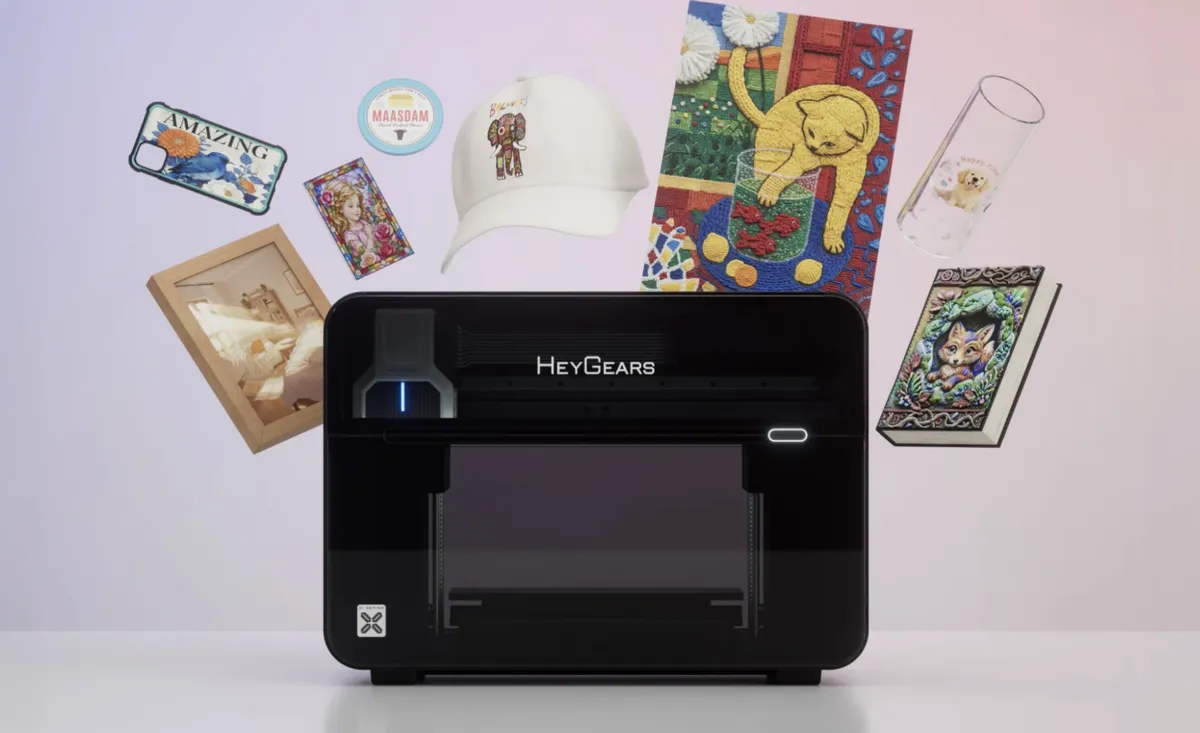
Heygears has spent years making resin 3D printers for dental and audio manufacturing, and with the G1X, it's applying that expertise to UV printing. In its standard form it's a high-end desktop UV printer, but it's built to grow: the Full-3D Pack will add a resin system that lets the same machine build full-colour 3D objects layer by layer.
Even if you never touch the 3D side, though, it looks like a serious UV printer. It uses Epson's industrial i3200 head, which is rated for up to two years and is less prone to clogging, along with eight ink channels for a wider colour range. Again, this is a crowdfunded launch, with shipping targeted for December.
FAQs
What can a UV printer print on?
In general, the best UV printers can print on any rigid, flat surface: wood, acrylic, metal, glass, slate, leather, ceramic, plastic and canvas, along with ready-made blanks like phone cases, coasters, keyrings and notebook covers. However, there are exceptions. To print onto clothing, you'll need a machine with DTG or DTF capability, such as the Xtool O1 Omni UV + DT edition. Very smooth surfaces such as glass and metal may need a primer for the best adhesion. And you'll need a rotary attachment for mugs, tumblers and bottles.
Are UV printers safe to use at home?
Generally yes, as long as you use common sense. However, uncured UV ink can irritate skin, so wear gloves when changing ink or cleaning your printer, and keep it away from children and pets. The inks can also give off a smell, so use the printer in a well-ventilated room.
How much does it cost to run a UV printer?
Ink is the main ongoing cost of running a UV printer, and prices vary widely between brands. So compare the cost per millilitre and check whether the printer uses its own cartridges or refillable bottles. The printhead is a consumable too: cheaper heads may need replacing every six to 12 months. It's worth noting that UV printers need regular use, as ink that's left sitting around for too long can clog the head.