What's the best Mac for content creators? Well, that depends what kind of content, really. After all, editing phone clips for Insta Reels is a different kettle of fish to grading 10-bit Log video shot on a cinema camera. Thankfully, Apple has Macs for both ends of that spectrum.
There's also the question of portability. If you want something you can put in your bag and run around with, you'll be looking for the best Macbook for content creators. But if you're only going to use it in one place, you can get more power and value from a desktop-bound Mac mini.
So to make things easy for you, in this article I've picked out the best Mac for content creators and the best Macbook for content creators, for both light work and heavy content creation.
If you're after laptops for graphic design too, these machines will double up nicely, and if your content occasionally strays into laptop for 3D modelling territory, I've flagged where that changes the calculation.
Best Mac for light content creation
By light content creator work, I mean editing footage that doesn't make to many demands on your Mac's processor: no dense colour grading, no huge multicam projects. In other words, if you're making video with your phone or shooting on compact cameras (in automatic mode and not in massive formats like Log), these are your best options.
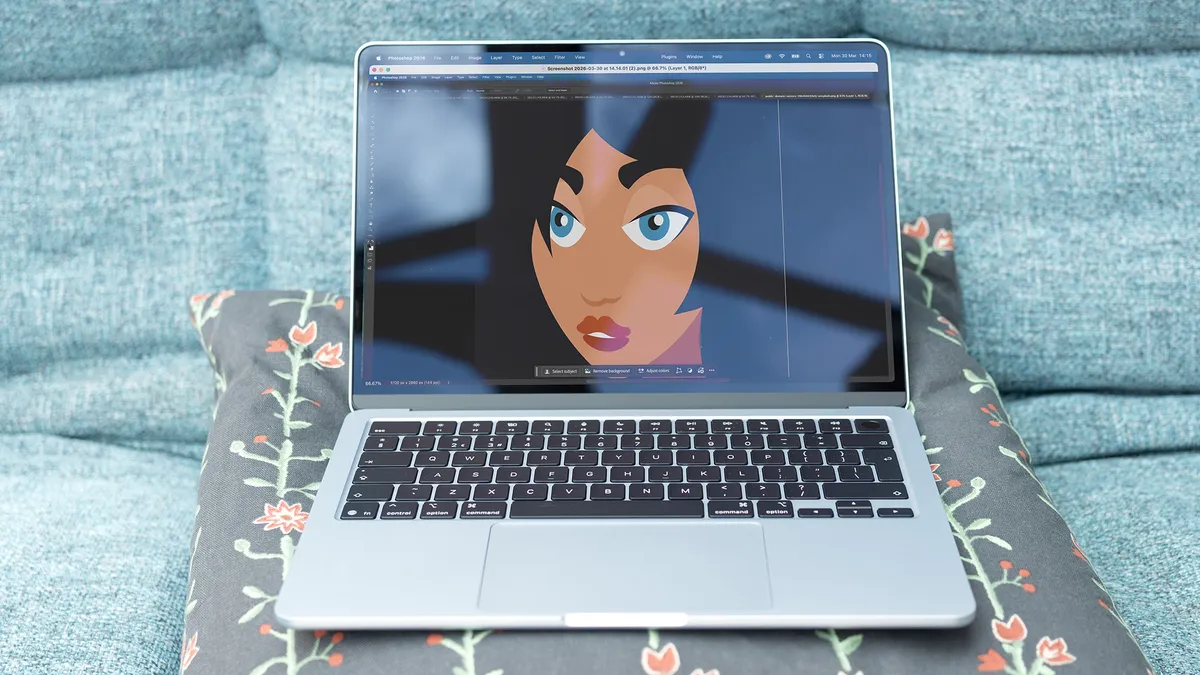


The MacBook Air is our top recommendation for anyone who needs to do some light editing on the go. Despite being super-thin, its powerful M5 chip will handle Photoshop and lighter Premiere workloads without ever breaking a sweat.
Since the arrival of the MacBook Neo, the Air is no longer the cheapest Mac on the market. Yet it's still much closer to the M5 MacBook Pro in real-world performance. In our Geekbench 6 testing it came in only a few percentage points behind the entry-level Pro, and in Photoshop it was just 14 per cent slower, while more than doubling the Neo's scores.
Where it does fall away is in heavier video tasks: pushing raw footage through Premiere, it delivers roughly half the performance of the Pro. But don't worry about that too much: for anyone editing phone or compact camera footage in automatic mode rather than Log, that gap simply won't be felt.
The base 16GB model with a 512GB SSD is plenty for most light workflows, although it's worth noting the Air tops out at 32GB of RAM, so it's not a machine to grow into if your ambitions are likely to grow over time.


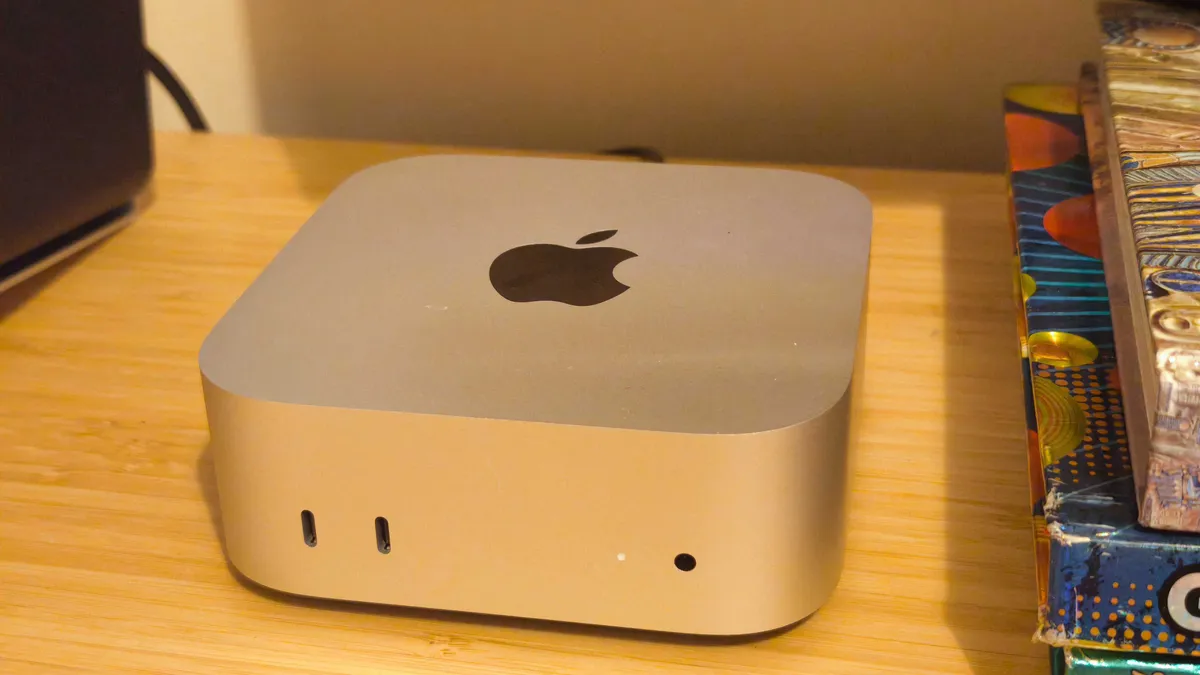


For a fixed setup, the Mac mini is hard to beat on value. It's tiny, quiet and its CPU performance outpaces machines costing far more, making it the perfect option for anyone doing photo editing or light video work from a permanent desk. The lack of a screen and keyboard means you'll need to budget for those things separately, but that's the only real compromise here.
In our benchmarking, the entry-level Mac mini's multi-core Geekbench score outdid an older Mac Studio, which gives some idea of just how much has been packed into such a small box. It starts with 16GB of unified memory and a 256GB SSD, which is enough for everyday photo editing, general productivity and non-3D graphic design work, and configuration options stretch up to 64GB of RAM and 8TB of storage if you want the same box to last you a few years.
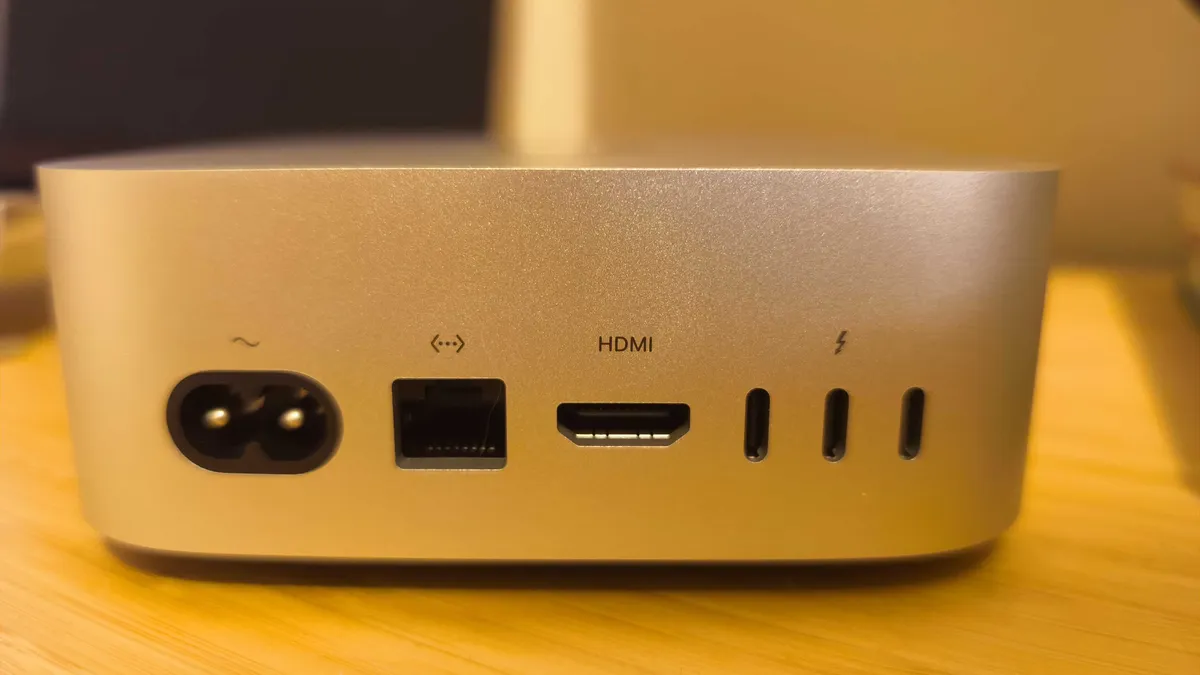
Three Thunderbolt 4 ports, HDMI, Ethernet and a headphone jack round out the connections, and it supports up to three external displays depending on resolution. The only real limitation is graphics: the integrated GPU is respectable for photo editing and light video, but it's not intended for 3D work or gaming, so if that's what you're looking for, you may be better with number 4 on our list.
Best Mac for heavy content creation
What do I mean by heavy content creator work? Well, if you film in Log footage, shoot 10-bit, and lean on lots of effects, plugins and multicam timelines, you need more sustained power and more memory headroom than the light-work machines can comfortably offer. In that case, here are the best Macbook for content creators and the best Mac for content creators to choose between.

This is the sweet spot for most serious content creators. The standard M5 MacBook Pro performs similarly to the Air, so it's not worth the upgrade on its own, but stepping up to the M5 Pro model brings a big jump in multi-core performance and a proper cooling system that keeps it running at full pace for longer. Aim for 48GB of RAM if your budget allows it, though the stock 24GB will still cope fine with most Log and multicam work.
The extra cores make a real, noticeable difference to multi-core performance over the standard M5, and battery life remains excellent despite that extra power on tap, comfortably seeing you through a full day's editing. SSD speeds are startling too; easily fast enough for shunting large ProRes or RAW files around without a second thought.
Where it's less convincing, though, is GPU-heavy work. Windows laptops with a dedicated Nvidia GPU will outpace it for tasks like AI image generation or transcoding 8K proxies, so bear that in mind if your workflow leans that way.
The M5 Max model, by contrast, is probably overkill for most content creation. It'll give you significant extra headroom and is an excellent chip in its own right, particularly for those doing heavy 3D or VFX work, but for the majority of creators it comes down to cost versus value: you're paying a lot for performance you may rarely touch.

If your heavy workflow happens at a desk rather than on the road, the Mac mini with M4 Pro is currently your best desktop option. With up to 64GB of unified memory, a 16-core GPU and Thunderbolt 5 on the higher configurations, it comfortably handles Log footage, colour grading and effects-heavy timelines.
Here's something important to bear in mind, though. I said "currently". Apple has already launched the next model of Mac mini, which is available for pre-order and arrives on 22 September.
On paper, that model looks like the natural successor to the machine we're recommending here. It boasts a new M6 chip alongside a M5 Pro option, offering up to an 18-core CPU, a 20-core GPU and Neural Accelerators for AI-heavy workflows. So it's likely to be the better buy for anyone starting from scratch.
But "likely" is doing some work in that sentence: Apple doesn't always deliver a big leap between generations: the M3 MacBook Pro, for instance, was a distinctly underwhelming step up from the M2. So we're not certain the M5 Pro Mac mini will comfortably beat the M4 Pro in every respect until we've tested it ourselves.
In the meantime, the Mac mini with M4 Pro remains an excellent machine for heavy content creator work, and it's likely to become even better value once the new model lands and the price (hopefully) starts to drop.