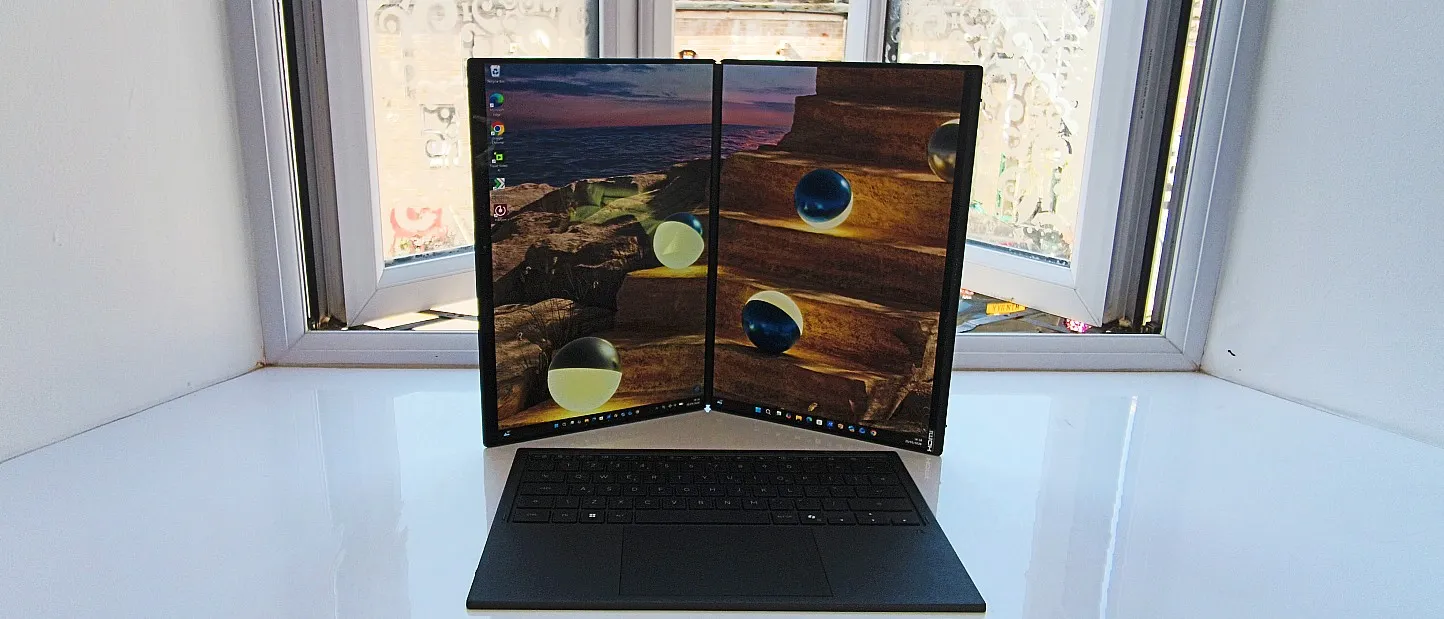
Our Verdict
If you like the idea of working across two displays at once, the best just got better. This gorgeous two-screened laptop from ASUS returns for a 2026 refresh, now with more processing muscle thanks to Intel's cutting-edge Panther Lake chip. That means excellent local AI performance and class-leading battery life, making it a top-notch computing experience for modern creatives on the move.
For
- Speedy local AI and OpenVINO performance
- Super-quick smart-masking and neural filter execution
- Two screens for flexible working
Against
- No discrete graphics chip
- Not everyone wants two screens
- Relatively light on ports
Why you can trust Creative Bloq Our expert reviewers spend hours testing and comparing products and services so you can choose the best for you. Find out more about how we test.
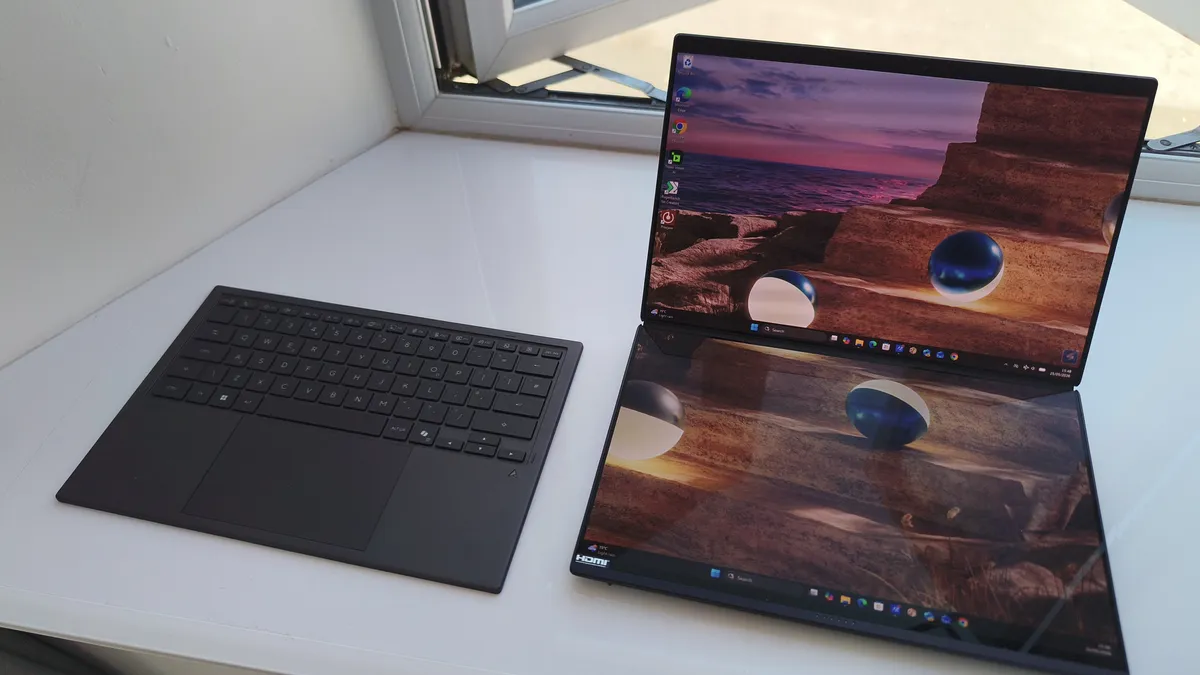
When the ASUS Zenbook Duo first dropped into the Creative Bloq testing labs back in 2024, we loved it. And what's not to love? This unique device has two OLED screens and a wireless keyboard that can be put together in a way that resembles a traditional laptop, or unfurled into a portable workstation with enough screen space to run multiple apps at once.
An upgraded version pushed things forward in 2025, and my article How two screens changed everything explains exactly what that did for my workflow in practice. Yet while I adored the dual-screen setup, it still felt a little held back by its hardware, especially when doing resource-intensive tasks such as video editing or 3D rendering.
So it's great to see that the Duo's latest refresh has flipped that script, upping the CPU to Intel's flagship Core Ultra X9 Panther Lake model. And this is not just a minor speed bump. This new chip brings radical architectural efficiencies, shifting the focus entirely onto hardware-accelerated machine learning.
What does that mean in practice? It means that everyday creative micro-tasks—such as complex object tracking, neural filters and generative fills—happen instantly right on the device, rather than hitching, freezing or forcing you to rely on a slow internet connection to process text-to-image assets via the cloud.
Sounds great in theory, but what's the 2026 Duo actually like in practice? I've spent a couple of months using one, and here's what I've learned about the latest version of one of the best laptops for graphic design today.
ASUS Zenbook Duo (UX 8406) 2025 review: Key specifications
CPU |
Intel Core Ultra X9 388H |
NPU |
Intel AI Boost |
Graphics |
Intel Arc B390 (integrated) |
Memory |
32GB LPDDR5X |
Storage |
1TB SSD |
Screen size |
2x 14in |
Screen type |
OLED |
Resolution |
2880 x 1800 x 2 |
Max refresh rate |
144Hz |
Colour gamut |
100% P3 |
Brightness |
410 nits |
Ports |
1x USB 3.2 Gen 2 Type-A, 2x Thunderbolt 4, 1x HDMI 2.1, 1x 3.5mm audio |
Wireless connectivity |
Wi-Fi 7, Bluetooth 5.4 |
Dimensions |
31.0 x 20.9 x 1.9 cm |
Weight |
1.65 kg |
Design and build
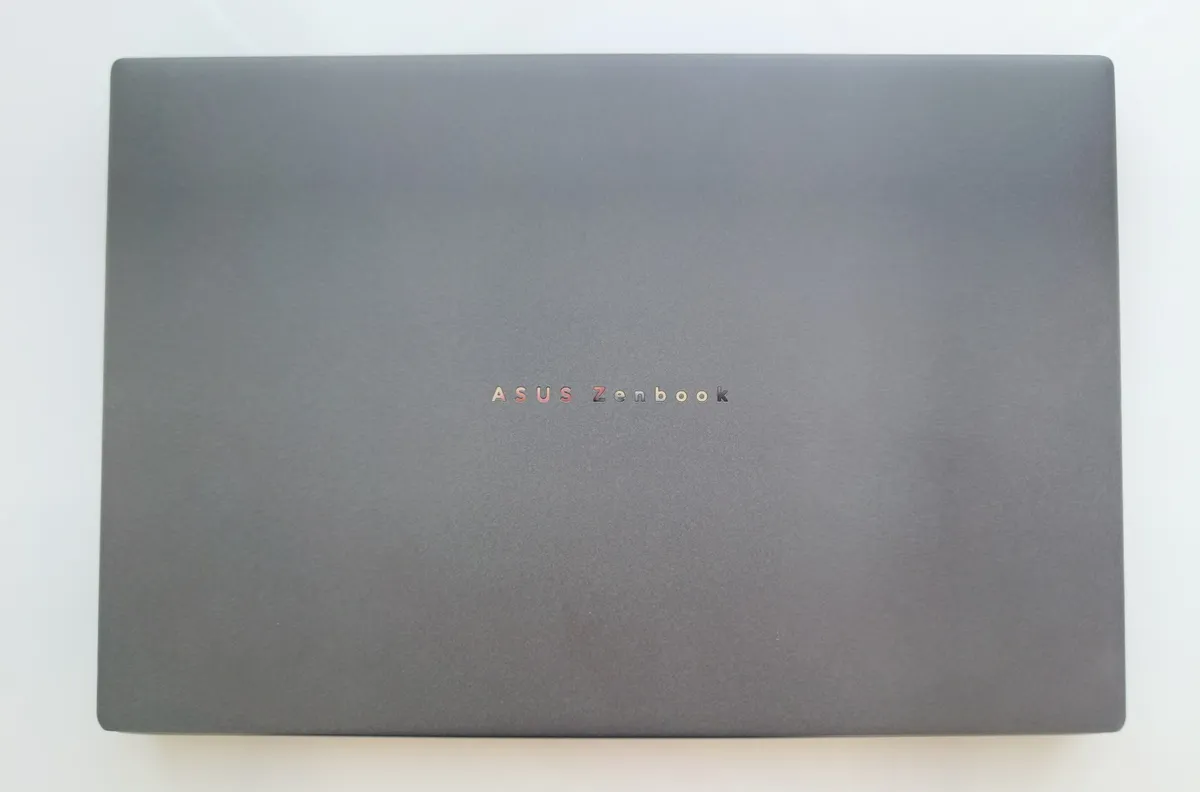
The design of the Zenbook Duo 2026 differs little from its predecessor, largely because it doesn't need to: if it ain't broke, don't fix it. That means it sports the same charcoal grey finish on the outer lid, which is made from the same combination of matte plastics and ASUS's premium Ceraluminum alloy.
Flip it over, and handily enough, you'll find a sturdy, built-in kickstand. This does a good job of securely anchoring the displays when you decide to transition into a detached workstation layout.
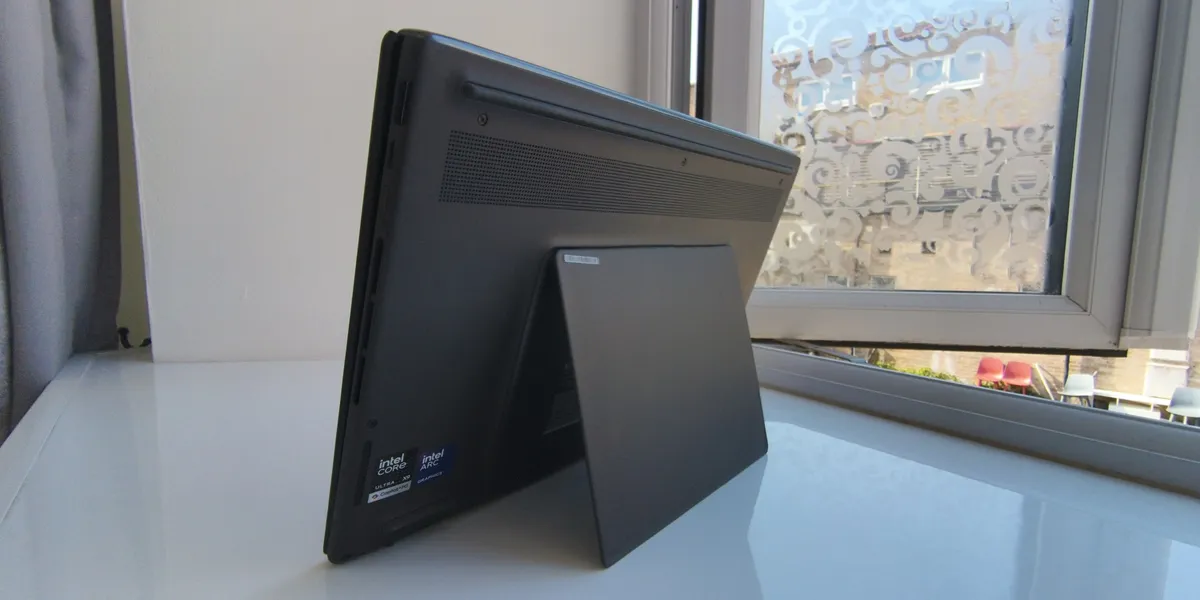
Because of the extra screen nestled under the keyboard, the Duo 2026 – just like its predecessors – feels pretty weighty. Fortunately, though, the choice of ultra-thin OLED panels stops it feeling too hefty overall. And the magnetic keyboard folio, though thin and lacking adjustable rear feet, remains satisfying to use, delivering crisp key travel that holds up during long writing sessions.
Ultimately, if you've tried the Duo before, this one's physically the same. If you haven't, then take it from me: spreading your canvas across two expansive workspaces – whether you're keeping reference material stacked horizontally or rotating the panels into a giant side-by-side vertical layout – remains an absolute game-changer.
Features
Far and away my favourite feature of the Duo are the highly precise OLED touchscreens, bolstered by the bundled ASUS Pen 2.0 stylus. I've found this indispensable for masking out intricate paths or digital sketching; again, a marked contrast with my day-to-day laptop, making me wonder why the heck Apple can't give us a touchscreen on a MacBook?
Handy features include physical shortcut triggers positioned along the matte barrel and an eraser button capping the top end. Powering up is also straightforward; a neat, pull-out protective cap conceals an integrated USB-C port, allowing you to quick-charge the stylus directly off the laptop's power delivery ports in just 30 minutes, or easily swap out its tactile signature using the three additional included tips.
On the slightly less positive side, connectivity is middling. The single USB-A slot keeps traditional peripherals covered, there's an HDMI port—something annoyingly lacking on my MacBook Air M1—and a pair of Thunderbolt 4 ports offer excellent data throughput and docking capability. But that's your lot. You may need a USB dock to go with this thing...
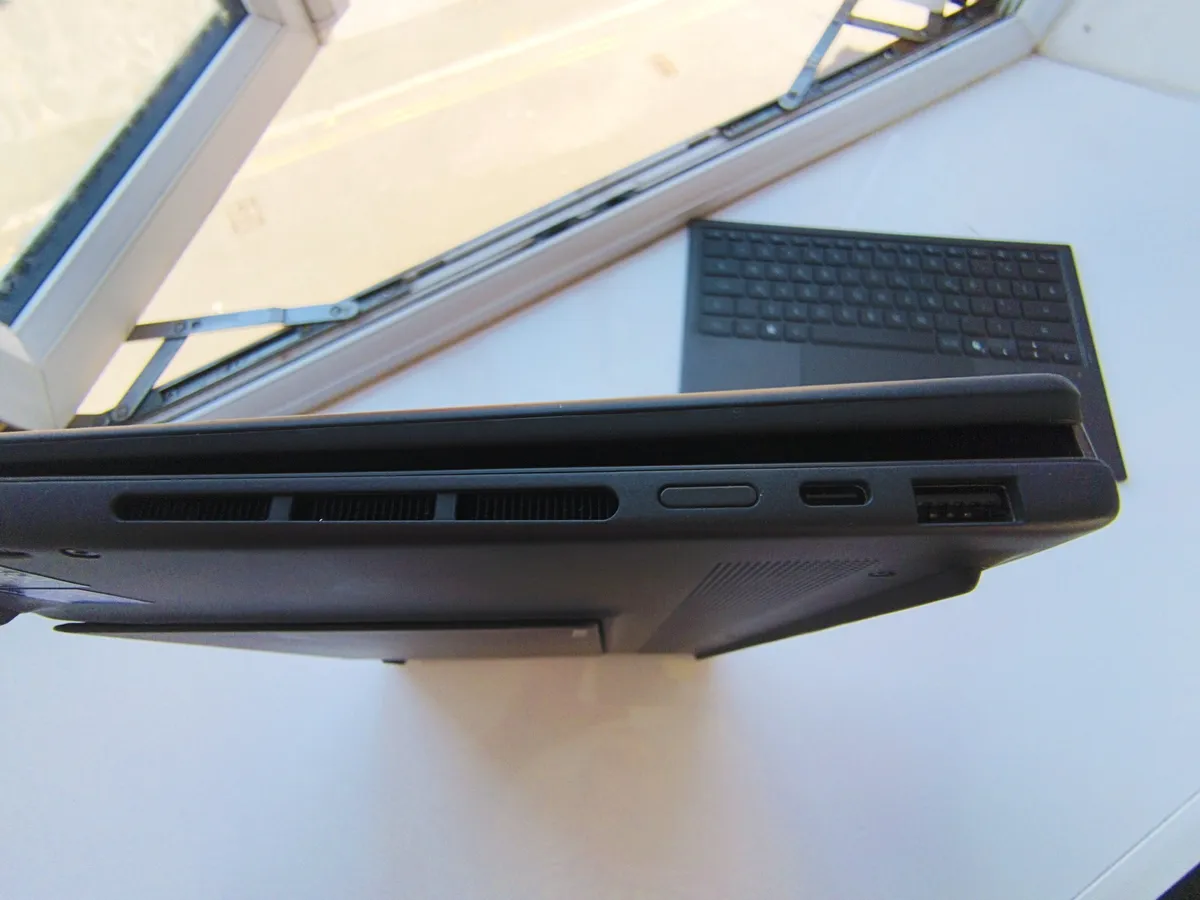
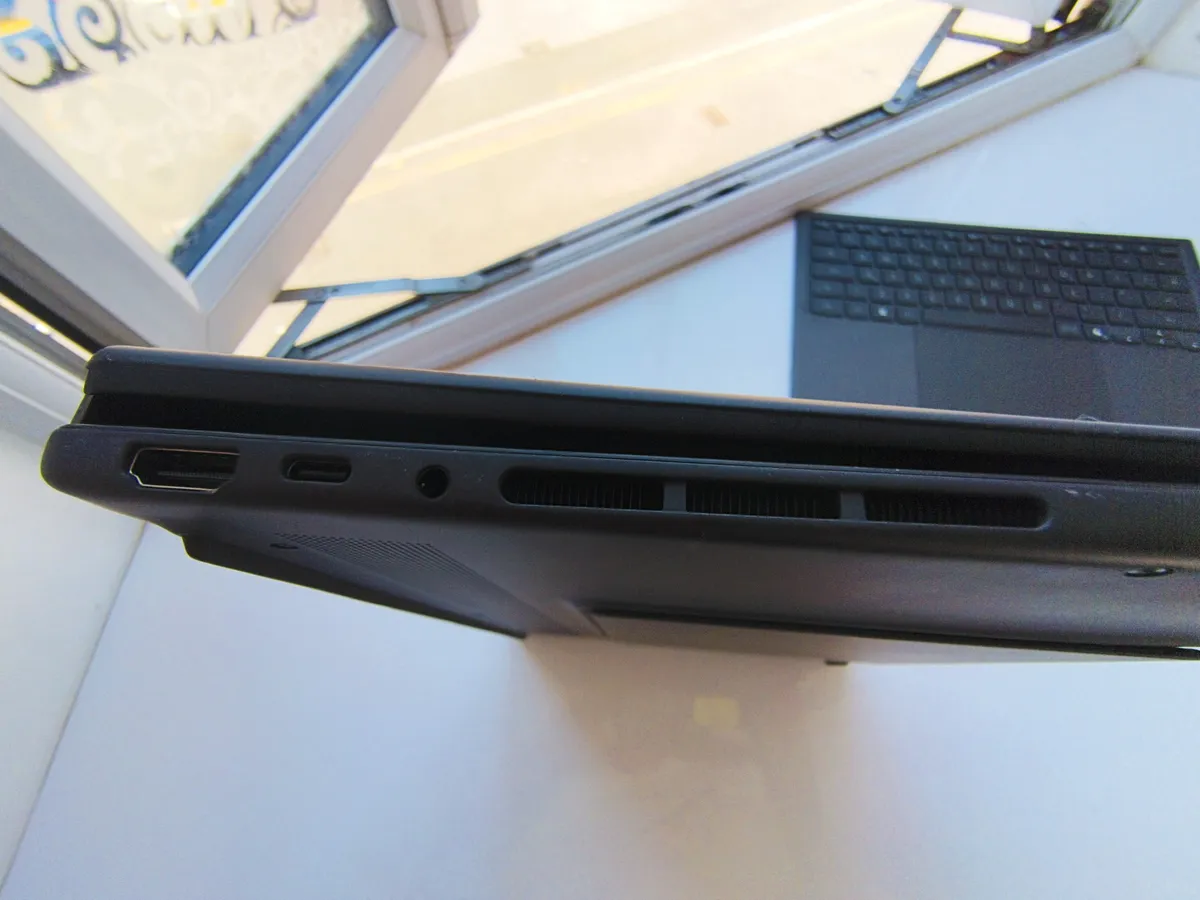
More positively, in 2026, wireless networking gets upgraded with Wi-Fi 7 and Bluetooth 5.4 protocols, ensuring lightning-fast local network file transfers when working with large digital assets.
Benchmark scores
Geekbench 6 |
Row 0 - Cell 1 |
CPU single core |
3036 |
CPU multi-core |
17526 |
GPU |
56578 |
AI CPU: Single Precision |
4,495 |
AI CPU: Half Precision |
1,723 |
AI CPU: Quantized |
7,564 |
AI GPU/DirectML: Single Precision |
18,749 |
AI GPU/DirectML: Half Precision |
41,840 |
AI GPU/DirectML: Quantized |
49,683 |
Cinebench 2024 |
Row 10 - Cell 1 |
CPU single core |
355 |
CPU multi-core |
1264 |
UL Procyon |
Row 13 - Cell 1 |
AI image genaration |
601 |
Playback battery |
14h 54m |
Topaz Video AI |
App crashed |
Performance
While the 2026 refresh of the ASUS Zenbook Duo doesn't look any different or feel any different in your hand, the real story is how fast it performs, thanks to Intel's new Panther Lake microarchitecture. The Core Ultra X9 388H onboard brings 16 CPU cores operating at up to 5.1GHz, but the real technical story here is the highly integrated SoC layout. Backed by 32GB of LPDDR5X RAM, this yields massive IPC (Instructions Per Cycle) improvements and better memory bandwidth management.
Our testing showed just how much of an improvement all this has made. The Duo 2026 achieved a Geekbench 6 single-core score of 3036 and a multi-core score of 17,526, while Cinebench 2024 returned a single-core score of 131 and a multi-core score of 1264. These numbers point to phenomenal multi-threaded scaling, meaning complex multi-layered canvas work and high-bandwidth app switching won't saturate the system overhead.
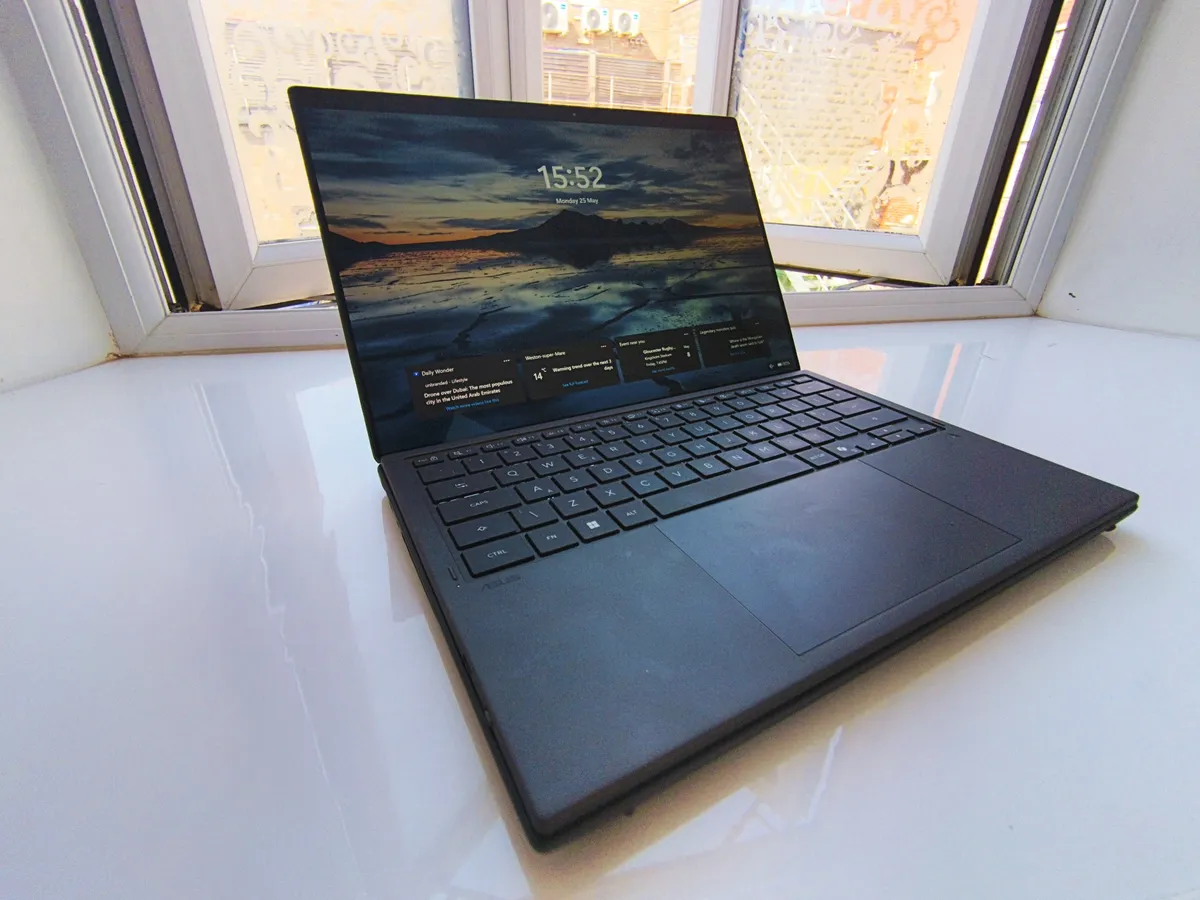
Hardware-accelerated machine learning is where these new abilities real come into play. To put its hardware-level efficiency to the test under strict, controlled environments, I ran a definitive, isolated clean-loop execution of the punishing UL Procyon AI Image Generation benchmark under Flight Mode. Processing the heavy Stable Diffusion 1.5 (FP16) model locally using Intel’s optimised OpenVINO 2024.5.0 inference runtime, the Zenbook Duo cleared a stellar score of 601.
Let's be clear: breaking past the 600-point threshold on an integrated graphics chip is an incredible architectural achievement. The real-world consequence for creative professionals is that your software is less like like to be slowed down by a cloud network queue or plagued by connection latency. Intensive on-device tasks—such as real-time video rotoscoping in Premiere, high-precision AI Select Subject masking in Photoshop, and complex neural filters—will render on the fly directly on the chip's upgraded Neural Processing Unit (NPU) and Xe-cores.
While the Duo still lacks a discrete GPU for heavy, long-render 3D pipeline tasks or high-end game development, the integrated setup ensures the laptop maintains structural thermal limits while keeping power consumption down.
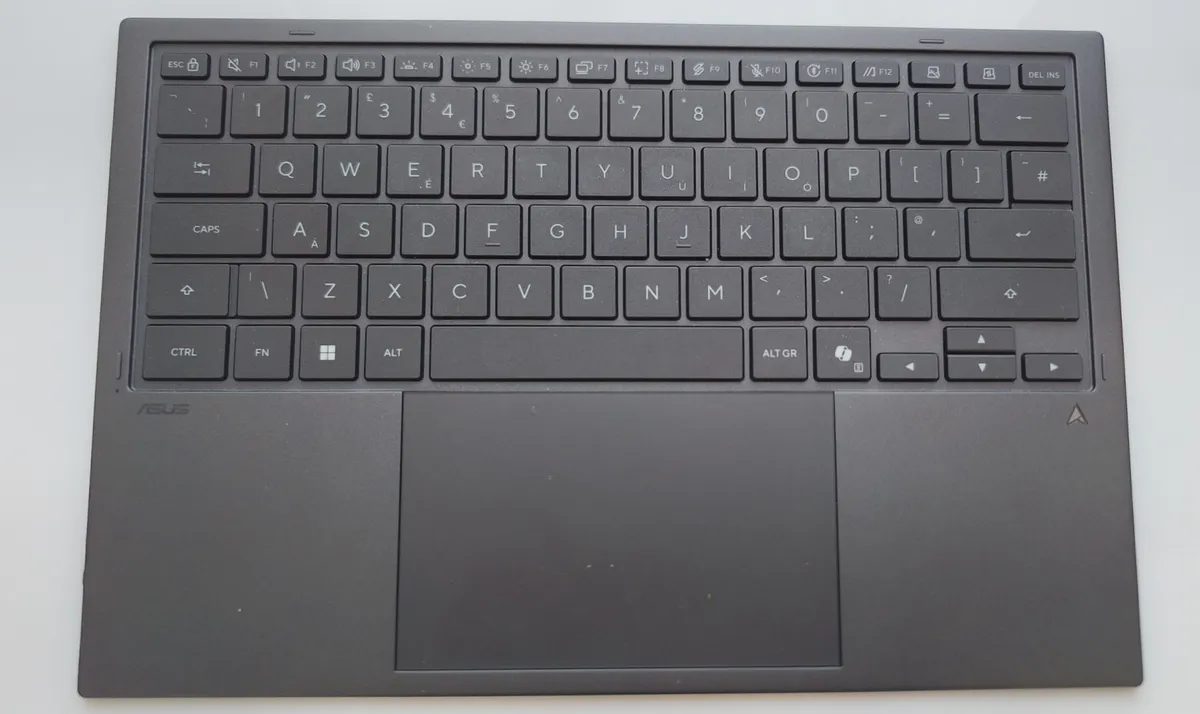
Panther Lake's micro-architectural focus on efficiency also results in battery life that's worth writing home about. With the massive 99Wh dual-battery configuration handling power delivery, the device logged an unprecedented 14 hours and 54 minutes in our looping video playback rundown test on a single screen. This comfortably eclipses ASUS’s own advertised battery metrics and effectively cleared away any worries I had about working through long flights or extended café sessions away from a socket.
Price
Here comes the stinger: this is an expensive laptop, coming in at $2,699.99 / £2,500 at the time of writing. You could pick up alternative base-price premium laptops for less, or many other entries on our big list of the best laptops for graphic design. But remember, you're getting two screens, not just one.
So to my mind, if you can afford it, this still represents good value. You’re getting a laptop that's unusual, that stands out, and offers dual-screen possibilities that can significantly speed up real-world cretive workflows. And if time is money, that's definitely worth something, right?
Who is it for?
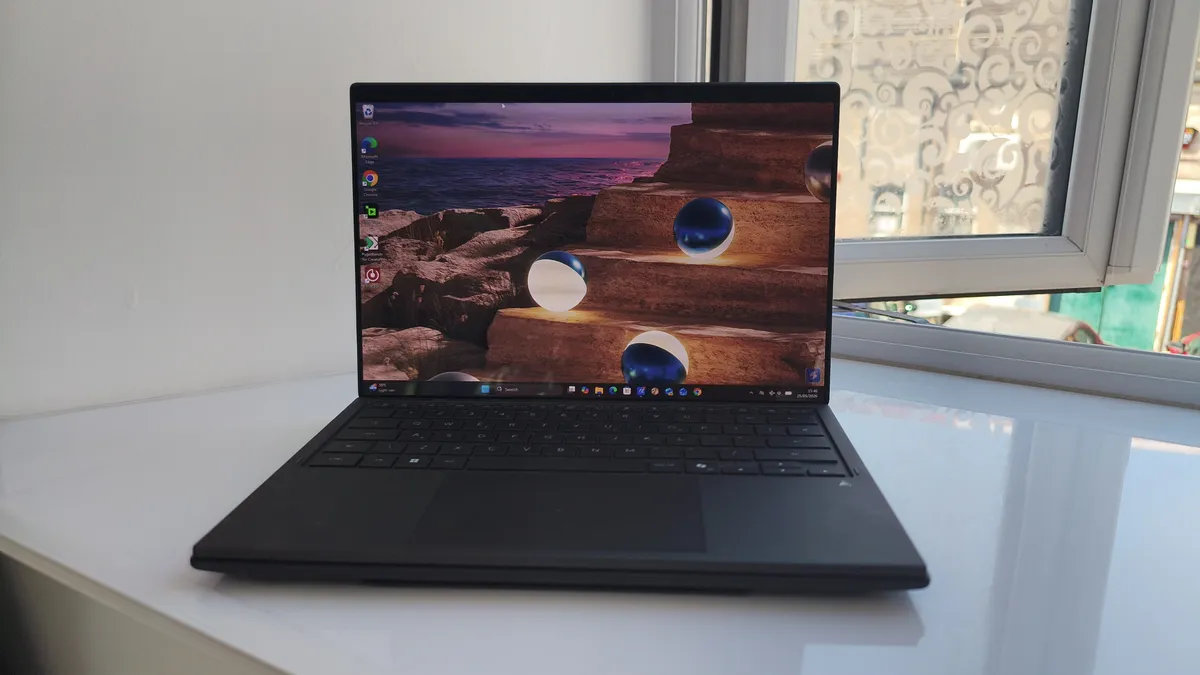
This laptop might look like a gimmick, but in my experience, it's the opposite. This is a serious, specialised tool for digital creatives, and well-suited for someone like me who gets wrapped up playing "spatial Tetris" with multiple windows when on a normal laptop.
You might be a video editor who wants a dedicated full-screen timeline on one panel and your source bins on the other. Or maybe you're a graphic designer who needs a full-sized reference image open on one display, while painting with a stylus on the second. Either way, the Duo has the potential to change how you operate in your day-to-day workflow.
If you're a modern, tech-forward professional whose workflow is deeply integrated with local machine learning, then the hardware is pretty compelling too, allowing you to generate local OpenVINO image models, handle complex vector tracing, or compute neural smart-masks natively while completely uncoupled from office Wi-Fi or cloud rendering queues.
Should I buy it?
Buy it if:
• You want the flexible screen space of a dual-monitor setup
• You want single-screen battery endurance that clears 14 hours
• You want a capable workstation that's not chained to your desk
Don’t buy it if:
• You need a discrete GPU for heavy, non-stop 3D rendering
• You're short of cash
• You prefer Apple
Also consider
out of 10
If you like the idea of working across two displays at once, the best just got better. This gorgeous two-screened laptop from ASUS returns for a 2026 refresh, now with more processing muscle thanks to Intel's cutting-edge Panther Lake chip. That means excellent local AI performance and class-leading battery life, making it a top-notch computing experience for modern creatives on the move.