Our Verdict
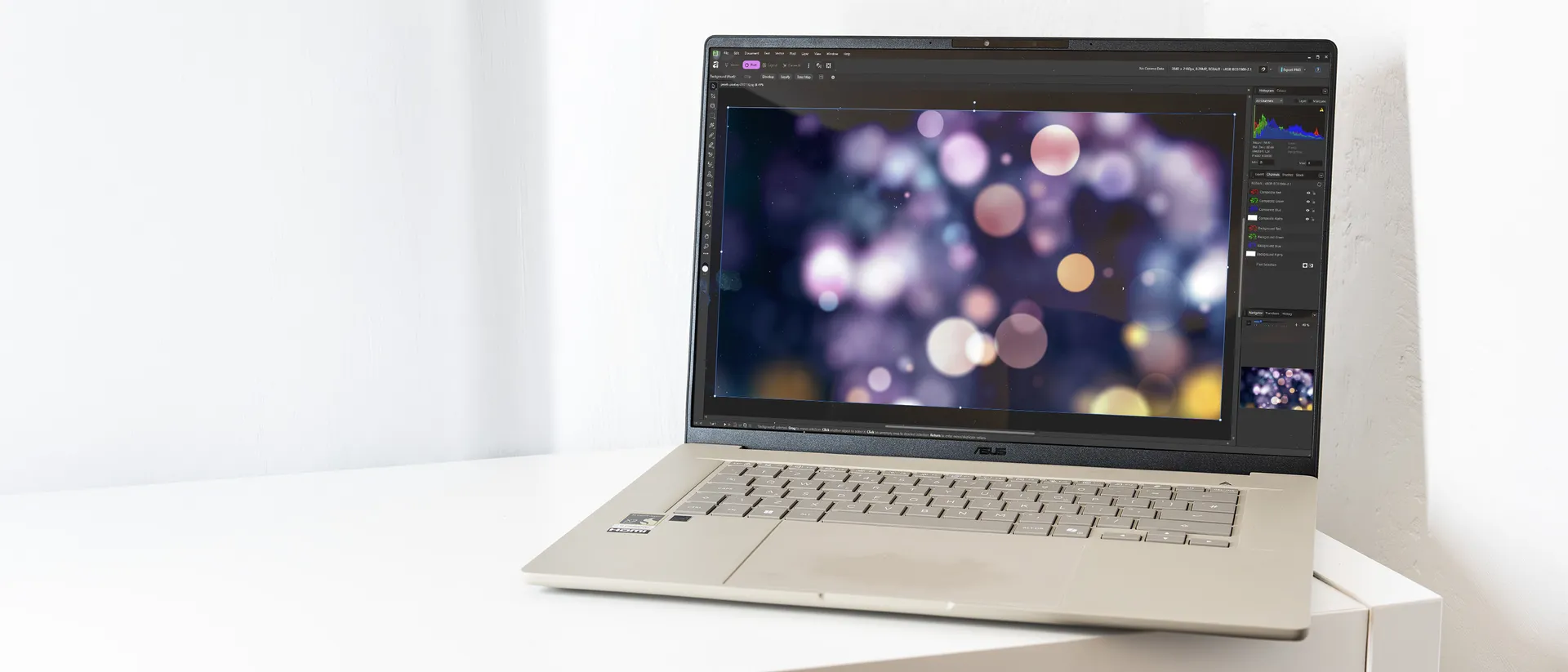
As a thin, light business laptop, the Zenbook A16 is hugely successful. It’s got performance where it counts and a screen that you can gaze at lovingly for the entirety of its enormous battery life. As a demonstration of what the new Snapdragon X2 processor can do, it’s arguably even more successful, as it powers through tasks better than almost anything else on the market. Sure, it’s quite expensive, but you get a lot of performance for your money.
For
- Excellent CPU performance
- Thin and light
- Big, bright, sharp screen
Against
- Middling GPU performance
- Quite expensive
- Is beige the new black?
Why you can trust Creative Bloq Our expert reviewers spend hours testing and comparing products and services so you can choose the best for you. Find out more about how we test.
This is the first laptop to arrive in the Creative Bloq Testing Lab with the new Qualcomm Snapdragon X2 processor in it, and it’s the top-end Elite Extreme model too. The Snapdragon X chips, which first appeared in the middle of 2024, led to a range of lightweight Copilot+ laptops with great battery life, but failed to set the creative world on fire thanks to low GPU performance. The Zenbook A16 isn’t going to beat laptops with discrete graphics chips when it comes to throwing pixels around, but it has produced some remarkable numbers in our CPU benchmarking, and looks like being a real step up for thin and light Windows laptops, making this a tempting option for those looking for a capable laptop for photo-editing, for example.
Key specifications
CPU: |
Qualcomm Snapdragon X2 Elite Extreme |
NPU: |
Qualcomm Hexagon (80 TOPS) |
Graphics: |
Qualcomm Adreno |
Memory: |
48GB |
Storage: |
1TB SSD, MicroSD |
Screen size: |
16in |
Screen type: |
OLED |
Resolution: |
2880 x 1800 |
Refresh rate: |
120Hz |
Colour gamut (measured): |
98% P3 |
Brightness (measured): |
495 nits |
Ports: |
2x USB4, 1x USB 3.2 Type-A, 1x HDMI 2.1, 1x 3.5mm audio |
Wireless connectivity: |
Wi-Fi 7, Bluetooth 5.4 |
Dimensions: |
353 x 242 x 14mm |
Weight: |
1.2kg |
Design, build and display
• Thin and light
• Matte finish
The Zenbook range seems to be ASUS’ catch-all silo for laptops that don’t fit perfectly anywhere else, so there's the powerful Zenbook Pro with its Nvidia GPU, the magnificent Zenbook Duo with its detachable double screen, and the ultraportable Zenbook A series, which we have here. They’re aimed at different users, but all share the Zenbook name.
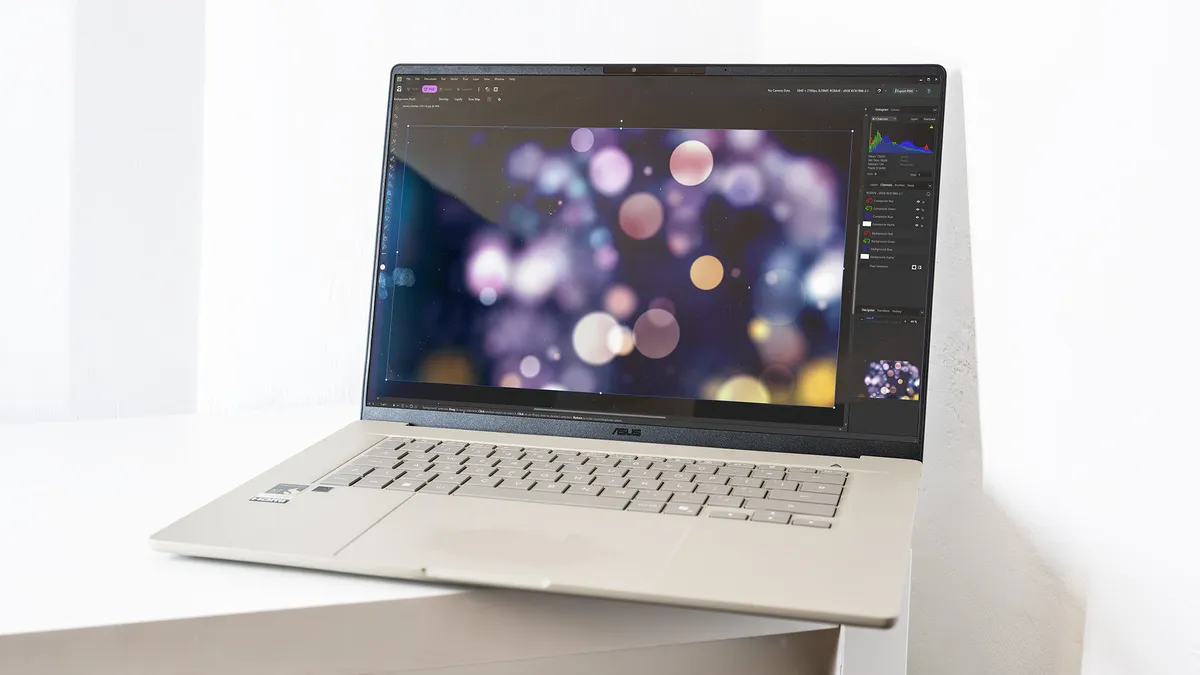
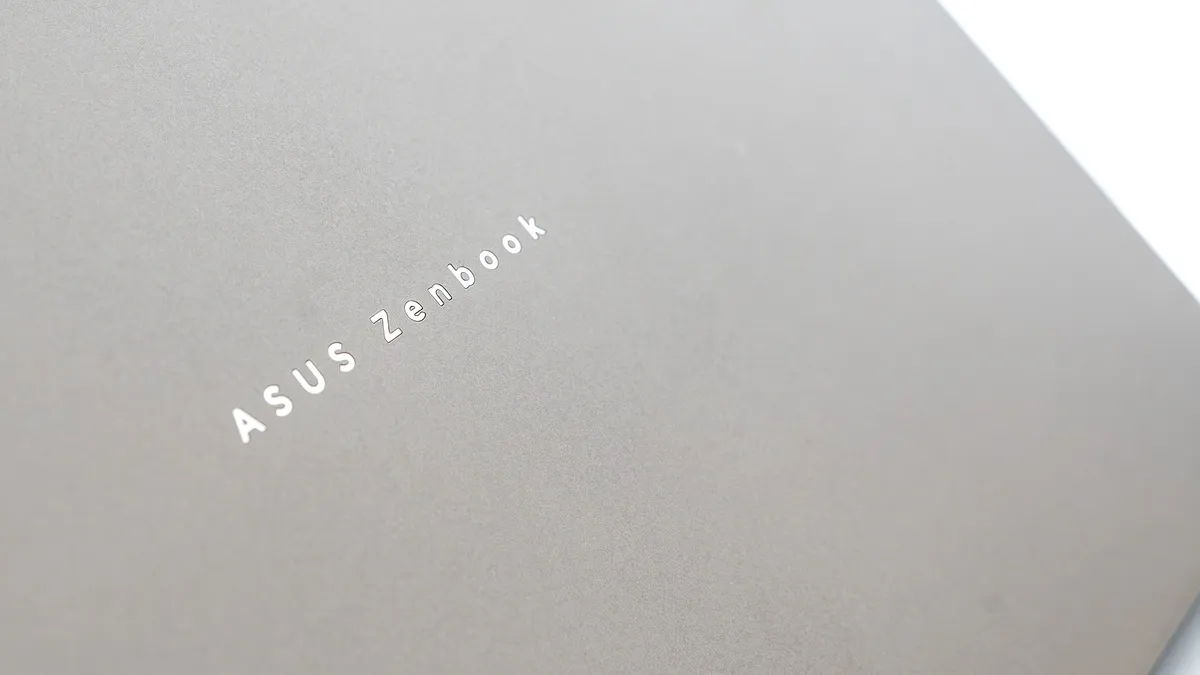
The A16 is a 16-inch laptop, and you might expect it to be fairly heavy, but ASUS has made it from its super-light Ceraluminum blend of aluminium and minerals, giving it a matte and ceramic-like finish that doesn’t feel like any other metal or plastic casing. It’s also a browny-beige rather than the blacks and silvers that dominate laptop design, giving it a unique look.
Despite being so light, and feeling like it’s made of plastic, there's no flex in the chassis and the screen hinge is smooth. It’s every inch the professional laptop, with just a subtle silver wordmark on the lid and a white backlight behind the keyboard. It’s a well-built machine, and thin enough to slip easily into a bag, though the 16-inch screen size will narrow down your bag choice.
Design score: 4/5
Features
• USB4
• OLED screen
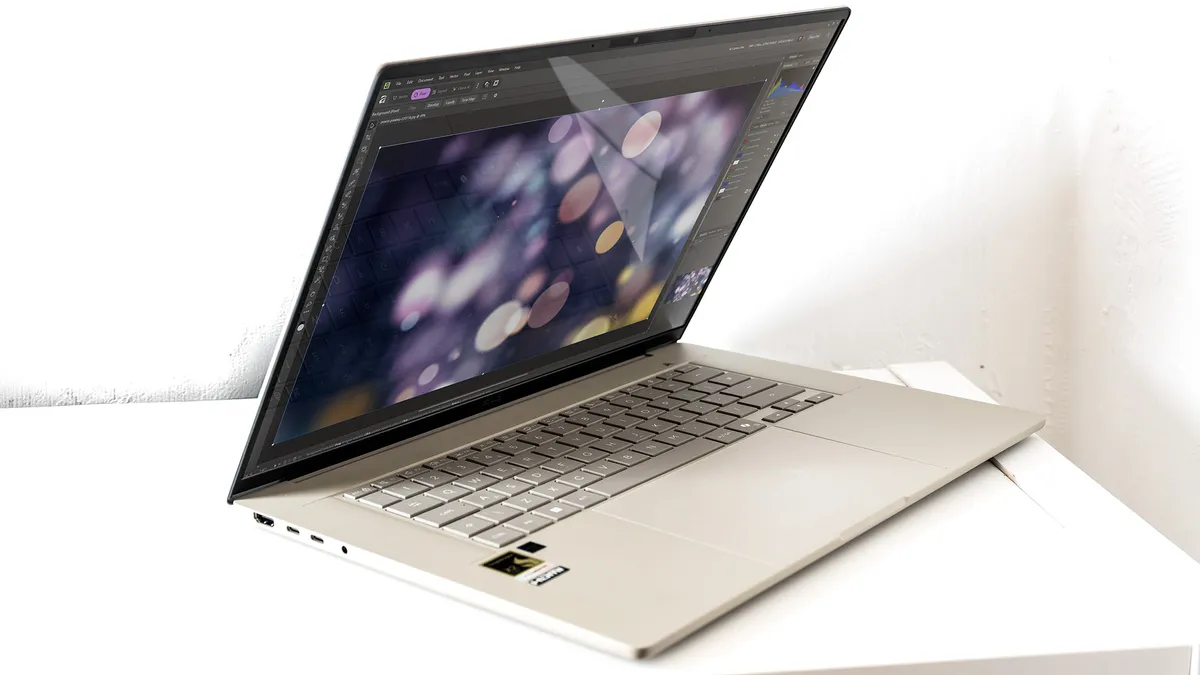
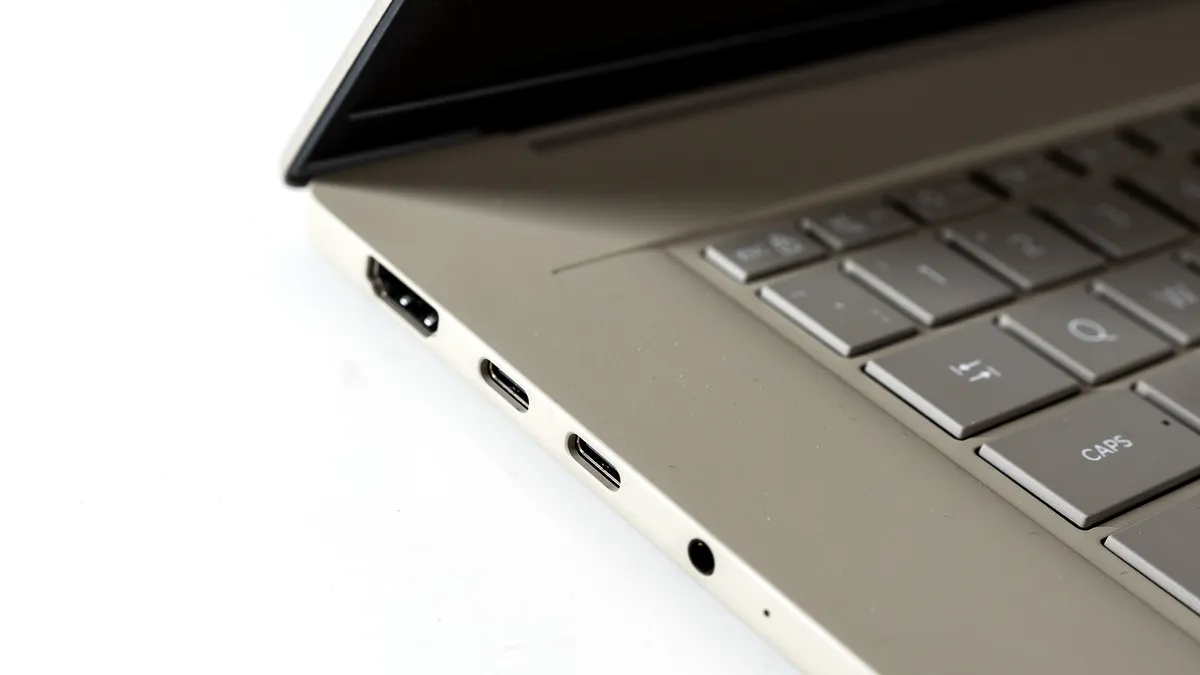
With a pair of USB4 ports, also used for charging, as well as a full-size HDMI and a USB-A, the A16 is well equipped to connect to things. Even its Wi-Fi and Bluetooth are the latest versions at the time of writing.
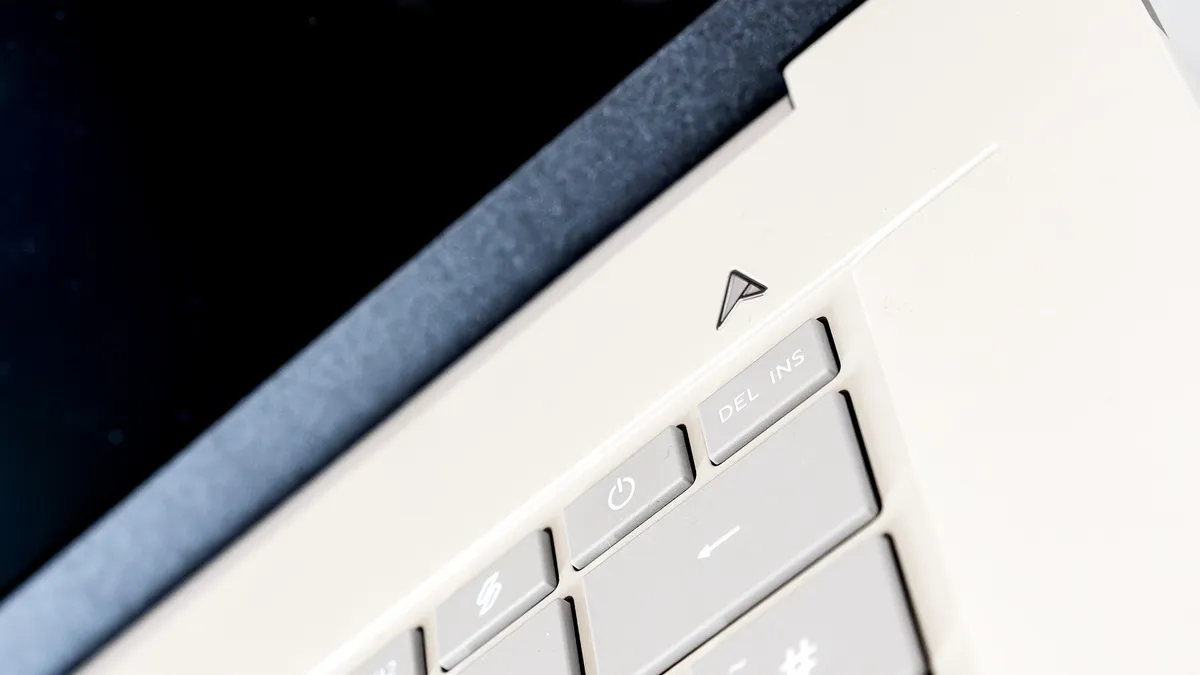
On the front you’ll find an expansive trackpad that blends in with the colour of the casing but with a smoother texture. It’s responsive, and has a good click when pushed down. The keyboard is tenkeyless and has some wide borders at all sides, which keep it centred but cut down on its size. The keys are fine, you can certainly type hundreds of words on them, but we’ve seen much better boards on laptops - it doesn’t have a great deal of personality, and the grey keys against the beige background with a white backlight make it look washed out.
The screen, however, is a triumph. The 16:10, 2.8k OLED panel (without touch sensitivity) that’s been chosen for this top-of-the-range Zenbook A16 is a lovely thing, with a maximum brightness of 495 nits and the ability to display 98% of the P3 colour gamut. It’s bright, crisp and well saturated, and doesn’t seem to suffer too much from reflections, which can so often be the bane of OLED panels.
Feature score: 4/5
Benchmark scores
We test every one of our laptops using the same benchmarking software suite to give you a thorough overview of its suitability for creatives of all disciplines and levels. This includes:
• Geekbench: Tests the CPU for single-core and multi-core power, and the GPU for the system's potential for gaming, image processing, or video editing. Geekbench AI tests the CPU and GPU on a variety of AI-powered and AI-boosted tasks.
• Cinebench: Tests the CPU and GPU's ability to run Cinema 4D and Redshift.
• UL Procyon: Uses UL Solutions' Procyon software suite to test the system's ability for AI image generation in Stable Diffusion, its Microsoft Office performance and its battery life in a looping video test.
• Topaz Video AI: We use Topaz Video AI to test the system's ability to upscale video and convert video to slow-motion.
• PugetBench for Creators: We use the PugetBench for Creators benchmarking suite to test the system's ability to run several key tasks in Photoshop and Adobe Premiere Pro, as well as its performance when encoding/transcoding video.
• ON1 Resize AI: Tests the system's ability to resize 5 photos to 200% in a batch process. We take the total time taken to resize the images and divide by 5.
Performance
• Superb CPU results
• Excellent battery life
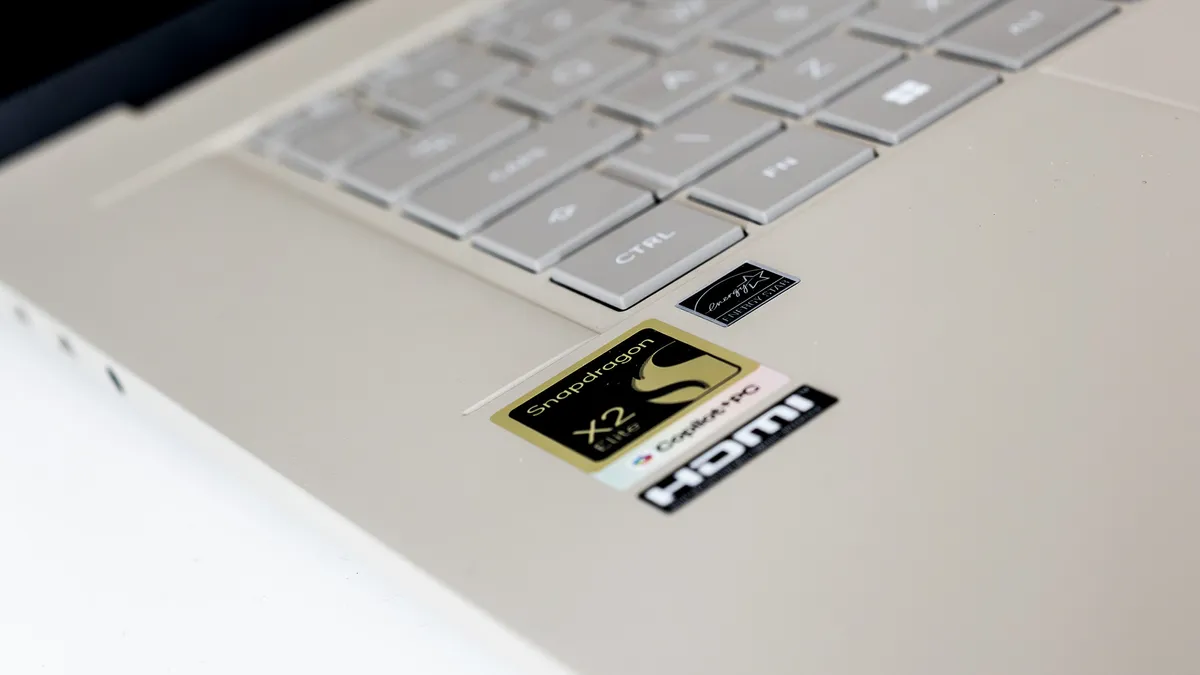
The first generation of Snapdragon chips, used in things like the Microsoft Surface Pro 12 and the Lenovo Yoga Slim 7x Gen 9, were pretty good, managing to shift Windows apps to a new architecture with a minimum of fuss, and delivering decent CPU performance and extremely good battery life, but lagging behind the curve when it came to graphics processing. The Zenbook A16 is the first laptop Creative Bloq has reviewed with a second-gen Snapdragon chip in it, and it’s a marked improvement.
The Qualcomm Snapdragon X2 Elite Extreme (X2E-94-100) has 18 cores compared to the maximum of 12 from the previous generation. They’re faster too, and while it doesn’t catch up with the Apple M5 in our tests, it’s very close to M4 territory. Notably, in the Geekbench 6 CPU benchmark, the Zenbook scores 3673 for single-core CPU performance, with the M4 managing 3762, the M5 4310 (with the M5 Max putting in a very similar score), and the Surface Pro 12 2458. The pattern changes slightly for the multi-core workout, with the 18 cores in the X2 beating the 10 in the vanilla M5, but not the 18 in the M5 Max: Zenbook 22785, M4 15162, M5 17897, M5 Max 29068, Surface Pro 11389.
The new Adreno GPU shows its capability by scoring 44634 in Geekbench 6, just slightly behind the M5’s 48665 but ahead of the M4 and four times better than the Surface Pro 12’s score. It’s not close to the score posted by anything with an Nvidia chip in it (or the AMD Radeon 8060S in the PX13 GoPro Edition), but is on a level with the Intel Core Ultra 9 285H’s integrated graphics as seen in the Asus ZenBook Duo. It’s a respectable result, and it’s also worth noting that it can play Cyberpunk 2077 at 1080p using its medium graphics settings, and get 45fps with a dash of FSR.
In creative apps, the Zenbook A16 is a mixed bag. There were tests, such as those involving Adobe Premiere, that wouldn’t finish - possibly an artefact of running them on a new processor that software patches haven’t fully caught up with yet. Then, in Photoshop, it beat the MacBook Air M5, and when narrowed down to the application of filters in that app bested the MacBook Pro M5 too.
As a Copilot+ laptop, you’re treated to the full range of Microsoft’s AI efforts. Copilot is all over Windows 11 these days, and you’re asked on setup whether you’d like to enable Recall. Oddly, it’s rather slow in our AI image resizing test, roundly beaten by Intel processors and especially those with Nvidia GPUs, which suggests the app is using the graphics cores rather than the NPU to run its models.
Battery life is exceptionally good - in a test involving a constantly looping video, it lasted almost 17 hours before giving up, putting it ahead of laptops such as the HP OmniBook X Flip 16 and the Surface Pro 12. It needs quite a high-wattage charger to keep it happy - luckily, there's one in the box - and if you’re not just watching videos or looking at Word documents, the battery percentage will drop much faster. There's a fan to cool its innards when you’re pushing it hard, but it’s no more offensive than most other thin laptops.
Performance score: 5/5
Price
The Zenbook A16 in this configuration costs $1,999.99 or £2,099.99 and has a lot of cutting-edge processor cores and a fair old chunk of RAM, so it’s the sort of thing that could be very expensive in the current climate. Perhaps, then, it’s a wonder it won’t relieve you of even more cash than it does. It’s still a lot of money, though a third less than a 16in MacBook Pro with an M5 Pro and 48GB of RAM to match its specs, and a positive bargain against the latest version of the Zenbook duo, which weighs in at £2,799.99 or $2,499.99.
Value score: 3/5
Who is it for?
• The boss
The Zenbook A16 is big and bright and impressive, and will let you talk for hours about its new CPU. It’s a sharp performer too, though it is outpaced by other laptops with greater GPU capabilities in things like video editing and rendering. With a big screen, a slim chassis and plenty of endurance, it’s a laptop for someone who likes to have the very latest technology at their fingertips.
Attributes |
Notes |
Rating |
|---|---|---|
Design: |
Slim, light and beige. |
4/5 |
Features: |
Enough ports, and some fast ones too. |
4/5 |
Performance: |
One of the best CPUs we've yet tested. |
5/5 |
Value: |
A lot of money, even compared to MacBooks. |
3/5 |
Buy it if...
- You’ll be away from charging for long periods
- GPU power isn’t a priority
- Portability is
Don't buy it if...
- Rendering is on your mind
- You’d prefer a touchscreen
- A 16in screen is just too big
Also consider
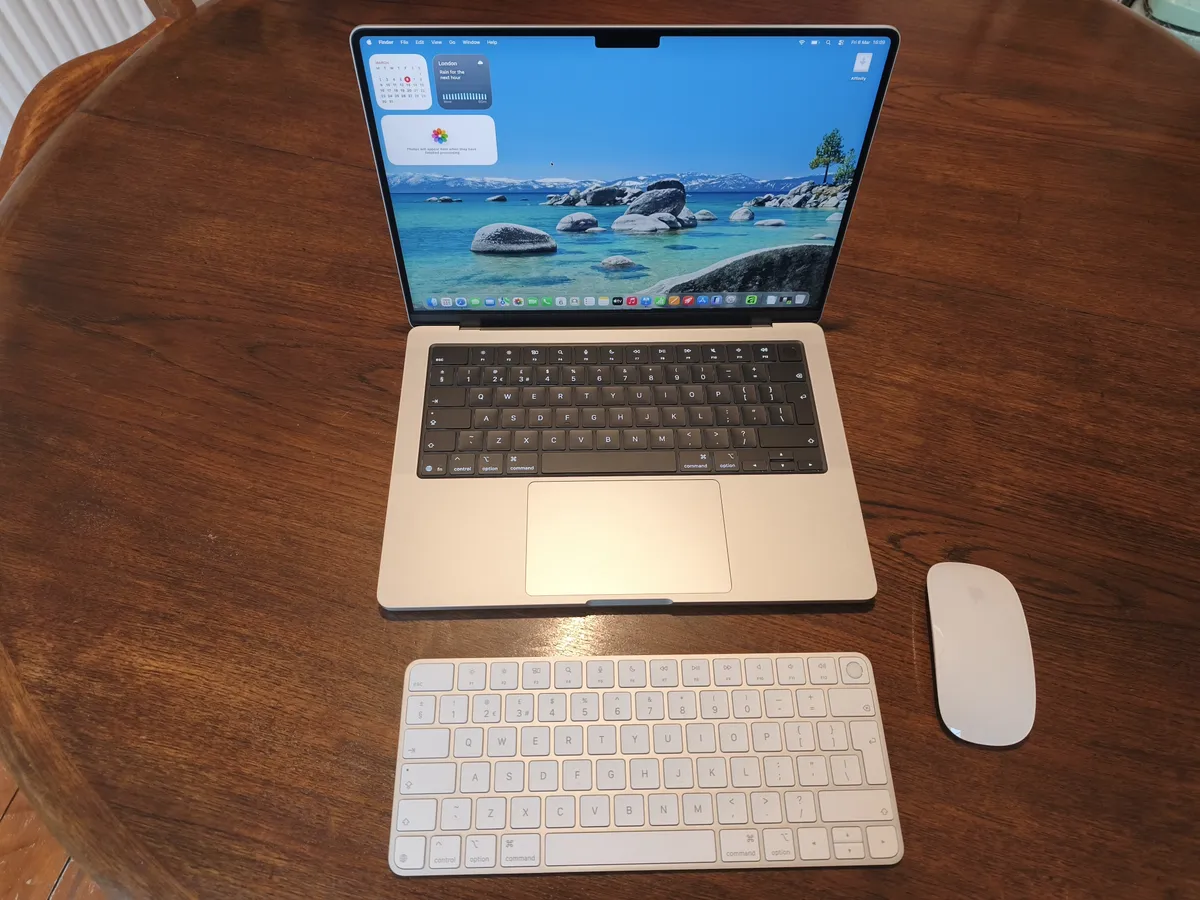
The MacBook Pro is the go-to laptop for creatives, and Apple’s claims about the M5 containing its fastest processing core are born out by testing.
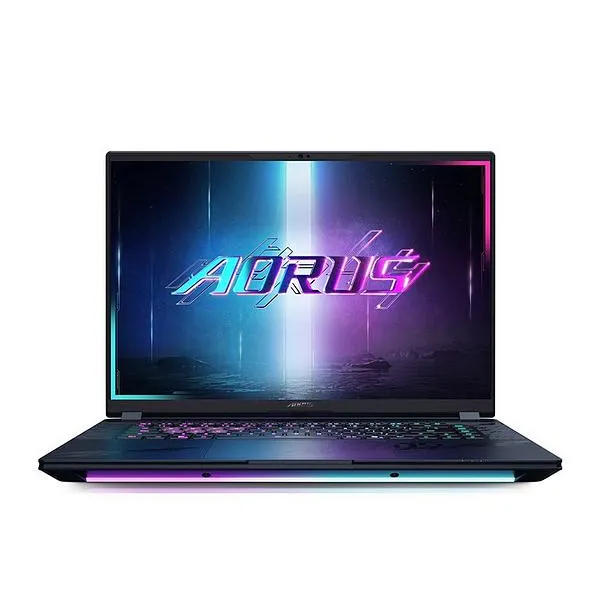
A powerful gaming laptop with all the latest kit on-board, including a 50-series graphics card from NVIDIA, so any serious creative pro will find plenty to like here.
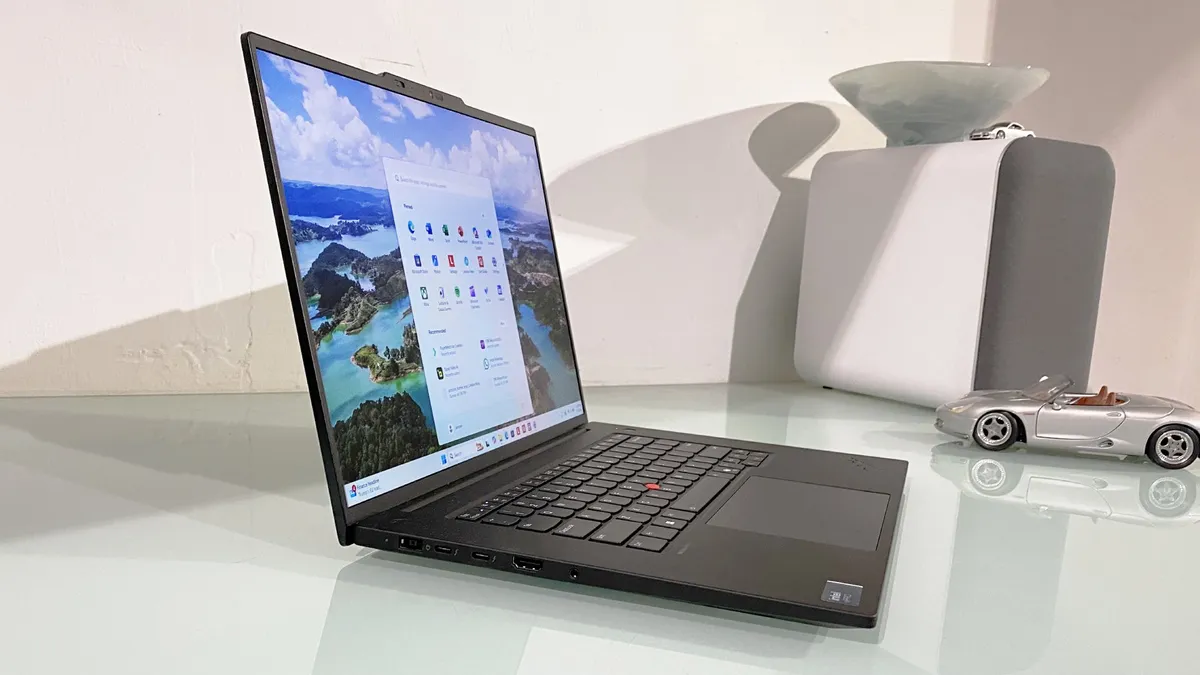
A beautiful slab of quality engineering with a strong professional feature set and stellar battery life.
out of 10
As a thin, light business laptop, the Zenbook A16 is hugely successful. It’s got performance where it counts and a screen that you can gaze at lovingly for the entirety of its enormous battery life. As a demonstration of what the new Snapdragon X2 processor can do, it’s arguably even more successful, as it powers through tasks better than almost anything else on the market. Sure, it’s quite expensive, but you get a lot of performance for your money.