Our Verdict
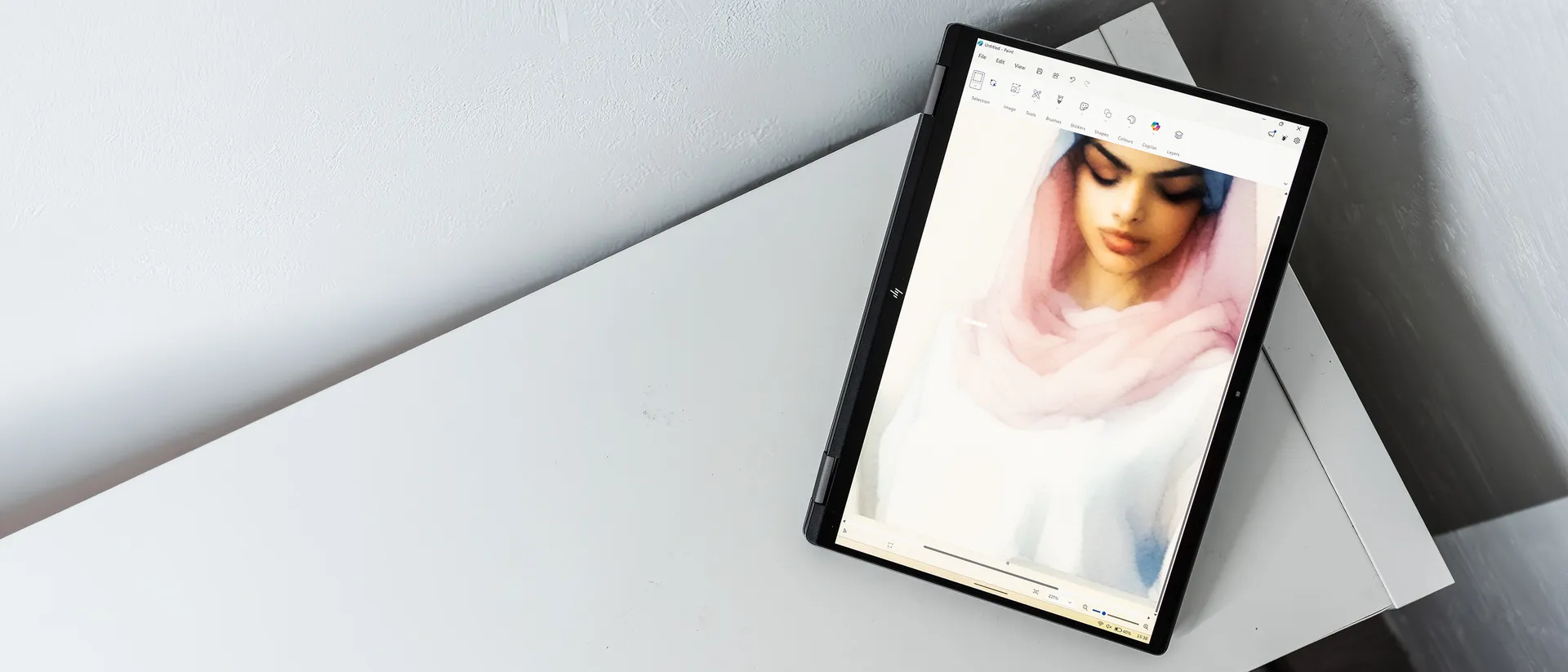
The HP OmniBook X Flip 14 is not the kind of creative laptop that’s going to power through video effects or rendering. Instead, it’s a useful all-rounder that lends itself to digital art and painting, as well as all the other work that goes into running a studio. It suffers a bit in the keyboard and trackpad departments, but its bright and colourful OLED touchscreen makes it a useful drawing and media consumption tool.
For
- Convenient 2-in-1 form factor
- Decent CPU
- Thunderbolt 4
Against
- Keyboard and trackpad are mediocre
- Low graphics performance
- No stylus in the box
Why you can trust Creative Bloq Our expert reviewers spend hours testing and comparing products and services so you can choose the best for you. Find out more about how we test.
HP has been making 2-in-1 laptops for some time, and has become quite good at it. Add to this the improvements that have been made to Windows 11’s tablet mode, and my colleague Erlingur went as far as to call the 16-inch model "sensational".
What we have here is the 14-inch version, which otherwise has very similar specs. It still folds back on itself, but weighs less and has a few tweaks that might make it the superior choice out of the two in terms of the best 2-in-1 laptops.
Key specifications
CPU: |
Intel Core Ultra 7 256V |
NPU: |
Intel AI Boost |
Graphics: |
Intel Arc 140V integrated |
Memory: |
16GB LPDDR5x, 8533MT/s |
Storage: |
1TB SSD |
Screen size: |
14in |
Screen type: |
OLED touchscreen |
Resolution: |
2880 x 1800px |
Refresh rate: |
120Hz |
Colour gamut (measured): |
98% P3 |
Brightness (measured): |
400 nits |
Ports: |
1x Thunderbolt 4, 1x USB 3.2 Type-C, 2x USB 3.2 Type-A, 1x 3.5mm audio, 1x HDMI 2.1 |
Wireless connectivity: |
Wi-Fi 7, Bluetooth 5.4 |
Dimensions: |
313 x 218 x 15mm |
Weight: |
1.38kg |
Design, build and display
• Versatile 2-in-1
• Grey all over
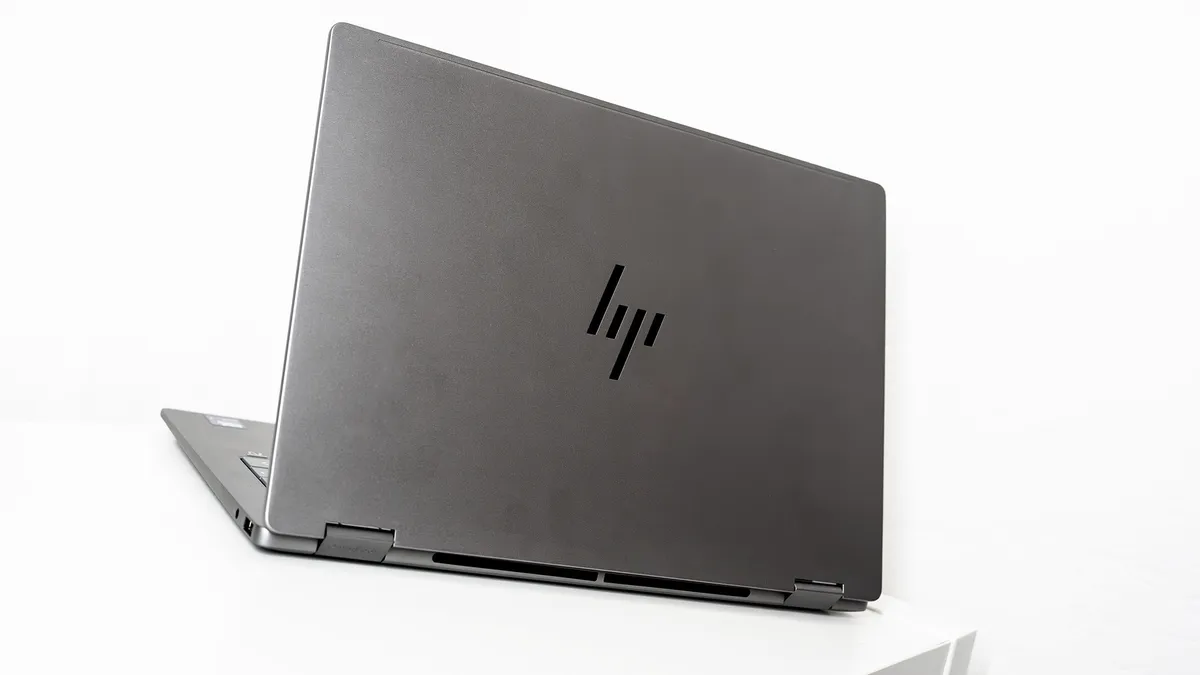
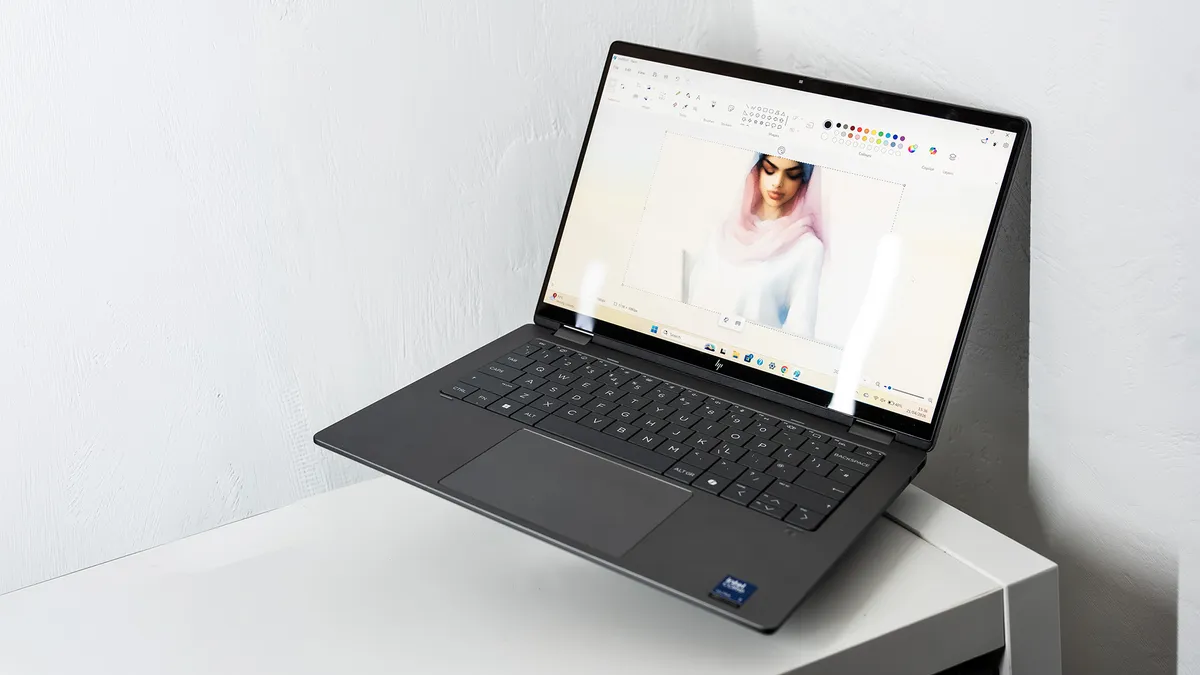
This iteration of the Omnibook Flip is a very grey thing. There's a shiny, abstract, HP logo on the back of the lid, but otherwise it’s gunmetal all over and is not going to win any prizes for pushing the boundaries of laptop design. We’ve also seen thinner 14-inch laptops than the OmniBook Flip 14, but for something you’re expected to switch around and hold with the keyboard on the back, a bit of extra depth is actually useful as it gives you a better grip and stops you from scrabbling around on the keyboard so much.
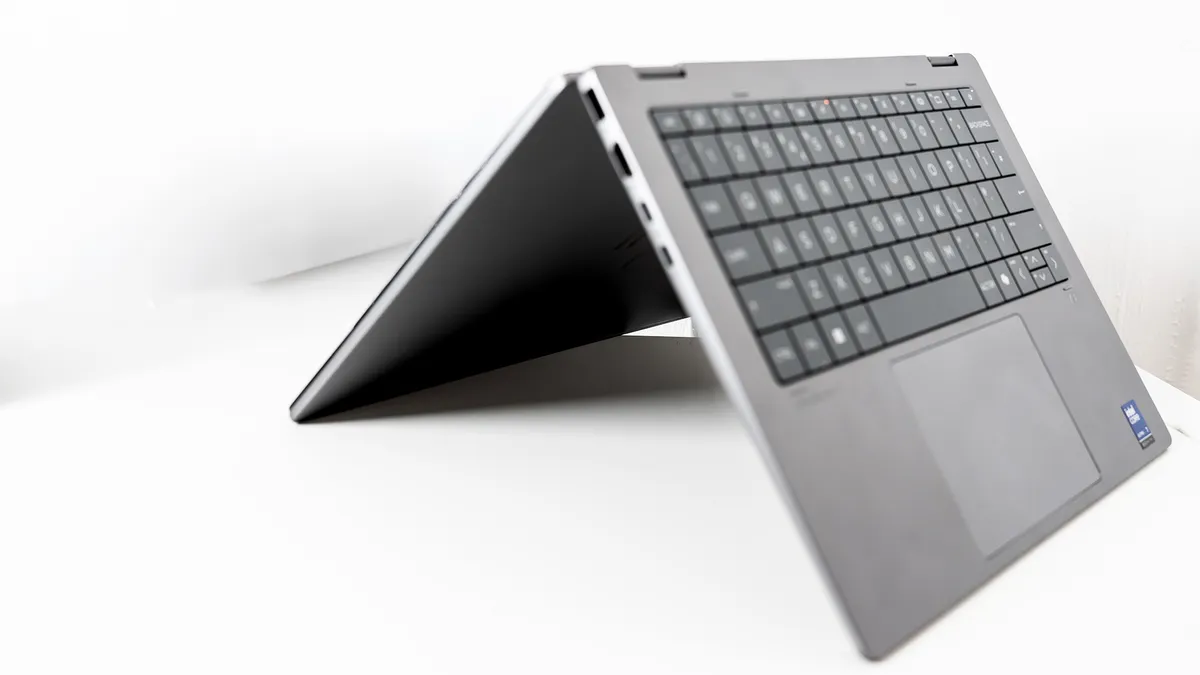
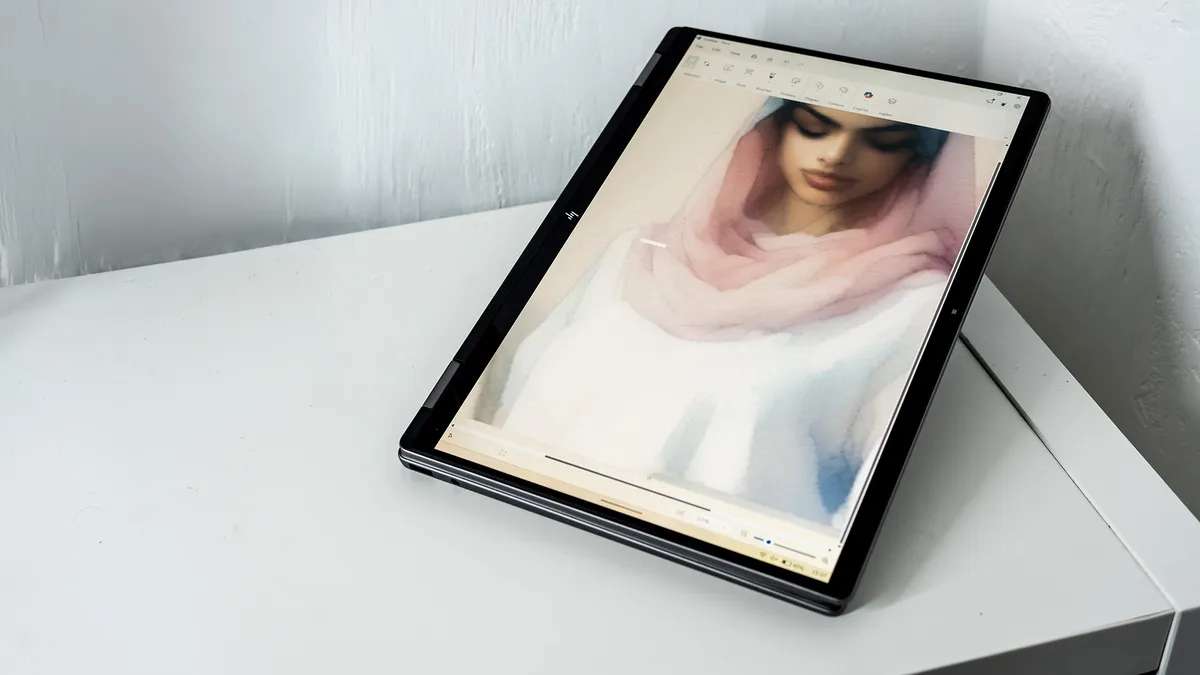
I’m still not sold on the idea of Windows tablets, especially those with the keyboard on the back. They make you feel more like you’re living in the future, but the actual usefulness of them is debatable. Still, if you’re going to make one, you might as well go all-in, and HP has done that here by making the keys completely flush with their surroundings (they turn off when the machine is in tablet mode, so even if your hand mashes them like a kitten walking across the board, you won’t get qeP[KTJ[ojirw]-0i2).
The hinges are the important thing here, as they facilitate the contortions it’s capable of, and they are beautifully smooth, capable of bringing the screen to a stop at any angle, so it can be set upright like a tent, folded flat, or used as a normal laptop.
Design score: 3/5
Features
• Fast ports
• 3K OLED touchscreen
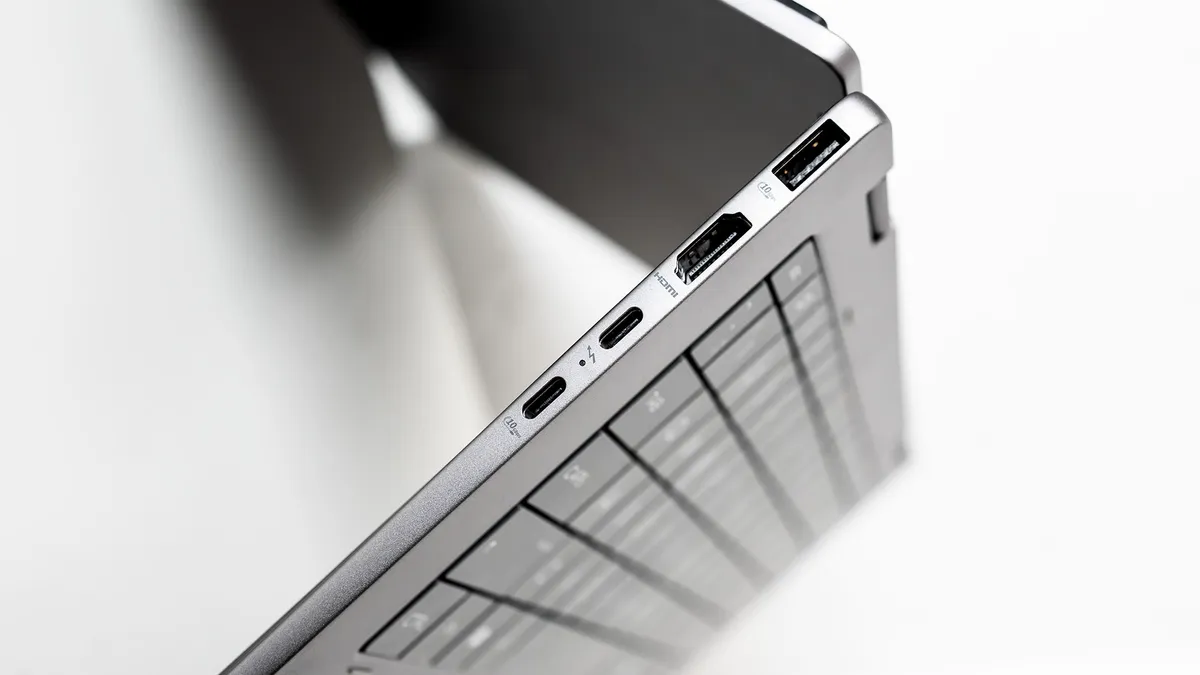
With a Thunderbolt 4 port and an HDMI, the OmniBook Flip 14 is well equipped to connect to external displays and high-speed storage. There's no dedicated charging port, so you’ll need to sacrifice one of the USB-Cs when you want to juice up, however with docks and monitors providing high-wattage PD output these days, that’s less of a problem than ever before.
The screen choice for this model is an interesting one, as it’s obviously smaller than the 16-inch version’s, but manages to pack in more pixels for a higher density. It’s also an OLED instead of an IPS, which gives it a much greater colour response (100% of sRGB and 98% of DCI-P3), and it gets very bright if you push the brightness up. As such, it provides a good combination of touch-responsiveness and usability for things like digital painting (there’s not a stylus, but one is available as an optional extra), photo editing and watching movies, though the 16-inch model is a larger canvas to work with.
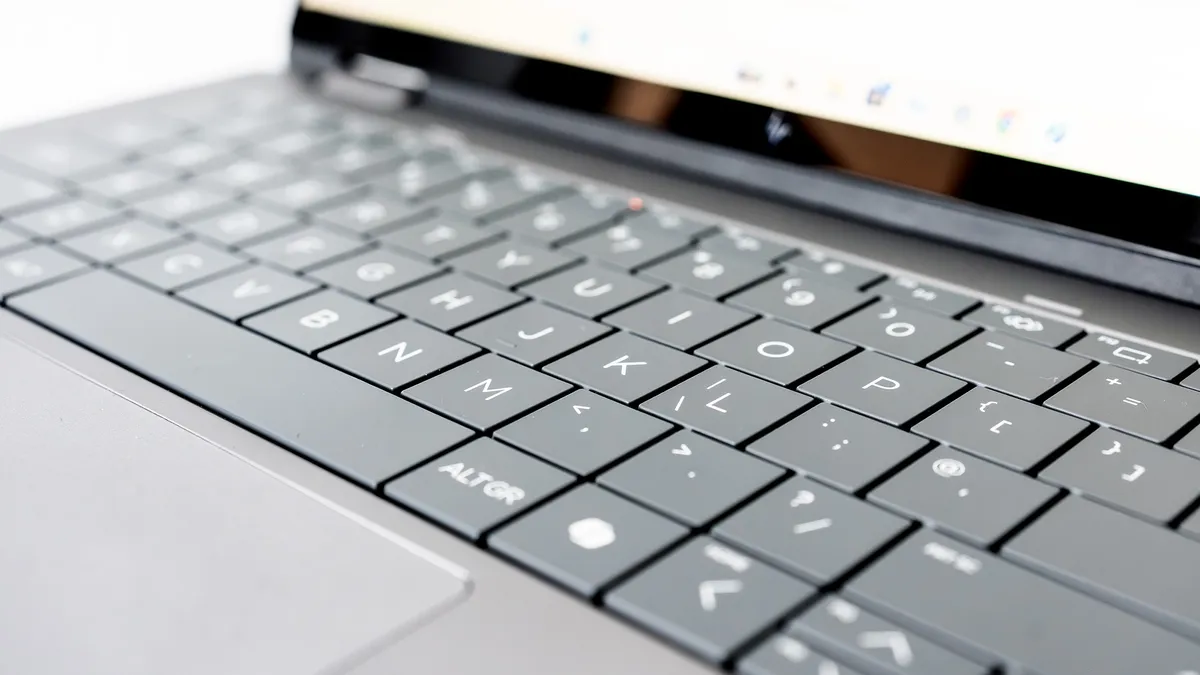
Unfortunately, while the screen is excellent, the same can’t be said of the keyboard and trackpad. The keys have very little feel to them, resisting a push initially then dropping to the bottom of their travel distance when the fingertip pressure has built up enough. Keyboards from Lenovo, Asus or Apple have a much better feel to them, even though they have similar travel distance. The trackpad is a haptic model with two levels of click, but seems to prefer taps to clicks, often not registering if the pad is pressed in to its first stage. This can make double-clicking on things like executable files awkward, as you wait for something to happen when a file has merely been selected, not opened.
Feature score: 4/5
Benchmark scores
We test every one of our laptops using the same benchmarking software suite to give you a thorough overview of its suitability for creatives of all disciplines and levels. This includes:
• Geekbench: Tests the CPU for single-core and multi-core power, and the GPU for the system's potential for gaming, image processing, or video editing. Geekbench AI tests the CPU and GPU on a variety of AI-powered and AI-boosted tasks.
• Cinebench: Tests the CPU and GPU's ability to run Cinema 4D and Redshift.
• UL Procyon: Uses UL Solutions' Procyon software suite to test the system's ability for AI image generation in Stable Diffusion, its Microsoft Office performance and its battery life in a looping video test.
• Topaz Video AI: We use Topaz Video AI to test the system's ability to upscale video and convert video to slow-motion.
• PugetBench for Creators: We use the PugetBench for Creators benchmarking suite to test the system's ability to run several key tasks in Photoshop and Adobe Premiere Pro, as well as its performance when encoding/transcoding video.
• ON1 Resize AI: Tests the system's ability to resize 5 photos to 200% in a batch process. We take the total time taken to resize the images and divide by 5.
Performance
• Second-gen Core Ultra 7
• 14 hours of battery life
In the Geekbench 6 single-core test, the OmniBook X 14 sits in a very congested area of the results chart. Its second-generation Core Ultra 7 chip scores the same as the first-gen Core Ultra 9 in the GeekBook X14 Pro in this test, though it sits behind the OmniBook X Flip 16. In the multi-core benchmark, it sits in similar company, beating the MacBook Neo and Acer Swift Edge 14 AI, but still not catching its 16-inch sibling.
Moving over to the Cinebench rendering test, the 14in OmniBook goes straight in at the bottom of the multi-core chart, putting in a worse performance than the MacBook Neo. Doing this kind of rendering on a CPU is perhaps not a reasonable test of real-world use, as you’re much more likely to use a GPU, and the 14-incher does better in the Geekbench GPU workout, beating the Flip 16 as well as the Lenovo Thinkpad T14S Gen 6. It’s still in the lower quarter of the chart, however, and the integrated graphics cores here aren’t putting in a particularly good result.
It can cope with photo and video editing, however, though not as well as laptops with dedicated graphics chips, and sits in the middle of the table for our AI benchmarks, though it’s beaten by the X14 Pro and most gaming laptops.
It’s not a great showing from the little 2-in-1, but then it was never designed to be a performance powerhouse. It’s efficient, putting in a decent battery life result of more than 14 hours of constant use, and would make a very good travel companion, a digital notebook, an office machine, and something to watch movies on in bed, all rolled into one.
Performance score: 3/5
Price
For an OmniBook like this you’re looking at $1,199.99 (with a smaller SSD and 2K screen) or £1,279.99 (for the spec reviewed here). You’re paying extra for the 2-in-1 nature of the device, as you could pick up two base-model MacBook Neos for about the same cost. This versatility, however, means you could skip buying a tablet alongside your laptop, if you were thinking of doing that.
Value score: 3/5
Who is it for?
• Multi-app users
If you use your laptop all day, every day, a device like this which can be put to all sorts of different tasks could be a good choice. It’s great for office work, digital painting, watching streaming video and more besides.
Attributes |
Notes |
Rating |
|---|---|---|
Design: |
Fairly thin, reasonably light, and grey all over. |
4/5 |
Features: |
Good port selection, shame about the trackpad. |
3/5 |
Performance: |
Off the pace, but not bad at anything. |
3/5 |
Value: |
Pricey compared to traditional laptops. |
3/5 |
Buy it if...
- You like the 2-in-1 form factor
- Digital painting appeals
- You like watching movies in bed
Don't buy it if...
- You need more graphics power
- You mind buying a stylus separately
- You won’t use the touchscreen
Also consider
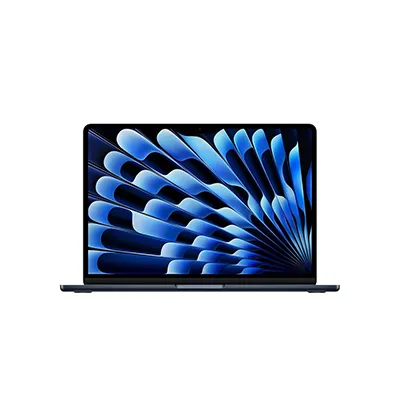
The thinnest MacBook gets an M5 upgrade, and produces one of the best laptops for most people, no matter what you want to do with it.
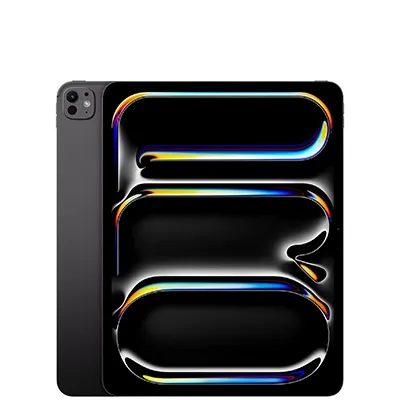
The iPad Pro M5 is expensive, but it could be worth the outlay. The new iPadOS makes it easier than ever to flip between pro-grade apps, while the OLED screen and improved graphics capabilities mean it’s at home with video, 3D, and even games.
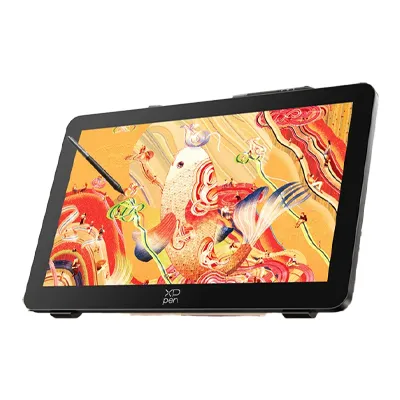
With its 4K, 120Hz, and a large, colour-crisp touch display, the XPPen Artist Pro 27 (Gen 2) is a smart buy and a true flagship digital drawing tablet.
out of 10
The HP OmniBook X Flip 14 is not the kind of creative laptop that’s going to power through video effects or rendering. Instead, it’s a useful all-rounder that lends itself to digital art and painting, as well as all the other work that goes into running a studio. It suffers a bit in the keyboard and trackpad departments, but its bright and colourful OLED touchscreen makes it a useful drawing and media consumption tool.