Our Verdict
You’d think the Apple Studio Display would be the ultimate screen for Mac lovers, but this refreshed 2026 model is too similar to the older model. All the really good stuff has been saved for the even pricier Studio Display XDR, leaving this perfectly competent 5K LED-backlit screen to wonder who it was made for.
For
- Bright
- Colourful
- Mac-loving
Against
- Pricey
- No 120Hz
- No HDR
Why you can trust Creative Bloq Our expert reviewers spend hours testing and comparing products and services so you can choose the best for you. Find out more about how we test.
Four long years ago, the world’s greatest website for the creative arts reviewed Apple’s Studio Display. It was a 27-inch 5K LED-backlit panel with 600 nits of brightness and a bunch of USB-C ports on the back, plus a built-in camera, some bits out of an iPhone, speakers and an adjustable stand. It cost $1,599 in the US and £1,499 in the UK.
And here we are in 2026 with a new Apple Studio Display. It’s a 27-inch 5K LED-backlit panel with 600 nits of brightness and a bunch of USB-C ports on the back, plus a built-in camera, some bits out of an iPhone, speakers and an adjustable stand. It costs $1,599 in the US and £1,499 in the UK.
So what has changed? Really very little. The iPhone bits are new - the display has an Apple A19 from the iPhone 17 in it now instead of the original’s A13 Bionic from the iPhone 11 - the input socket is now Thunderbolt 5 rather than Thunderbolt 3, and there's a second Thunderbolt port for daisy-chaining purposes. If you’re looking for one of the best monitors for graphic artists, it’s still got the goods and, perhaps just as importantly for many, the Apple logo, but there are plenty of other choices out there for less outlay.
Key specifications
Screen size |
27in |
Screen type |
LED backlit IPS (60Hz) |
Resolution |
5120 x 2880 |
Colour gamut (stated) |
DCI-P3 |
Input |
Thunderbolt 5 |
HDR |
No |
Webcam |
12MP Center Stage |
Features |
1x Thunderbolt 5 output, 2x USB 3.2 Type-C, three-mic array, optional VESA mount adapter |
Speakers |
Six |
Adjustments |
Tilt -5° to +25°, height adjustment 105mm |
Dimensions |
58.3 x 20.7 x 62.3cm |
Weight |
7.6kg |
Design and build
• Very well made
• Smooth adjustments
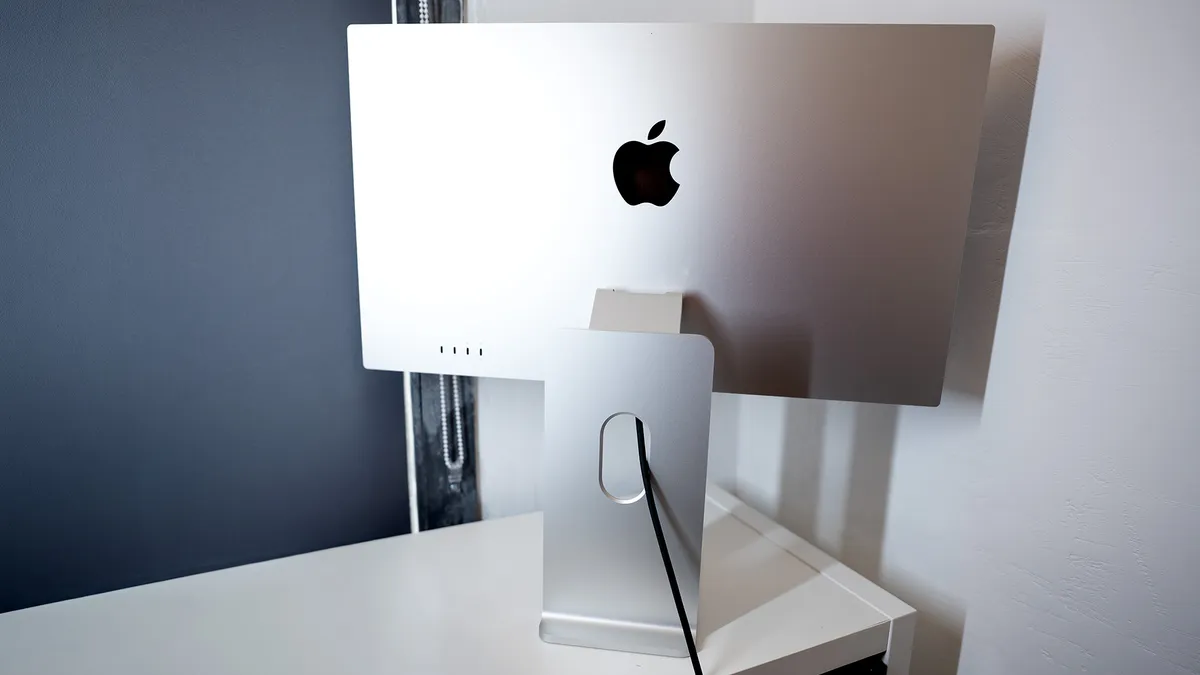
This new Apple Studio Display is bound to come in for some criticism, but here's one thing you can definitely say about it: this is a lovely-looking thing to have on your desk. The one we’ve got here has a height-adjustable stand that raises it to 58.3cm from a starting height of 47.9 cm. Anyone buying the entry-level version will have to fall back on the age-old technique of piling books or magazines underneath it to bump up the height.
All the adjustments on the Studio Display are superbly smooth, the base is wide enough to rest a MacBook on (and if your MacBook is silver, it’s exactly the same colour), and the way it switches on and off with your laptop without you needing to fiddle around with a button hidden somewhere on the back of the screen. It’s genuinely a lovely thing.
It has a problem, however, in the form of the Studio Display XDR. This screen, also launched at the beginning of 2026, is everything the refreshed Studio Display should have been: it looks identical and has the same resolution, but offers twice the brightness and refresh rate. It’s also a lot more expensive, and Apple didn’t send us one for review.
Design score: 4/5
Features
• Thunderbolt 5 daisy-chaining
• No 120Hz or HDR
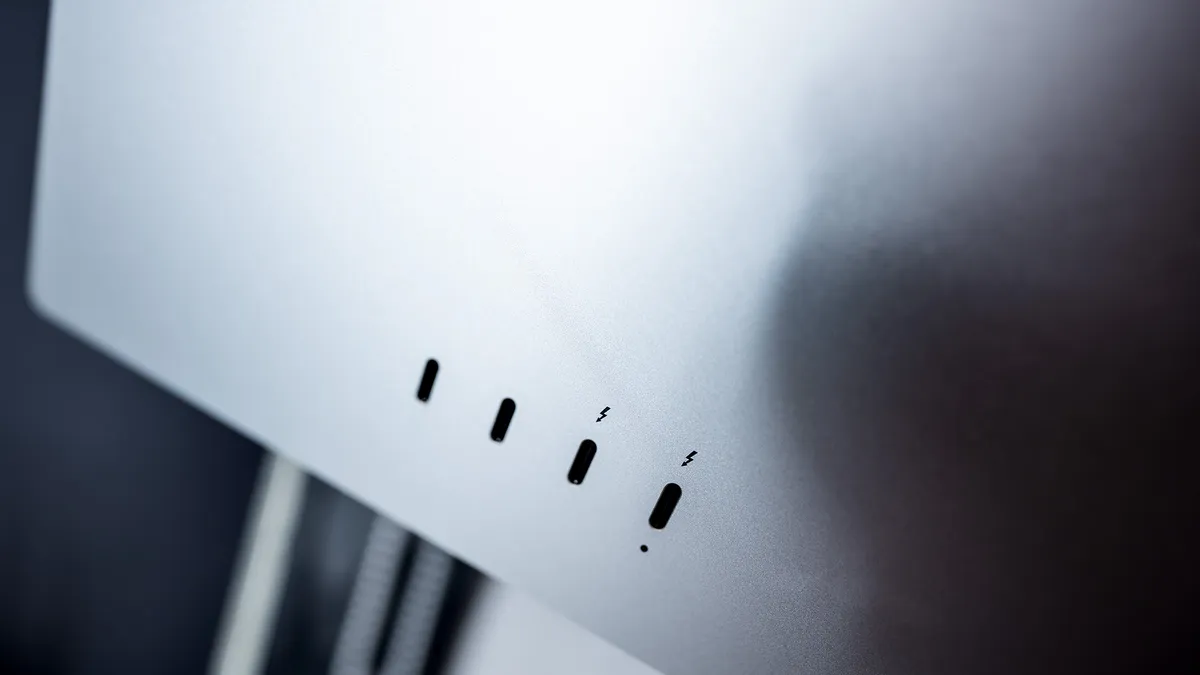
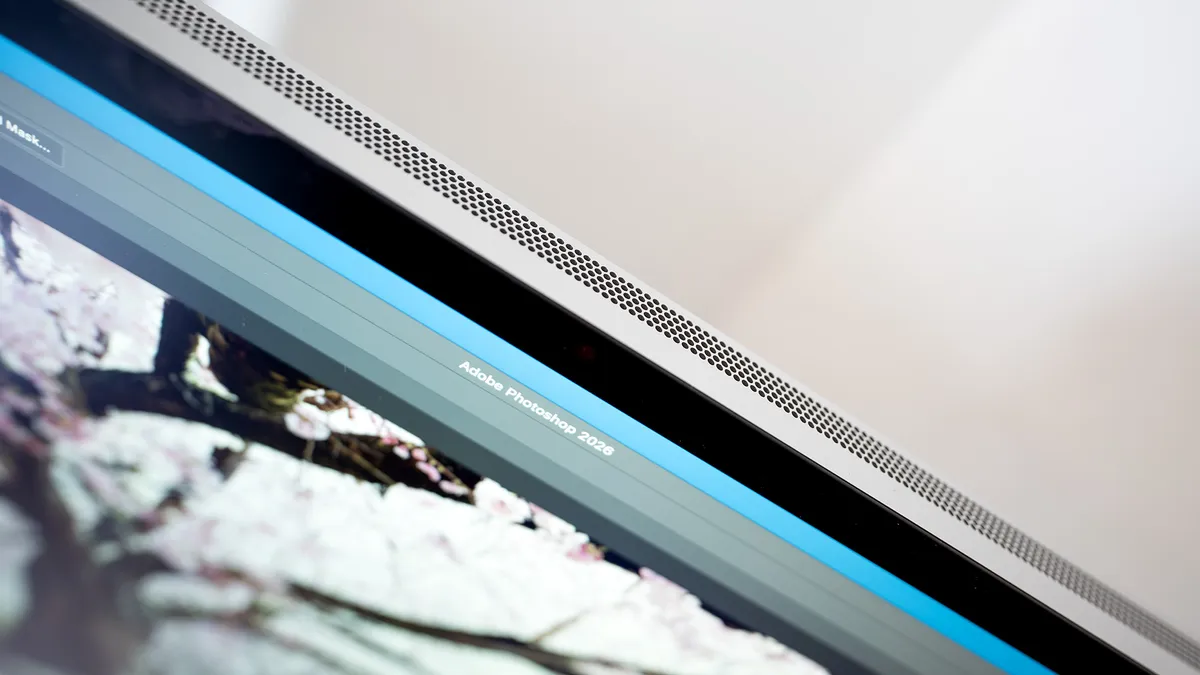
There's little to break the smooth metal skin of the Studio Display, just four USB-C ports, an Apple logo, and a grille around the edges to help the heat escape. You might not think monitors generate much in the way of exhaust, but with the innards of an iPhone 17 (including 128GB of storage) inside, plus the ability to pass 96W of power to your laptop, there's a lot going on.
What the Studio Display doesn’t have is a traditional video input. No HDMI or DisplayPort here, though you can use an adapter to get it working with a non-Apple machine. Connecting it to a Windows PC means you lose out on Center Stage functionality from the webcam, and you may need to install colour profiles manually.
No one’s going to be using this with a Windows machine, though, as there are better native options available. It really comes alive when attached to a Mac, and anything with an M-series chip running OS 26.3.1 or later will work. Note that this leaves out the recent MacBook Neo, which can’t drive the Studio Display at its native resolution, but supplies a scaled input instead.
New on this 2026 model is a Thunderbolt output alongside the input - they’re both Thunderbolt 5, so you can daisy chain monitors if you have two. The USB ports alongside them are 10 Gbit/s powered ports, ideal for external SSDs or connecting your camera. The Thunderbolt ports are marked with a lightning bolt symbol, while the input port is further enhanced with a little dot, so you know which plug to put where. This is much better than the unmarked ports on the MacBook Neo.
The A19 chip is used to handle spatial audio from the display’s speakers, to pick up ‘Hey Siri’ voice commands, and for the Center Stage webcam, carrying out this processing on the screen itself rather than offloading it to your Mac. The camera is a big upgrade from the previous version of the screen, its wide field of view is cropped to keep you in the frame, delivering a 12MP image, but it can do some tricks, such as Desk View, which allows you to show a section of your workspace so you can demonstrate your projects.
Image quality from the display is immaculate, just as it was four years ago. It’s bright, the colour is accurate, and the 60Hz display rate is... fine. We’ve seen a lot of excellent screens in the past few years, though, many of which cost less than this does, and offer features like HDR and faster refresh rates that the basic Studio Display doesn’t have.
Feature score: 3/5
Price
Starting at £1,499 or $1,599, this is one expensive screen, especially for something that can’t do HDR or 120Hz. What you’re paying for is superb build quality, excellent images and colour, and top-notch Mac compatibility.
Value score: 3/5
Who is it for?
• Apple fans
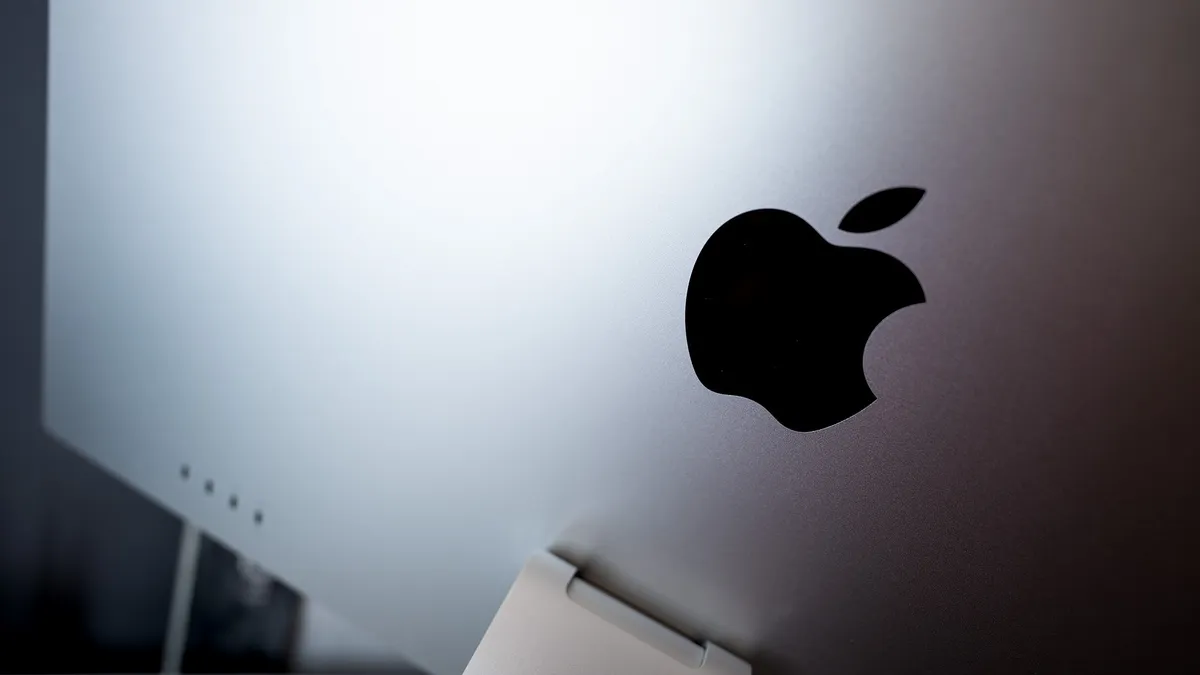
The big Apple logo on the back of the Studio Display might sell as many units as the accurate colours. If everything in your life is Apple, this is the screen for you.
Attributes |
Notes |
Rating |
|---|---|---|
Design: |
Beautiful to behold, and build solidly too. |
4/5 |
Features: |
TB5 is nice, as is the camera, but lacks HDR and a fast refresh rate. |
3/5 |
Value: |
Costs a lot of money in a competitive marketplace. |
3/5 |
Buy it if...
- It has to be Apple
- You will use the Center Stage camera
- You need perfect colour
Don't buy it if...
- You want cheaper
- You want bigger
- You want faster
Also consider
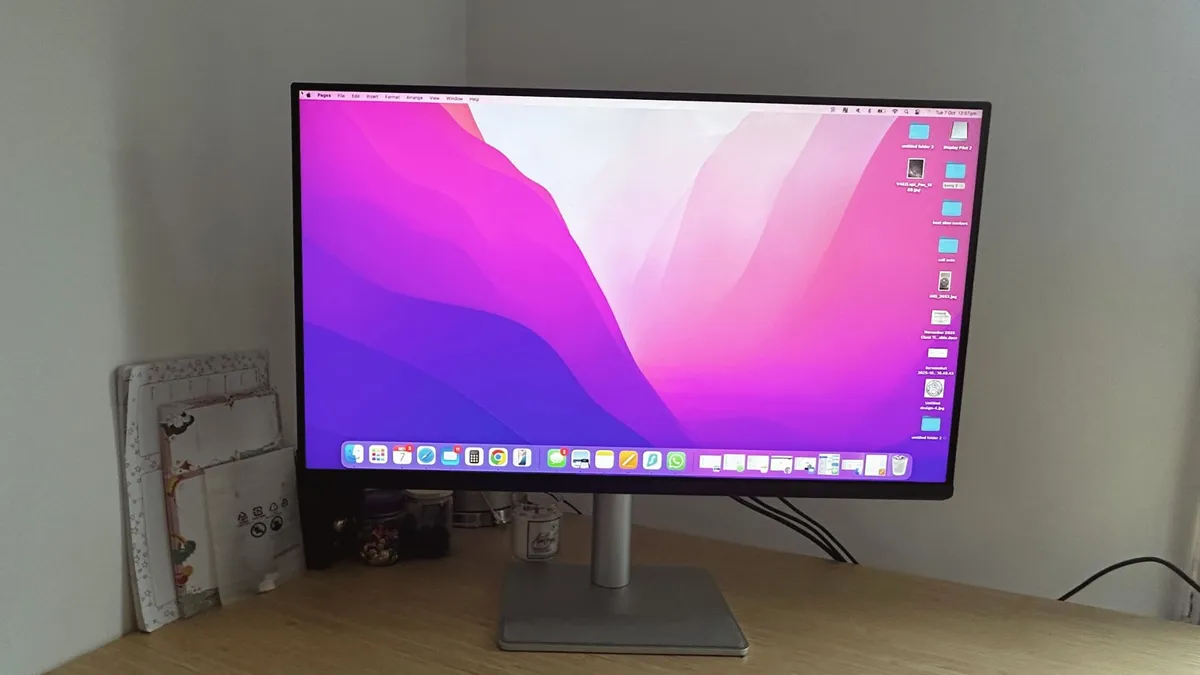
A monitor that has been purpose-built for Mac users, offering exact colour matching for MacBooks, a one-cable USB-C connectivity, and a striking, 32-inch display. Add on top of that BenQ’s Display Pilot 2 software with Mac keyboard integration, and you get a monitor that just feels like an extension of your MacBook rather than a compromise.
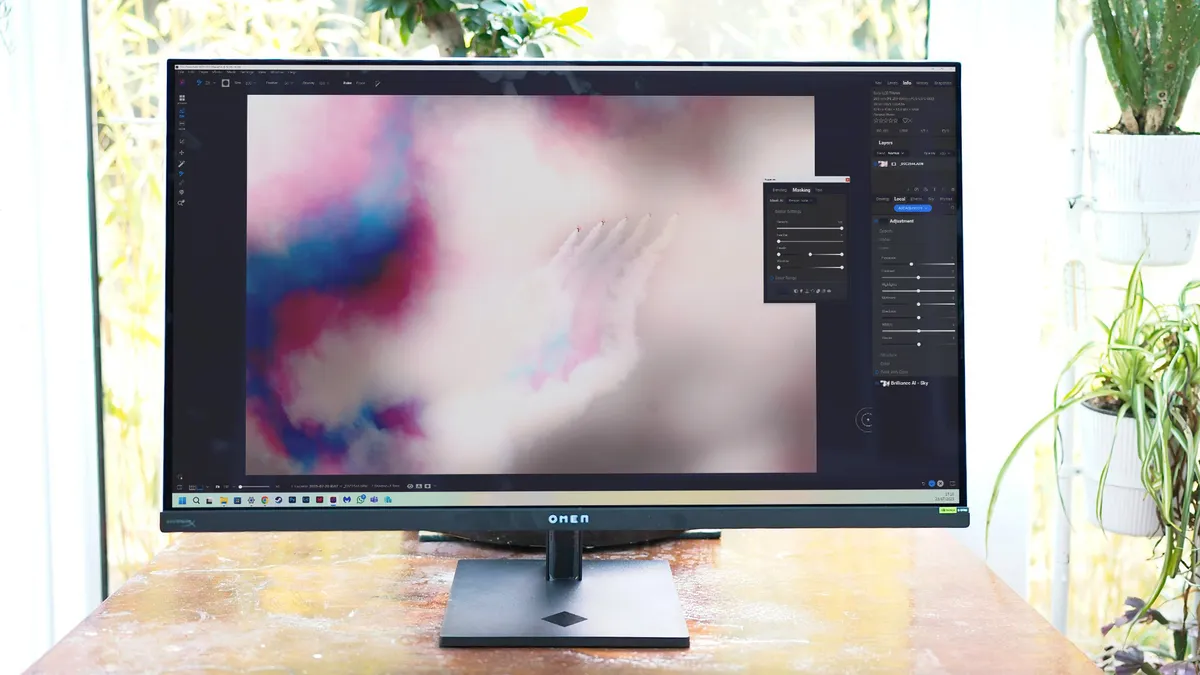
This might be the best 32-inch 4K OLED monitor we’ve yet seen. Its combination of a colourful Samsung panel, excellent OSD, USB hub and plenty of inputs means it’s ideally placed for creative studio use. The price isn’t bad either, if you can get it on offer.
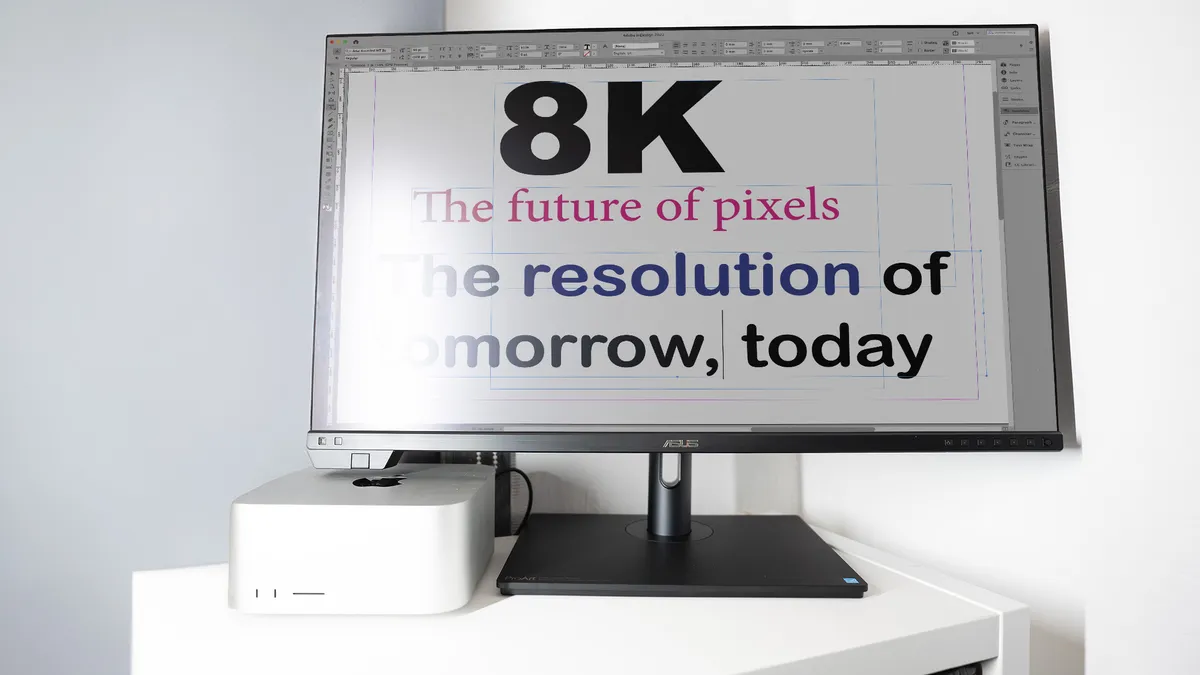
Bigger is always better, and ASUS has crammed 32 million pixels into the 32-inch Mini-LED screen of the ASUS ProArt Display PA32KCX. It produces excellent detail, brightness and colour, but there's no getting away from the fact that, at this price, 8K might be a step too far for many creatives who don’t work for a multinational company.
out of 10
You’d think the Apple Studio Display would be the ultimate screen for Mac lovers, but this refreshed 2026 model is too similar to the older model. All the really good stuff has been saved for the even pricier Studio Display XDR, leaving this perfectly competent 5K LED-backlit screen to wonder who it was made for.