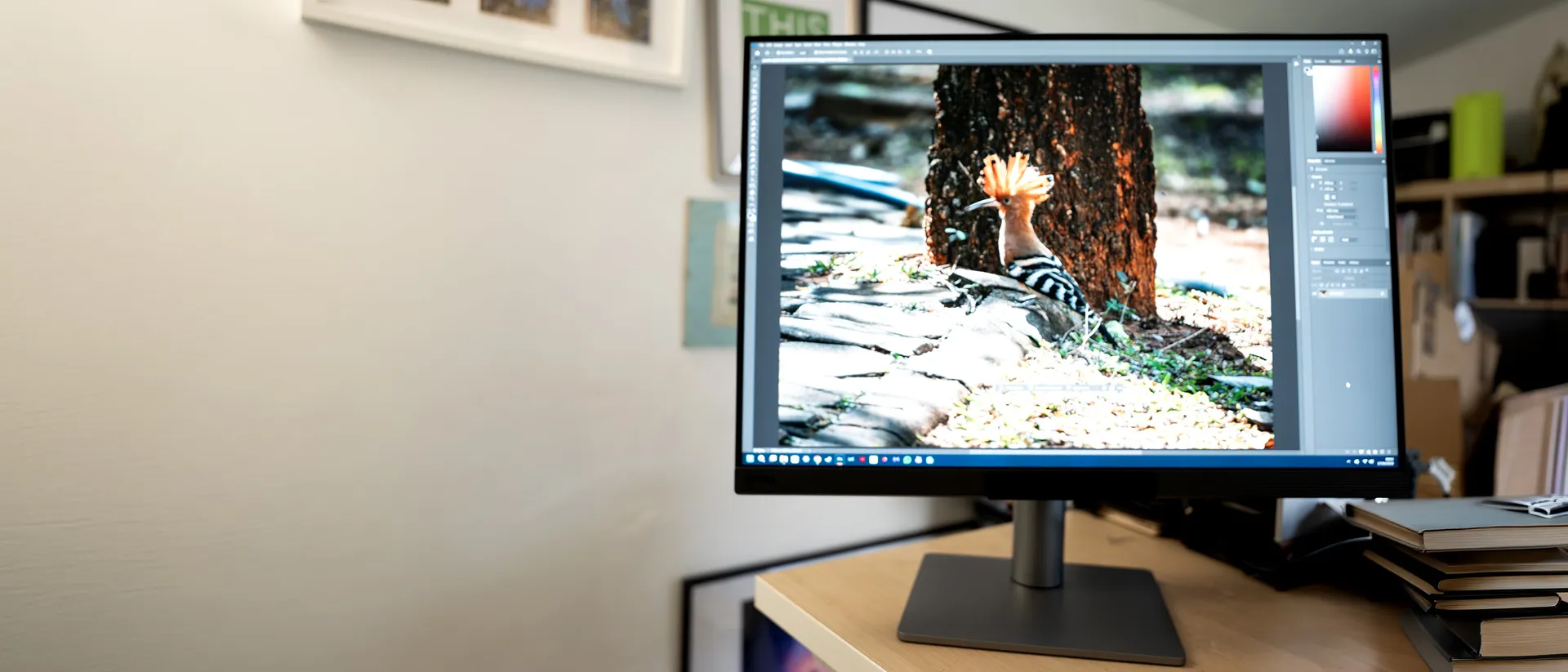
Our Verdict
What looks like a specialised tool for coders reveals itself to be extremely versatile. The 3:2 aspect ratio and high resolution are excellent for designing print products as well as photo editing, and while you may be able to pick up a 4K screen for less money, the RD280UG comes with eye-care features and excellent connectivity that are sure to endear it to many.
For
- High resolution and refresh rate
- Good colour reproduction
- Many eye-care features
Against
- Niche product
- Bigger screens can be cheaper
Why you can trust Creative Bloq Our expert reviewers spend hours testing and comparing products and services so you can choose the best for you. Find out more about how we test.
It’s a strange feeling to sit down in front of a 3:2 monitor when you’re used to 16:9. You might expect it to take you back to the days of 20in Sony Trinitron CRTs attached to G4 PowerMacs, or even the first-gen iMac, but instead it feels new, fresh, and strangely larger than something like a 32-inch OLED. BenQ has built this screen with coding in mind as bespoke monitor for programming, but as an LED-backlit IPS with a matte coating to cut reflections, it’s actually useful for all sorts of things, the extra height bringing additional space to print layouts and image-editing compositions. The 4K-ish resolution and 120Hz refresh rate help too.
Key specifications
Screen size |
28in |
Screen type |
IPS, LED backlight |
Resolution |
3840x2560 (164ppi) |
Colour gamut (stated) |
95% P3 |
Inputs |
1x USB-C, 1x HDMI 2.1, 1x DisplayPort 1.4 |
HDR |
DisplayHDR 400 |
Webcam |
No |
Features |
USB KVM |
Speakers |
2x 3W, 3.5mm audio jack |
Adjustments |
-5° to 20° tilt, 150mm height adjustment, 90° pivot, 15° swivel |
Dimensions |
615 x610 x 233mm |
Weight |
10.1kg |
Design, build and display
• Feels very large
• Lots of input options
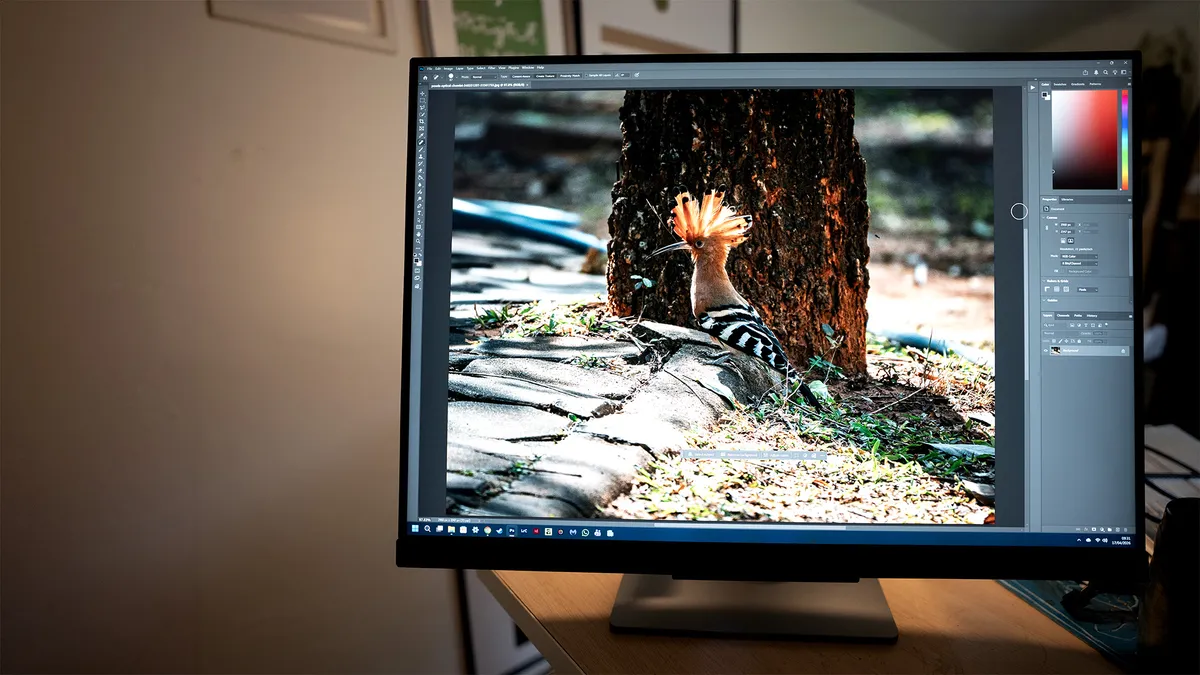
When you’re sitting close to it, the BenQ RD280UG is a great big screen. The image height is the same as that of a 32-inch, 16:9 display, and BenQ says this allows an extra seven lines of code to be shown. It does require you to tilt your head back a bit, or move it away from your face, and if replacing an existing monitor arrangement will require you to reshuffle the rest of the things on your desk to get it into just the right position. The optional VESA desk arm gives it extra adjustability, but you can pick up third-party options for less outlay than the official BenQ offering.
It’s a very well-built screen, every inch the professional tool. There's a leather-like loop at the base of the screen stand to collect all your cables, and the adjustments are smooth, with easy flipping from landscape to portrait. It’s also equipped with a three-pin power connection rather than an external power brick, which is one less piece of clutter to go under your desk at the cost of the screen itself being a little thicker.
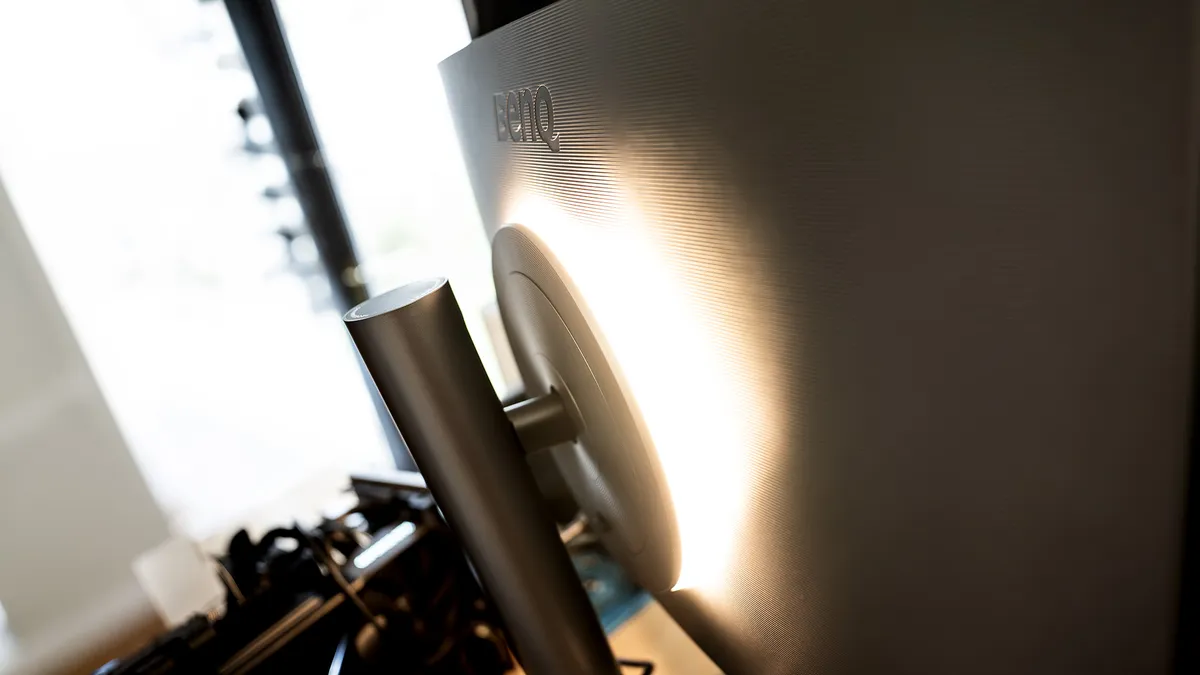
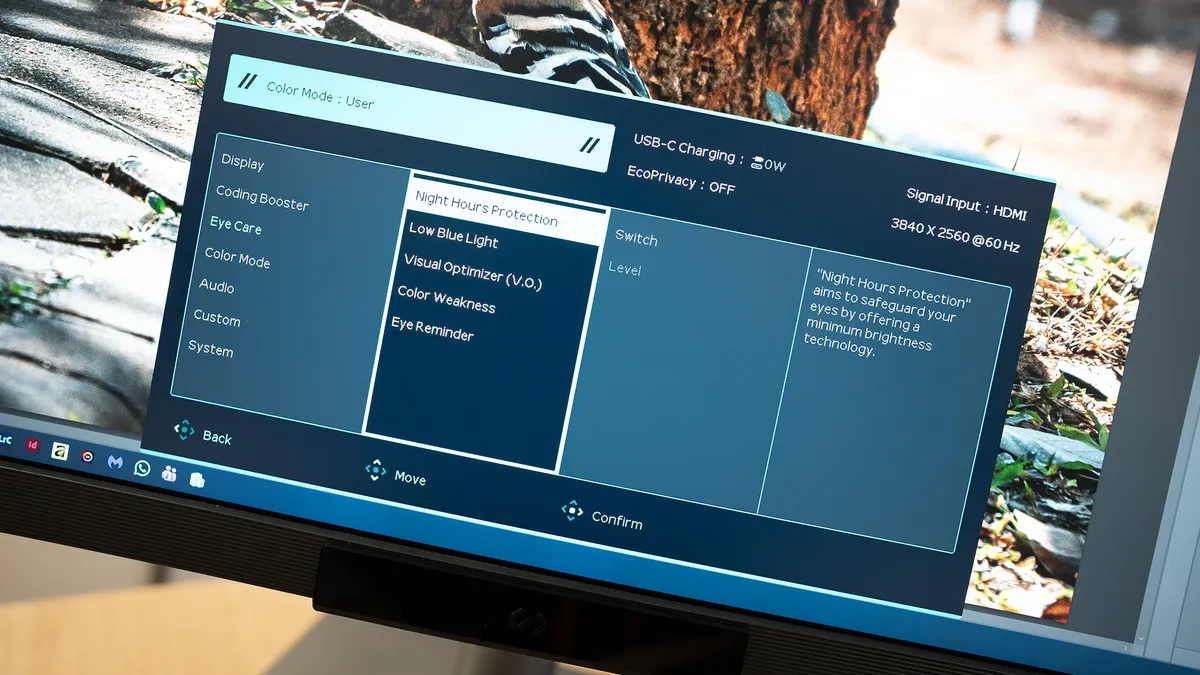
One interesting design touch is the MoonHalo, an ambient light on the back of the screen that will paint colours up the wall behind the screen. It’s a great addition if you’re working in a dim environment, and fits in nicely with a theme you’ll notice once you start exploring what the RD280UG can do: eye care. Not only does BenQ tout its high resolution and fast refresh rate as being better for your eyes than trying to read text on lesser screens, but there are a host of colour modes, including one that simulates an e-ink display, and of course, user-defined colour temperature so that you can take the strain off your peepers.
Design score: 4/5
Features and performance
• USB KVM
• Shape is useful for creative work as well as coding
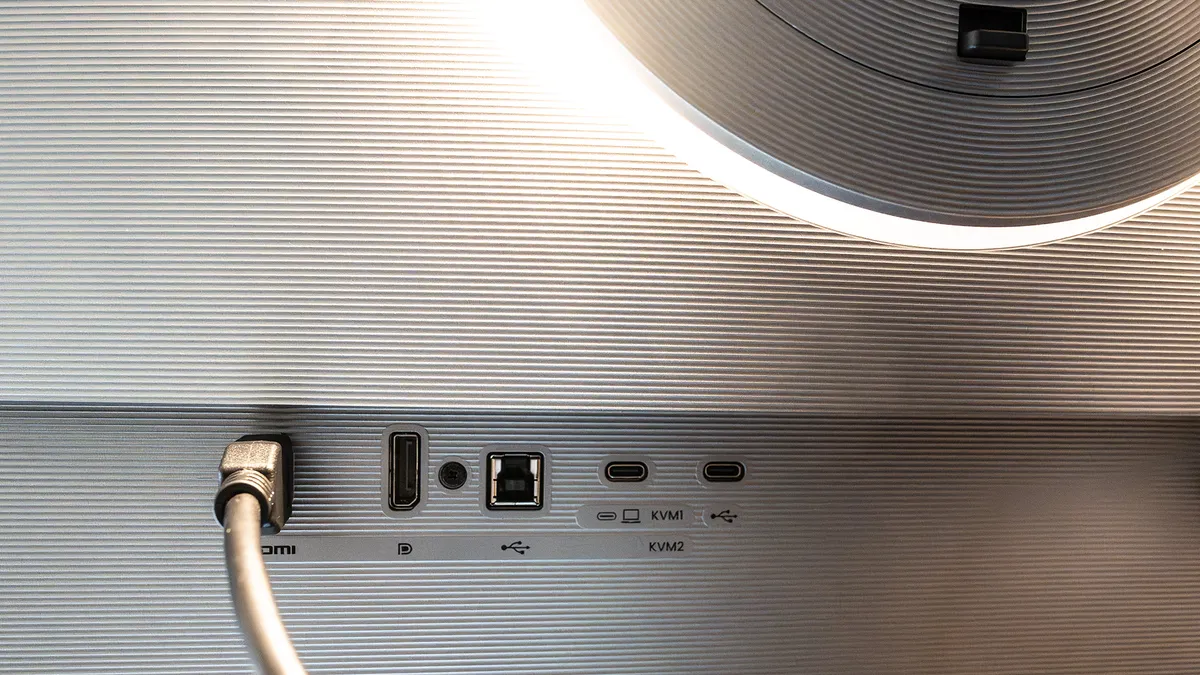
If you’re using a computer with a Thunderbolt or other USB-C video output, then you can single-cable your connection to the display, sending 90W of power, video, and data to the monitor’s USB hub all at once. There are HDMI and DisplayPort sockets for desktop PCs, as well as a USB-B port for the hub, but USB-C makes it so convenient it’s hard to overlook, and it’s possible to daisy-chain monitors in this way too.
The ports are conveniently placed, with the video inputs under a ledge but not pointed downwards, which makes them easy to get at (the monitor’s easy way of switching between landscape and portrait orientations helps out here too), and the USB-C downstream ports can still provide enough charge for your phone or headset. There are extra USB ports under the front of the monitor, just by the controls for the OSB, and alongside the usual little joystick and illuminated power button, you also get a touchbar to alter settings to your liking. The screen is also compatible with BenQ’s DisplayPilot 2 software, which now runs on Linux as well as Mac and Windows.
The LED-backlit IPS panel does well, displaying almost the entire DCI-P3 colour gamut and putting out 350nits of brightness. There are brighter screens out there, but this is enough for the display’s intended use.
That 3:2 aspect ratio lends itself well to photo and video work, being the same proportions as a frame of 35mm film, a full-frame or APS-C camera sensor (though not Micro Four Thirds, which is 4:3) and for retrogaming fans, the Game Boy Advance. It’s excellent for working on print documents, and in InDesign allows you to get more of your publication in view at the same time, though it’s less good for showing more than two pages side-by-side.
Its greatest strength is, of course, coding, where something like Visual Studio Code can take up the entire screen (though it's also perfect for tiling four windows in a square), the additional sharpness of the high resolution making it easier to pick out the differences between q, 9, p or 0 and O. But this goes for any creative job that involves type too. Its pixel density of 164ppi isn’t as good as that of the Apple Studio Display (218ppi) but beats a 1440p 28-incher (105ppi) and a 4K 32-inch screen (138ppi).
Feature score: 4/5
Price
At $759 or £599, the BenQ RD280UG isn’t an overpriced screen, but it’s possible to pick up a 27-inch 4K 16:9 monitor for less. What it is is niche, and as such, you’re paying extra for a specialised tool. For anyone coding all day long, that may be worth the extra.
Value score: 3/5
Who is it for?
• Coders
This screen is aimed squarely at the programming community, and it’s sure to be a solid hit there. Graphic designers should also give it a look, however, as its taller shape has advantages there too.
Attributes |
Notes |
Rating |
|---|---|---|
Design: |
The 3:2 aspect ratio gives it a unique look. |
4/5 |
Features: |
Useful KVM, and many eye-care features. |
4/5 |
Value: |
A niche purchase, and you can get a screen for much less. |
3/5 |
Buy it if...
- You spend all day staring at code
- The eye-care features appeal
- You find 16:9 too limiting
Don't buy it if...
- You'd rather get something cheaper
- Widescreen suits your workflow
- You need something even brighter
Also consider
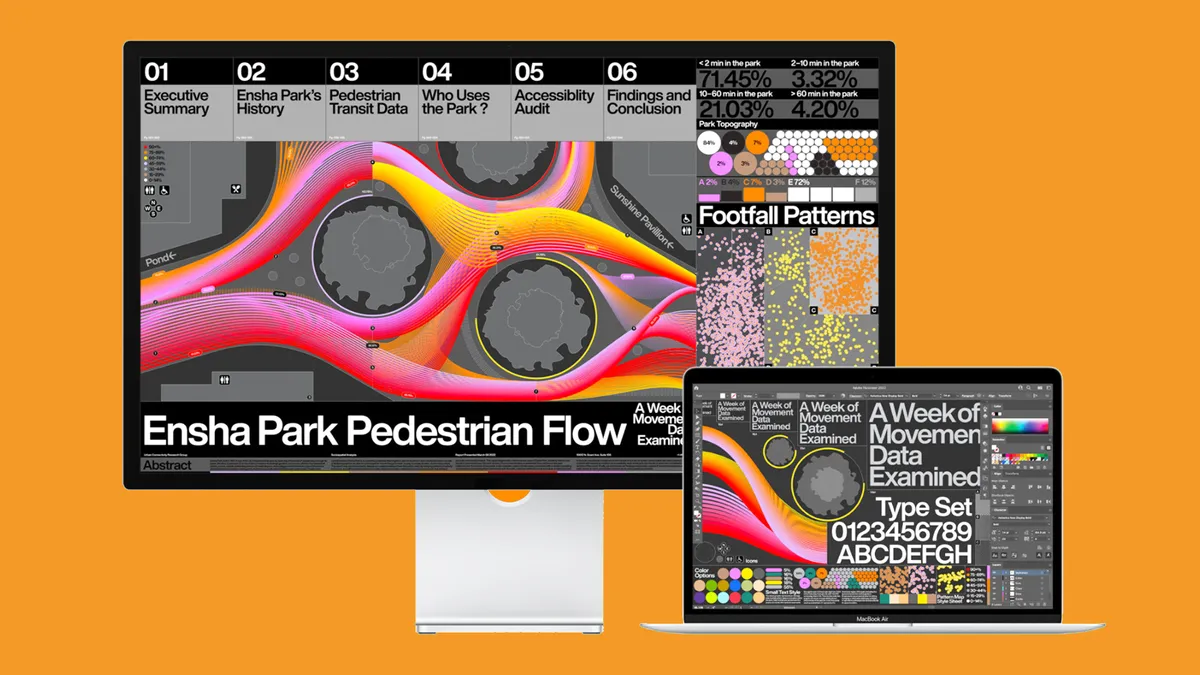
Apple's 27-inch monitor aimed at creatives looks good on paper, and the 2026 product refresh makes it even better, but it's very expensive and lacks important features.
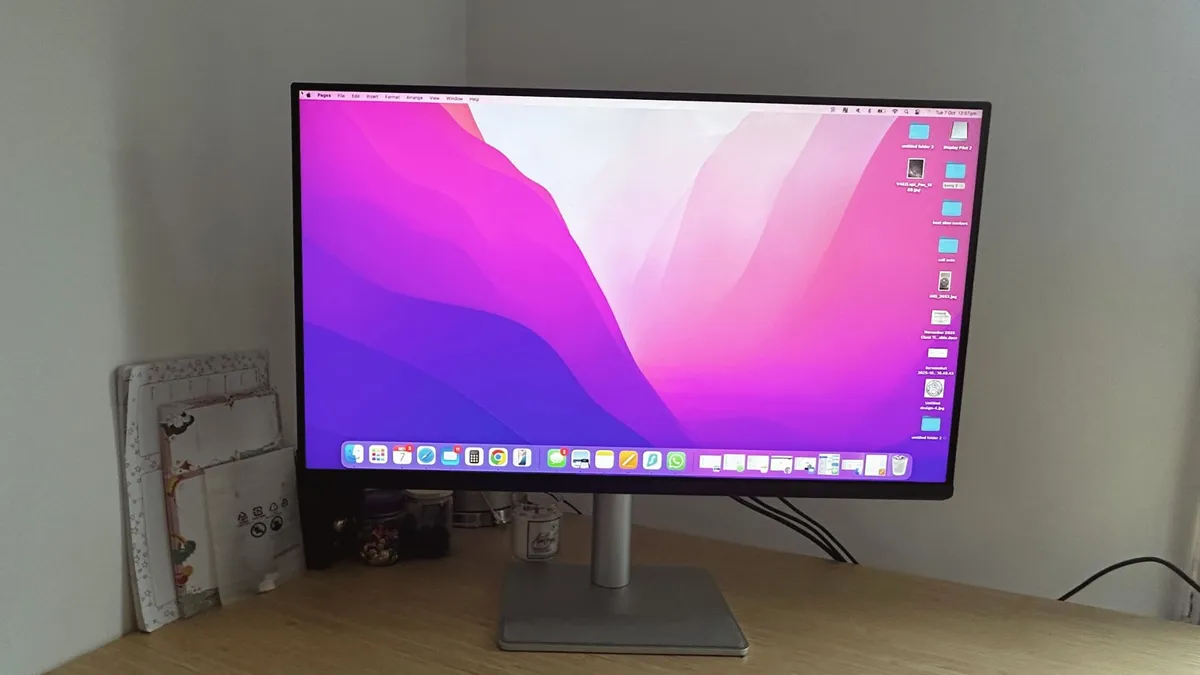
A monitor that has been purpose-built for Mac users, offering exact colour matching for MacBooks, a one-cable USB-C connectivity, and a striking, 32-inch display. Add on top of that BenQ’s Display Pilot 2 software with Mac keyboard integration, and you get a monitor that just feels like an extension of your MacBook rather than a compromise.
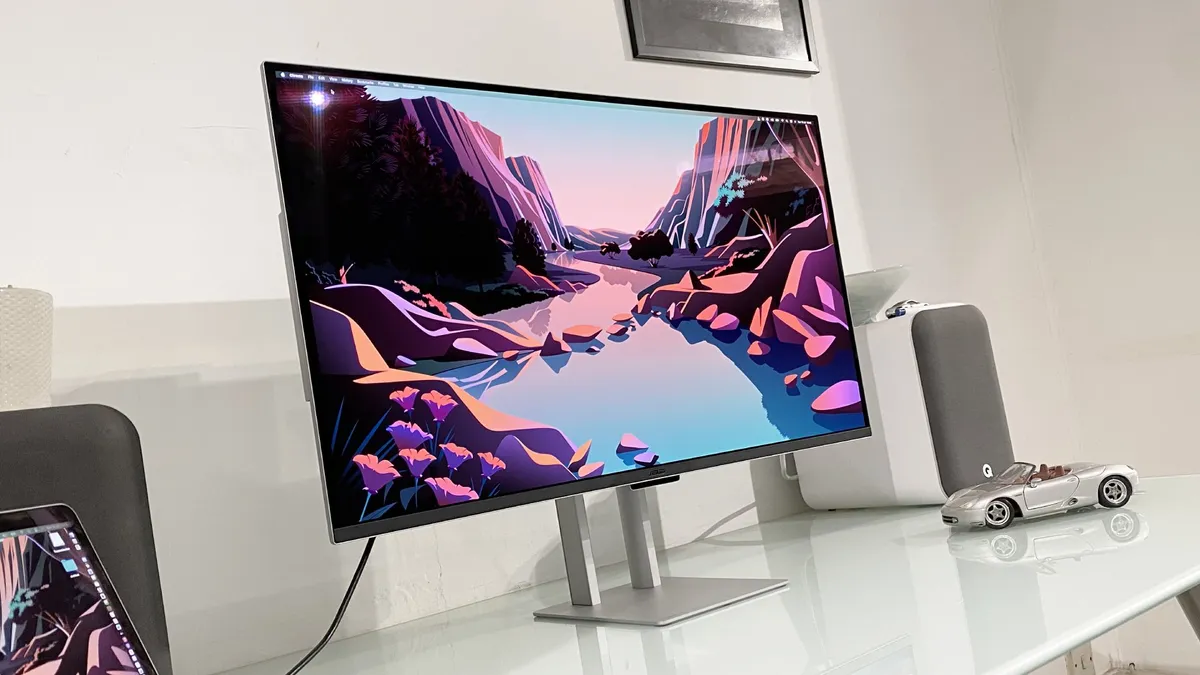
ASUS' OLED panel for creatives has benefits including perfect per-pixel lighting, eye-popping HDR highlights and excellent colour coverage. The downsides? OLED technology still has limitations, including full-screen brightness and the possibility of burn-in, the risk of the latter being low but hard to totally exclude.
out of 10
What looks like a specialised tool for coders reveals itself to be extremely versatile. The 3:2 aspect ratio and high resolution are excellent for designing print products as well as photo editing, and while you may be able to pick up a 4K screen for less money, the RD280UG comes with eye-care features and excellent connectivity that are sure to endear it to many.