Looking for the best AI laptop? Then first, let's define terms. An AI laptop, for our purposes, is one with a dedicated neural processing unit (NPU) built into the chip. This is separate from the CPU and GPU, and its job is to handle AI-powered tasks locally, on the device, rather than sending them to the cloud.
For creatives, that means things like smart masking in Photoshop, background removal, AI upscaling in video workflows and generative will fill all happen faster and more reliably than they would on a standard laptop, especially if you have a slow internet connection. As these features become central to creative software rather than optional extras, an NPU stops being a nice-to-have and starts being vital. So we've tested all five picks on this list hands-on.
Note we've included both Windows and Apple options; because Apple Silicon's Neural Engine is every bit as much an NPU as anything Qualcomm or Intel has produced, and in some benchmarks it outperforms them. If you specifically want to run Microsoft's AI assistant Copilot, though, you'll need to focus on the Windows laptops below.
The best AI laptops in full
Why you can trust Creative Bloq Our expert reviewers spend hours testing and comparing products and services so you can choose the best for you. Find out more about how we test.
The best AI laptop overall
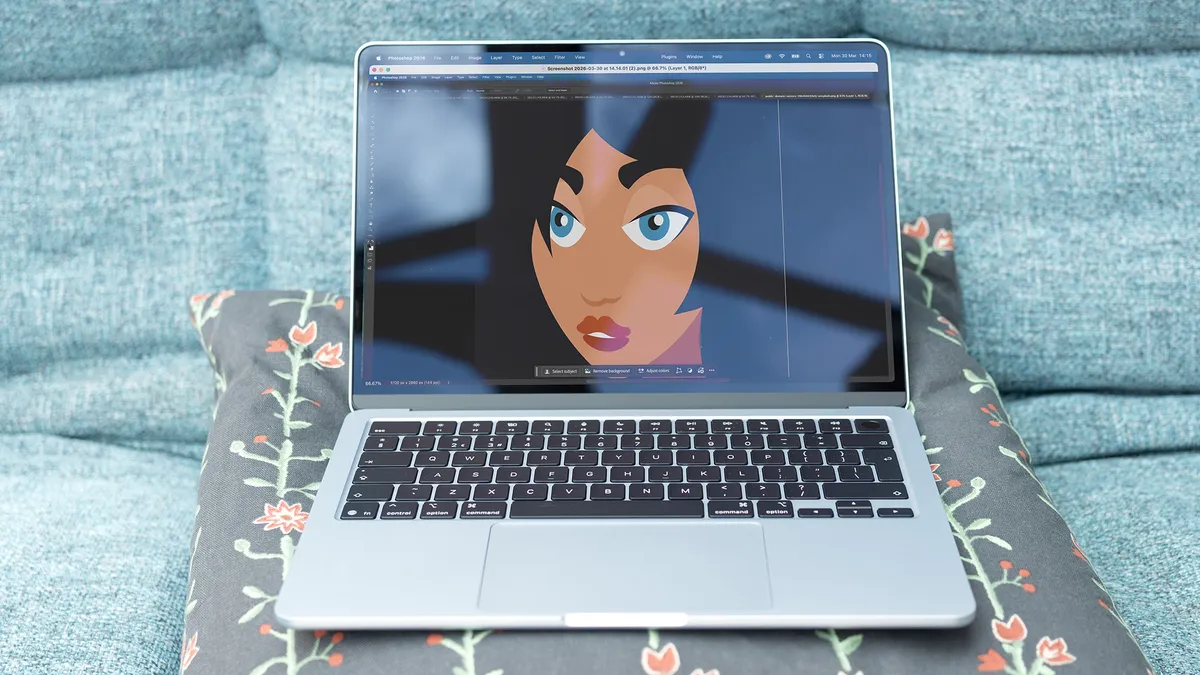


The MacBook Air M5 is the AI laptop we'd recommend to most creatives in 2026. Apple's Neural Engine (the NPU built into every M-series chip) is mature, powerful and deeply integrated into macOS and the creative software that runs on it. In our Geekbench AI testing, the Air M5 actually outscored the MacBook Pro M5, posting 5,534 against the Pro's 5,318 in the CPU single precision test. That means AI tasks in Photoshop, Lightroom and similar applications run as fast here as on Apple's more expensive machine.
At $1,099 / £1,099, it's no longer the cheapest MacBook, but given that performance it represents outstanding value. The M5 chip's single-core CPU score of 4,158 in Geekbench 6 sits just behind the MacBook Pro M5 and well ahead of any Windows laptop on this list. In Photoshop it more than doubles the score of the MacBook Neo while sitting only 14% behind the Pro. Because the Neural Engine handles AI tasks locally, performance stays consistent whether you have a strong connection or none at all.
The main limitation is the 32GB RAM ceiling, which pushes demanding users toward the Pro. Video editors should note that in Adobe Premiere the Air delivers around 52% of the Pro's score: a big gap at high resolutions. For designers, photographers and illustrators, though, the Air's our top pick.
The best 2-in-1 AI laptop


The Acer Swift Edge 14 AI is the lightest laptop on this list: at just under 1kg, it's lighter than the MacBook Air. And it pairs that portability with an Intel AI Boost NPU rated at up to 48 TOPS, comfortably clearing Microsoft's 40 TOPS threshold for Copilot+ certification. In practice, that means AI features in Lightroom, Photoshop and Windows' own Cocreator tools run smoothly and locally, without cloud dependency.
At $1,299 / £1,199, it isn't cheap for an integrated-GPU machine, but the NPU performance justifies its place on this list. In our testing, AI masking in Lightroom was fast and responsive, and Copilot+ features including Live Captions ran without any noticeable lag. The Intel Core Ultra 9 288V handles graphic design and photo editing comfortably alongside those AI tasks, keeping the workload well distributed across CPU and NPU. And battery life of nearly 14 hours means one charge covers a full working day with room to spare.
Where it shows its limits is in GPU-heavy work: sustained 4K video editing and 3D rendering push it noticeably, and anyone whose workflow depends on those tasks will need a discrete GPU. But for the creative generalist (the designer, photographer or illustrator who needs a reliable, AI-capable machine that disappears into their bag), the Swift Edge 14 AI is the strongest option.
Best AI laptop for creative studios


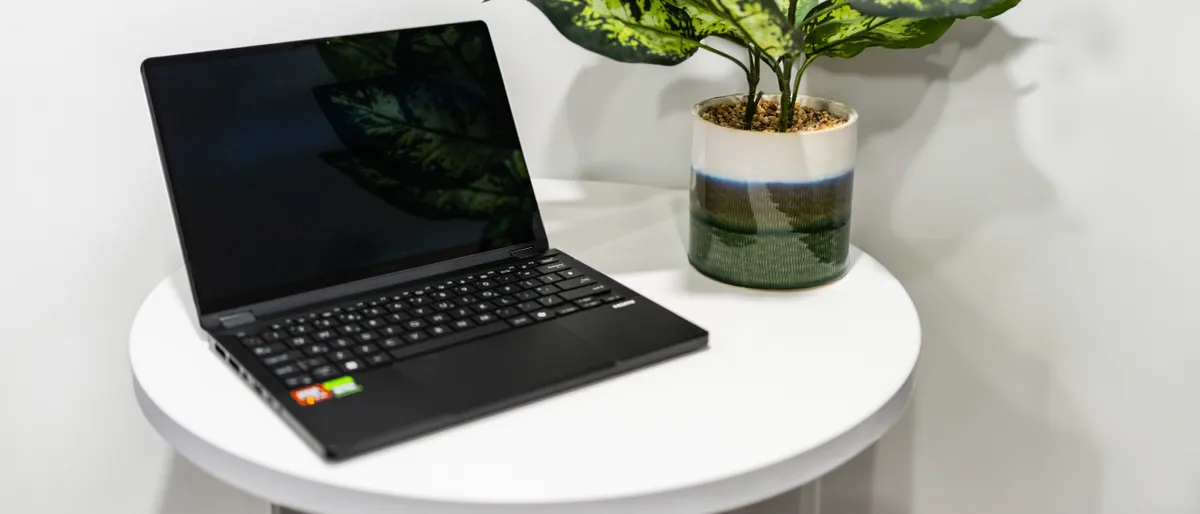


The ProArt PX13 is the only laptop on this list with a discrete GPU, and for studios doing sustained creative production work, that matters. The Nvidia RTX 4070 handles 4K video workflows in Premiere Pro with ease, and crucially it works alongside rather than instead of the AMD XDNA NPU; rated at 50 TOPS, it's the highest of any Windows laptop here. That means GPU-intensive rendering and NPU-accelerated AI tasks can run simultaneously without competing for the same resources.
At around $1,799 / £2,000, it's the most expensive Windows laptop on this list, but the combination of discrete GPU and powerful NPU makes a strong case for studios that need portable workstation performance. In our testing, the RTX 4070 made light work of 4K Premiere Pro workflows, and the Ryzen AI 9 chip posted CPU benchmark scores that beat Intel's best competing silicon. AI features in Adobe applications (smart masking, neural filters, content-aware tools) ran quickly and locally, with no cloud bottleneck.
The AMD XDNA NPU's 50 TOPS rating also positions it well for the coming wave of NPU-accelerated software. As tools like Firefly, Premiere's AI audio tools and Photoshop's generative features demand more from dedicated AI silicon, the PX13 has more headroom than anything else on this list bar the Zenbook A16.
Best dual-screen AI laptop

The Zenbook Duo 2026's headline upgrade is Intel's new Panther Lake architecture (the Core Ultra X9 388H), and its impact on AI performance is significant. Running the UL Procyon AI Image Generation benchmark locally using Intel's OpenVINO runtime, it cleared a score of 601, which is exceptional for a laptop without a discrete GPU. In real-world terms, that means AI tasks in Photoshop (smart masking, neural filters, generative fill) execute instantly on the device, without any cloud dependency or mid-session stalling.
At $2,699.99 / £2,500 it's expensive, but for some, the dual-screen setup will be worth paying the extra for. Two full 14-inch 144Hz OLED touchscreens, a detachable wireless keyboard and a built-in kickstand let you configure it as a portable dual-monitor workstation. So you could, for example, keep a reference image on one panel while painting on the other with the bundled ASUS Pen 2.0, or run a full-screen timeline alongside your source bins. The 100% P3 coverage, meanwhile, makes both panels suitable for colour-critical work.
The Geekbench 6 scores (3,036 single-core, 17,526 multi-core) are solid for an integrated-GPU machine, and battery life offers nearly 15 hours . The absence of a discrete GPU is the main limitation for heavy rendering work, but if you're looking for AI-accelerated creative workflows across two beautiful screens, this is your happy place.
Best AI laptop for battery life

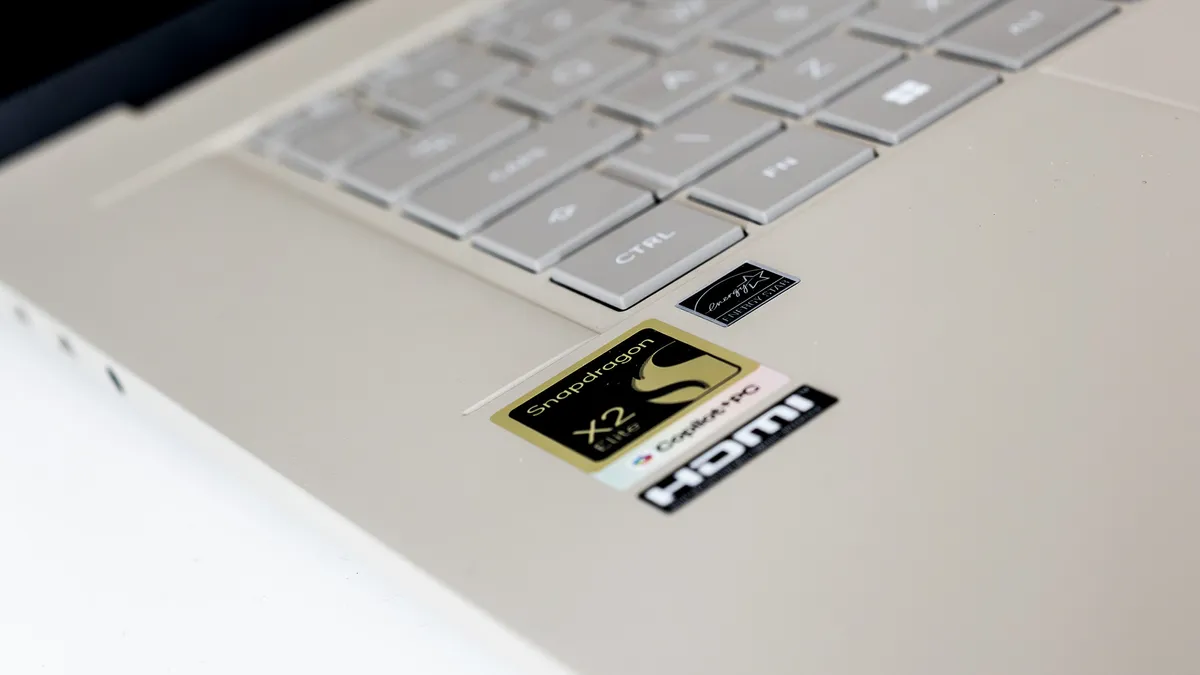

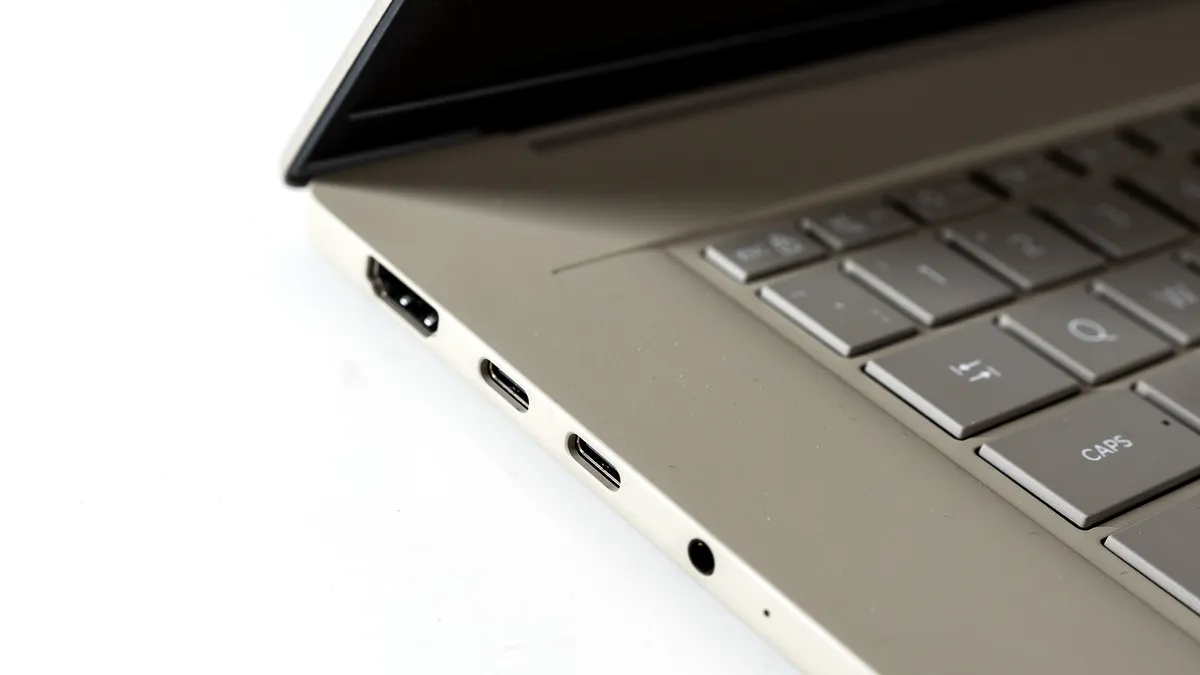
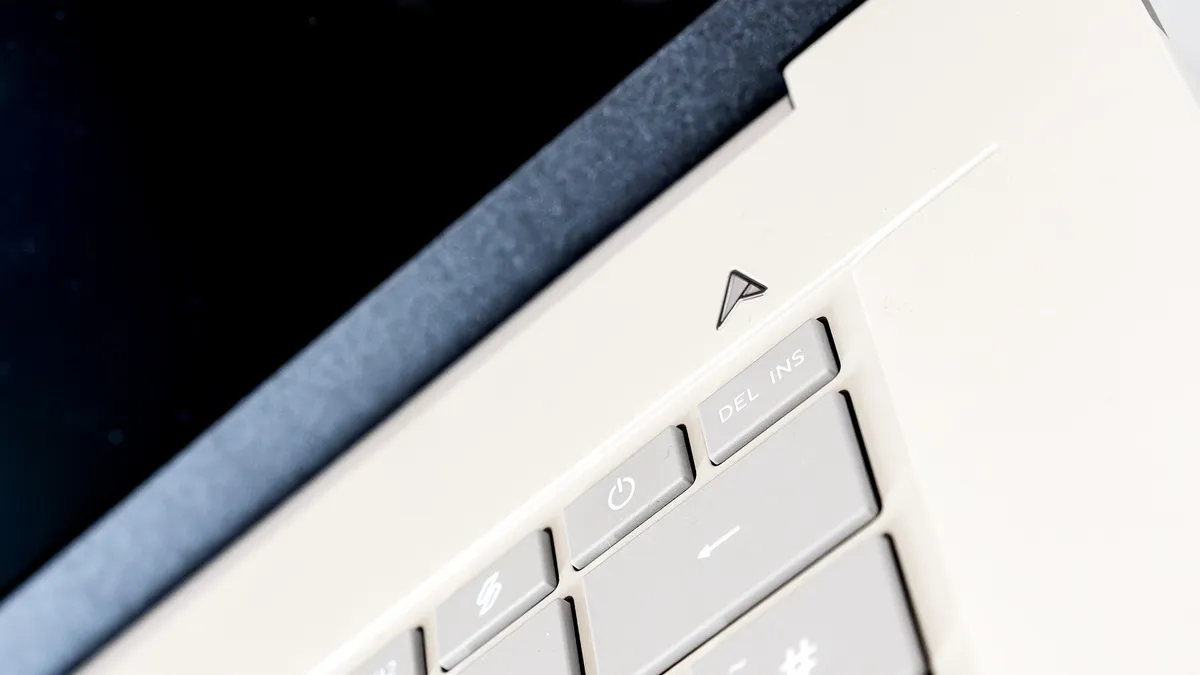
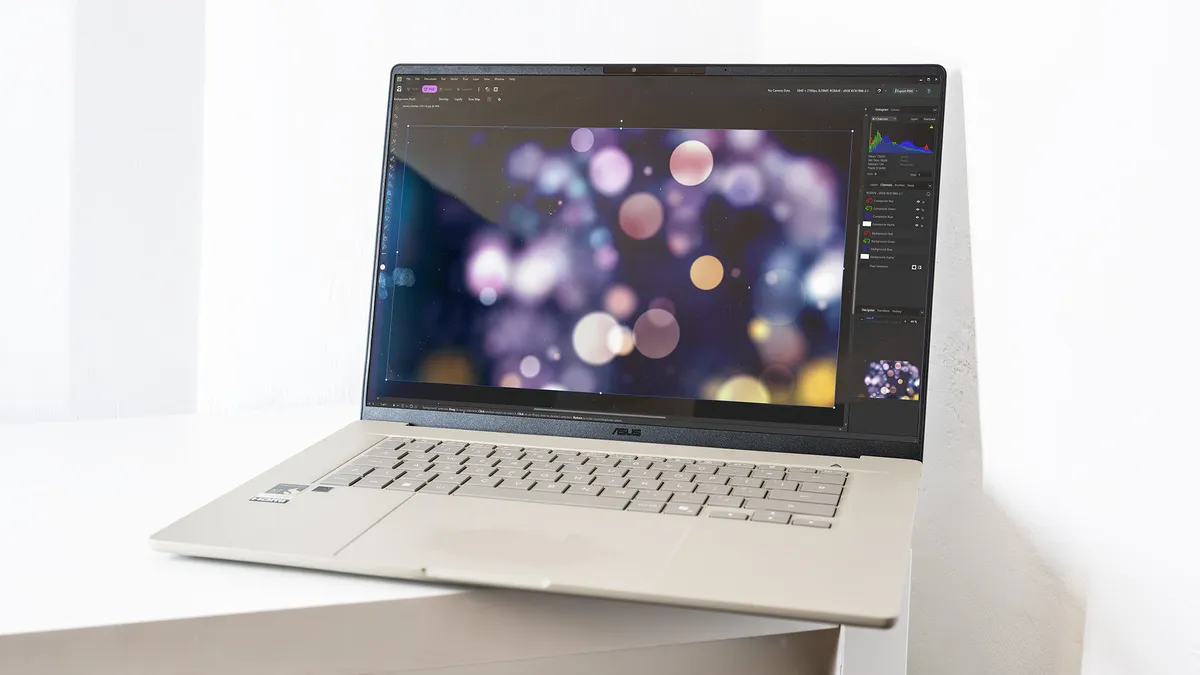
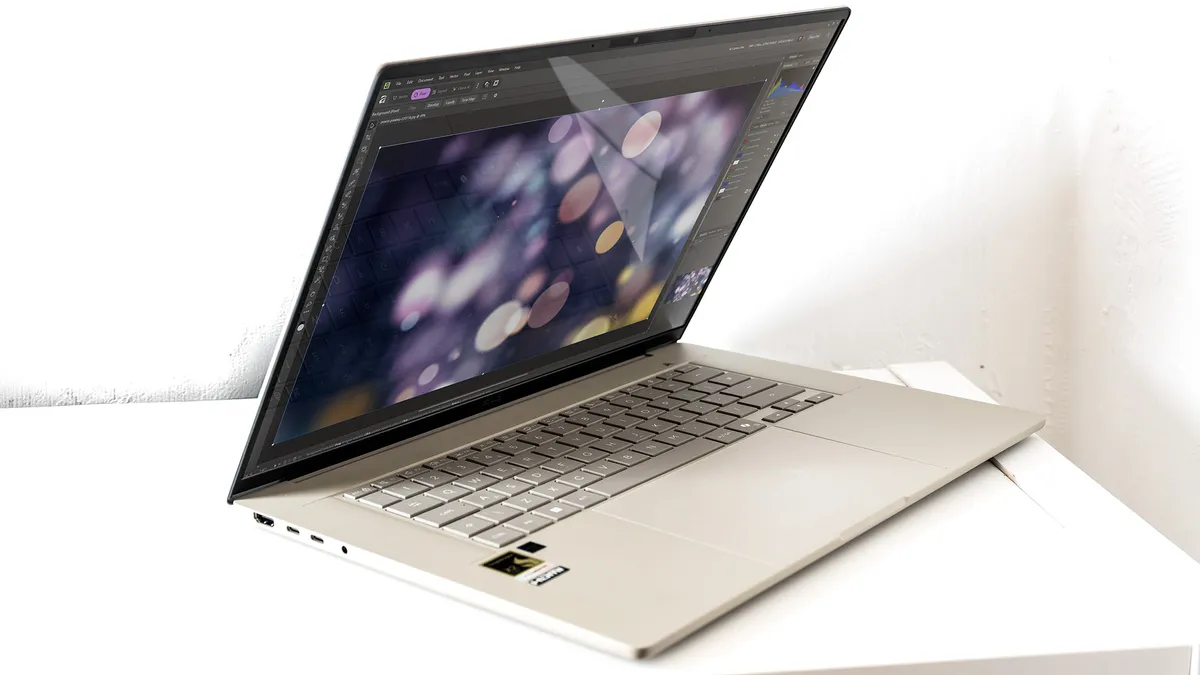


The Zenbook A16 carries the most powerful NPU on this list: Qualcomm's Hexagon chip rated at 80 TOPS, double the 40 TOPS minimum required for Copilot+ certification. That headroom matters: as creative software increasingly offloads AI tasks to dedicated silicon, the A16 is better positioned than any other laptop here to handle those demands without breaking a sweat. AI image generation, neural filters and smart masking in Adobe applications all ran quickly and locally in our testing, with no perceptible lag.
At $1,999.99 / £2,099.99, it's a significant investment, but the CPU performance goes some way to justifying it. In Geekbench 6, the Snapdragon X2 scored 3,673 single-core; the closest any Windows chip has come to the MacBook Air M5's 4,158 in our testing. Its 18 cores outpace the vanilla M5 in multi-core workloads, and in Photoshop it beat the MacBook Air M5 outright. Battery life of nearly 17 hours is the best on this list, meaning the 80 TOPS NPU doesn't come at the cost of endurance.
The main limitation is GPU performance: the integrated Adreno chip handles Photoshop and lighter video work, but trails discrete-GPU machines significantly for sustained 4K editing and 3D rendering. For power users who prioritise CPU muscle, NPU headroom and all-day battery life over GPU capability, though, the Zenbook A16 is the most future-proof Windows laptop we've tested.