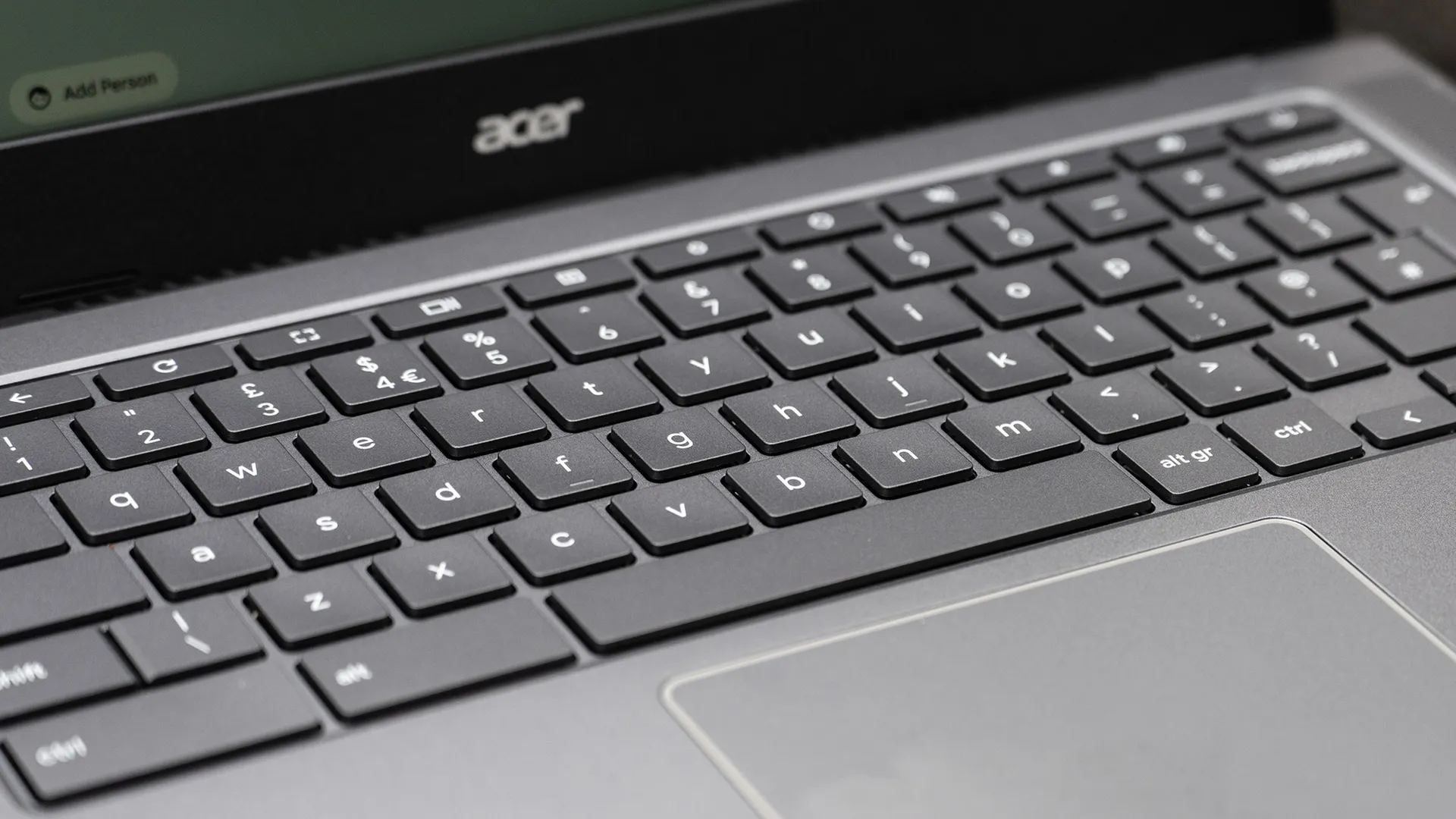
If you write for a living, your laptop matters more than people think. It doesn't need to be the fastest computer on the market, nor does it need a discrete GPU for gaming or intensive 3D work. But what it does need is a keyboard you actually want to spend hours with, a screen that renders text crisply and won't tire out your eyes, and battery life that outlasts a full working day without you spending the afternoon hunting for a socket.
I've focused my guide on three laptops that all hit those marks: a MacBook, a Windows/Linux laptop and a Chromebook. So whether you're writing novels, scripts, essays or advertising copy, one of these laptops will suit you. For more ideas, see the best laptops for students and the best college MacBooks.
The best laptop for writers
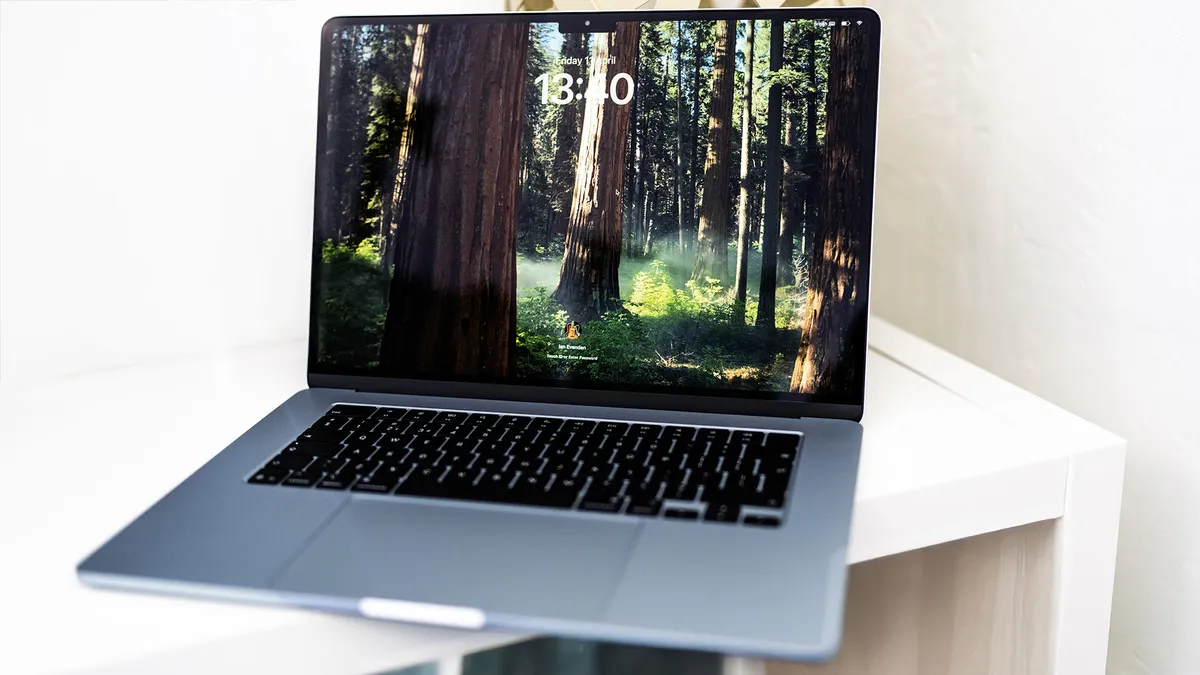


For a writer, the MacBook Air M4 is close to ideal. The keyboard is quiet and precise, with just enough travel to feel satisfying over a long session, and the Liquid Retina display renders text with the kind of sharpness and contrast that makes reading genuinely comfortable. (That might sound trivial, but when you're are staring at words for eight hours a day, display quality matters.)
The 15-inch model is worth considering if you do much of your writing at home or at a desk: the larger Liquid Retina display and four-speaker sound system make it a more immersive writing environment, and at 1.51kg it remains genuinely portable. The 13-inch, at 1.24kg, is the better choice if you are often writing on the move.
Note: this is not the latest in the series: that's the MacBook Air M5, which Apple launched this March. But that model is pricier, and offers nothing that will really make a difference to most writers. The M4 is the sweet spot; the M5 is overkill for anyone whose primary workload involves words on a page.
The best laptop keyboard
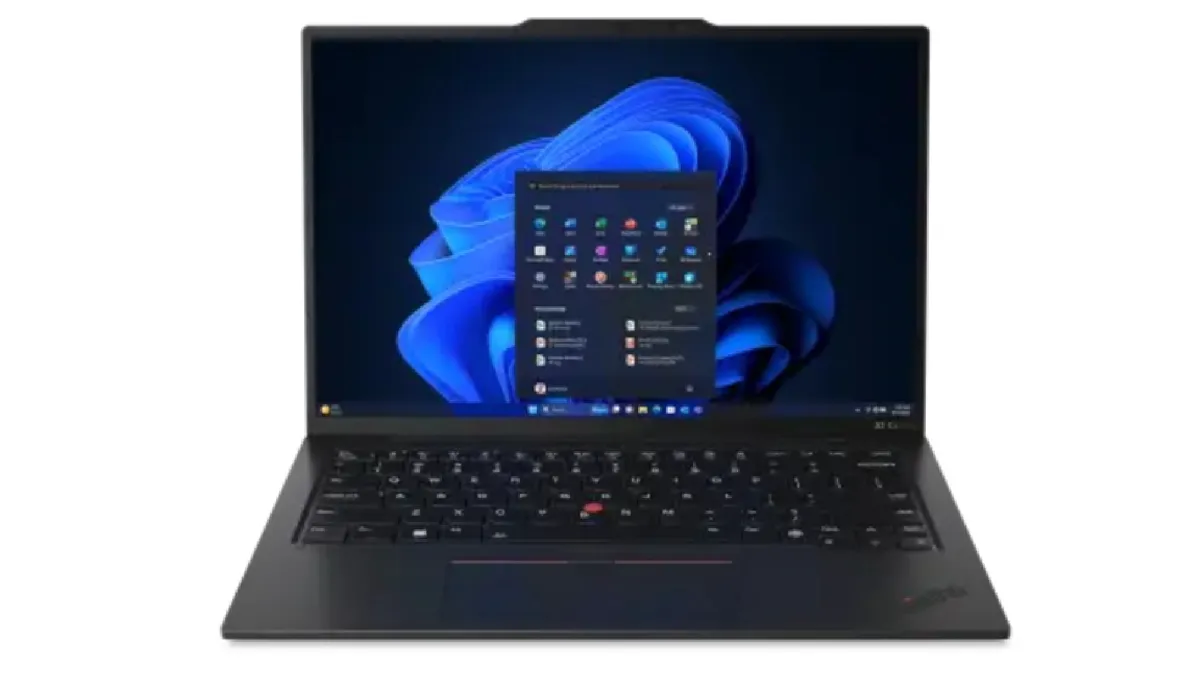
There are writers who prefer Windows; there are writers who work in Linux; and there are writers for whom the keyboard is, above all else, the thing. The ThinkPad X1 Carbon Gen 12 covers all three bases.
Lenovo's ThinkPad line has carried a reputation for exceptional keyboards since the line's IBM origins, and the Gen 12 does nothing to undermine that. The keys have a distinctive, deliberate tactile bump, more travel than the average ultraportable and a satisfying click that makes long-form typing feel like a considered, physical act rather than an afterthought. If you spend several hours a day writing and you have never tried a ThinkPad, it is worth going to a shop to try one before dismissing it; many writers who do never look back.
It's very light, starting at around 1.12kg, and the build quality is exceptional. The carbon-fibre chassis is rigid and professional, and the laptop meets military-grade durability standards. Performance with the Intel Core Ultra 7 155U is entirely sufficient for writing workflows. The battery, rated at up to 15 hours, is more conservative in practice: expect around 10–12 hours in mixed use. The matte IPS display option is particularly good for writers working under variable lighting; glare from a glossy screen gets wearing over long sessions, and the ThinkPad's finish sidesteps that problem.
The X1 Carbon is more utilitarian than the MacBook Air and less immediately beautiful, but for writers who value craft, it offers something the Air does not: the sense that the hardware is taking the act of typing as seriously as you are.
The best cheap laptop for writers
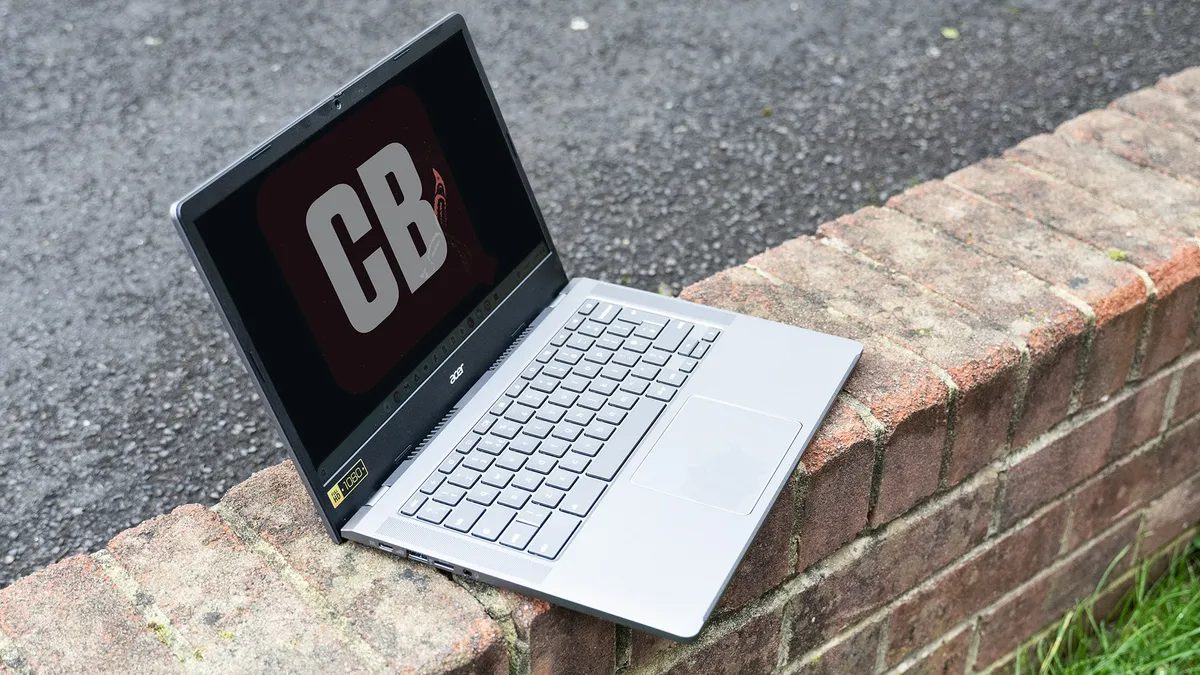


If you want to run Windows or Mac software, then a Chromebook is no good to you. If you don't, though, they're considerably cheaper than other laptops, and here's our top pick for writers.
For anyone whose workflow lives primarily in Google Docs, Word for the web, or similarly browser-based tools, the Acer Chromebook Plus 514 offers excellent value. It handles multiple tabs without complaint, loads quickly, runs Word via Android without significant friction and offers genuine offline capability; so you can write on a train or in a café without needing a connection. A 12-month Google One AI Premium subscription, which includes Gemini in Docs, is currently bundled with new purchases.
The keyboard is another of its strengths. It has enough key travel and tactile response to feel satisfying for long-form writing, which is more than can be said for many laptops at twice the price. The 14-inch screen is not going to win any awards for pixel density, but the IPS panel has decent contrast and viewing angles, and for word processing it is perfectly comfortable.
Battery life of around eight to ten hours in our testing is competitive for the price. The machine is light and compact, and the plastic build, while obviously not premium, is well-assembled and functional. At under £250 or $300, the Acer Chromebook Plus 514 is an affordable tool for writing, and for many creative professionals it will be all they need.