Losing your work is one of the worst feelings in this job, but it's usually preventable. Whether you're backing up on location, archiving finished projects, or moving big files between machines, the drive sitting in your bag or on your desk does vital work. And so it's worth choosing properly, rather than grabbing whatever's cheapest on the day.
A physical drive has a benefit that cloud storage can't match: your data stays entirely under your control, with no subscription creeping up in price, no bandwidth limits, and no waiting on an upload before you can hand work over to a client. The trade-off is choice. There are dozens of drives on the market across different price points, connection standards and formats, and picking the wrong one means paying for speed you'll never use, or capacity you'll outgrow.
We've tested each of the drives below thoroughly, measuring real-world transfer speeds, build quality and reliability, so you can buy with confidence whatever your budget or use case, whether that's a pocketable SSD for fieldwork or a high-capacity drive for long-term archiving.
The best external hard drive overall


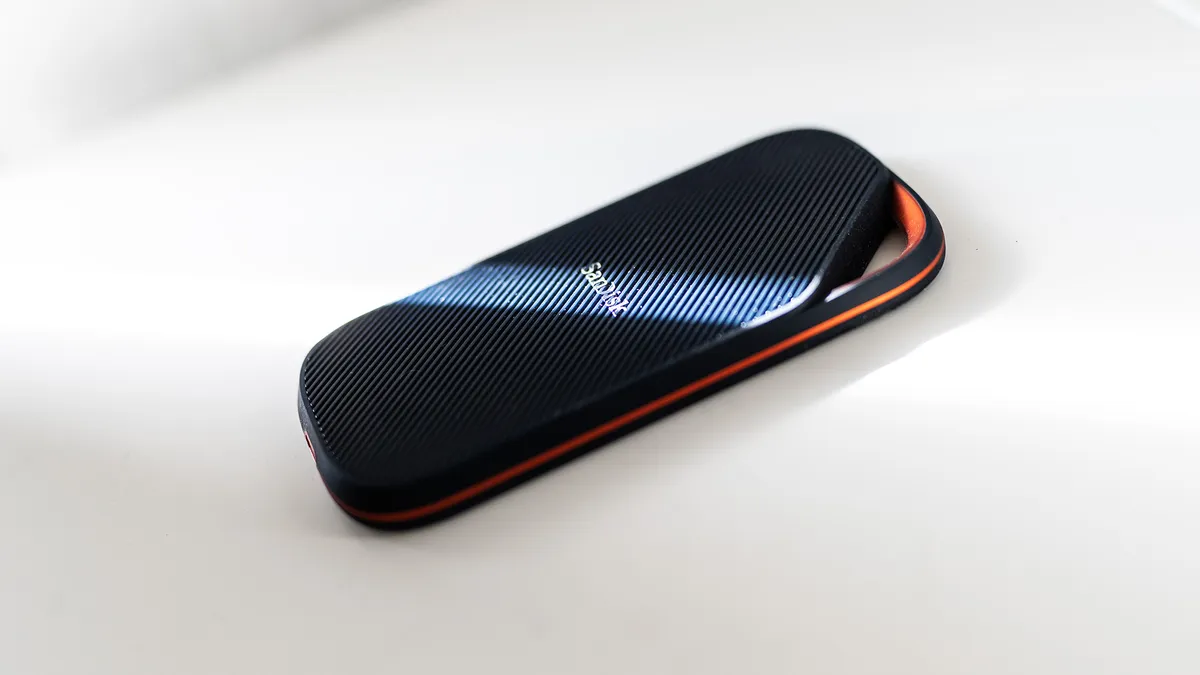


The SanDisk Extreme Pro USB4 is the external drive we'd recommend to most creatives, and for good reason. It combines the kind of transfer speeds that used to require a Thunderbolt connection with a genuinely rugged, pocketable design; making it as useful on a shoot in the rain as it is on a desk in a studio.
The headline number is 3,800 MB/s, which is the maximum read speed over a USB4 connection. In practice, that means transferring a 10GB folder of RAW files in seconds rather than minutes, and moving finished video projects between machines without the kind of wait that breaks your train of thought. If your computer has a USB4 port (and increasingly, new Macs and Windows laptops do) you'll feel the difference immediately.
The IP65 rating means it's protected against dust ingress and sustained water jets, not merely splashes. For photographers and filmmakers working outdoors, on location, or anywhere that a drive might get knocked, dropped or caught in the rain, that level of protection matters. The rubberised casing absorbs impacts, and the design is compact enough to slip into a jacket pocket without thinking about it. The trade-off is price: you'll pay more per gigabyte than you would for the WD below, and the full speed benefit only comes through if you have a USB4 port to plug into.
Read more: SanDisk Extreme PRO Portable SSD review
Best budget external hard drive
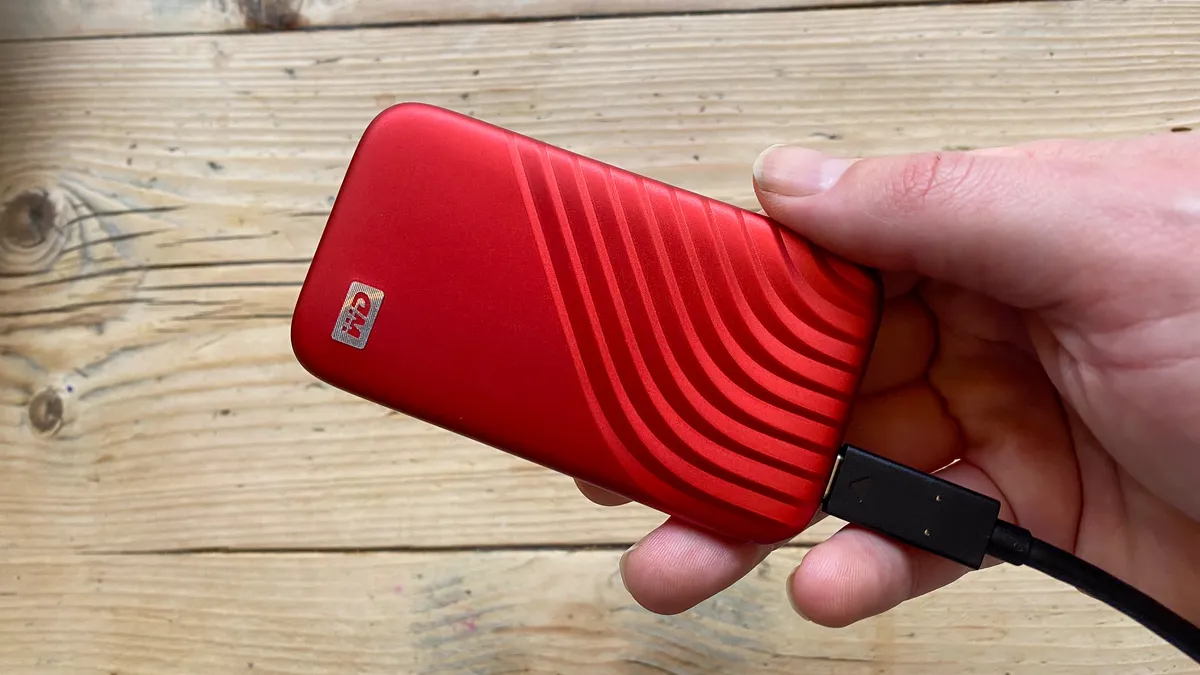


The WD My Passport SSD has been on the market since 2017. So the fact that it's still one of our favourite external drives tells you everything you need to know.
It's significantly cheaper than the SanDisk above while still delivering 1,050 MB/s read speeds over USB 3.2. For everyday tasks (transferring photos from a shoot, backing up a project, moving files between home and studio), that's more than fast enough, and most people won't feel the difference in most workflows.
Security is better than you'd expect at this price, too. The WD Discovery app gives you access to hardware encryption, password protection and automatic backup software, meaning client work and sensitive files are protected even if the drive is lost or stolen. Setup is straightforward out of the box and the drive works across both Mac and PC without reformatting.
The main gripe is the cable, which is almost comically short: you'll be hunting for an extension within the first week. The drive also runs warm during sustained heavy transfers, though not to a degree that affects performance.
Read more: WD My Passport SSD review
Best external hard drive for photographers


For photographers who work with large files and need to move them fast, the Crucial X10 occupies a category of its own. You get up to 8TB of storage in a very small device and extremely fast transfer speeds of 2,100 MB/s.
That speed matters when you're backing up a day's shoot on location, importing large RAW or ProRes files into an editing suite, or delivering finished work to a client under time pressure. The X10's USB 3.2 Gen 2x2 interface achieves these speeds on compatible hardware, and it also works over USB4 and Thunderbolt ports, meaning it won't become a bottleneck as your equipment evolves.
While most portable SSDs top out at 2TB or 4TB, the X10 goes up to 8TB: enough to archive multiple large projects, keep a full client library on hand, or store an entire season of high-resolution footage without reaching for a second drive. The physical footprint remains genuinely compact throughout: at 50 x 65 x 10mm, it fits easily in a camera bag pocket or a jeans pocket without bulk.
At $164 / £179.99 for the 2TB version, it costs more than the WD at equivalent capacities, and the absence of an activity light is a shame. But overall, photographers, videographers and content creators who regularly move large volumes of data will love it.
Read more: Crucial X10 SSD review
The best HDD external drive


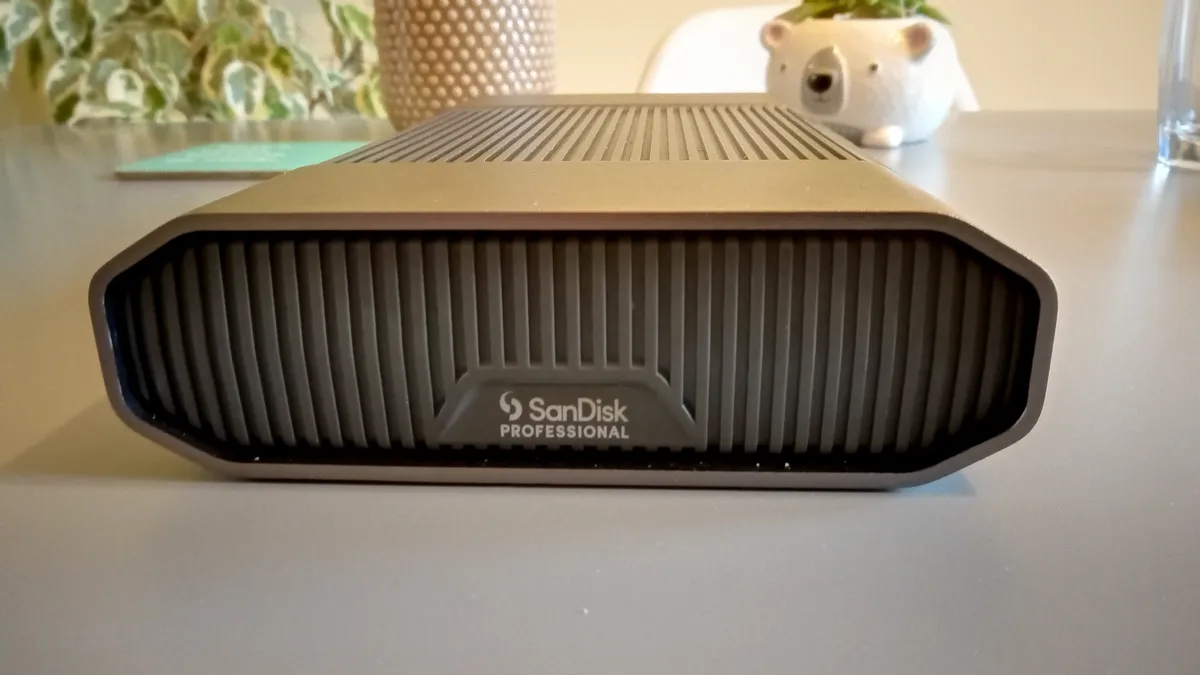


Every drive on this list so far is an SSD, built for speed and portability. The SanDisk G-Drive is a different proposition entirely: a traditional spinning hard disk built for one thing, capacity, and it does that job very well. At 24TB, it holds more than enough for a working professional's active archive, and it's available in sizes from 6TB right up to an enormous 26TB for anyone who needs to keep years of footage on hand.
That capacity comes with trade-offs. The G-Drive connects over USB 3.2 Type-C only, with no Thunderbolt option, and in testing it delivered read speeds of around 271 MB/s and write speeds of around 258 MB/s, close to SanDisk's claimed 280 MB/s but a fraction of what any SSD on this list can manage. It's also considerably larger and heavier than a portable SSD, at 210 x 133 x 41mm and 1.32kg, so this is a drive for a desk rather than a jacket pocket.
What it does deliver is reliability. SanDisk and Western Digital both faced a wave of reports in 2023 about drives spontaneously deleting data, but after several months of regular use, this G-Drive hasn't lost a single file. For photographers and video editors who need somewhere safe to park a large, growing archive rather than the fastest possible transfer speeds, that reliability, combined with the sheer capacity on offer, makes a strong case, even if the price climbs steeply at the top end: from $449.99 for the 6TB model up to $1,199.99 for the 26TB.
Read more: SanDisk G-Drive 24TB review