Our Verdict
If you’re in the market for a machine like this you already know what you need. This compact workstation does everything, and does it quickly, so you’ll happily swallow the asking price while thinking of all the money it can make you. HP has created a potent rival to the Mac Studio, equipping it with its Wolf security software, to make a PC that will appeal to FX pros and AI developers alike.
For
- Small but mighty
- Lots of RAM
- Thunderbolt 4
Against
- Expensive
- Not highly expandable
- Gets noisy under load
Why you can trust Creative Bloq Our expert reviewers spend hours testing and comparing products and services so you can choose the best for you. Find out more about how we test.
We see a lot of small PCs, and increasingly they have extremely fast processors in them, but HP has still managed to squeeze an awful lot in here.
You get one of AMD’s most potent chipsets, the Ryzen AI Max+ PRO 395, along with 128GB of RAM and expandable storage, backed by Thunderbolt, fast networking, and enterprise-grade security. It’s a lot of money, but for pros working in video effects, 3D rendering or AI, it might be the ideal compact desktop.
For more options, see the best laptops for video editors or best laptops for 3D.
Key specifications
CPU: |
AMD Ryzen AI Max+ PRO 395 |
NPU: |
AMD Ryzen AI |
Graphics: |
AMD Radeon 8060S |
Memory: |
128 GB LPDDR5x, 8533 MT/s |
Storage: |
2TB SSD |
Ports: |
2x Thunderbolt 4, 2x Mini DisplayPort 2.1, 1x USB 3.2 Type-C, 3x USB 3.2 Type-A, 2x USB 2, 1x 3.5mm audio, 1x Ethernet, 2x Flexible I/O |
Wireless connectivity: |
Wi-Fi 7, Bluetooth 5.4 |
Dimensions: |
8.55 x 16.8 x 20 cm |
Weight: |
2.3kg |
Design, build and display
• Compact casing
• Can be opened up
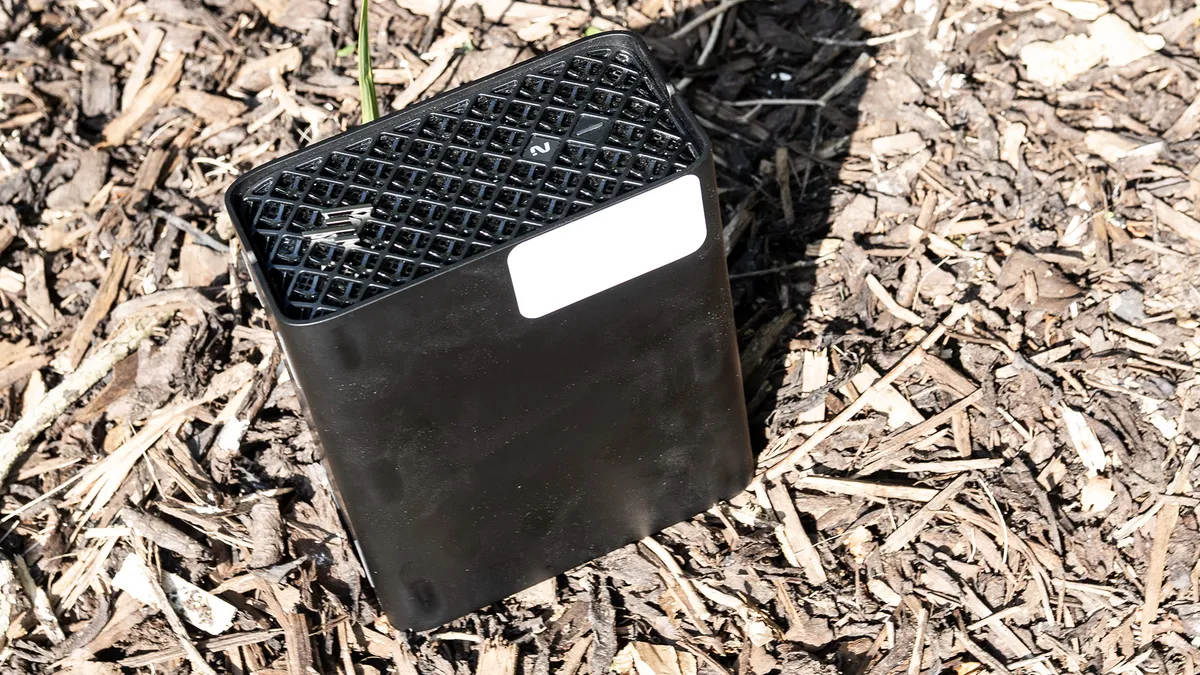
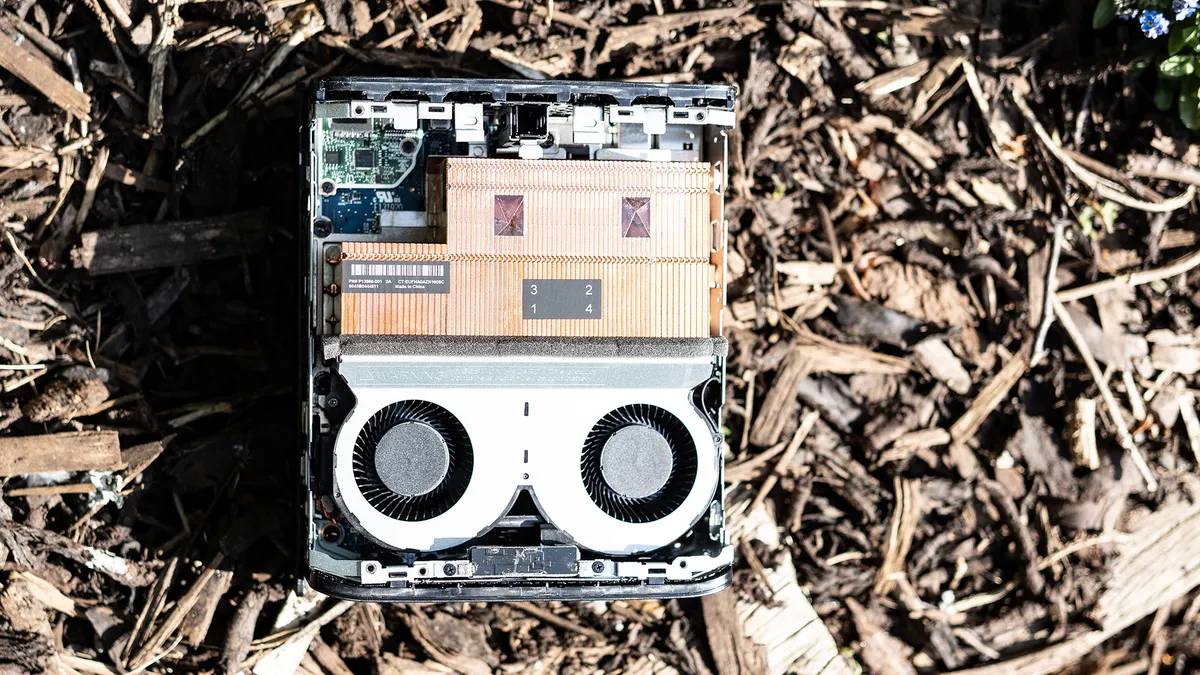
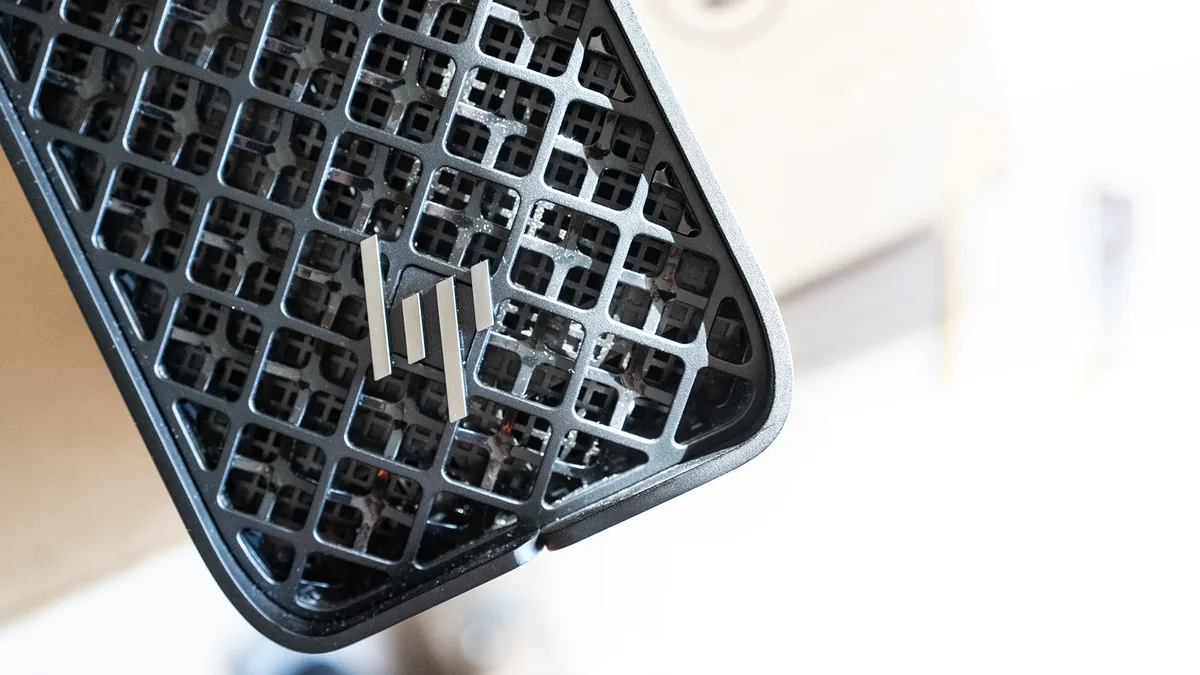
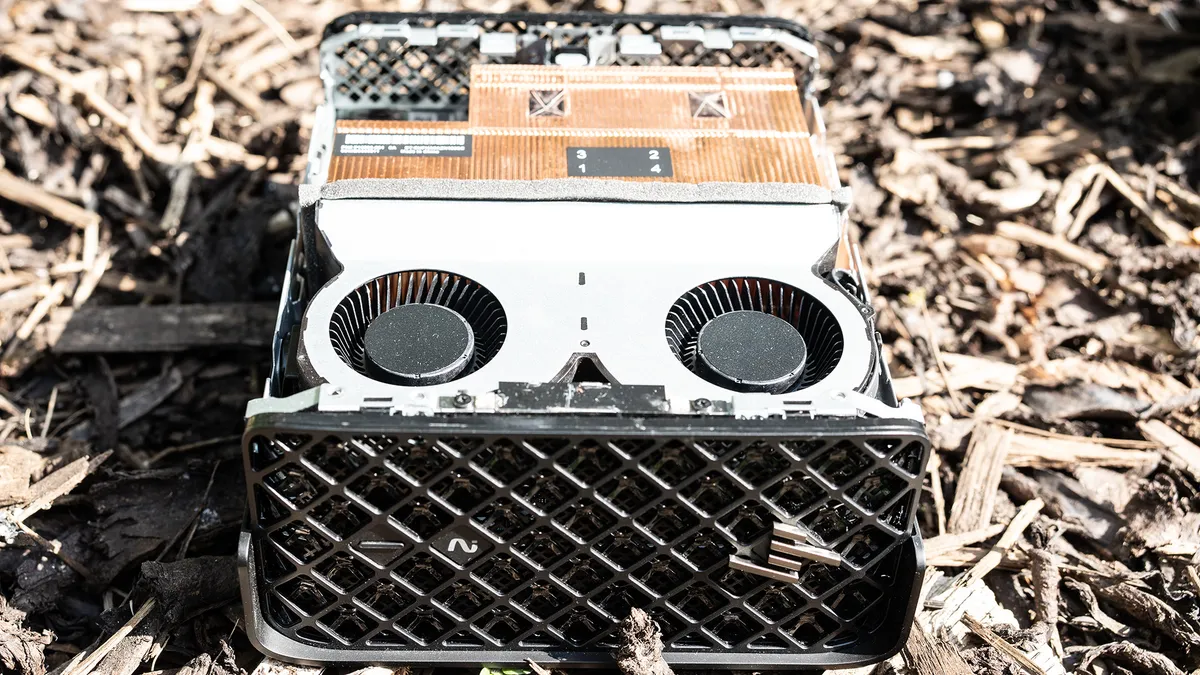
Slightly smaller than a Mac Studio, but larger than a Mini or the usual output of Geekom or Minisforum, the Z2 Mini G1a is a lot of PC in a small space. Thanks to its squat black casing and grilléd front, it looks powerful, and if you take the lid off you can see the two fans that draw air through those mesh-covered ducts to cool the components. They do a great job, though when it’s working hard this can be a very noisy little machine – a big difference to the Studio.
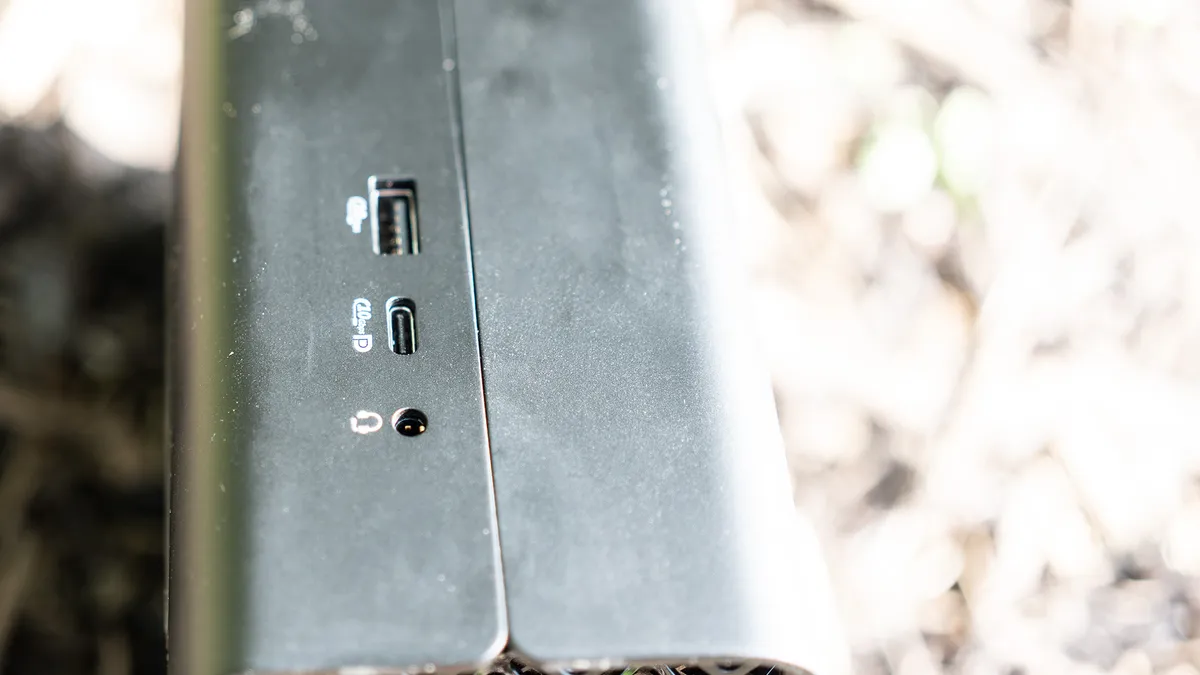
There are some easy to access USB ports along one side of the Z2, but the really fast ports are at the back – it’s not a machine that’s designed to be moved around much, but it doesn’t take up that much space under a monitor (it supports four), and can be slung under a desk. It’s also rack compatible, so a 4U rack can handle five of these machines. The power supply is internal, so the lack of an external brick makes situating it in tight spaces easier.
The removable casing reveals an extra M.2 slot that can be filled with an extra SSD, but that’s the extent of the G1a’s upgradability. It’s worth speccing it as high as you can go when you buy it (128GB is the maximum RAM you can install) as you won’t be adding to it later.
Design score: 4/5
Features
• Enterprise-grade security
• Lots of physical ports
The model we’ve got here is the Wolf Pro Security Edition of the G1a, which offers HP’s endpoint security and threat containment in both hardware and software. How you use this depends on your use cases. If you want micro VMs for browsing and opening emailed documents, you can have them, alongside deep-learning based malware protection to hopefully detect and block zero-day attacks, but if you’re not the IT department of a major financial institution you can either choose not to renew the three-year licence that’s included, or buy a different but similarly-specced model.
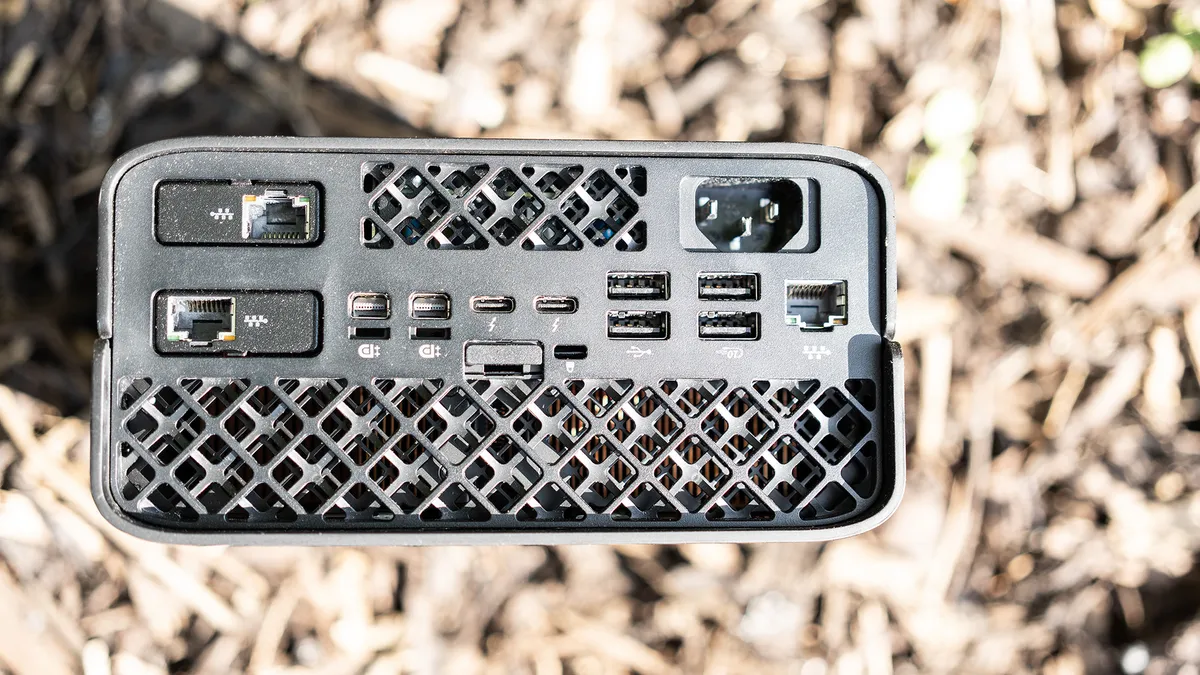
On the back of the machine there are a lot of ports. There's a pair of Thunderbolt 4 and a pair of MiniDisplayport for connecting displays, plus some extra USB-A. The only non-Thunderbolt USB-C is on the side, where it may be covered if you’re using the workstation in tight confines.
You also get two of HP’s Flexible I/O module sockets, which on the model we have here have both been filled with extra Ethernet ports. A quick check of the HP website reveals that these can be replaced with things like extra Thunderbolt, HDMI, gigabit fibre connections and even old-fashioned VGA or serial ports.
Feature score: 4/5
Benchmark scores
We test every one of our laptops using the same benchmarking software suite to give you a thorough overview of its suitability for creatives of all disciplines and levels. This includes:
• Geekbench: Tests the CPU for single-core and multi-core power, and the GPU for the system's potential for gaming, image processing, or video editing. Geekbench AI tests the CPU and GPU on a variety of AI-powered and AI-boosted tasks.
• Cinebench: Tests the CPU and GPU's ability to run Cinema 4D and Redshift.
• UL Procyon: Uses UL Solutions' Procyon software suite to test the system's ability for AI image generation in Stable Diffusion, its Microsoft Office performance and its battery life in a looping video test.
• Topaz Video AI: We use Topaz Video AI to test the system's ability to upscale video and convert video to slow-motion.
• PugetBench for Creators: We use the PugetBench for Creators benchmarking suite to test the system's ability to run several key tasks in Photoshop and Adobe Premiere Pro, as well as its performance when encoding/transcoding video.
• ON1 Resize AI: Tests the system's ability to resize 5 photos to 200% in a batch process. We take the total time taken to resize the images and divide by 5.
Performance
• Superb for rendering and video
• Gets noisy under load
The Ryzen AI Max+ 395 is from AMD’s Strix Halo line, featuring 16 Zen 5 cores (the latest generation at the time of writing) capable of boosting as high as 5.1GHz. These are joined by 40 GPU cores, and an NPU that gives the whole package 126 TOPS of AI processing capability.
For a lot of the benchmarks Creative Bloq subjects computers to, the G1a sits alongside the gaming laptops. The Radeon 8060S may be an integrated solution, but it sits comfortably alongside mid-range Nvidia cards like the RTX 5060 in rendering tests. Interestingly, it shares the RAM pool with the CPU, which in the case of a machine with 128GB, as we have here, means it can access a lot of memory, making it a good candidate for running local LLMs much like a tooled-up Mac Studio. In the Geekbench AI single precision section of our test results, with the benchmark running on the GPU, it sits between the MSI Stealth 18, which packs an RTX 5080, and the Lenovo Legion 7 Pro, which is blessed with an RTX 4090.
Notably, it pulls ahead of the Asus ProArt PX13 GoPro Edition, a machine with the same AMD processors and the same amount of RAM, in benchmarks - this may well be due to improved airflow in the mini workstation’s case, along with its tendency to really let its fans rip when it needs to.
One test that shows what the G1a can really do is the Pugetbench Premiere Pro benchmark, in which it sits ahead of the M5 MacBook Pro but behind the M5 Max version of the same laptop. It’s a similar story in Photoshop, where the G1a beats all sorts of gaming laptops and even desktop PCs.
Performance score: 4/5
Price
As a pro-grade compact workstation, the G1a is an expensive machine - $5,021 or £5,519.99 – which was to be expected. Its problem is that a Mac Studio with the same amount of RAM and storage comes in cheaper, as does the Geekom A9 Mega, which uses the same chipset as the G1a. You’re paying extra for the additional support and security HP offers, but it’s worth shopping around if you’re in the market for this kind of machine.
Value score: 3/5
Who is it for?
• FX pros and developers
This isn’t a machine you’d buy on a whim, or to do office work and web browsing, but if you can make use of its capabilities, it’s an immense amount of computing power to add to your workflow.
Attributes |
Notes |
Rating |
|---|---|---|
Design: |
A compact black case that's easy to access. |
4/5 |
Features: |
Top-grade security, and lots of ports too. |
4/5 |
Performance: |
Goes like a rocket. |
4/5 |
Value: |
Expensive, and with less pricey competitors. |
3/5 |
Buy it if...
- Space or office tidiness is an issue
- Your need for power is insatiable
- Endpoint security matters
Don't buy it if...
- It’s too much PC
- You don’t need the security features
- You’d prefer a laptop
Also consider
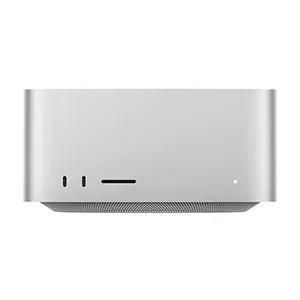
It’s not cheap, especially once you start adding options, but the Mac Studio M4 Max sees Apple’s best desktop get even better, and there will be upgrades along any day now. It’s a heck of a lot of computer in a compact case.
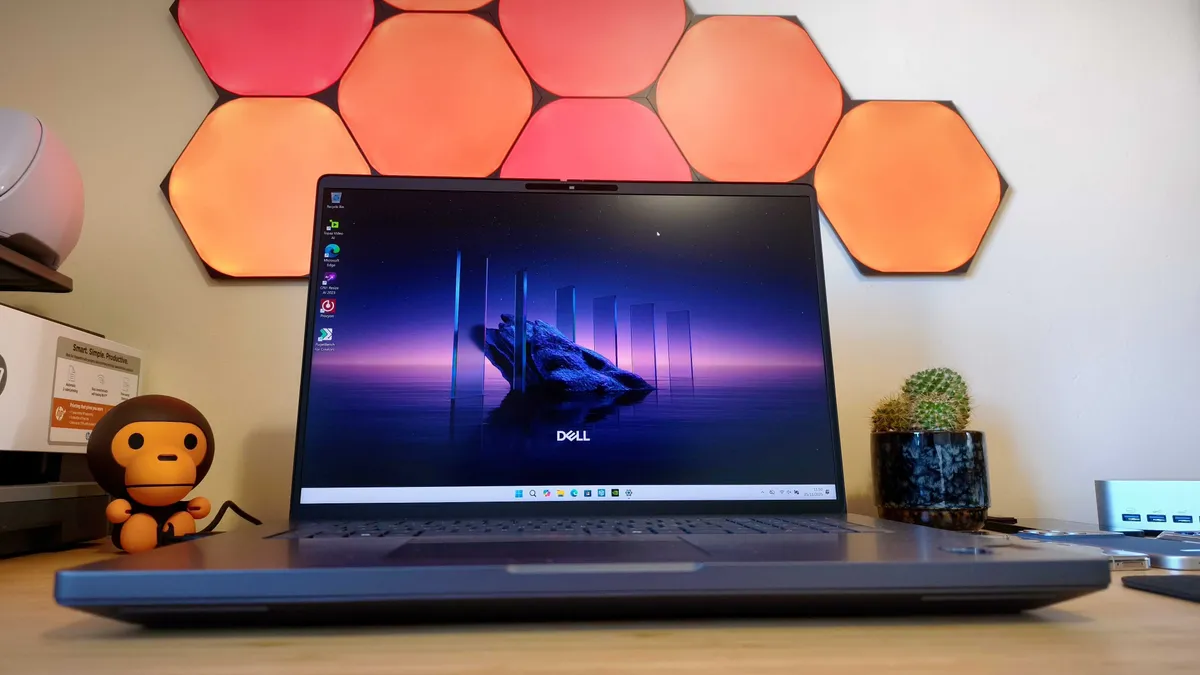
Aimed at serious 3D professionals, this laptop is customisable with up to an outrageous 128GB RAM and the fastest Intel processor on Earth, to suit nuclear-plant-design-level jobs, but boy will that cost you.
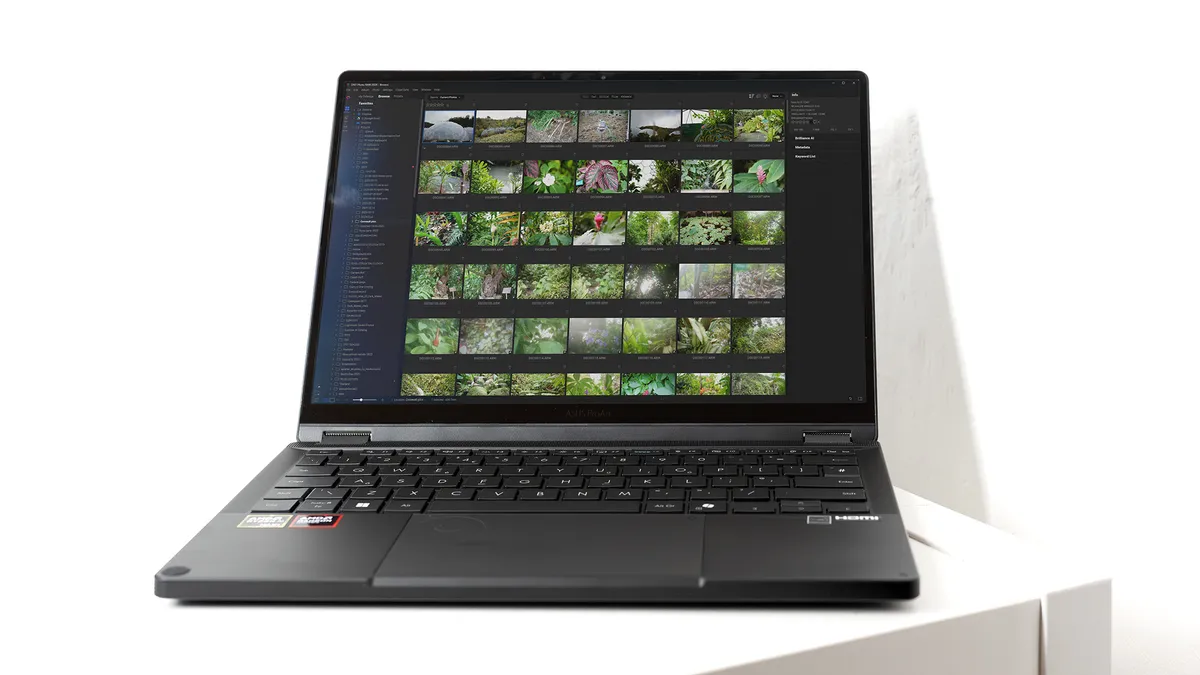
The same AMD Ryzen AI Max+ 395 and 128GB RAM as the G1a but in a portable shell and costing a little less. The performance isn't quite up there, but this makes one heck of a mobile video rig.
out of 10
If you’re in the market for a machine like this you already know what you need. This compact workstation does everything, and does it quickly, so you’ll happily swallow the asking price while thinking of all the money it can make you. HP has created a potent rival to the Mac Studio, equipping it with its Wolf security software, to make a PC that will appeal to FX pros and AI developers alike.