We already had the MacBook Pro M5, but last week Apple announced the MacBook Pro M5 Pro and the M5 Max, on both 14-inch and 16-inch versions. These are Apple's most advanced chips yet.
Perhaps the biggest piece of news from last week is that the MacBook Pro M5 Pro (yes it's a mouthful) now starts at 1TB storage and the M5 Max starts at 2TB, making them even more appealing for creatives working with heavy files.
On the outside, just like the new MacBook Air M5, these machines are pretty much unchanged over the previous version, but it's what's on the inside that counts.
I got my hands on the MacBook Pro M5 Max 14-inch and I've been playing around with it for the last few days. Some of my thoughts are below. Spoiler alert: I suspect we may need to update our best laptops for graphic design and best CAD laptops lists.

What's new is Apple's most advanced series of chips, including the world's fastest CPU core, a next-gen GPU with a Neural Accelerator in each core and higher unified memory bandwidth. What that means, in layman's terms, is these MacBook Pros are super, super speedy.
Apple claims they're four times faster for AI compared to the previous generation and up to eight times faster compared to M1 models.
These chips must be quite heavy, as my first impression of the MacBook Pro M5 Max is its weight, this thing isn't light, especially compared to the MacBook Air. But hey, it doesn't claim to be.
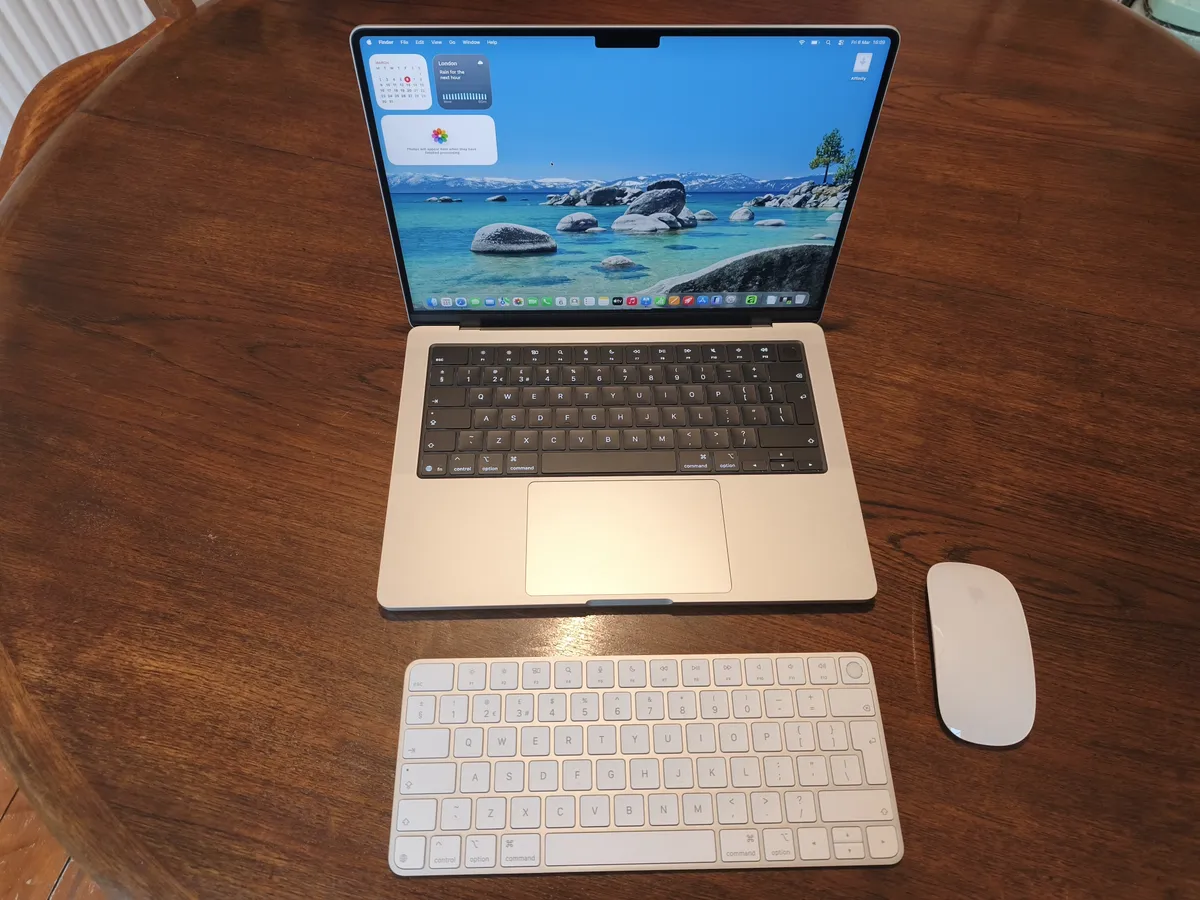
Who is this Mac aimed at? The M5 Pro is for people running complex workflows, such as coders or photographers processing giant image libraries. The M5 Max is for those going one step further, like engineers running rigorous simulations.
I am not an engineer, and in many ways, the M5 Max I got for testing wasn't designed for me. But what I noticed while setting it up was the sheer speed with which it downloaded applications, opened them up, and performed tasks in them, meaning that within just a few minutes I was fully set up and running, no faffing around necessary.

I tried editing a load of giant files from my wedding photographer, and found it dealt with them with ease. It took 30 seconds to download them all, and just a couple of seconds to upload a chunk of them into Affinity.
Where these new Macs also excel is when working with AI. I played around with some of Final Cut Pro's video editing AI tools on the MacBook and was very impressed with the speed in which it was able to detect beats, find snippets of my videos and create montages. These tools are just a drop in the ocean compared to what the MacBook Pro M5 Pro/Max can do though, as these machines are designed for intensive AI model training and giant video projects.
These new MacBooks are also ideal for 3D artists who are able to preview VFX in an instant, with a 50 per cent increase in graphics performance compared to the M4 Pro and the M4 Max. There's also 5.4x faster rendering performance in DaVinci Resolve Studio.

Elsewhere, there's WiFi 7 and Bluetooth 6, which I don't have so was unable to test, as well as up to 24 hours battery life. I haven't had the MacBook Pro long enough to fully test its battery life, but I used it for several hours without its battery going down much at all, so I can see how the 24 hours would be possible.
The display is Liquid Retina XDR, which makes all my photos and videos look absolutely stunning, there's also a 12MP Centre Stage camera (I still find the way it follows me around a bit weird), studio-quality mics and a six speaker sound system. Without getting too technical, I found the audio sounded way rounder and more bass-y than my M1 MacBook Air, and it was an improvement on the M5 MacBook Air, too.
In terms of connectivity, there's three Thunderbolt 5 ports, HDMI, an SDXC card slot and MagSafe 3 with fast-charge capability. If you're into your screens, you'll also be happy, as the M5 Pro enables you to connect up to two high-res external displays, and you get up to four with the M5 Max.

Overall, I spent a delightful few hours playing around with the MacBook Pro M5 Max. I don't think I pushed it to its limits, but from what I did see it's an incredibly powerful piece of kit.
Stay tuned for our full review of the MacBook Pro M5 Max, coming soon to Creative Bloq.