The best laptops for programming need to get a few things right. CPU performance matters most: compiling code is one of the more demanding things you can ask a processor to do repeatedly. RAM comes next: running a code editor, a local server, a browser with multiple tabs open and a virtual environment simultaneously is standard for a developer, and 16GB is the realistic minimum. Display quality matters too: you're staring at text for hours, after all. And battery life, for anyone working away from a desk, can be the difference between a productive day and one spent hunting for sockets.
All three laptops on this list will do you proud across real programming workflows. If you can run your development environment on macOS, the MacBook Air M5 is our top pick: outstanding performance at a price well below the MacBook Pro, with battery life that covers a full working day and beyond. For Windows developers, the Asus Zenbook A16 is now the most interesting option on the market. And if budget is the overriding concern, the MSI Modern 15 is a good-value option.
Best laptop for programming overall


The MacBook Air M5 is the laptop we'd recommend to most programmers in 2026. Its M5 chip posts a Geekbench 6 single-core score of 4,158, which is only marginally behind the 4,310 of the more expensive MacBook Pro M5. In Geekbench AI CPU testing it outscored it outright, posting 5,534 against the Pro's 5,318. So for most programming workflows (running a code editor, compiling, managing local servers, working across multiple browser tabs), the Air M5 and the Pro M5 are functionally indistinguishable. Yet at $1,099 / £1,099, the Air is significantly cheaper.
The keyboard is excellent for long typing sessions, the Force Touch trackpad is the best on any laptop, and battery life comfortably covers a full working day. Thunderbolt 4 means fast external storage, and dual external monitor support is useful for developers who connect to a full desk setup at home or in the office.
The limitations are specific rather than general. Without a cooling fan, the M5 chip can't sustain peak performance indefinitely under heavy continuous load: if your work involves very long, uninterrupted compiling sessions, the MacBook Pro's thermal headroom will show. RAM also tops out at 32GB, which pushes developers running heavy virtualisation environments toward the Pro. For the vast majority of programmers, though, neither of those constraints will matter day to day.
Best Windows laptop for programming
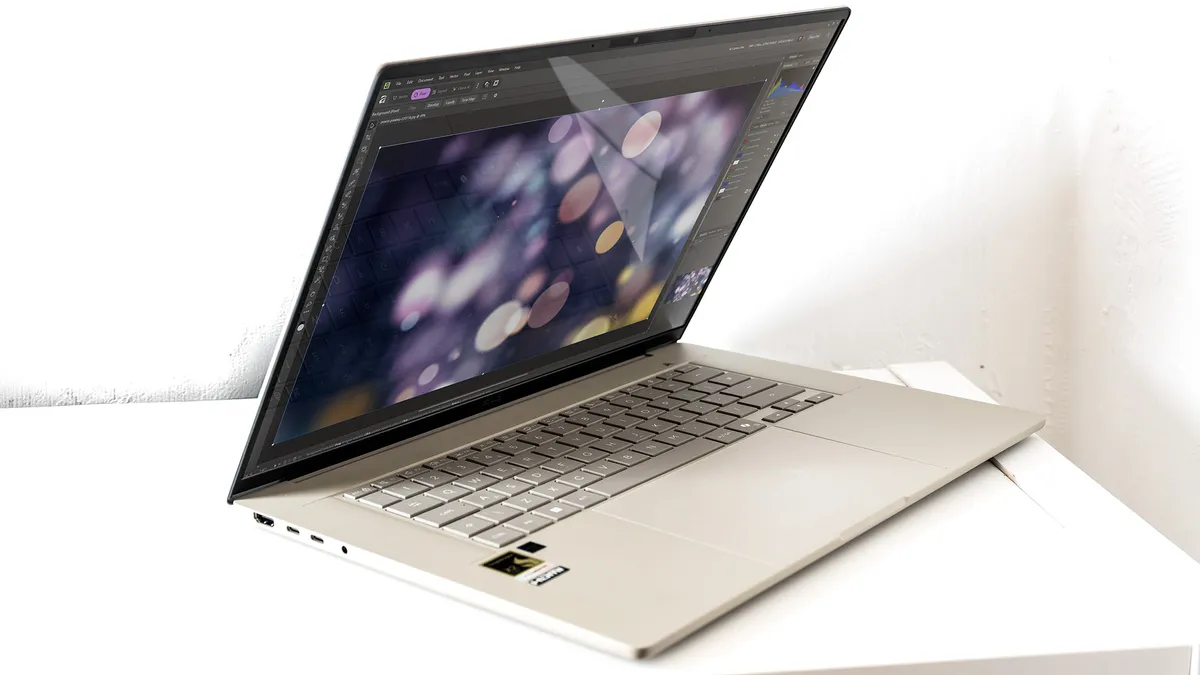
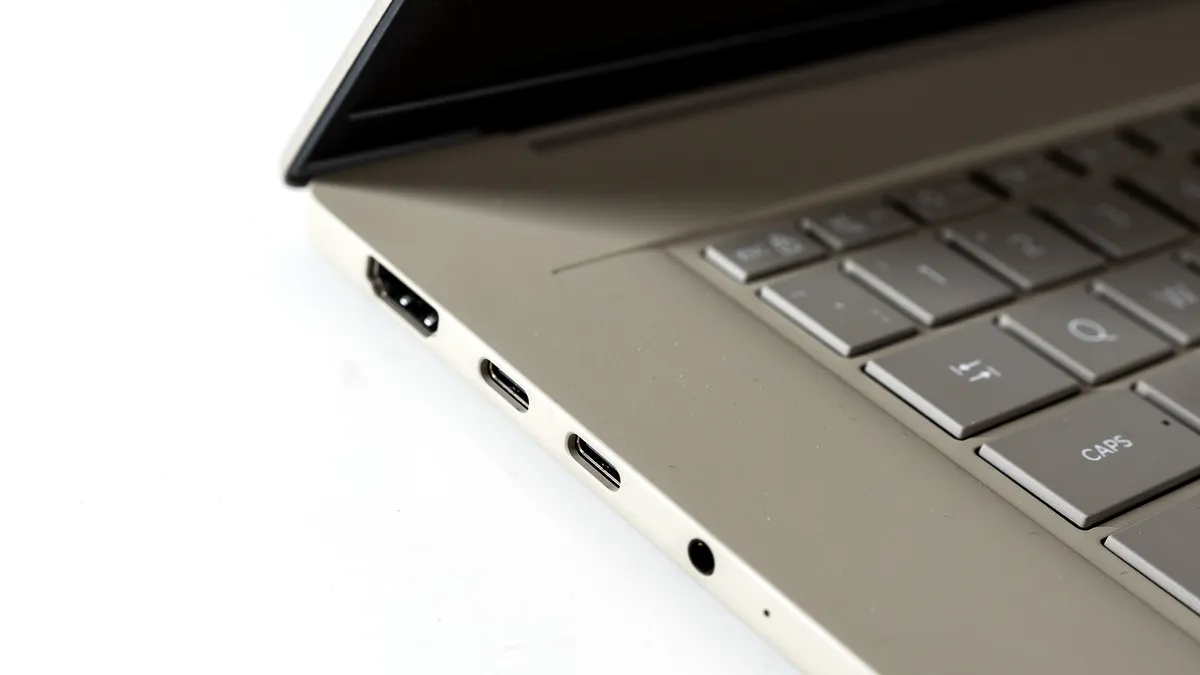
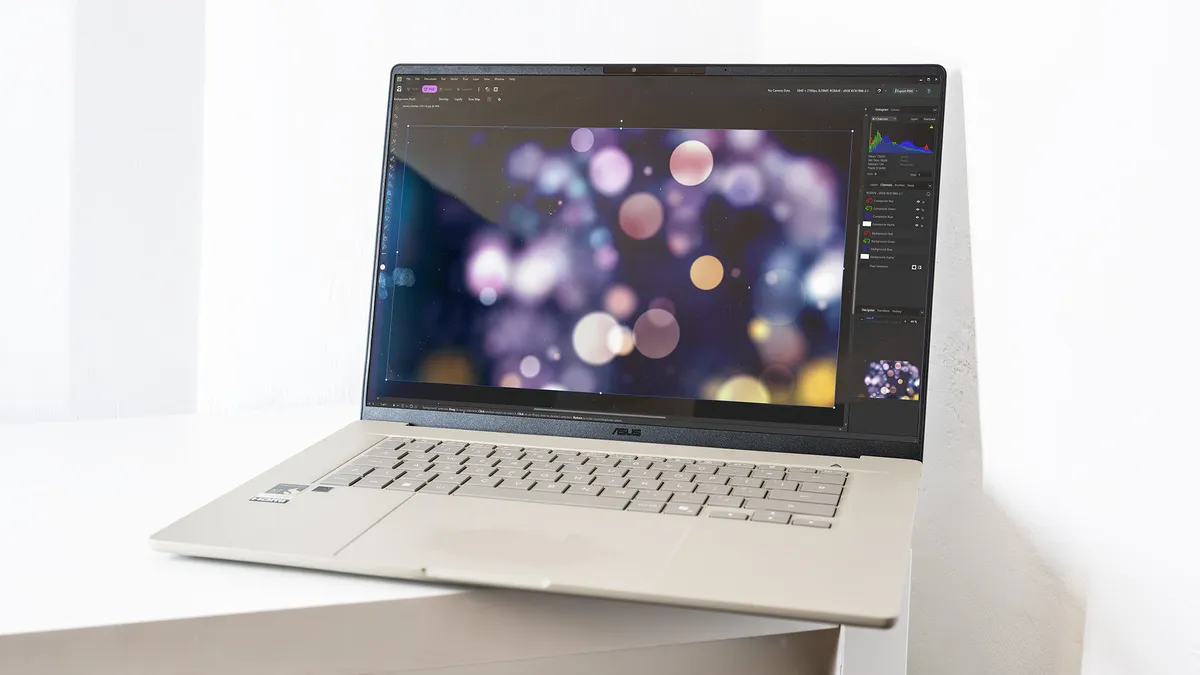
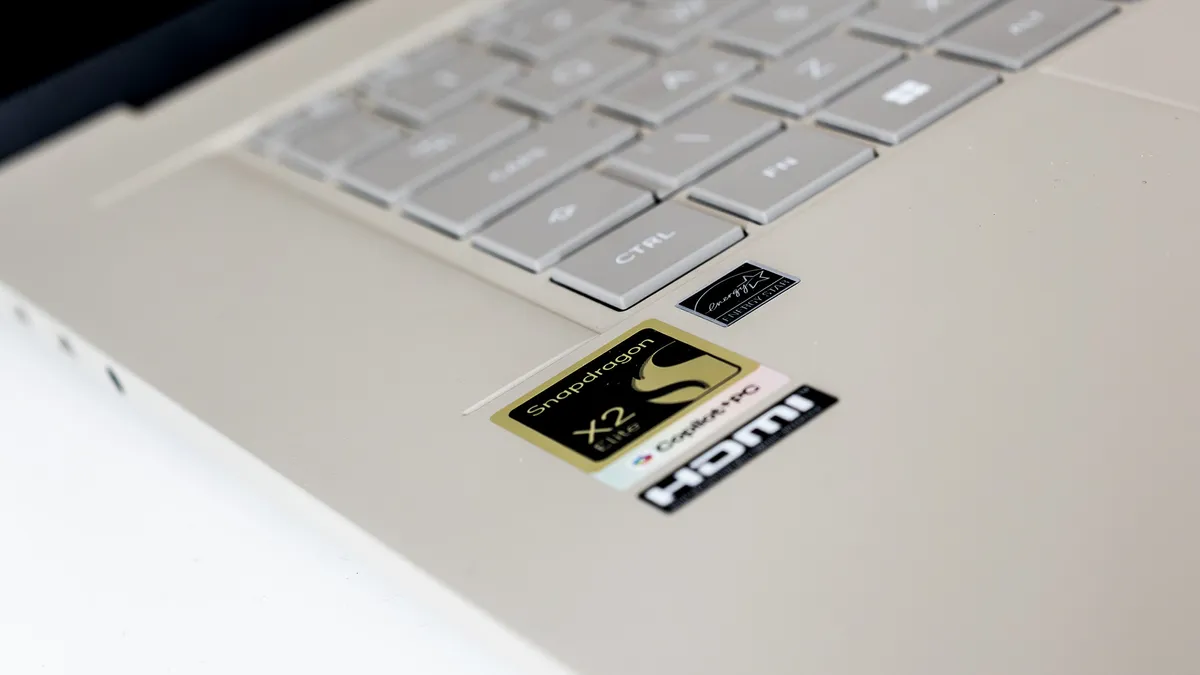
Windows laptops have spent the last few years playing catch-up with Apple's MacBooks on CPU performance. The Zenbook A16 is the closest they've come yet. Qualcomm's second-generation Snapdragon X2 Elite Extreme scores 3,673 in Geekbench 6 single-core: the closest any Windows chip has come to the MacBook Air M5's 4,158 in our testing. Its 18 cores also outpace the vanilla M5 in multi-core workloads, which matters for parallel compiling tasks. In Photoshop it beat the MacBook Air M5 outright, and when narrowed down to filter-intensive tasks it beat the MacBook Pro M5 too.
For programming specifically, the 48GB of RAM is a significant differentiator: more than any other laptop on this list, and genuinely useful for developers running multiple virtual machines, containers or heavy IDE setups simultaneously. Battery life of nearly 17 hours is outstanding, meaning long working sessions away from a socket are not a concern. The 16-inch OLED display is excellent: 2.8K resolution, 120Hz, 495 nits and 98% P3, with a matte finish that handles reflections well.
There's no touchscreen, and at $1,999.99 / £2,099.99 it's a significant investment; though notably cheaper than a comparable MacBook Pro configuration with similar RAM. Regarding GPU performance: the integrated Adreno chip handles everyday tasks well but trails discrete-GPU machines for anything graphics-heavy. For Windows programmers who prioritise CPU performance, RAM headroom and battery life, though, it's the most compelling option on the market.
Best budget


Let's be upfront: the MSI Modern 15 F13MG is built around Intel's 13th-gen Core i7, which is now a couple of generations old. In a roundup published in 2026, that's worth acknowledging. For students learning to code, developers on a tight budget, or anyone whose programming needs are straightforward, however, it remains a compelling option: because the fundamentals of programming haven't changed, and a 13th-gen i7 still handles them without complaint.
To put that in context, this will manage multiple browser tabs, a code editor, local servers and light compiling comfortably. The 15.6-inch IPS display is nothing special in terms of colour accuracy or brightness, but it gives you a decent amount of screen real estate to work across, which matters more than pixels-per-inch when you're looking at code all day. And the port selection is strong: three USB Type-A, a USB-C, HDMI and a Micro SD card reader lets you connect peripherals and external displays without a hub; more than can be said for laptops costing three times as much.
In our testing, its limits became clear. AI benchmark tests returned errors, GPU-intensive tasks exposed its ceiling immediately, and the 47Wh battery will struggle through a full working day under anything more than light use. If a better budget option appears, we'll update this entry in future. But as long as you stay within its limits (coding, compiling, web work, productivity), the MSI Modern 15 F13MG remains hard to beat at around $739 / £669.