The best e-ink tablets have screens that look and feel more like ink and paper than normal tablets. This makes it feel more like you're reading a real, physical book, or writing on a real, physical notepad.
Be warned, though: they do look quite odd when you do normal computing stuff on them, especially when you're watching a video. Most of them only work in black and white, not colour. And many of them don't run Android or iOS either, so you won't be able to do all the things you're used to doing on a standard tablet, such as downloading apps, playing games or listening to music.
If you want to read and write in a realistic way, though, these special tablets will be right up your street. Since we last published this list, several strong new models have arrived, and we've restructured our picks accordingly. Our top overall choice is now the Onyx Boox Note Air 5 C, which adds colour and Android 15 to an outstanding note-taking platform.

The best e-ink tablet overall


The Note Air 5 C is our top pick because it does more things well than any other e-ink tablet. The writing experience is superb: the matte screen has the right resistance, the Pen3 stylus supports 4,096 pressure levels with near-zero latency, and the result feels closer to paper than glass. PDF annotation is the headline feature: mark up a document and the annotations save directly into the file, ready on any device. For designers, editors and document-heavy workers, it's transformative.
The colour e-ink screen displays up to 4,096 colours via Kaleido 3 technology. These aren't iPad colours: they're muted and pastel, and resolution drops to 150ppi for colour content. But they add real value for colour-coded notes and charts. Running Android 15 with full Google Play, it supports Notion, Dropbox, Drive and most productivity apps.
At $529.99 / £499.99 it's an expensive purchase, but for anyone who marks up PDFs daily and takes extensive handwritten notes, it quickly justifies its cost. For more details, read my full Onyx Boox Note Air 5 C review.
The best e-ink tablet for writing

The Paper Pure does one thing better than any other e-ink device: it feels like writing on paper. The textured matte surface combined with the Marker Plus creates a resistance remarkably close to pen on a physical page. Creative Bloq writer Dan found that even his poor handwriting improved, because the tactile feedback changes how you hold the stylus. For handwritten notes, it's simply the best digital experience available.
It's deliberately simple: no Android, no apps, no keyboard support and no colour, just a black-and-white display for writing and reading. The editing tools are where it beats a paper notebook: you can circle handwritten text to select, move or erase it, and convert it to typed text.
For prolific note-takers who fill notebooks quickly, the ability to delete and reorganise is a revelation. If a distraction-free space that feels like paper is what you want, you'll love it.
The best portable e-ink tablet


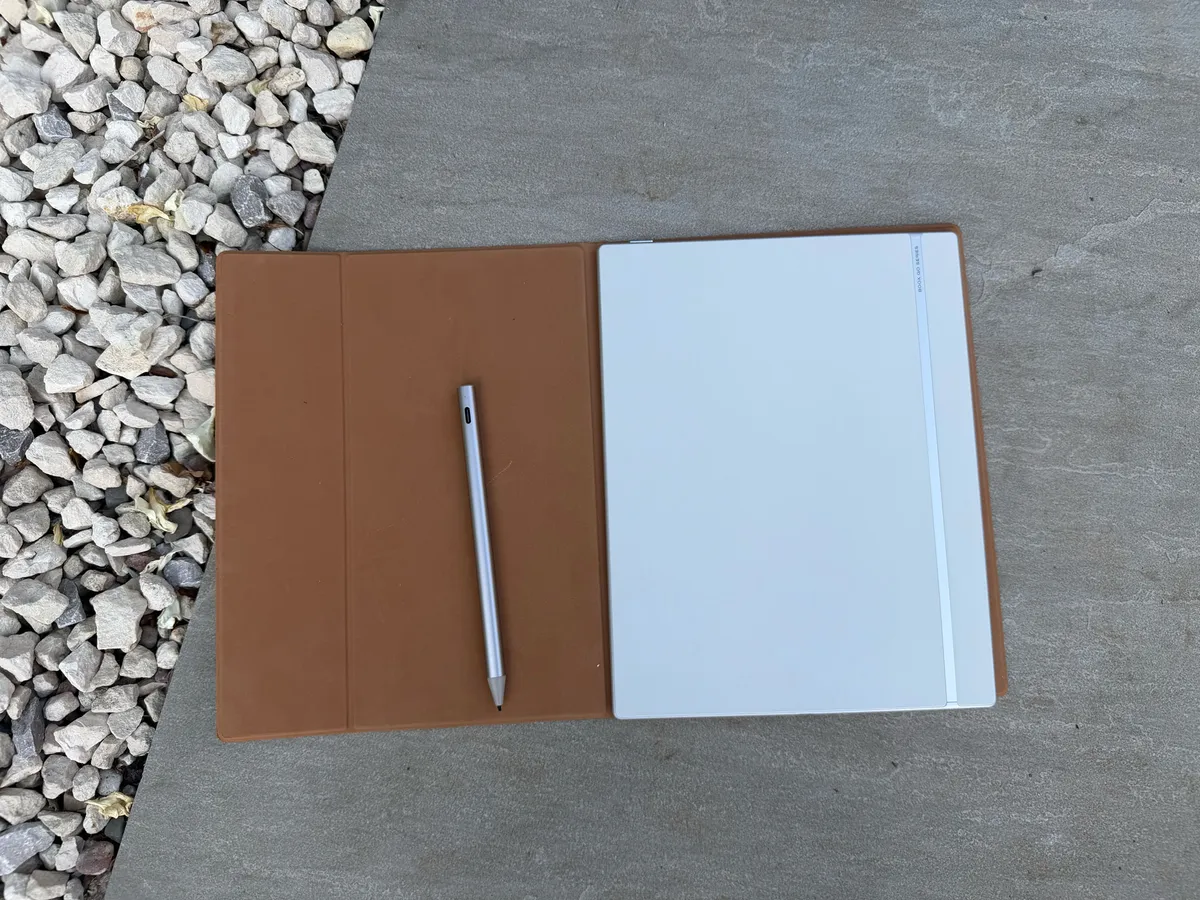
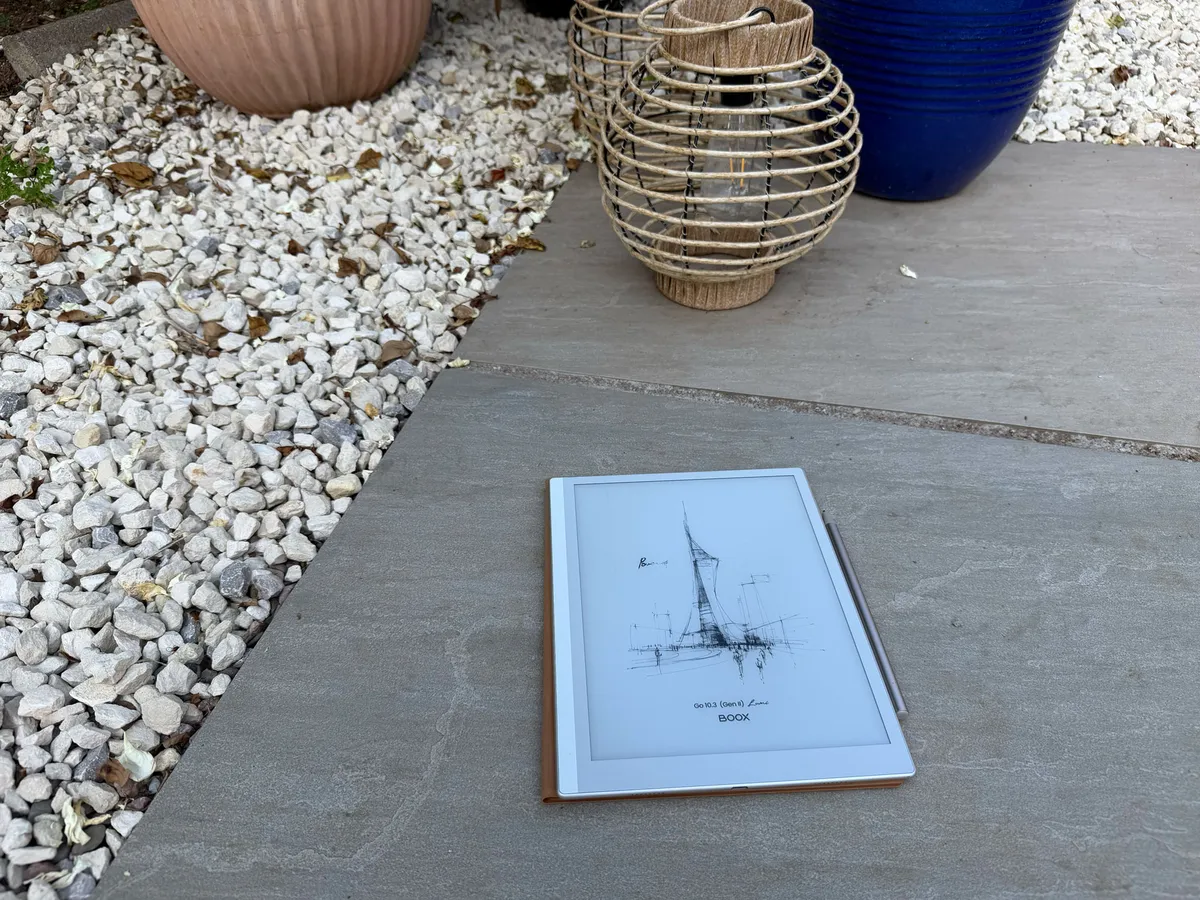
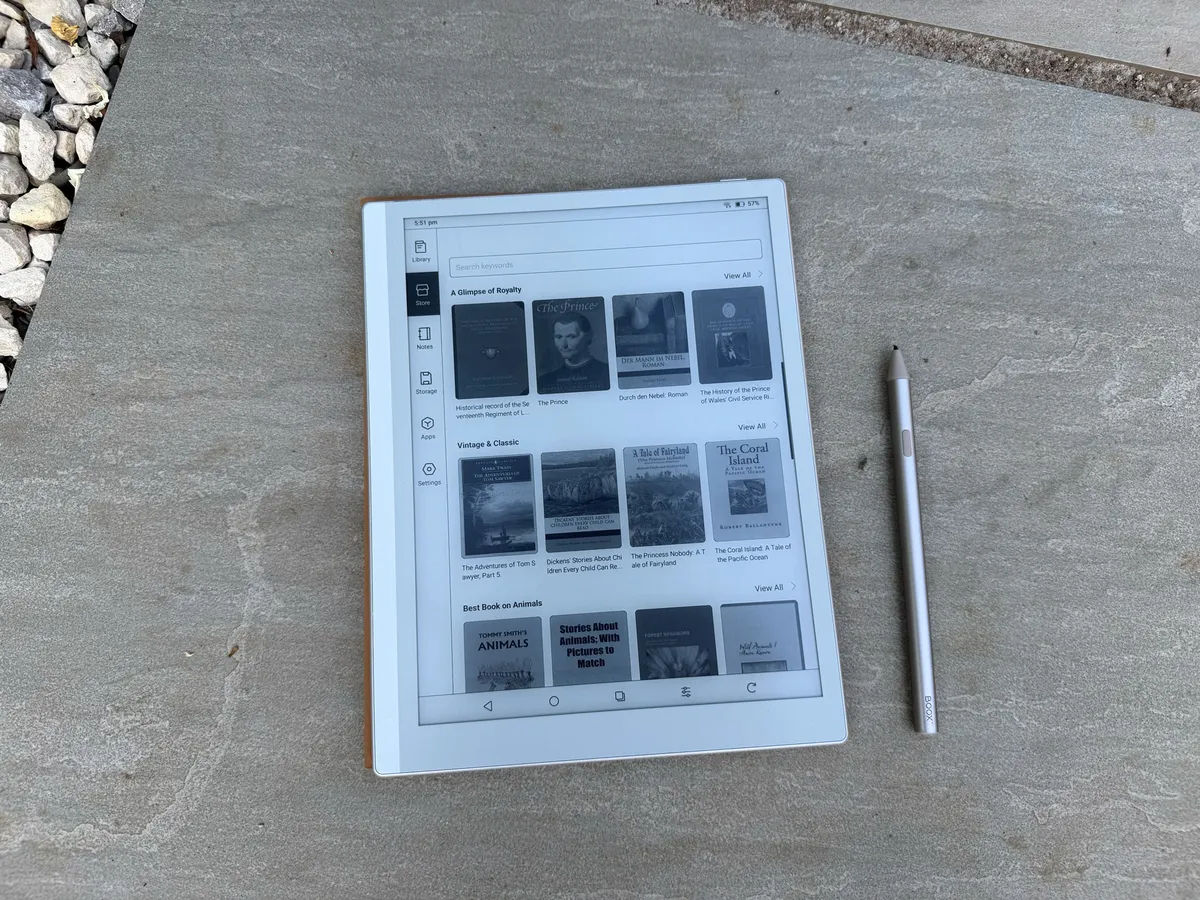

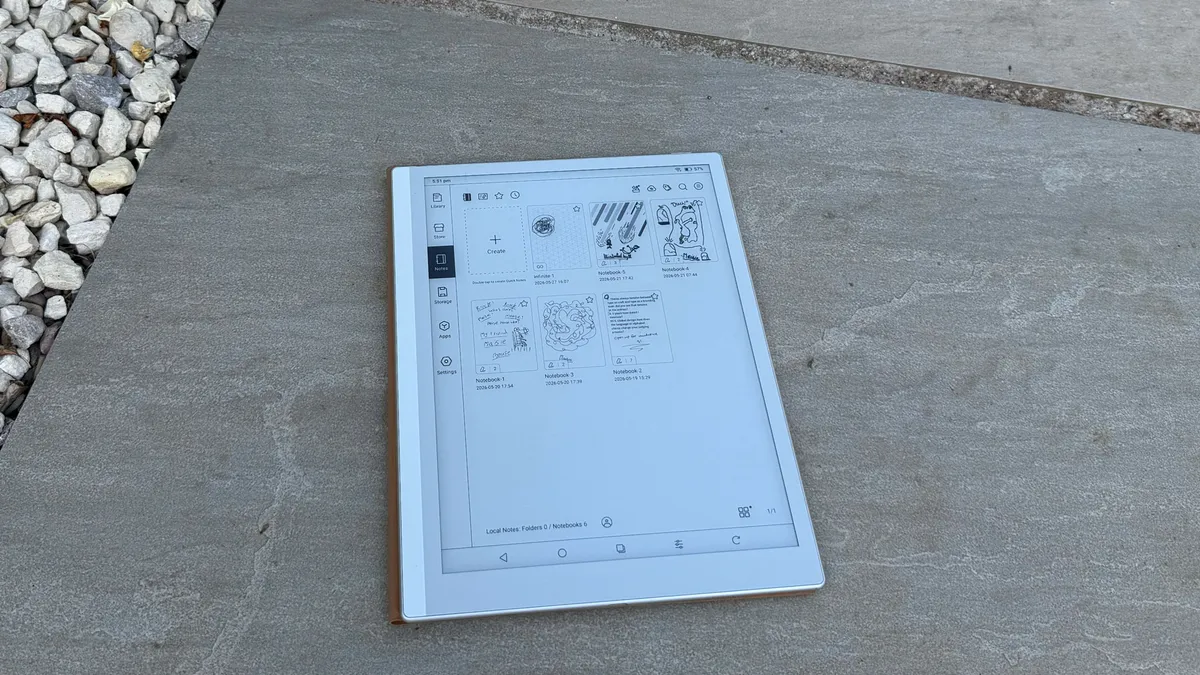
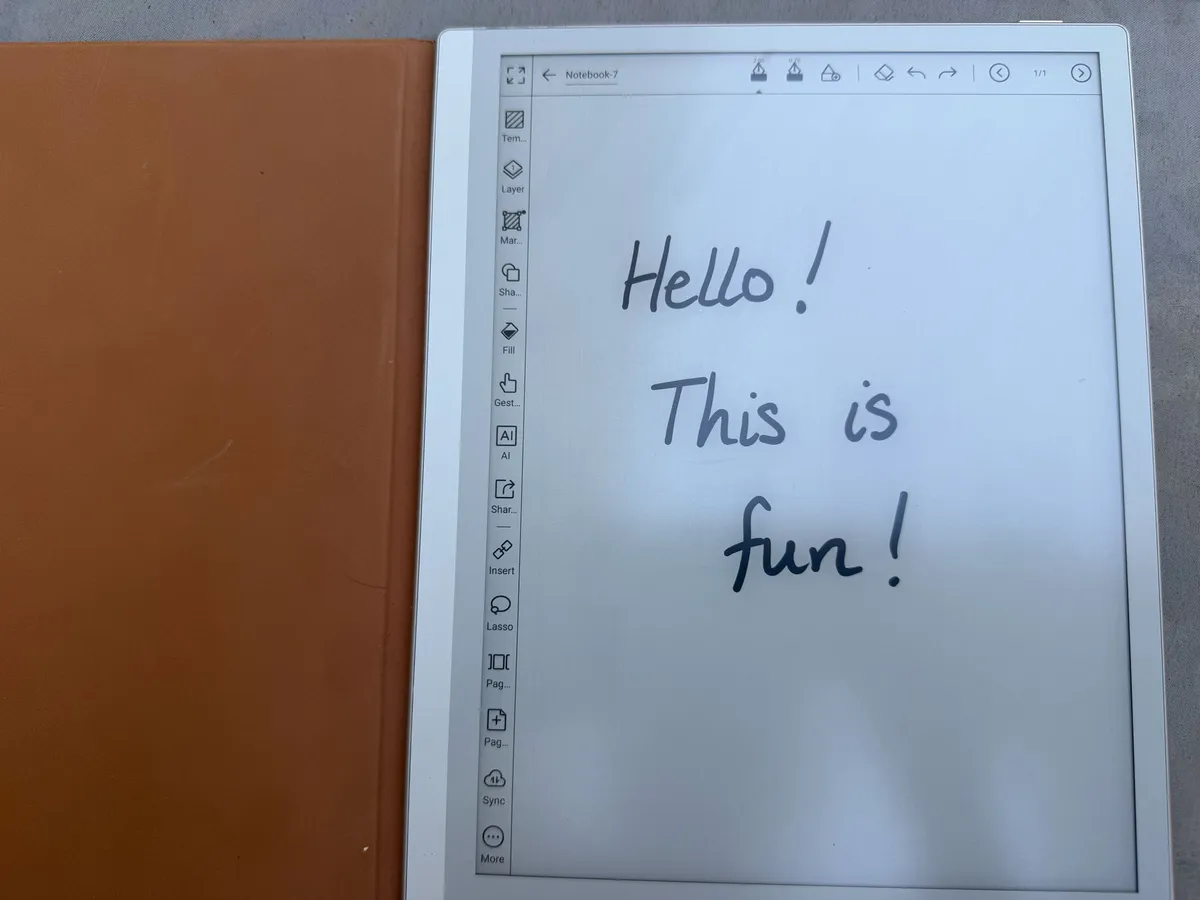

At just 364g, the Boox Go 10.3 Lumi Gen II is the lightest 10-inch e-ink tablet on the market today. It slides into a bag without you noticing, stays comfortable one-handed for long sessions, and never feels like a burden. Our editor Georgia was surprised by how quickly it became indispensable for note-taking, reading and productivity work in a way that neither a Kindle nor a paper notebook alone could replicate.
The Lumi adds an adjustable dual-tone front light, bright enough for all conditions and glare-free in sunlight. Battery life is exceptional: Georgia had hers for weeks without charging. The killer feature for readers is Android: this means you can borrow books for free via library apps, something Kindle won't allow. The note-taking app supports AI handwriting-to-text, infinite canvas pages and PDF annotation.
The standard model is $399.99 / £399.99; the Lumi is $449.99 / £429.99. Both include the stylus and case. The new stylus requires charging, a step back from the previous Wacom pen, but latency is good. For more details, read our full Boox Go 10.3 Lumi Gen II review.
The best large e-ink tablet
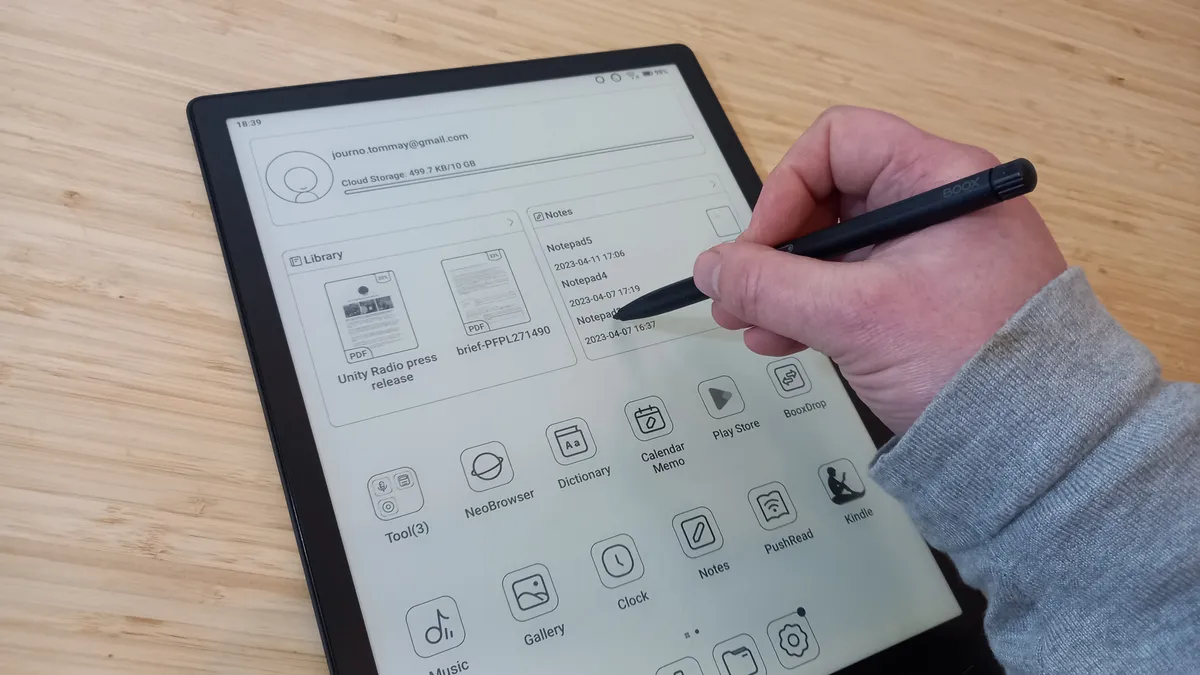


If screen size matters to you, the Boox Tab X is in a league of its own. Its 13.3-inch display is the only e-ink screen where large-format publications feel truly at home: newspapers, reference books and architectural plans all benefit from the extra space. It can also make you more productive; mostly obviously when annotating PDFs in split-screen, when you can view a document and your notes side by side at a genuinely usable size.
The hardware matches the premium price: a Snapdragon processor with 6GB of RAM means zero perceptible lag, the stylus responds instantly and page turns snap. The 6,300mAh battery is the largest on any e-ink device, lasting weeks. At 560g it's heavier than most, but for desk-based work the size advantage far outweighs the weight.
At around $1,000 / £999, it won't make sense for everyone. But for architects, designers and academics who work daily with large documents, nothing else comes close. Read my full Onyx Boox Tab X review for more.
The best e-ink tablet for reading


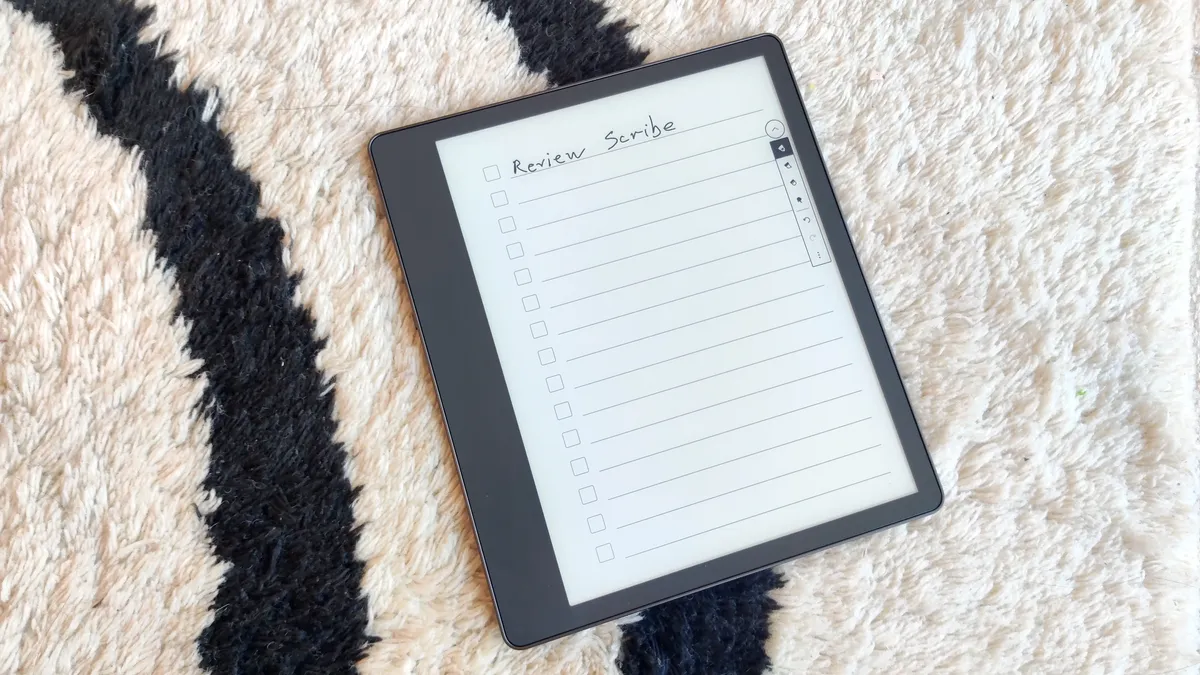
If reading is your primary purpose and note-taking is secondary, the Kindle Scribe is the right pick. The reading experience is exceptional: a 300dpi evenly lit display, beautifully integrated with Amazon's vast library, delivering crisp text that's comfortable for hours.
When it comes to note-taking, it's capable but not the absolute best. For instance, you can write on PDFs and use 18 notebook templates, but you can't write directly on book pages (only add sticky notes), and there's no handwriting-to-text conversion. These limitations matter if annotation is central to your workflow: those users should look at the Boox options above.
For readers who want a straightforward, polished device, though, the Scribe's Amazon integration, clean interface and excellent display are hard to argue with. Its focused simplicity is genuinely appealing compared to the sometimes-cluttered Android interfaces on rivals. Storage runs from 16GB to 64GB. At $279.99 / £279.99 for the base model, it's also very affordable. For more, read our full Kindle Scribe review.
How to choose an e-ink tablet
When choosing an e-ink tablet, there are a few key factors to consider. First think about screen size. E-ink tablets come in a variety of screen sizes, from around 6 inches to 13 inches. If you plan on using your e-ink tablet for note-taking, you may want to choose a larger screen size. However, you have to balance that with portability and what's comfortable for you to hold and read from.
Secondly, look at resolution, which determines how sharp and clear the text and images will appear. Higher resolution tablets will have sharper text and images, but they will also be more expensive.
If you want to do more than read and write on your tablet, it's also worth paying attention to its operating system. Some e-ink tablets run a proprietary operating system, but if you want to be able to install apps on your e-ink tablet, you will need to choose a tablet that runs Android. Beyond that e-ink tablets come with a variety of features, such as front-lit screens, stylus support, and handwriting recognition.
How we test
To compile this list, we've compared reviews of e-ink tablets from our own experts, along with those at our sister titles at Future Publishing. When we test tablets, we don't just look at technical specifications but focus on what most people want from an e-ink tablet and whether a particular device delivers. Is it easy to understand and operate? Does it perform consistently, and are there any lags, slowdown or crashes over time? We perform rigorous tests to put all the tablet's features and functionality through its paces, and assess the quality of its display, the speed of operation, battery life, and practical things like what it's like to hold and how easy it is to carry.
FAQs
What is an e-ink tablet?
An E-ink tablet is a type of electronic device that uses E-ink technology to display content on its screen. E-ink (short for "electronic ink") provides a paper-like, glare-free reading experience, making it suitable for reading digital books, documents, and more.
E-ink displays work by using tiny microcapsules filled with black and white particles that respond to electrical charges. When a charge is applied, the particles move to the front or back of the microcapsules, creating the text and images on the screen.
Why would I buy an e-ink tablet?
E-ink tablets offer several specific things that normal Android, iOS or Amazon tablets don't. Most importantly, they provide a reading experience close to ink on paper, which feels more comfortable on the eyes for long reading sessions.
They also tend to have much longer battery life, making them great for travel, and anti-glare displays that are easy to read in sunlight or other bright environments. Also, because these devices are primarily designed for reading, you're less likely to get distracted by email, messages, notifications and other interruptions common on normal tablets.
Many models offer reading-specific features like adjustable font sizes, customisable reading settings, and built-in dictionaries for enhanced convenience. And some e-ink tablets, including those on our list above, go further and offer features for note-taking, handwriting, sketching and drawing with a stylus, with a more paper-like feel than most standard tablets.
How long does an e-ink tablet last?
With proper care, an e-ink tablet should last for several years. That's because unlike traditional LCD or OLED screens, e-ink displays do not have a backlight and do not emit light continuously. Instead, they rely on small electric charges to rearrange particles within the display to create text and images. This means that e-ink screens consume power only during transitions, such as flipping a page on an e-reader.
Your e-ink tablet's life will, however, shorten if it sustains physical damage, such as drops or impacts, or is subject to excessive moisture or extreme temperatures. Conversely, if you keep it safe from such harm, by taking care and storing it in a protective case, it will probably last longer. Performing regular software updates and maintaining a stable power source can also help prolong its lifespan.