Think you need a huge editing suite in a darkened room to slice and dice your video files? Think again. With the best iPads for video editing, you can assemble Hollywood-level footage while you travel or enjoy a beverage at a coffee shop.
We've put these iPads through their paces with the Apple-owned and optimised Final Cut Pro, alongside the best video editing software, to find their strengths and weaknesses. The sheer power of the iPad Pro (M5, 2025) makes it a clear winner in terms of specs, but Apple's lower-priced tablets are catching up fast.
Getting started in video editing? Check out our guide to the best free video editing software. If you want a more conventional portable video editing platform, take a look at our best laptops for video editing guide.
The best iPad for video editing
Why you can trust Creative Bloq Our expert reviewers spend hours testing and comparing products and services so you can choose the best for you. Find out more about how we test.
Best iPad for video editing overall


For those who demand the absolute ceiling of mobile performance, the iPad Pro (M5, 2025) is in a league of its own. While other tablets in this range are jack-of-all-trades, the Pro is designed specifically to replace a desktop workstation for editors on the move. The headline feature remains that stunning Tandem OLED Ultra Retina XDR display. For video editors, this isn't just about brightness; it’s about the pixel-perfect contrast and colour accuracy required for professional HDR grading that you simply cannot get on the iPad Air or standard models.
The heart of this machine is the M5 chip, which introduces dedicated AI superpowers for tedious tasks. AI-driven tasks in Final Cut Pro—such as the live multicam feature or automatic object tracking—feel instantaneous. When paired with 16GB of RAM in the higher-storage tiers, the Pro handles dense, multi-layered 4K timelines with a level of fluidity that feels almost desktop-like.
Connectivity is another area where the Pro earns its name. The inclusion of Thunderbolt 4 is a critical distinction for video professionals. When you’re offloading hundreds of gigabytes of footage from a day’s shoot, the difference in transfer speeds between this and the Air is significant. It also allows for a much more robust connection to external 6K displays and high-speed storage arrays.
It’s compatible with the Apple Pencil Pro for frame-accurate masking, and the sheer thinness of the 13-inch model makes it remarkably portable despite the massive screen real estate.
Of course, all this power comes at a premium, and for many, the cost will be hard to justify; but those who need the absolute best tablet for video editing need look no further.
Read our full Apple iPad Pro (M5, 2025) review.

"If you don’t have an iPad and want an insanely fast, very well designed creative tablet for video editing then this is for you. For current iPad owners, it's not worth the upgrade – too many apps aren’t yet capable of using this much power."
Best value iPad for video editing
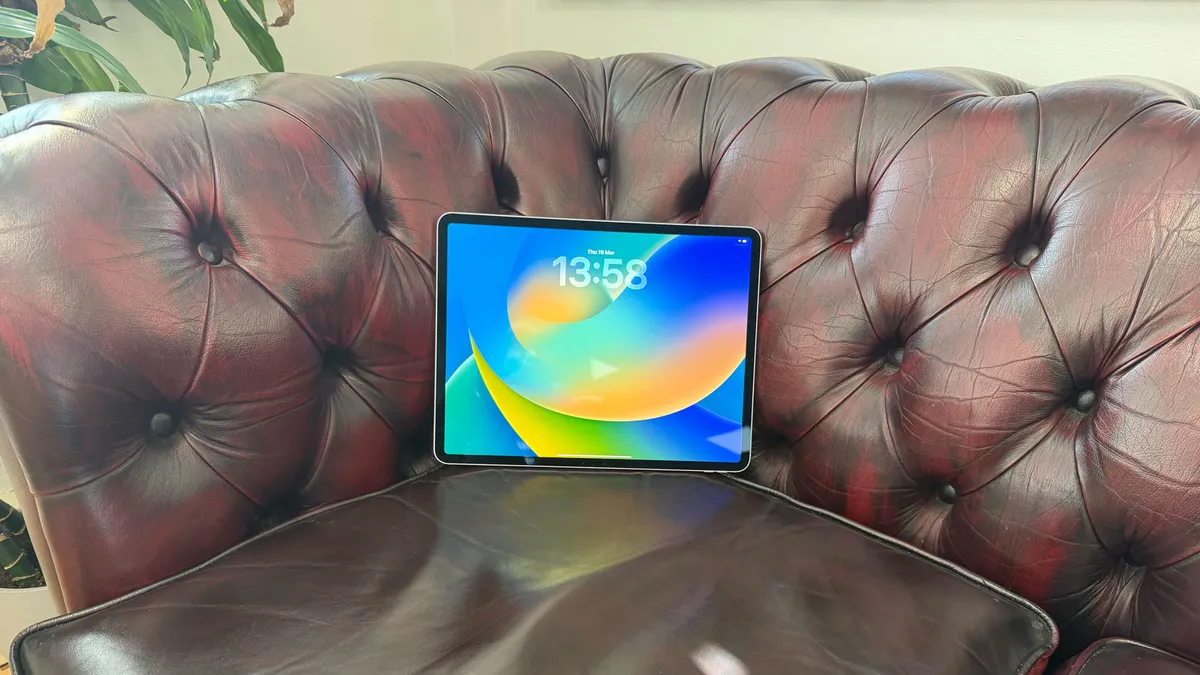


Finally, an iPad Air that’s good enough for video editing. Traditionally, creators had to go for the more expensive (but more powerful) iPad Pro if they wanted to handle high-bitrate 4K footage, but the M4 chip, coupled with a rock-solid base of 12GB of RAM, means that this cheaper, slimmer iPad can handle all the sequences you can throw at it.
While the 11-inch display is surprisingly capable, we’d recommend the 13-inch option for video editors: that extra screen real estate comes into its own with those endless timelines that seem to keep growing in every single direction. Editors can now work in hotel rooms or the back of vans with roughly the same precision and confidence they have at a full-blown editing suite.
Of course, Apple is all about AI at the moment, and the iPad Air is no exception. The M4’s Neural Engine takes care of tedious time-sink tasks such as scene removal and voice isolation with agility. It’s also compatible with the Apple Pencil Pro, which is handy for finickity frame-by-frame scrubbing when you don’t have a mouse.
While it may lack the iPad Pro’s more heavyweight featureset (Thunderbolt 4 transfer speeds and Tandem OLED screen), the iPad Air has just become an essential lightweight and lower-priced tool for content creators and freelance video editors.
"For most editors, I'd say this is the sweet spot for you between cost and functionality. Powerful enough and not as eye-watering as the iPad Pro M4 on the price front."
Best budget iPad for video editing


The iPad (11th Gen, 2025) may not have the headline-grabbing M-series silicon found in its siblings, but for the vast number of digital creators, it's precisely the tool they need. It serves as a fantastic entry point for students or hobbyists who want to explore video editing without committing to a "Pro" investment. The A16 Bionic chip—originally found in the iPhone 14 Pro—is surprisingly resilient, handling 4K 60fps footage from a phone or mirrorless camera with respectable speed.
While the design remains largely unchanged from the previous generation, the landscape-oriented front camera is a welcome standard. For freelance editors, this makes client calls far more natural than the old "portrait-side" lens. The 10.9-inch Liquid Retina display is bright and colour-accurate enough for most web-based content, though professional colourists will miss the depth and contrast of the OLED Pro models.
In our review, the base-level iPad proved to be a workhorse for everyday creative tasks. If you aren't dealing with professional codecs like ProRes and don't mind a slightly smaller screen, this is easily the best value tablet on the market for editors who want to stay mobile without breaking the bank.
Read our full iPad (2025) review.

"As an everyday iPad user, and someone who likes to indulge in my creativity with tasks like video editing, I have to say this is the option I would go for."
Best portable iPad for video editing

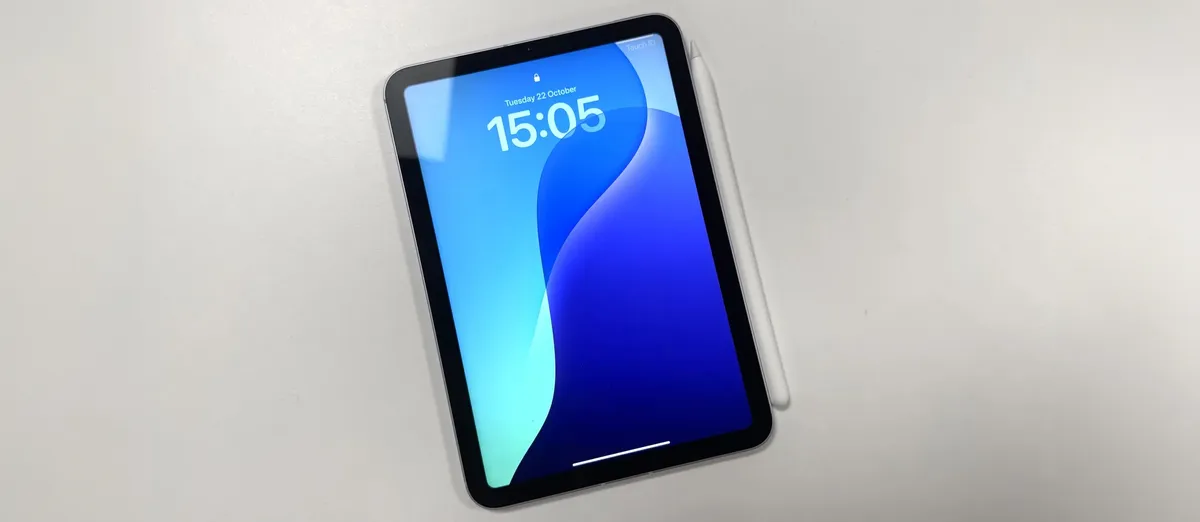


All the other iPads on this list have nice big screens, which is great for video editing. But if portability is key, then you'll be pleased to know that the small iPad mini still gives great performance.
Yes, the 8.3-inch screen is a little poky, but that does make this iPad extremely easy to take around with you. The Liquid Retina display with 2266x1488 resolution at 326 pixels per inch is impressively crisp and detailed. The A17 Pro chip provides enough power to run video editing apps for light video editing on the go. And you get USB-C support and 5G connectivity into the bargain.
We ran a few video editing tests in our full review, and found the iPad mini to perform admirably. It handled 4K footage without any problems. The 3:2 aspect ratio of the screen is well-suited to video playback, and having Apple Pencil Pro compatibility is welcome.
The device started to struggle with playback when trying to edit log footage and add significant effects or enhancements, so a full editing workflow in a program like Davinci Resolve will tax this smaller tablet unless you use proxies or optimised media. The small screen could also make navigating panels frustrating, but this tablet will do the job for editing video for social media, for example.
Read more in our full iPad mini (7th gen) review.

"The iPad mini is, in many ways, the ultimate creative device, because it's very powerful, and you can take it with you anywhere."
FAQs
Can an iPad actually handle serious video editing?
Certainly! Video editing tasks can also be done smoothly on all types of iPad, although in general you get what you pay for. So basically, the more you spend on an iPad, the faster and more responsive your experience will be.
What is the best video editor for iPad?
We do much of our iPad video editing on LumaFusion, which offers a brilliant video-editing suite that's well-optimised for tablets. Alternatively, you might want to consider DaVinci Resolve, which is powerful and complex.
Can I turn my iPad into a laptop?
The Magic Keyboard transforms your iPad into something akin to a laptop by adding a physical keyboard and trackpad. Note that it's not quite the same as a MacBook, though, because you'll still be running iOS, rather than macOS, so you won't be able to run full Mac software such as Premiere Pro or Final Cut Pro. Also note that you have to buy it separately and it's not cheap. For more affordable alternatives, read our roundup of the best iPad keyboards.
What video editing apps work best on an iPad?
The most powerful video editing app for iPad is arguably Da Vinci Resolve thanks to its combination of video editing and colour correction in one software tool. There are plenty more to choose from, though, and each has something unique to offer. So check out our full list of video editing apps to find the right fit for you.
How to choose the best iPad for video editing
How do you choose between the best iPads for video editing? Well, that's largely down to price. If money's no object, then you can't go wrong with the iPad Pro M2, the number one pick on our list. Otherwise, you're basically balancing how much you want to spend with the speed and power of the tablet. On the whole, iPad Pros are more powerful than iPad Airs, and the basic iPad is at the bottom of the list. Similarly, every time you go back a year from 2022, you'll step down in both price and power.
There's only one other major consideration when it comes to video editing: the size of the screen you're looking for. Most people will prefer a larger one in order to see more picture detail, but that will also make your tablet larger and less portable. So if you want something easy to carry, you may prefer to go in the opposite direction and opt for an iPad mini.
You'll also want to consider storage, you get more options when you go for more expensive models. See our how much iPad storage do I need guide for more.
How we test iPads for video editing
Finding the best iPad for video editing is partly about assessing specifications, partly about machine testing, and partly about how each model performs in practice, at actual video editing tasks. So while we use benchmark tests like Geekbench to measure processing muscle, we also import and render actual 4K footage to see how smoothly each iPad performs when editing complex projects. We also assess the brightness, colour accuracy and HDR capabilities of the screen, battery life, and audio quality from the speakers.