




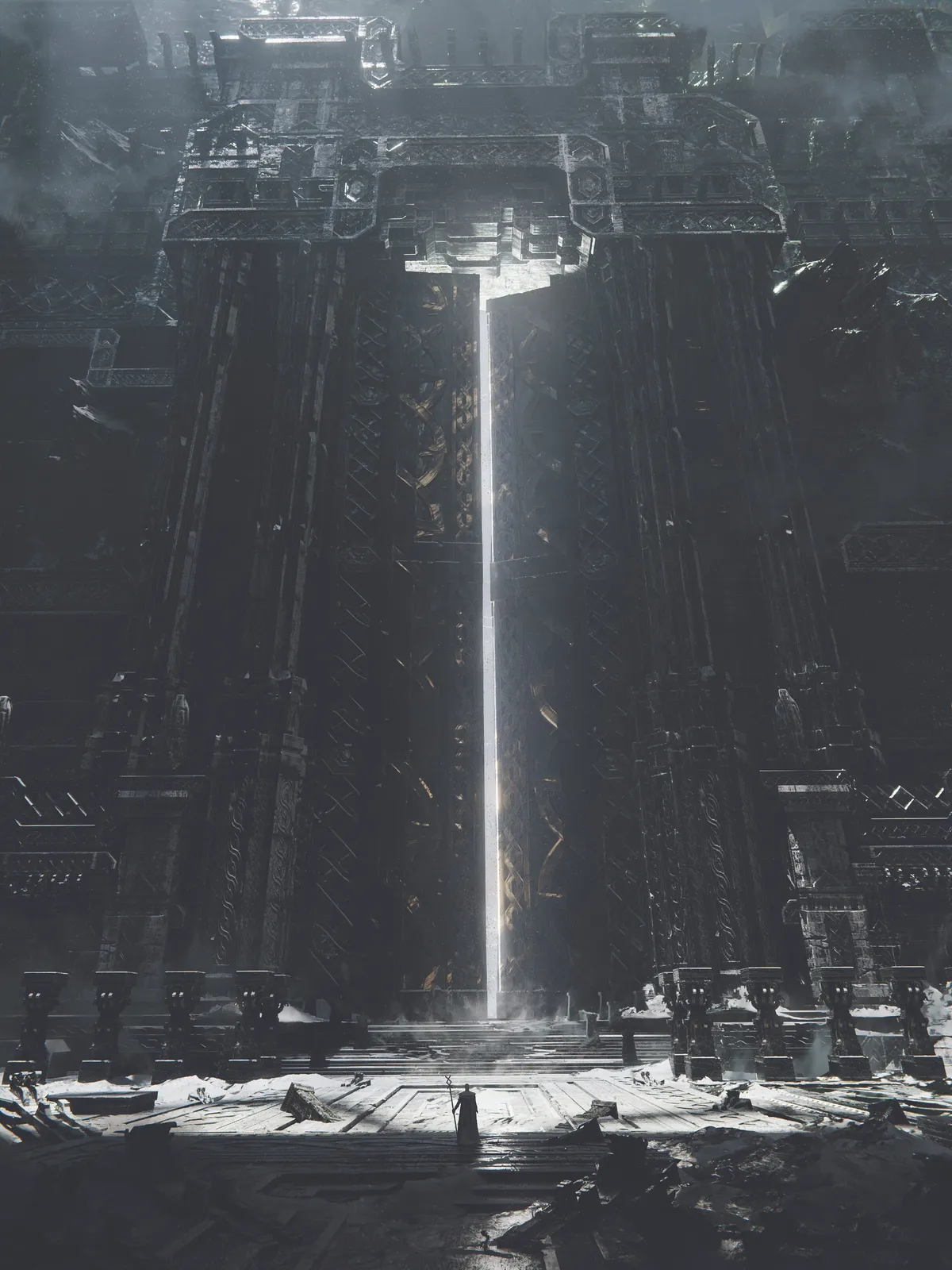
The Gate of Vanaheimr is a 3D-environment artwork created with the idea of building a fictional world that I want to see and experience. The majority of my inspiration comes from Norse mythology. I focus on creating atmosphere through light, shadow, and composition, allowing viewers to feel as if they have stepped into a world of freezing temperatures and overwhelming grandeur.
Creating artwork that can make viewers feel amazed requires what I call ‘epic scale’, which is a technique I specialise in. It focuses on placing a tiny figure in front of enormous architecture, emphasising the contrast between the small figure and the vastness of the environment.
The software I use for my entire 3D workflow is Blender, with additional adjustments and post-processing done in Photopea (see our guide to the best 3D modelling software, and you might want one of the best laptops for 3D modelling).
01. Models and composition
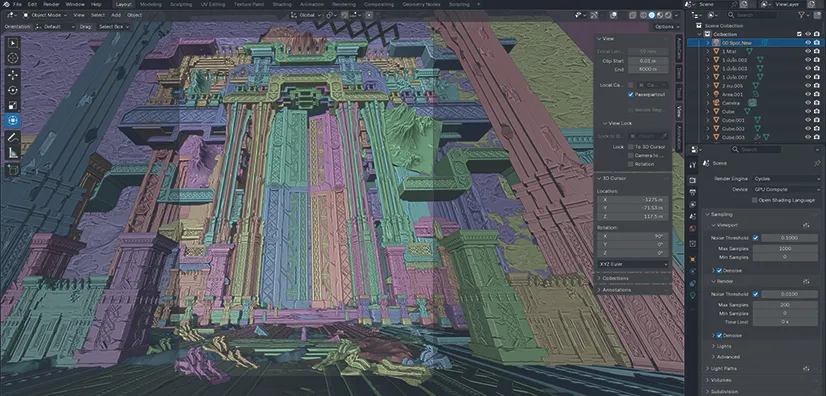
First, I arrange pre-made models to establish the composition, setting up the camera and gradually adding surrounding details. The enjoyable part is experimentation. If something doesn’t fit, you will immediately notice.
Most of the textures came from Poly Haven and photos I’d captured. I use Ambient Occlusion, Bevel and Fake Bump Nodes to add depth and dimension.
02. Lighting
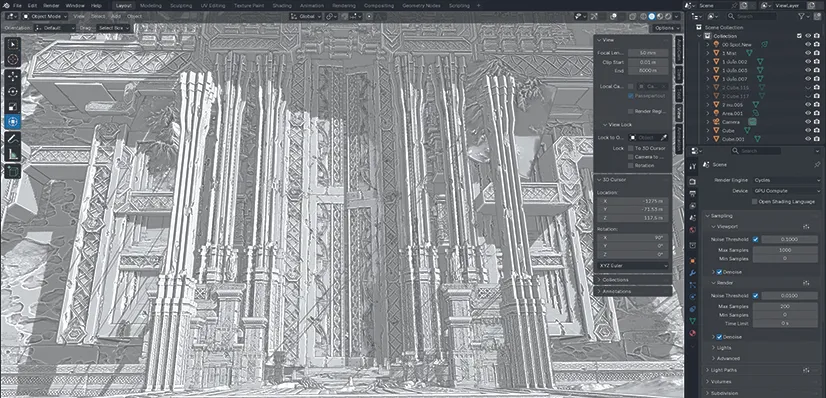
I prefer creating the lighting while working on the composition, which allows me to observe the direction of light interacting with the entire scene. Lighting can hide many imperfections, even when models aren’t perfect.
I’m usually searching for the lighting angle that makes the image look its best. I often use Sky Texture, Spot Lights, and Environment Texture, sometimes combining them to achieve the desired atmosphere.
03. Post-processing
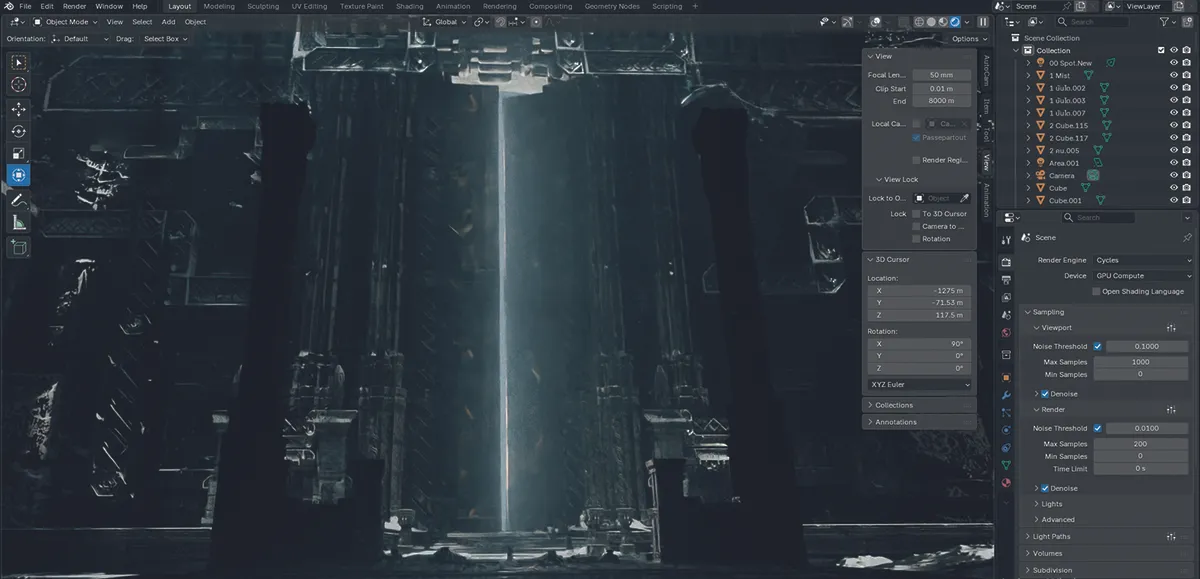
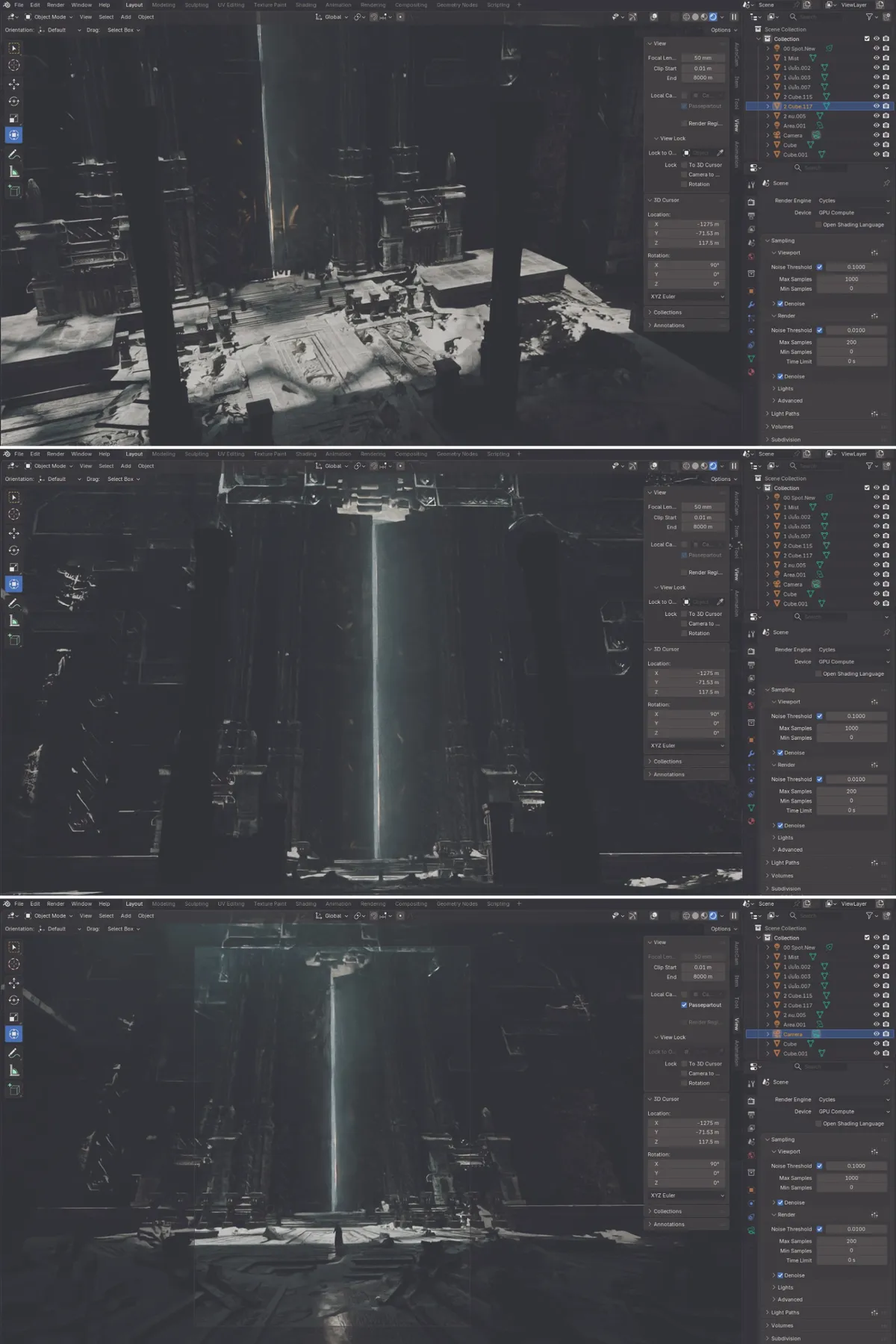
The final step after rendering the raw image from Blender is additional editing in Photopea (which has a similar workflow to Photoshop). I add fog, smoke and dust, making small lighting adjustments to enhance the overall mood.
However, I don’t usually rely heavily on colour grading, because I’m generally satisfied with the colours and atmosphere already achieved through compositing in Blender
For more inspiration, see our Blender tutorials.
Gear up
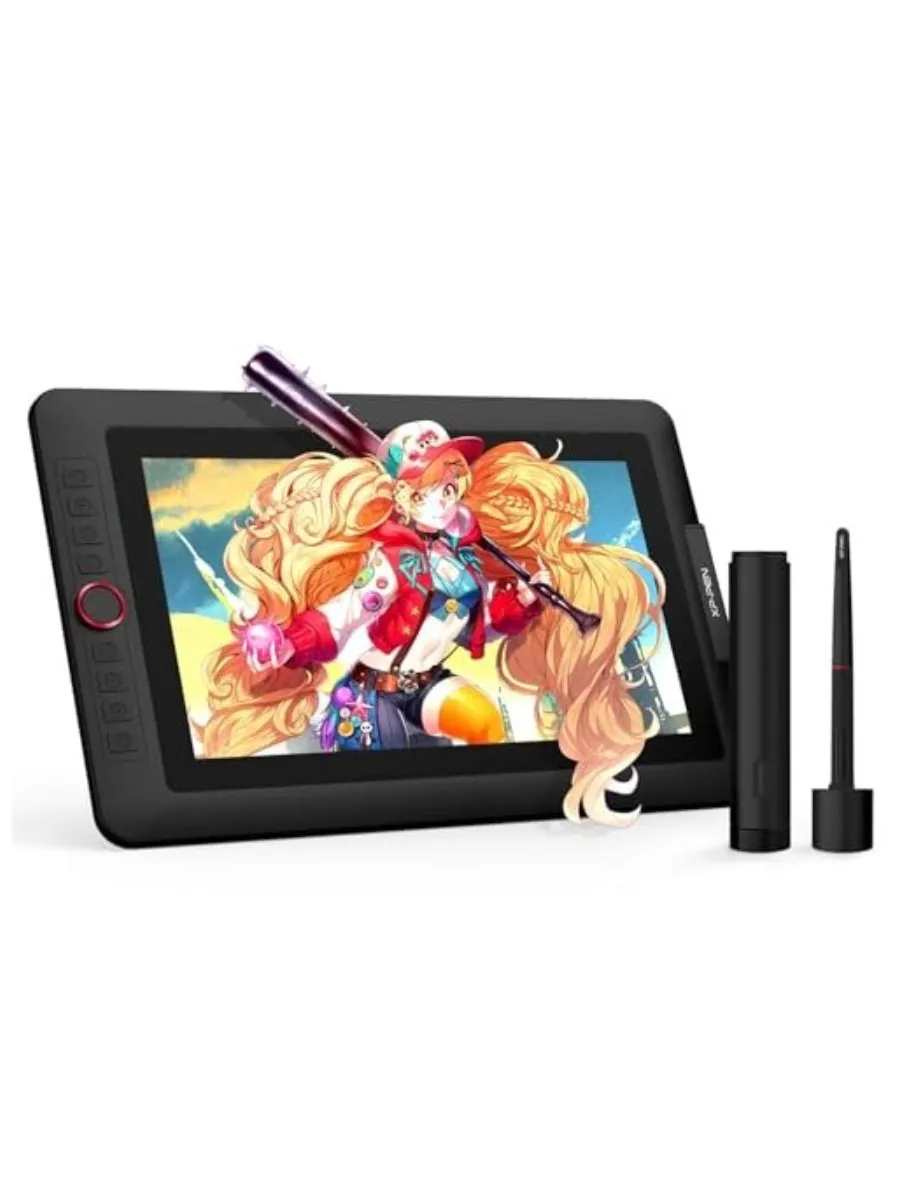
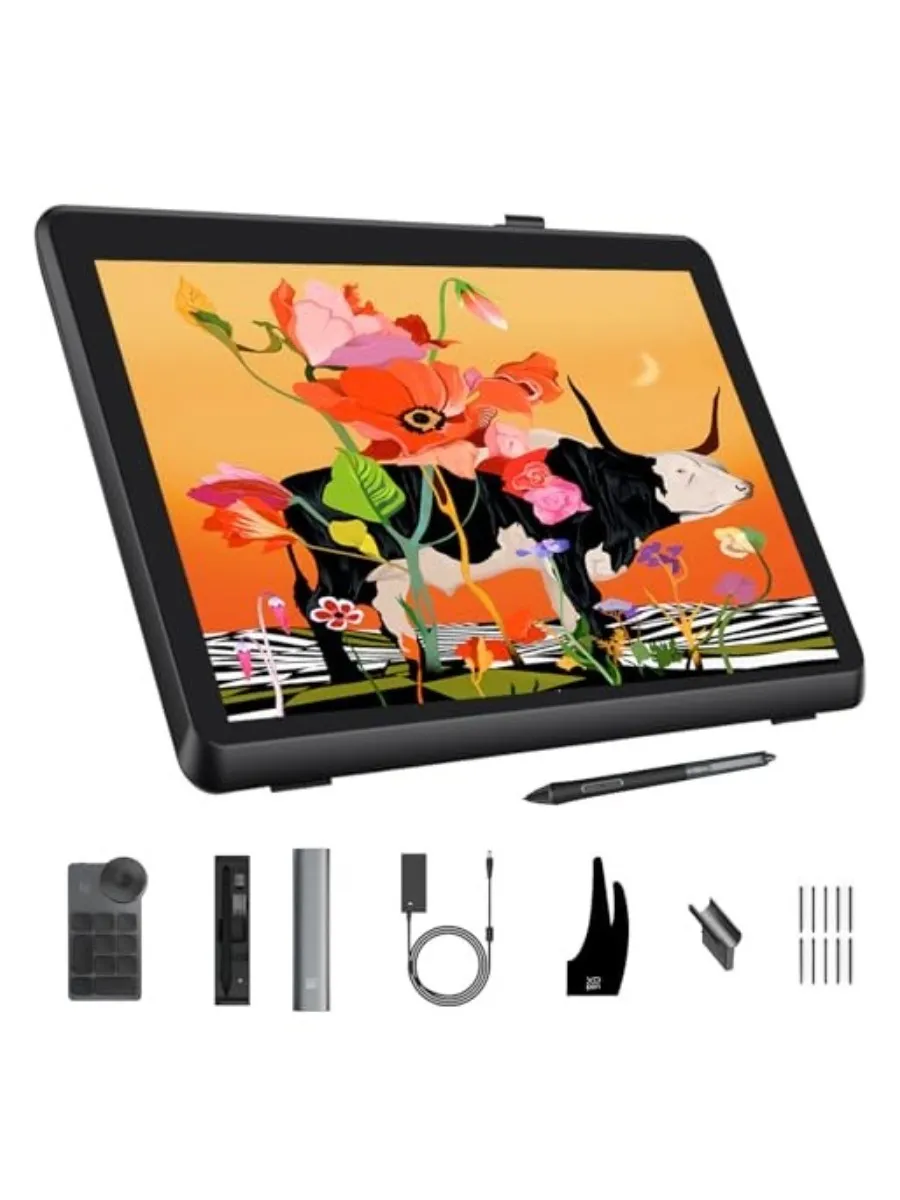
See below for today's best deals on drawing tablets.
This article originally appeared in ImagineFX. Subscribe to ImagineFX to never miss an issue. Print and digital subscriptions are available.
Creative Bloq is now easier to access than ever before with our on-the-go app, which brings you all the content you know and love from our website, but in a super-streamlined design.
Download the Creative Bloq app for iOS
Download the Creative Bloq app for Android

