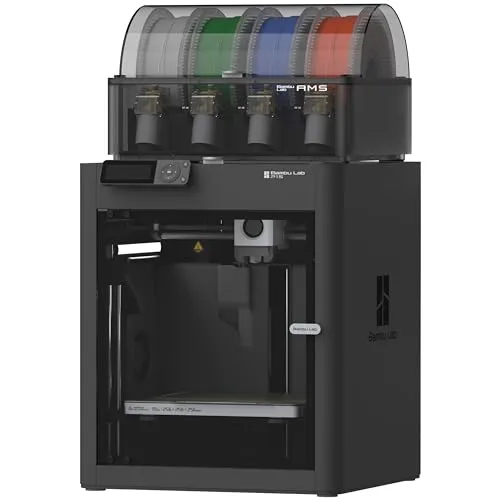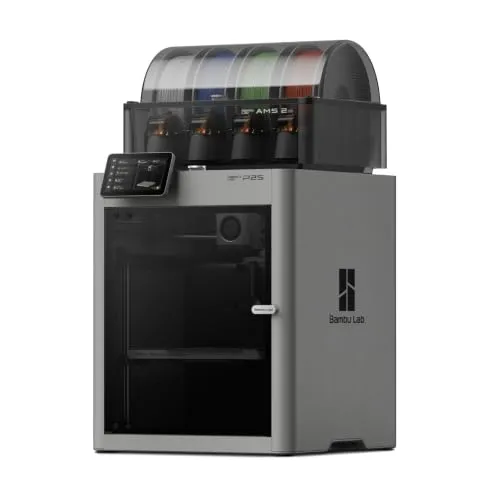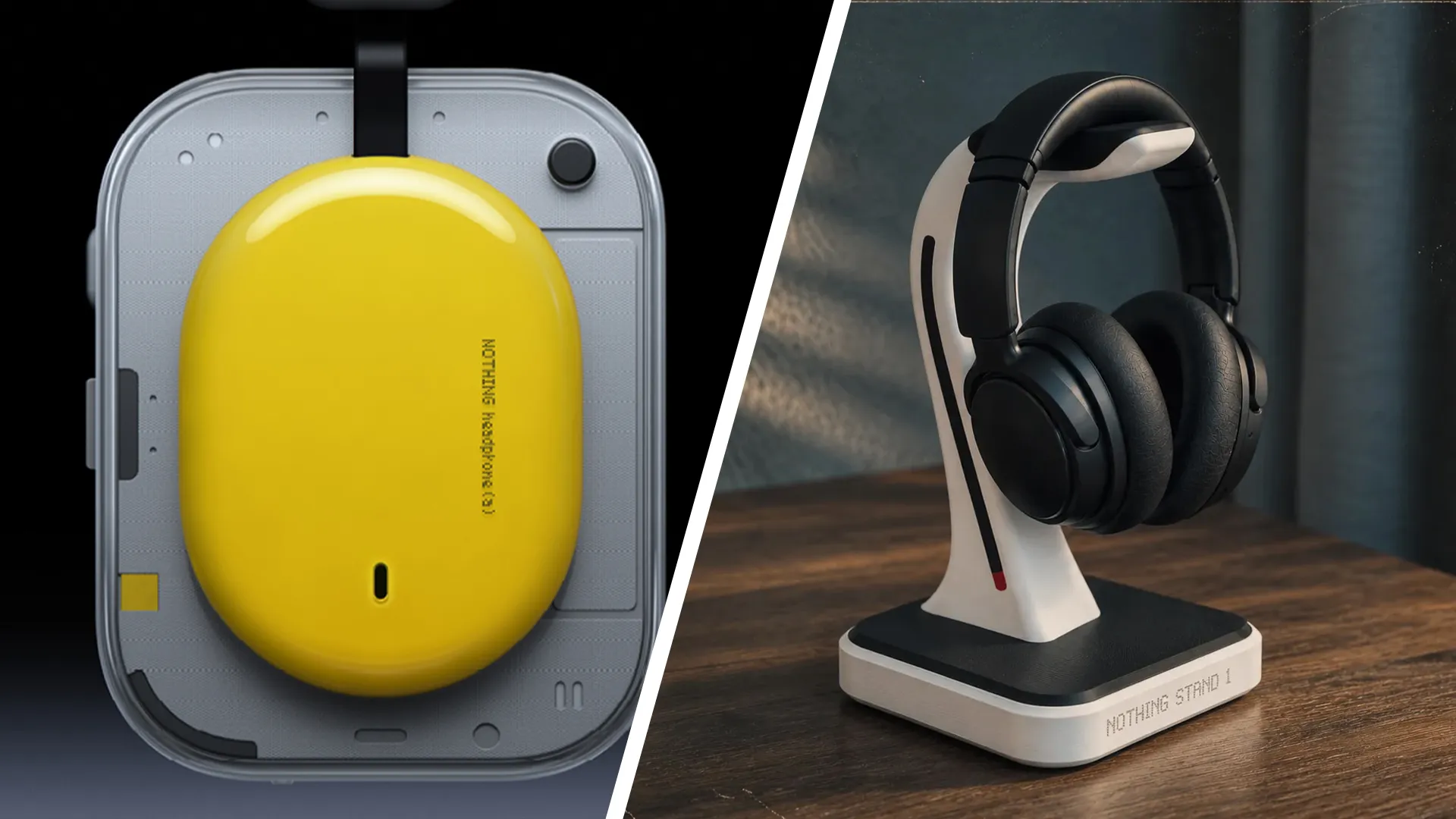
Got a clever idea for a 3D-printed headphone accessory? Bambu Lab and Nothing are back with another MakerWorld design challenge called Let's Make It: MakerWorld × Nothing Headphone Accessory Design Challenge, this time inviting makers to create add-ons for the Headphone (1) Pro, Headphone (1) and Headphone (a).
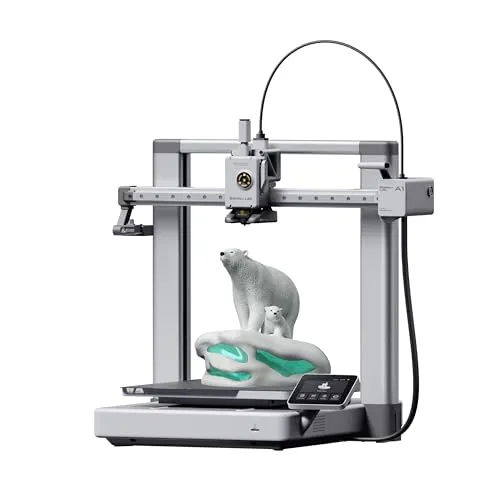
There’s a Nothing Headphone (1) Pro and a Bambu Lab A2L printer up for grabs for each category winner, but how do you make a design stand out from the crowd? Bambu Lab has shared five tips for getting your entry right, from coming up with an original idea to making sure other people can actually print and use it.
It's a good brand tie-up too, especially since I discovered in my CMF Speaker S review that Nothing is embracing 3D printing to enable device customisation. Bambu Lab has become a leading brand that makes 3D printing easier and builds some of the best 3D printers. Read Bambu's tips below, gather ideas, and enter this year's Let's Make It challenge.
1. Be creative and original
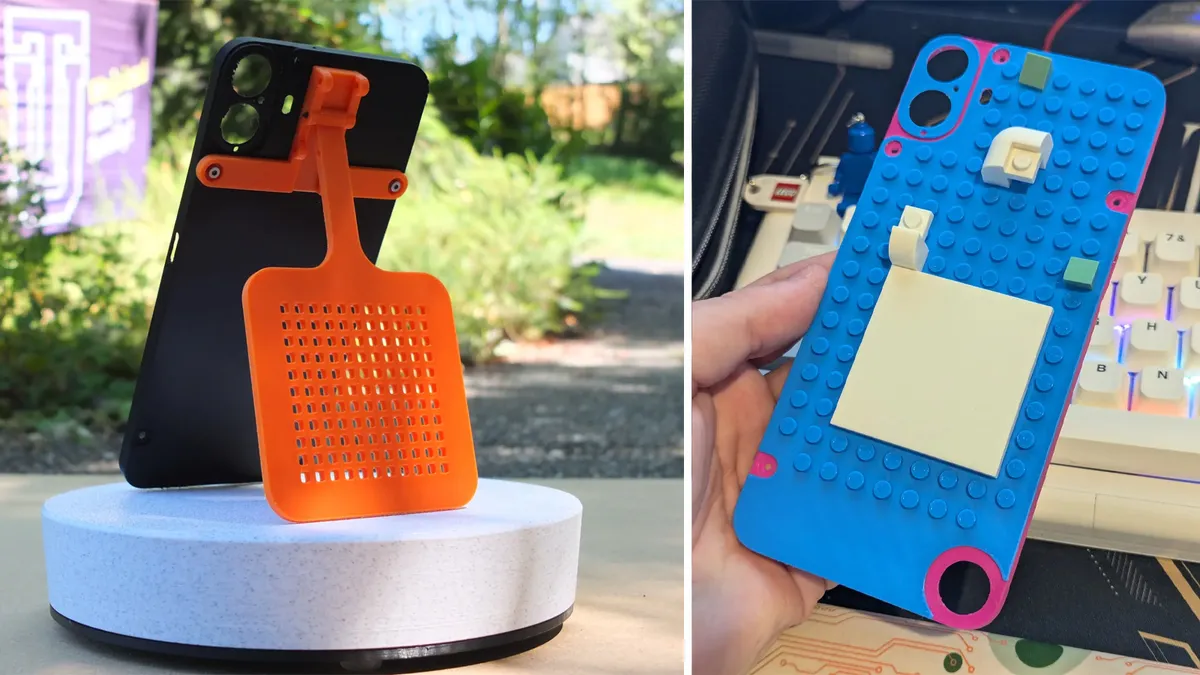
Judges look for unique, eye-catching models, so go beyond the obvious. In the last contest we hosted with Nothing, the "Most Unexpected" winner, guysread's fly swatter for CMF Phone 1, folded out of the phone. The judge said it was "so unexpected that it made me laugh, but then I realised it's actually useful too." BuildyBryce's Brick Case, the "Best-looking" winner, works with toy bricks. The judge called it "a head-turner" with "endless customisation possibilities."
2. Make sure your model is well-designed and easy to print
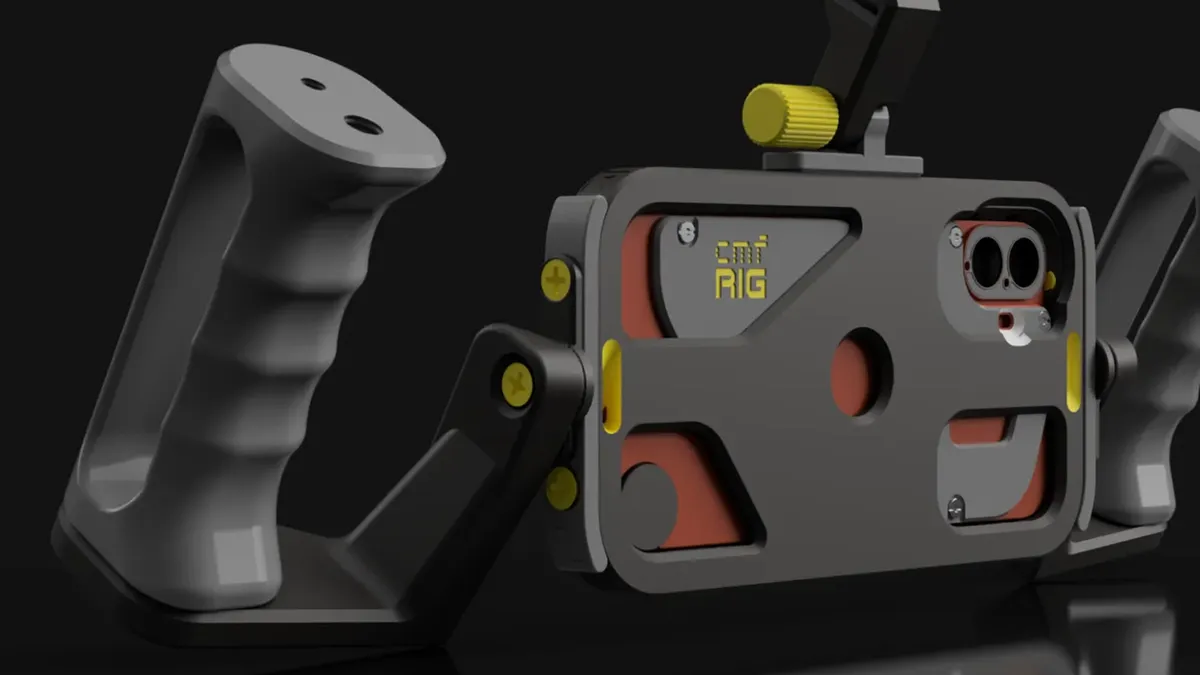
A great idea only wins if people can print it. Keep the design well-made, and share what works. The "Most Functional" winner, 3D Kimba's CMF RIG phone cage, lists recommended materials, layer height, infill and assembly tips. Kaburuk's popular foam dart launcher module needs only standard M3 screws and rubber bands. Test print first, so others get the same result at home.
3. Take clear, detailed photos or renderings
Show your model from several angles and in use, and add close-ups of key details. Your cover image is often the first thing people see, so make it count. Good visuals help judges and the community grasp your idea quickly. For functional designs, a real-life GIF (not AI-generated) that demonstrates the idea is especially effective, because it shows people exactly what the accessory does.
4. Write a descriptive, informative model page
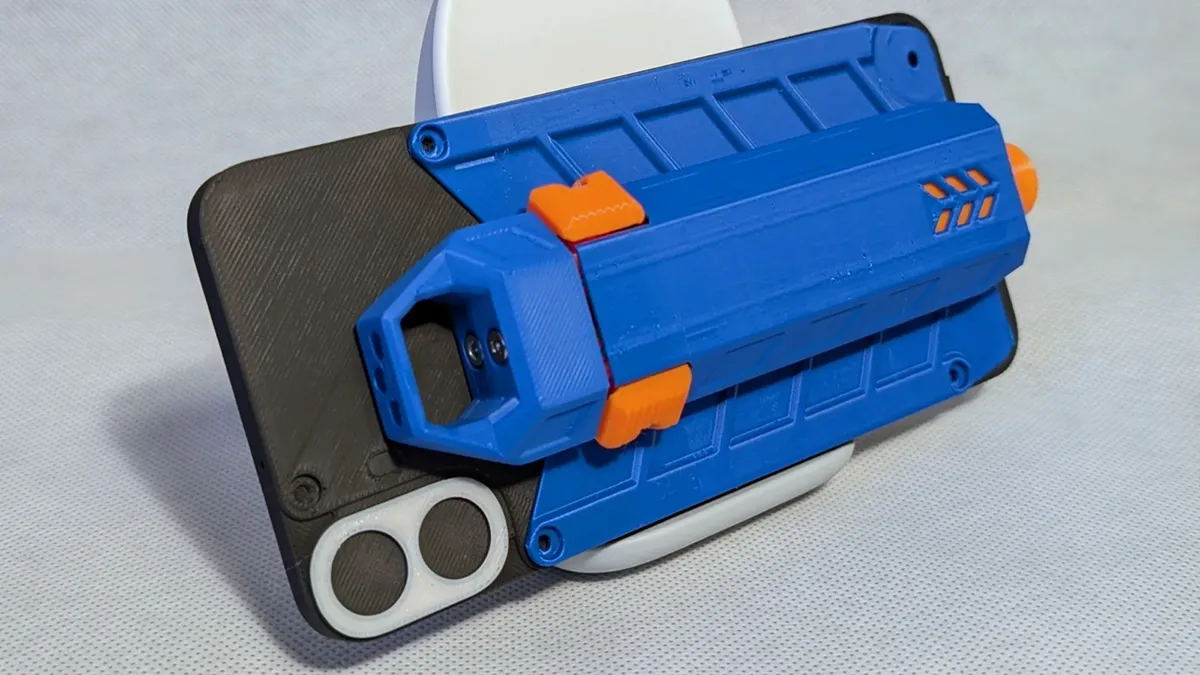
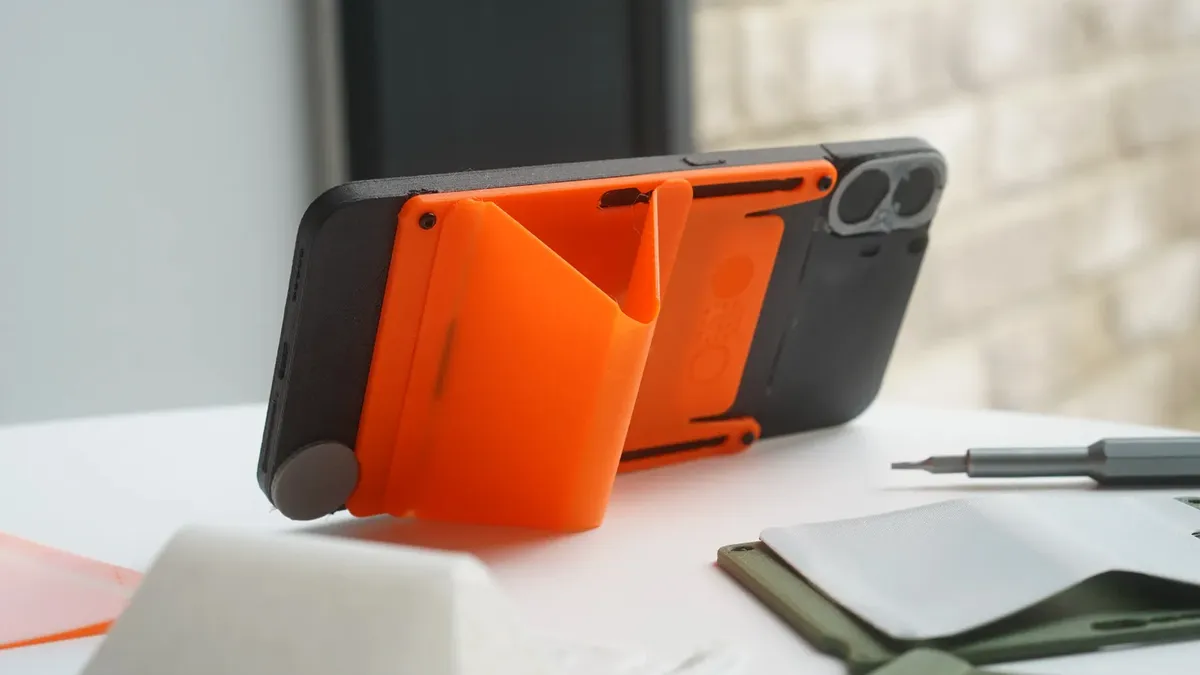
Explain what your accessory does, what it needs and how to assemble it. Kaburuk's foam dart launcher, 3D Kimba's CMF RIG, and many other popular designs include pages that cover key features, print settings, magnet and screw advice, and safety information. Zile's foldable stand and card holder add a bill of materials and an iteration log, so people can see how the design improved. Clear pages make your model easier to print and trust.
5. Create something useful/practical
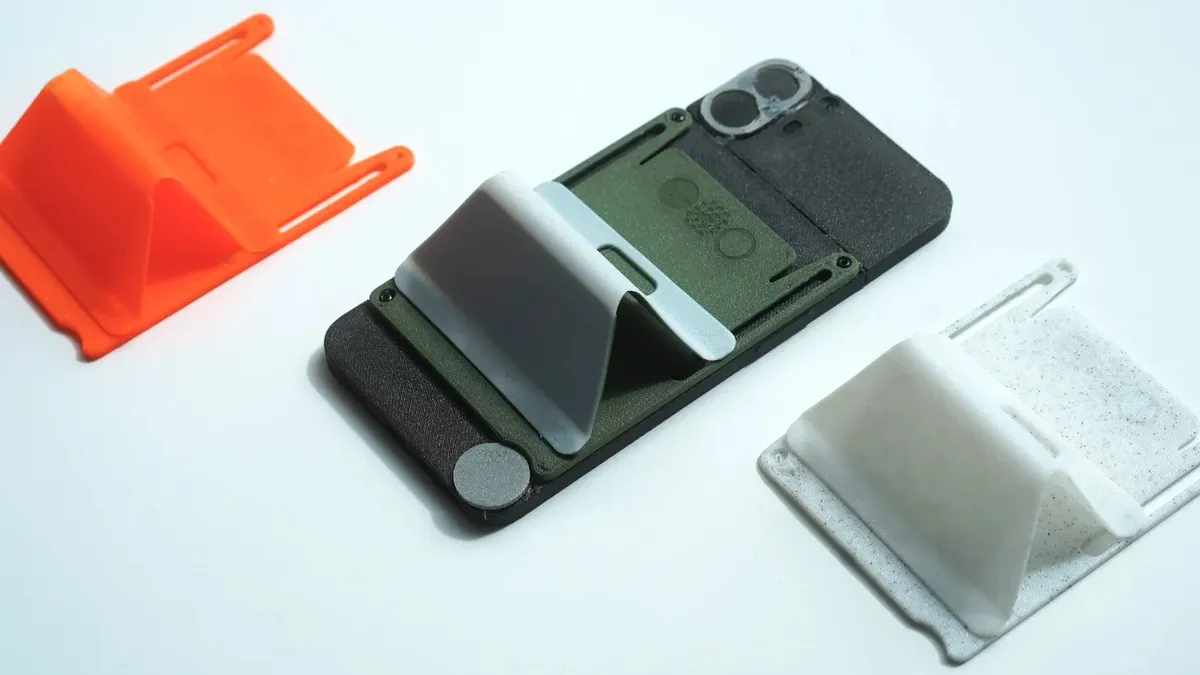
Think about what others would find useful or fun. Zile's foldable stand and card holder works with both CMF Phone 1 and 2 Pro, and it fills a real gap: CMF phones have no NFC, so it gives contactless payers a way to carry a card. Kaburuk's launcher came from an office full of Nerf fans. BuildyBryce's Brick Case, the "Best-looking" winner, invites endless customisation. Solve a problem, or spark a smile.
Bambu Lab printers to buy: