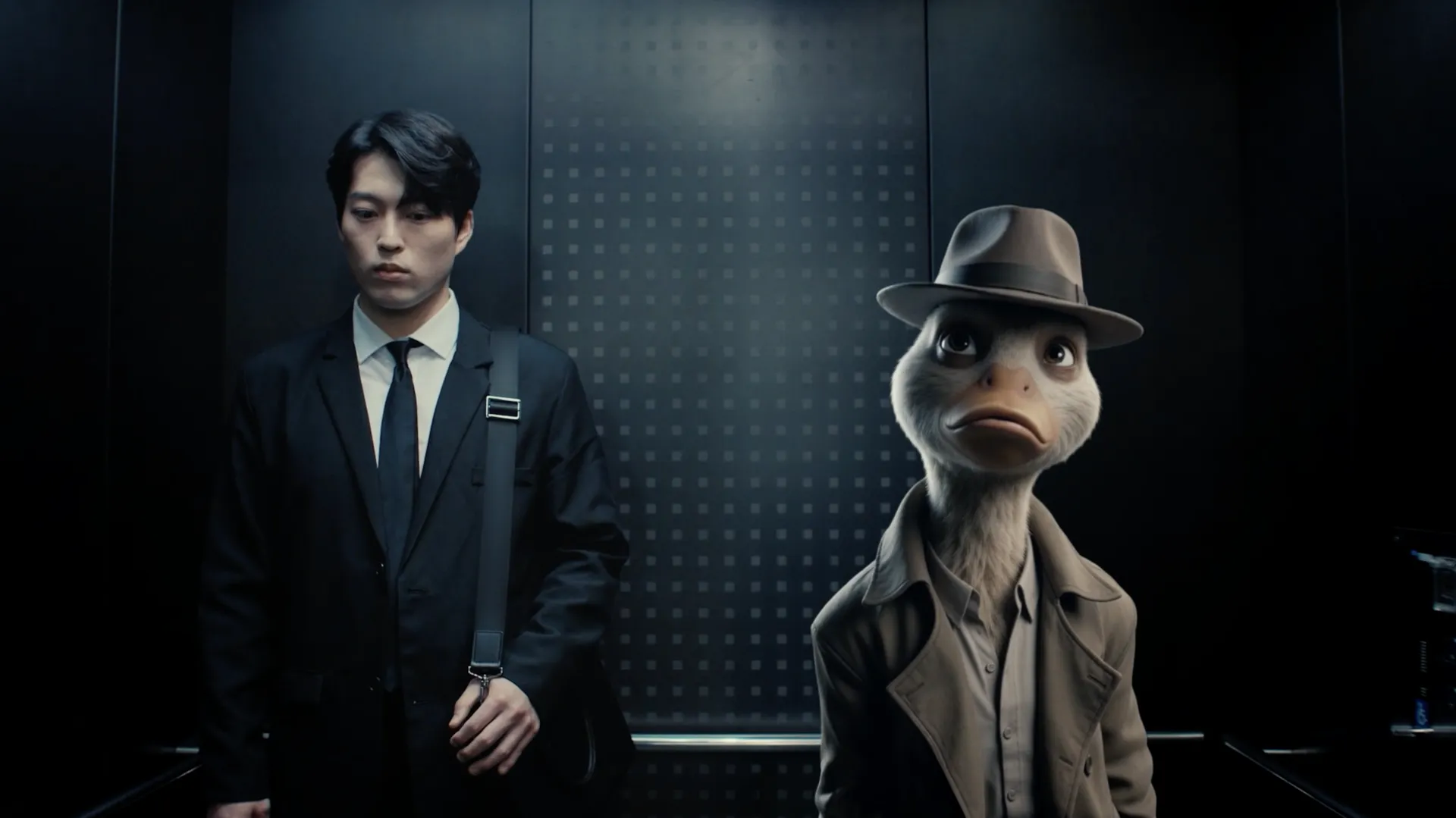
Traditionally, whether working in movies or games, rigging a character you've spent weeks and months creating can be a stressful trial. You can model something amazing in Blender, block out a design, but getting that thing to a place where you can actually make it perform? That’s a different discipline entirely, one that involves rigging, testing, fixing, exporting, and breaking it again somewhere else. It’s a time sink that can cost money and sap momentum from a project, and the 3D workflow can also be daunting for newcomers, but Autodesk thinks it has the solution.
The latest update to Flow Studio, Autodesk's AI cinematic platform, adds two new features: AI Rigging and Neural Layer. The idea is straightforward enough: to help creators, animators, and artists move from a static model to an animation-ready character far faster than traditional workflows allow, and then push towards cinematic-looking results without the usual complex setup, render time, or cost.
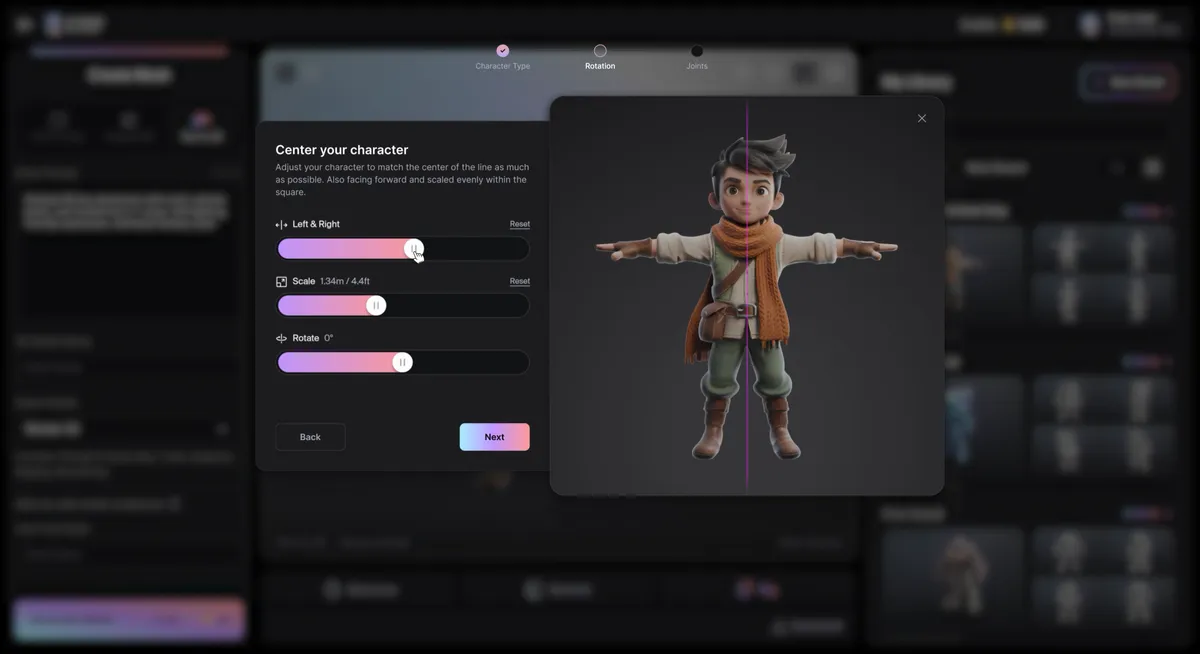
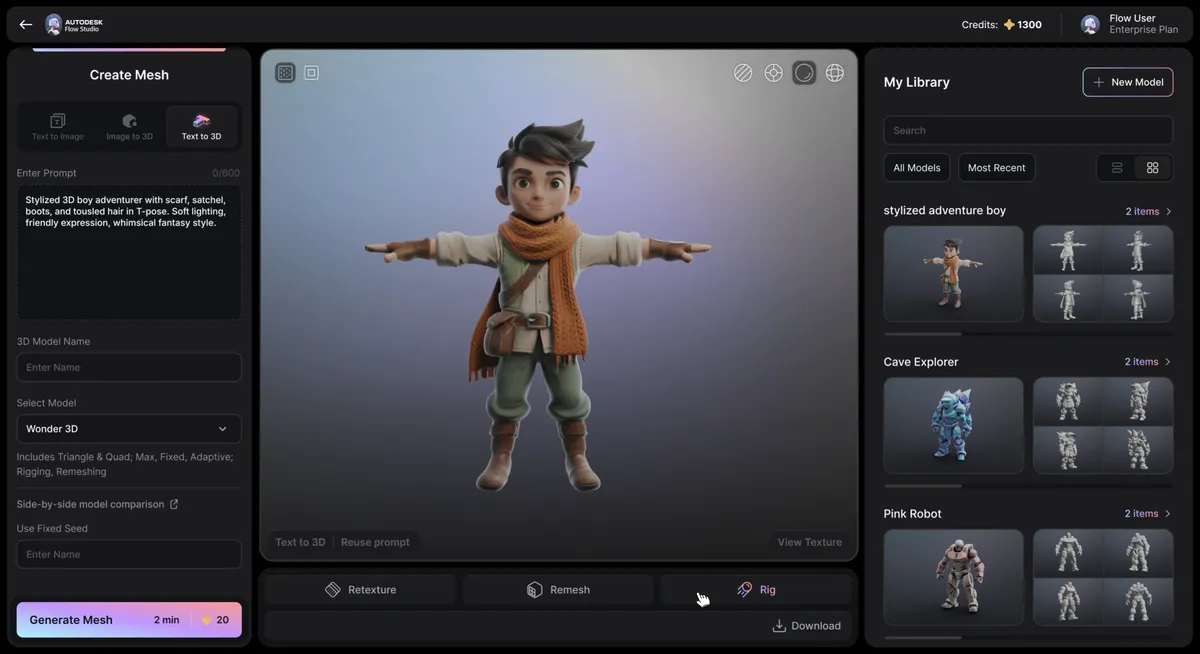
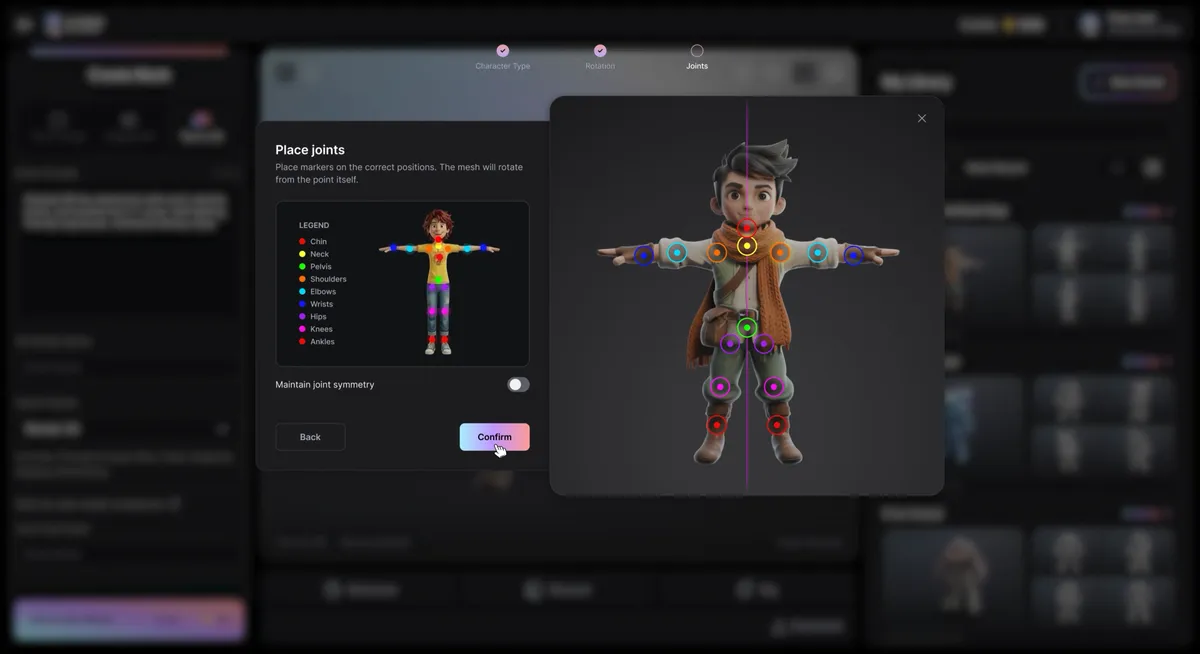
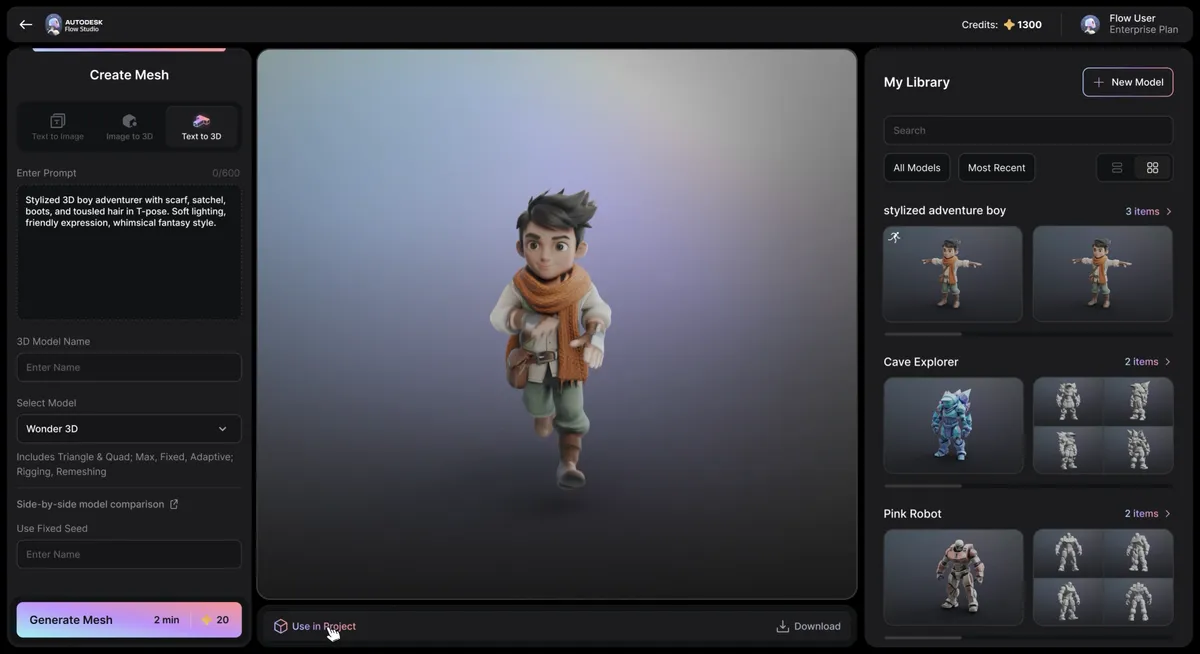
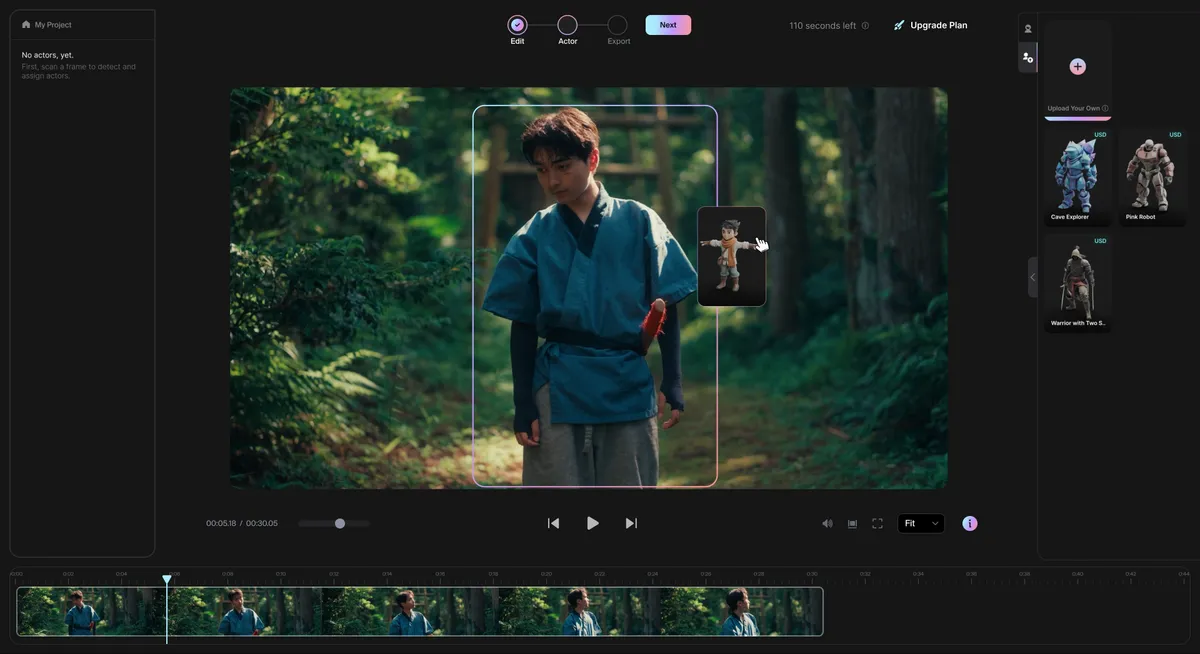


Making rigging and rendering easier
Rigging is the obvious pressure point as it’s one of those steps that can eat entire days, even for experienced artists, and for small indie developers and film teams, that time is precious. Flow Studio now aims to automate much of that setup, preparing characters for animation with minimal input and letting you drive motion from video. It shifts the focus away from technical prep and back towards performance.
Importantly, Autodesk says it doesn’t replace the wider ecosystem, so animators, VFX artists, and game developers can still export assets to tools like Maya, Blender, and Unreal Engine, where much of the final polish and pipeline work can still be achieved traditionally by human artists. Now what’s changing is how much groundwork you need before you get there, meaning you can get into the weeds of refining a performance by hand in the current way faster.

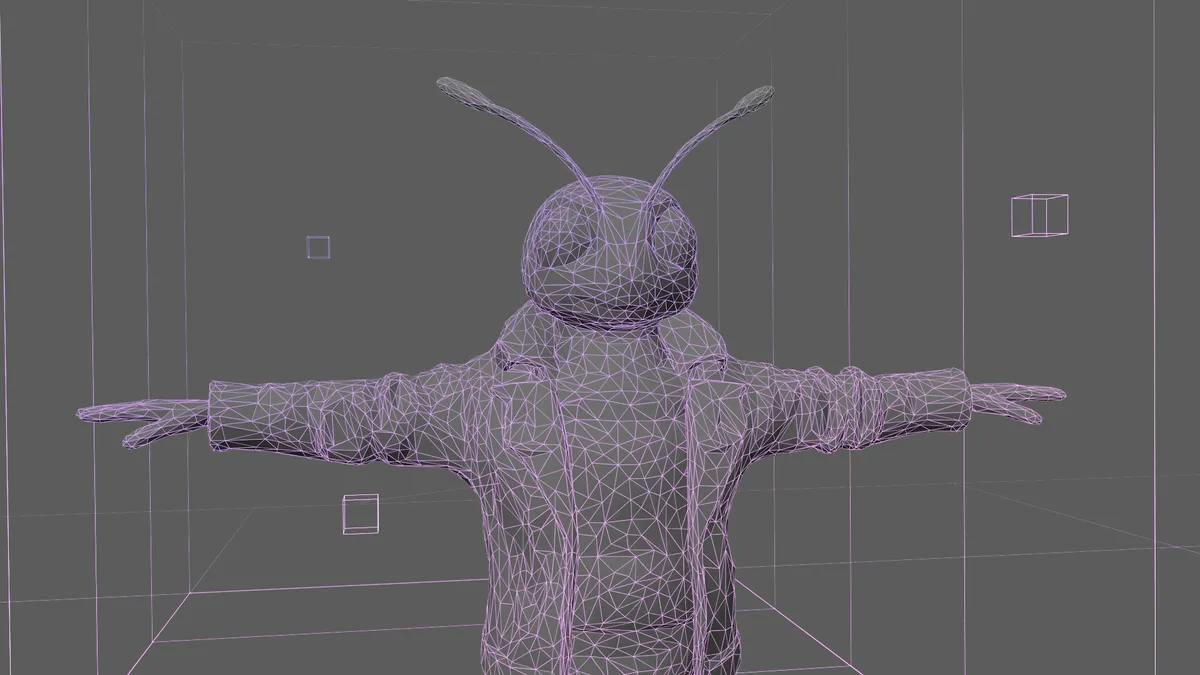
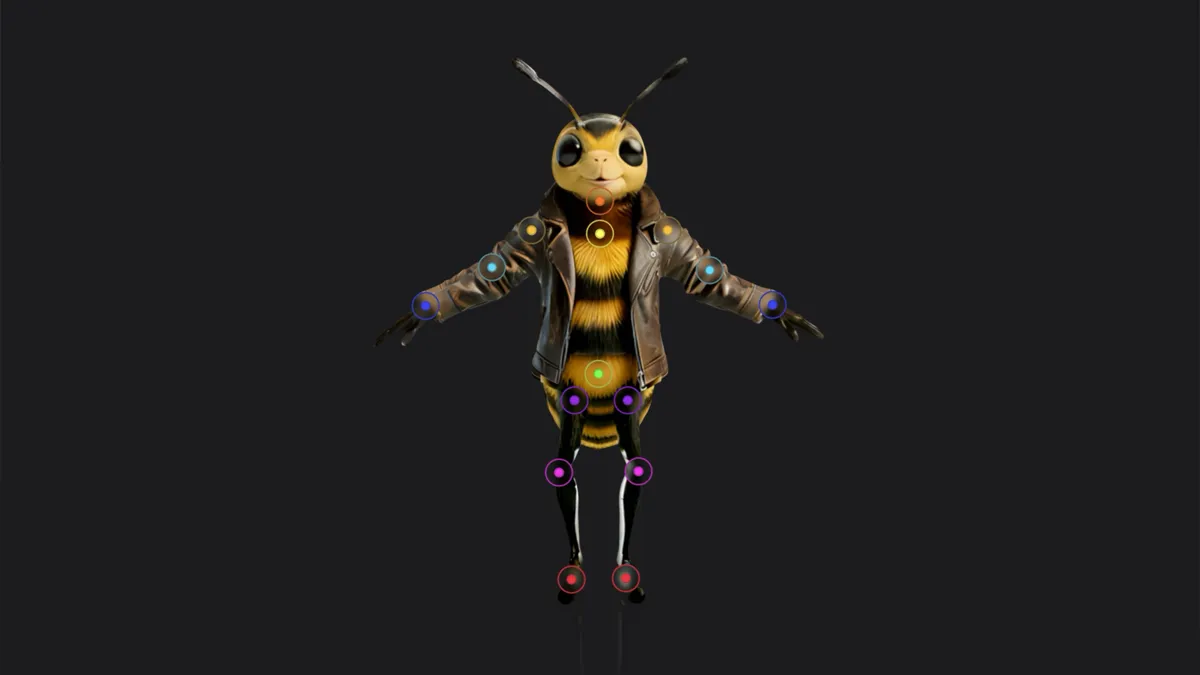
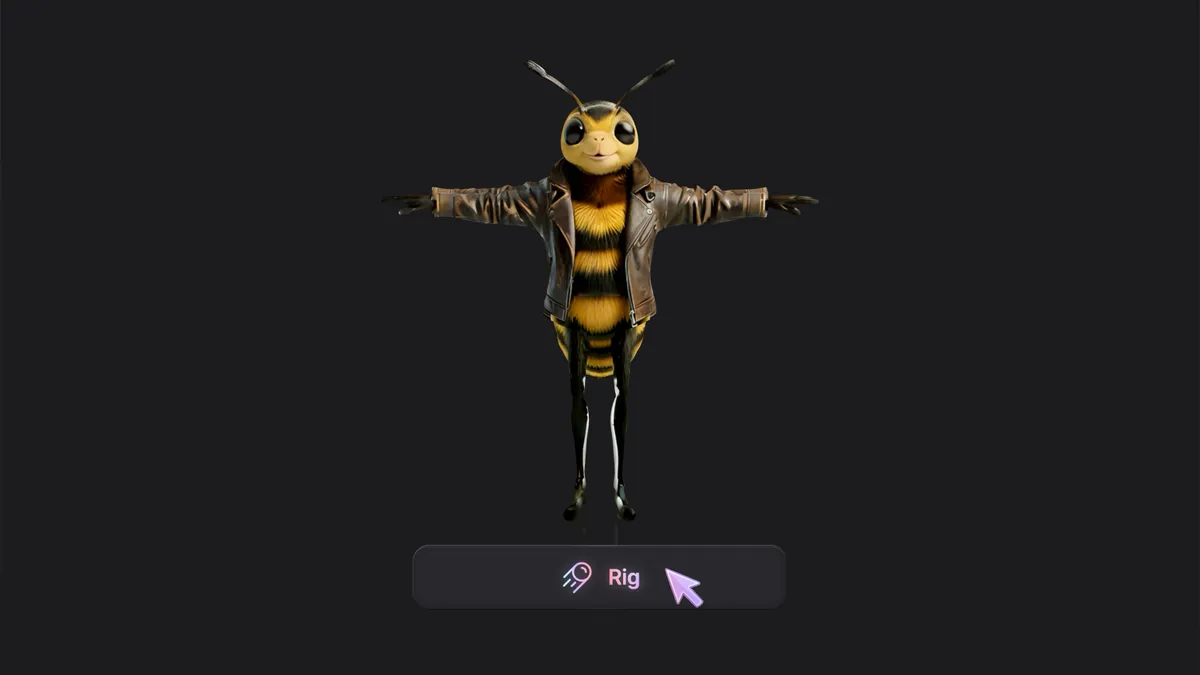
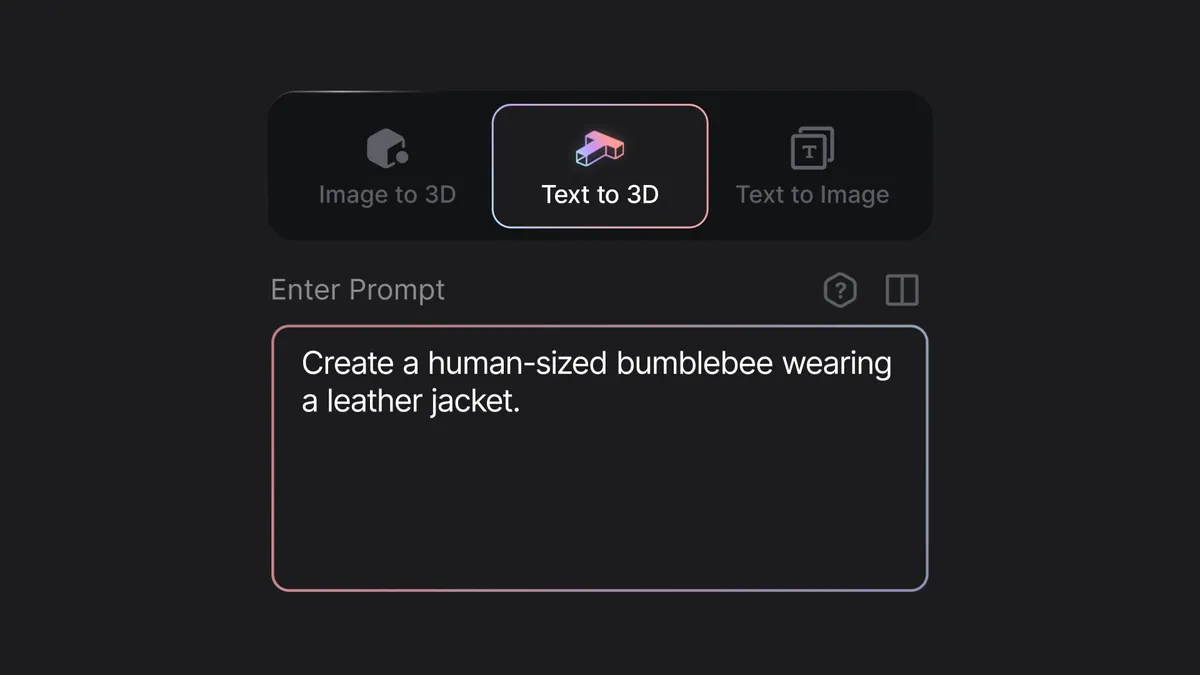


The second new addition, Neural Layer, tackles the other end of the process by reducing the cost and technical barriers to high-end rendering. Here, lighting setups, materials, simulation, and compositing have all traditionally been laborious and expensive. Still, Flow Studio leans into a more guided approach, aiming to deliver high-end visual results, including more realistic materials and lighting, without requiring the same level of manual setup.
Put together, Autodesk’s AI Rigging and Neural Layer tools point to a workflow with fewer roadblocks, especially for newcomers to animation. In theory, in Flow Studio, you can move from idea to model to animation to something close to a finished shot, without constantly jumping between tools and disciplines. But of course, taking these assets into Blender, Maya, or Unreal Engine and refining them will give you an edge. This comes after Autodesk recently announced new AI tools for MotionMaker and Maya, making even horse animation easier.
You remain in control
To date, some 3D AI tools have been good at getting you to an asset quickly (also see Wonder Studio), but less helpful once you want control or need to turn that generic AI model or asset into something meaningful and interesting. Flow Studio is trying to sit in that middle ground, faster to get going, but still flexible enough to take it further and leaving artists room to add inflexion and nuance.
There’s a wider pattern here, too, as the ‘perfect’ 3D setup has long been a patchwork that's costly and can feel unwieldy, with one app for modelling, another for animation, another for rendering, all stitched together into a personal pipeline. That approach still works, but it’s also where a lot of problems can occur, and it seems Autodesk is keen to smooth over how you get started and where you end the creative process, as Flow Studio doesn’t remove that traditional workflow but aims to compress it, especially around some of the most technical steps.
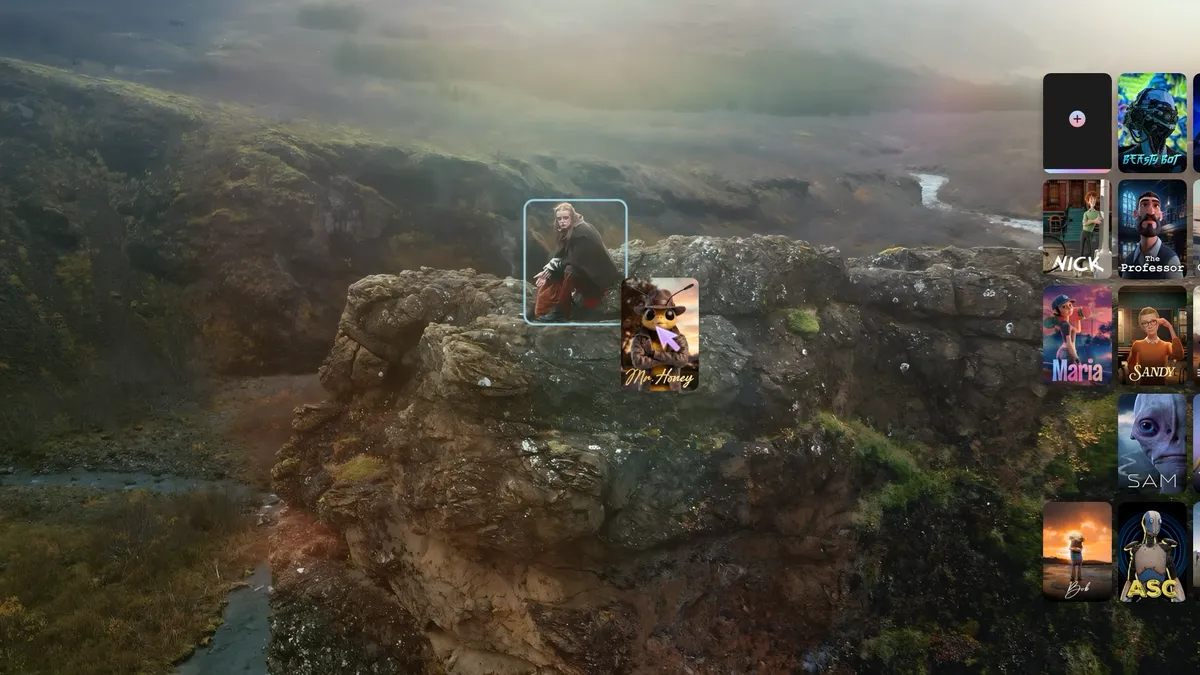
As ever with the announcement of new AI tools, there’s a tug of war between what’s on offer and what could be lost. It could mean we lose the knowledge of how a 3D software stack should fit together, how to fix issues, and where and why problems can occur. And of course, ‘automated rigging’ doesn’t mean production-ready, and while Flow Studio could be great for previs and basic animation, complex or stylised animation will still need the human touch. Faster doesn’t, currently, mean better, and the danger is that ‘good enough’ becomes the default if artists aren’t in control.
But then we have the tease and promise that another aspect of life is getting a little simpler, and Autodesk is designing Flow Studio to keep artists in control, with more room to focus on the 3D animation areas that feel meaningful or just plain fun.
Watch the demo of Flow Studio's new tools on YouTube. More details on the Autodesk website.
We have an app
Creative Bloq is now easier to access than ever before with our on-the-go app, which brings you all the content you know and love from our website, but in a super-streamlined design.
Download the Creative Bloq app for iOS
Download the Creative Bloq app for Android (edited)