Krita was already one of the best free Photoshop alternatives. Now its latest release is likely to cement the open-source software's popularity among digital artists and illustrators.
Krita 5.3 has come out of beta, and the update introduces a new animation system, on‑canvas text editing, new filters and some useful tools for laying out comics. Meanwhile, Krita 6.0, released simultaneously, marks a major upgrade to the Qt6 framework, future-proofing the software and providing better Wayland/HDR support.
What's new in Krita 5.3/6.0?
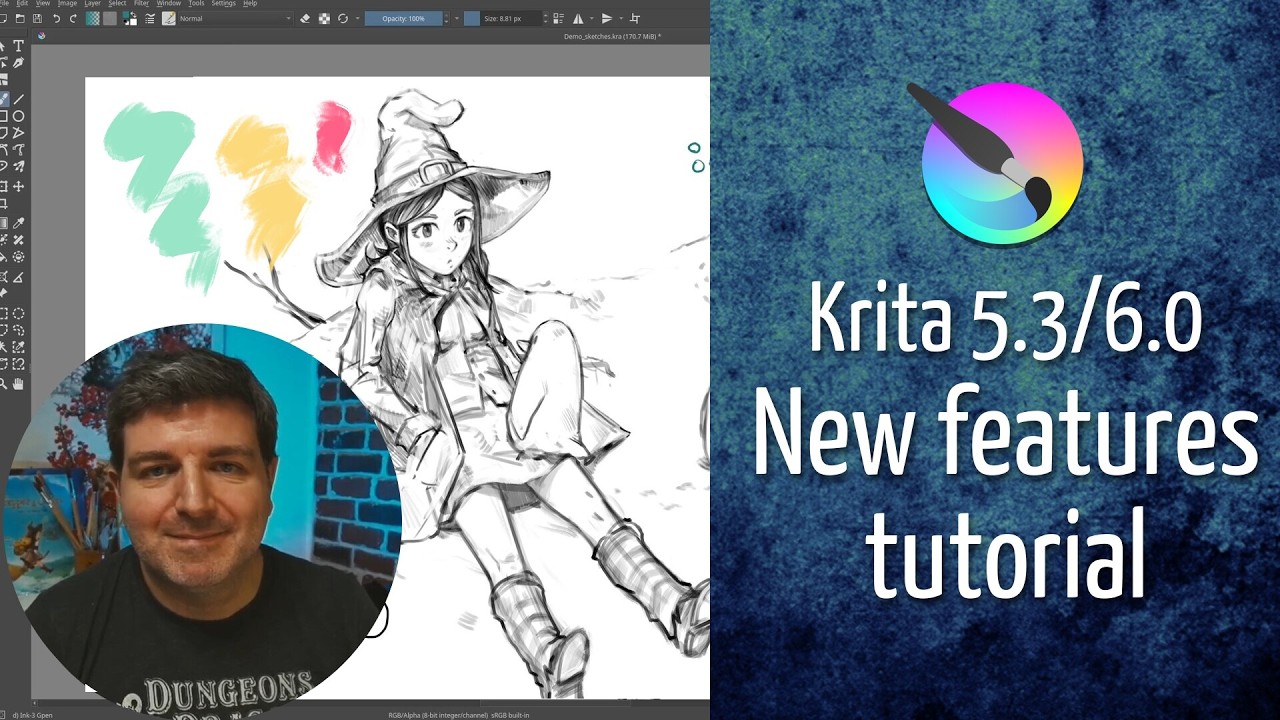
Two new Krita versions have been released simultaneously. Krita 5.3 is the latest stable version of the software. It's built on the Qt5 C++ framework, but there's also Krita 6.0, a less stable experimental release built on the more modern Qt6. Both have the same features, but Krita 6.0 provides improved Wayland support, bringing HDR to the Linux version.
In the video above, webcomic creator David Revoy provides a great overview of his ten favourite new features in the latest release.
One of the biggest upgrades is the overhaul of the text tool. You can now edit text directly on the canvas and edit properties like style presets in the Text Properties docker. You can select all types of fonts, and the glyph palette allows you to select alternate glyphs in the font being used.
A dedicated Type Setting Mode provides controls for adjusting Font Size, Baseline Shift, Line Height and Dominant Baseline directly on canvas. It's also easier to add text within shapes or on a path. You can drag an area to create an inline wrapping area, or click on a shape to have the text flow inside – a nice upgrades for comic artists adding speech bubbles and caption boxes.
Another welcome upgrade for comics creators is the addition of a dedicated comic panel editing tool right in the tools bar (above). This makes it easier to create panel layouts, allowing you to split and merge vector objects quickly.
There's also now Fast Color Overlay Mask (below). This colourises a sketch with a given colour in a faster way than the existing HSV filter, which could be useful for preparing sketches for inking. You'll find the button on the layer docker.

Support for HDR painting has been improved, and the Stabilizer tool now has adaptive capabilities allowing you to draw freehand when drawing slowly while it provides stabilisation for fast strokes. The Pixel Art Stablizer provides better results when drawing with a single pixel line.
As for brushes, Soft texturing mode for the Pattern option "Auto Invert For Eraser", which'll invert the texture as you switch to erase mode.
The fill tool now can close gaps, the transform tool's liquify mode performs much faster, and there are new filters: a propagate colours filter for 3D textures that can expand colours into transparent areas of images with transparency. A Reset Transparent Filter allows you to set all fully transparent pixels to be transparent black.
There is improved support for file formats, including support for text objects in PSD files.
Krita 5.3 looks like a solid release and offers some reassurance that open‑source tools can rival the best digital art software from commercial developers in terms of stability and features. What do you think? What's your favourite new Krita upgrade, and what would you like to see next?
You can learn more on the Krita website.
For more on Krita see our Photoshop vs Krita and GIMP vs Krita comparisons.