Blender update adds a time-saving feature 3D artists dreamed of
Sign up to Creative Bloq's daily newsletter, which brings you the latest news and inspiration from the worlds of art, design and technology.
You are now subscribed
Your newsletter sign-up was successful
Want to add more newsletters?
Five times a week
CreativeBloq
Sign up to Creative Bloq's daily newsletter, which brings you the latest news and inspiration from the worlds of art, design and technology.
Once a week
By Design
Sign up to Creative Bloq's daily newsletter, which brings you the latest news and inspiration from the worlds of art, design and technology.
Once a week
State of the Art
Sign up to Creative Bloq's daily newsletter, which brings you the latest news and inspiration from the worlds of art, design and technology.
Seasonal (around events)
Brand Impact Awards
Sign up to Creative Bloq's daily newsletter, which brings you the latest news and inspiration from the worlds of art, design and technology.
Blender, our pick as the best free 3D app, seems to be rocketing through updates lately. Blender 5.1 is now in beta ahead of its official stable release on 17 March, and artists are already excited about one feature in particular.
The new version of the software adds a new Raycast shader node for Cycles and Eevee. And as one artist demonstrates in the post below, that unlocks the ability to create decals in the official version of the open-source software, potentially saving a lot of time and hassle.
pic.twitter.com/9wnkmbCw0UFebruary 8, 2026
The artist Late as usual has shared a demo of the new feature in action along with her node tree.
Blender had a Raycast node before, but the new one offers much greater functionality, introducing real-time, scene-aware precision ray tracing for both the Eevee and Cycles renderers. This allows advanced procedural effects like dynamic painting and non-photorealistic (NPR) styling as well as the application of decals without complex setups.
Some people were thinking they would never see the day that this were possible. "i think i just cried a little," one artist commented on the post above.
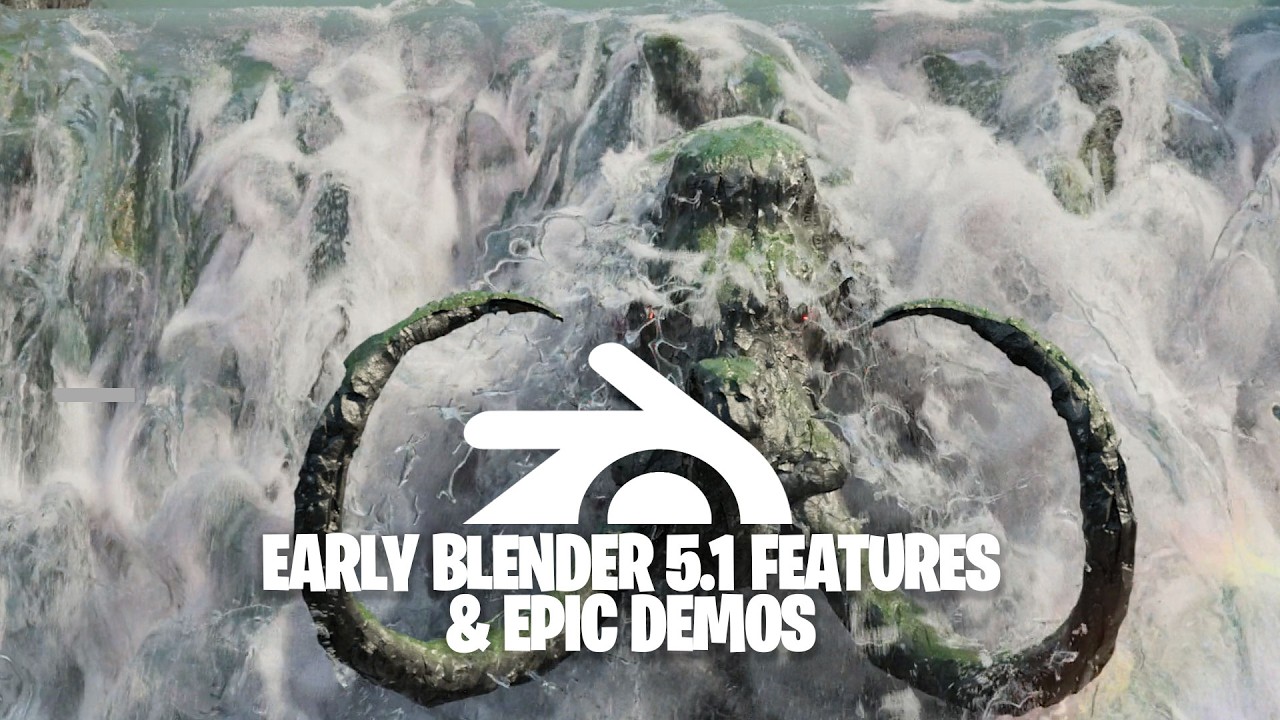
Other Key updates in Blender 5.1 include vertex sliding, smarter bevel snapping, improved UV tile selection and faster node-based workflows. You can see a roundup in the video below.
If you're just getting started in the software, don't miss our roundup of Blender tutorials. You might also want one of the best laptops for 3D modelling.
Sign up to Creative Bloq's daily newsletter, which brings you the latest news and inspiration from the worlds of art, design and technology.

Joe is a regular freelance journalist and editor at Creative Bloq. He writes news, features and buying guides and keeps track of the best equipment and software for creatives, from video editing programs to monitors and accessories. A veteran news writer and photographer, he now works as a project manager at the London and Buenos Aires-based design, production and branding agency Hermana Creatives. There he manages a team of designers, photographers and video editors who specialise in producing visual content and design assets for the hospitality sector. He also dances Argentine tango.
You must confirm your public display name before commenting
Please logout and then login again, you will then be prompted to enter your display name.
