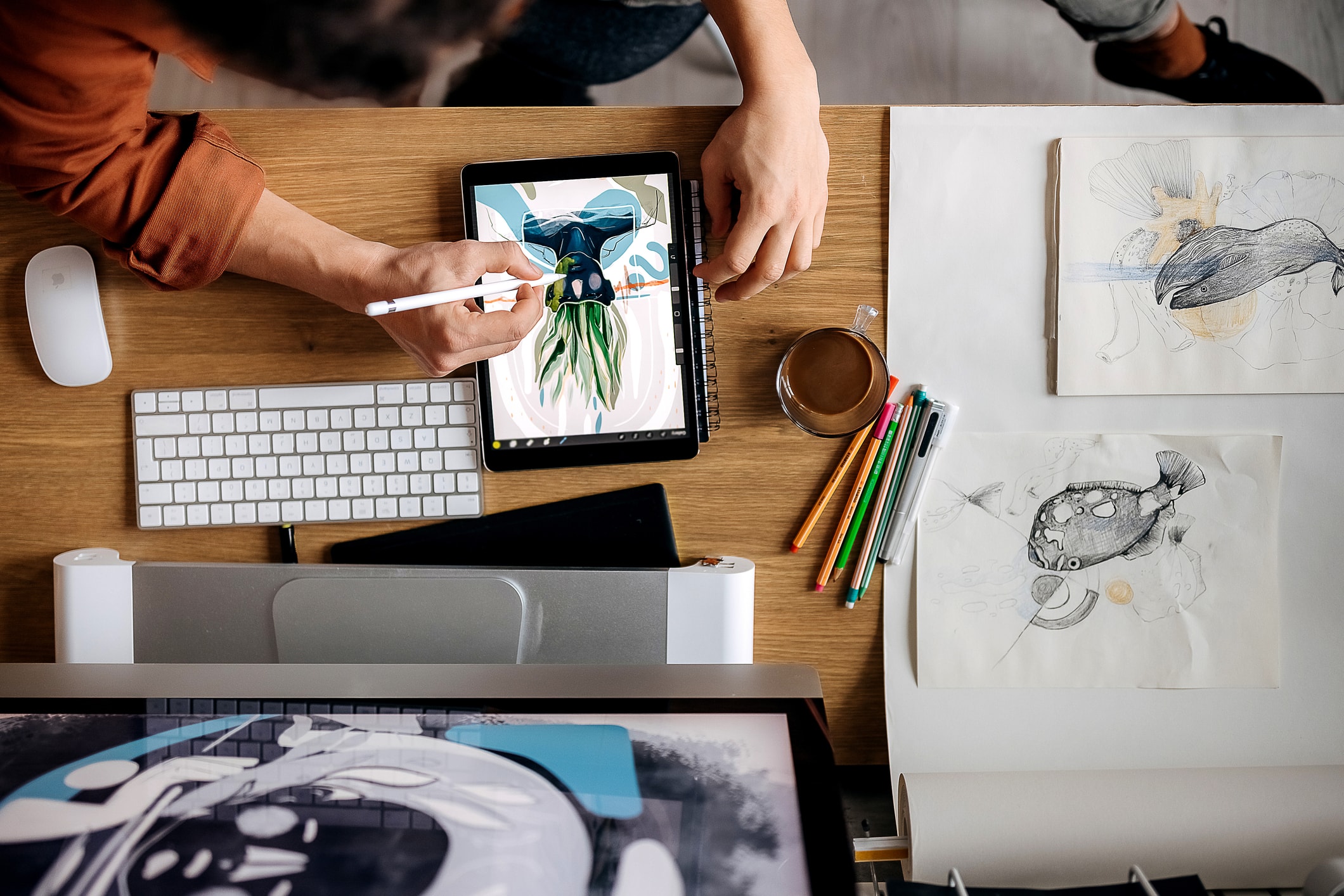







Photoshop is still the industry standard, but you no longer need to pay for it to get professional results. Some of the best alternatives are completely free, and others cost less than a month of Adobe's subscription to own outright. So if none of Adobe's recent feature additions are for you, you might want to look elsewhere.
In this guide, we've narrowed our list down to six programs that each do one job better than anything else here. Our top pick is Affinity, a pro-grade editor that's now free on Mac, Windows and iPad. Procreate and Krita are the best choices for digital painting, Capture One is built for serious photographers, and Photopea runs in your browser with nothing to install.
If you'd rather use open-source software, or you work on Linux, GIMP is the pick. If you're more graphic design, see our Illustrator alternatives.
The best Photoshop alternatives
Why you can trust Creative Bloq Our expert reviewers spend hours testing and comparing products and services so you can choose the best for you. Find out more about how we test.
Best Photoshop alternative overall

In October 2025, Canva made its newly acquired software, Affinity, completely free. You'll need a Canva account to download it, but this is free.
Affinity used to be three separate paid apps: Affinity Photo, Affinity Designer and Affinity Publisher. Now they've been merged into a single app, and it's the closest thing to Photoshop that we've seen yet.
Aimed at professional photographers and designers, it opens Photoshop PSD files, along with Illustrator, PDF, SVG and InDesign files. Most photo editing is non-destructive, and works in a way that's similar to Adobe. Because vector and layout tools are built into the same app, you can take a project from photo retouch to finished poster without switching software.
Canva has kept up a steady pace of free updates since the relaunch. Version 3.3, released this September, brought the biggest photography update yet, with an improved RAW development engine, batch imports and reusable looks you can apply across a whole shoot. And in November, Affinity arrived on iPad, with feature parity with the desktop version plus a new Sketch Studio designed for touch and Apple Pencil.
There are no AI tools on offer, even denoising, unless you pay for a Canva premium plan (Canva Pro costs $144 a year). There is object selection, which is very useful, though not perfect: we found Photoshop's object selection tool did a better job of picking out a bird against a blue sky in our tests.
There are no photo organising or cataloguing tools, which may put off photographers, who will need a separate app for that (see Capture One, below). But overall, if you're looking for a free yet brilliant alternative to Photoshop, Affinity is the best overall.
See our full Affinity by Canva review for more details.
Best Photoshop alternative in-browser

Nowadays, you don't always need a dedicated app to do much of what you'd use Photoshop for. Photopea, which runs in the browser, is a case in point. Because there's nothing to install, it's ideal for Chromebooks, shared computers and locked-down work machines.
Designed to be an advanced editor with pro tools, it bears a distinct resemblance to Photoshop and covers most of the tools you'll need for everyday image work. It opens standard file formats such as JPG, PNG and RAW, and accepts Photoshop PSD files along with Sketch, Adobe XD and GIMP files.
Photopea supports layers, layer masks and adjustment layers, lets you use blend modes, and features a stack of selection tools, from standard marquees through to a magnetic lasso and a quick selection tool. It doesn't match Photoshop's most advanced features, but it has more than enough to keep most designers and artists happy.
The free version gives you every non-AI feature, but comes with ads. A Premium account, from $5 a month, removes them and adds more cloud storage, a longer undo history and 3,000 AI credits a month for tools such as background removal and Magic Replace.
Best Photoshop alternative for pro photographers

Capture One is a fully featured photo editor that's well suited to professional and serious enthusiast photographers. It's one of the go-to programs used by in-house studio photographers, in part due to its excellent tethering tools, which let you control camera settings and fire the shutter directly through the software. That's ideal when you're fine-tuning a studio setup.
As we noted in our review, Capture One is one of the most capable RAW processors in the business, with a broad spectrum of options for advanced colour work. Crucially, it fills the biggest gap in Affinity's toolkit by offering a suite of image management tools to rival Lightroom's, with import and cull options that make it easier to manage large batches of shots.
Bulk tagging is intuitive, and the software uses face detection to zoom in on faces automatically, so you can check whether they're sharp and discard them if not. Version 16.8, released in May 2026, also added an Enhanced Denoise tool for rescuing high-ISO images.
Capture One is available as a subscription, but it's also one of the few pro photo editors you can still buy outright with a perpetual licence, so the cost can hit all at once rather than bleeding you every month. There's a 30-day free trial, so you can see whether it works for you before you commit.
Best Photoshop alternative for painting on iPad

If it’s a painting app for iPad you’re looking for, we'd highly recommend Procreate. What started out as a basic drawing app back in 2010 has transformed over the years into a highly professional tool.
Our testing found that the easy-to-use layout is packed with features artists will love, from true-to-life pencils and inks to advanced layer compositing and unique digital tools. Palm support means you don't have to worry about accidentally drawing over your canvas, and an ever-growing library of Procreate brushes will help you add flair to your artwork.
It supports both first- and second-generation Apple Pencils, depending on your iPad model, and there's a dedicated iPhone version, Procreate Pocket. Animators should also check out the separate Procreate Dreams app.
Procreate costs $12.99 as a one-off purchase, with no subscription and free updates. And it has made a clear commitment not to add generative AI to its apps, which will appeal to many artists.
You won't find all the photo editing features you'd expect from Photoshop here, and Affinity's new iPad app now offers more of those. But for digital painting specifically, Procreate remains the benchmark. For more details, read our Procreate 5.3 review.
Best free Photoshop alternative for painting on desktop

If you're after free software for digital painting on a computer rather than an iPad, Krita is an excellent Photoshop alternative. As an open-source program, it's been created by artists who want to give others access to quality, affordable software, and they've focused on the tools they know artists want and need.
When we reviewed it, we were particularly impressed by the brush tools: there are 100 brush types, nine brush engines and a brush stabiliser. Krita lets you work on multiple layers, and the interface is very similar to Photoshop, so anyone familiar with Adobe's software will find it easy to master.
In March 2026, the developers released Krita 5.3 and Krita 6.0 side by side. They share the same features, including a new text engine and a comic panel editor, but Krita 6 is built on a newer framework and adds HDR support on Linux. The developers recommend 5.3 for everyday work for now, as 6.0 is still considered experimental.
As a digital painting program, Krita lacks some of Photoshop's photo editing features. For more details, see our full Krita 5.0 review.
Best open-source Photoshop alternative

Free Photoshop alternative, GIMP has been around for decades (the name stands for GNU Image Manipulation Program, if you're wondering). Affinity is free too, but GIMP still has three big advantages: it's open source, it runs on Linux, and you don't need to sign up for an account to use it.
GIMP offers a wide toolset, similar to Photoshop in many ways, and is a great option if you're looking for a no-cost image editor. The full suite of tools includes painting tools, colour correction, cloning, selection and enhancement, and it supports all the most popular file formats. The interface differs somewhat from Photoshop, but the community-made PhotoGIMP patch mimics Adobe's layout, which makes it easier to switch.
If you tried GIMP years ago and didn't like it, it's worth another look. GIMP 3.0 brought non-destructive filters, and GIMP 3.2, released this March, adds link layers, which work like Photoshop's Smart Objects, and vector layers you can create from paths. It also brings better PSD compatibility, 20 new MyPaint brushes and a CMYK ink coverage display for checking print work.
See our GIMP review for more details.
FAQs
What are Photoshop alternatives?
Photoshop alternatives are software applications that offer image editing capabilities similar to Adobe Photoshop, for photo editing, graphic design, digital painting and other creative tasks. That doesn't mean they work in exactly the same way as Photoshop, or replicate all, or even most, of its features.
Why should I use a Photoshop alternative?
Mainly cost. Photoshop is only available by subscription, while many alternatives are free or available for a one-off payment. Some have a simpler interface, so they're easier to learn if you don't need Photoshop's full range of capabilities. Others are built for specific jobs, such as painting on an iPad or managing large photo libraries. And some are a better fit for people who'd rather avoid generative AI, which Adobe is building into Photoshop at a rapid pace.
Can I use Photoshop alternatives for professional graphic design?
Photoshop may be the industry standard, but it's no longer an absolute must-have, especially for freelancers. Many commercial projects are now completed using other software, such as Affinity for design and retouching, or Capture One for studio photography. If you work with agencies, though, expect to receive and deliver Photoshop files, so check that your chosen software handles PSDs well.
Is there a free Photoshop alternative?
Yes, several. The best is Affinity, a professional-grade editor that's now completely free on Mac, Windows and iPad, though its AI tools require a paid Canva plan. If you'd prefer open-source software, or you use Linux, GIMP is a strong free option that's improved enormously in recent versions. Krita is free and excellent for digital painting, and Photopea is free to use in your browser, with ads.
How to choose Photoshop alternatives
When choosing between Photoshop alternatives, first decide what you need the software to do. If you need a general all-rounder for photo editing and design, start with Affinity. If you mainly paint or illustrate, choose Procreate on iPad or Krita on desktop. And if you're a photographer who needs to manage and process large numbers of RAW files, Capture One is built for the job.
Next, think about which platform you want to work on. Affinity runs on Mac, Windows and iPad, Procreate is iPad-only, and GIMP and Krita are the options to choose if you use Linux. If you switch between computers, or can't install software, Photopea runs in any browser.
Finally, decide how much you want to spend. Four of our six picks are free, while Procreate costs a small one-off fee. Capture One is the most expensive, but it's still one of the few professional photo editors you can buy outright.
How we test Photoshop alternatives
At Creative Bloq, we have years of collective experience in testing software, and so we're rigorous in putting Photoshop alternatives through their paces. We'll examine core image editing features and scrutinise tools such as layers, filters, and color correction to ensure they perform as expected.
We'll also check compatibility with common file formats, such as JPEG, PNG, and PSD, to ensure they can actually integrate into designers' and artists' existing workflows. We assess the interface to make sure that it's easy to understand and learn, and evaluates the software's speed, responsiveness, and stability to make sure it works quickly, smoothly and without crashes.