The best budget laptops for graphic design students offer a sensible entry point to the field without the hefty investment in a high-end machine (see our guide to the best laptops for graphic design overall for those). At the most basic level, you need a display you can trust to show accurate colours and internal components that meet the minimum specs of the best graphic design software (we also have a dedicated guide to the best laptops for Photoshop).
We've tested hundreds of laptops over the years, and the four below are our reviewers' current top picks the best laptops for graphic design on a budget. We think these provide the optimum balance of performance, visual fidelity, portability and price for a range of different needs. You can click through to find more details on our experience with each device in our full hands-on reviews.
The best budget laptops for graphic design students
Why you can trust Creative Bloq Our expert reviewers spend hours testing and comparing products and services so you can choose the best for you. Find out more about how we test.
Best budget laptop for graphic design students overall

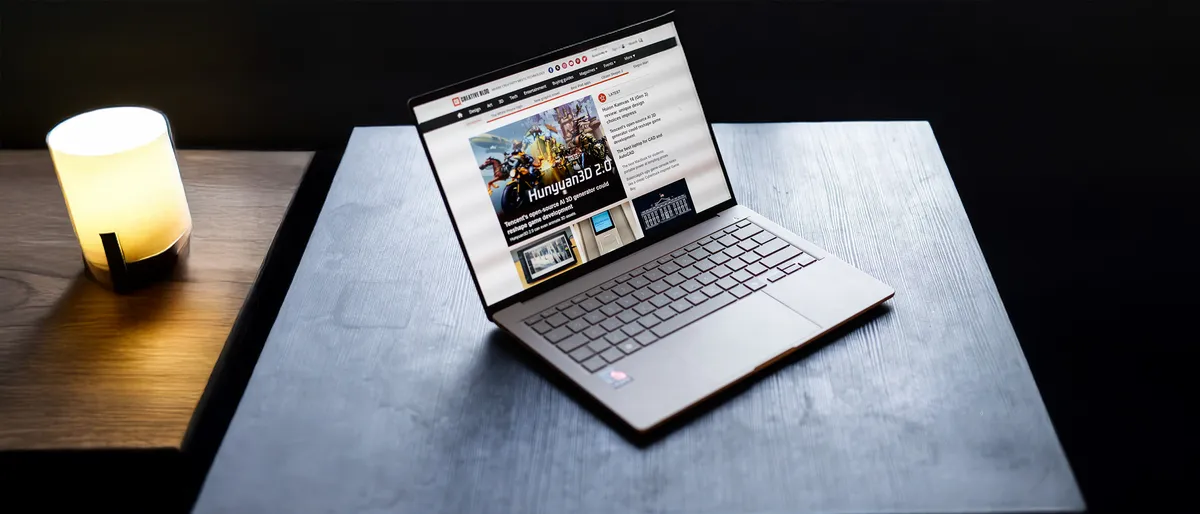


The ASUS Zenbook A14 is a budget laptop for graphic design that could easily pass as a more premium machine with its sleek looks. At under 1kg, it's one of the lightest 14-inch laptops we've tested, and our real-world video-loop test for battery life gave us an excellent 20 hours and 39 minutes – even more than we got from Apple's latest MacBook Air 13.
This all makes it an excellent laptop for graphic design students commuting to and from college. The lovely OLED display delivers excellent contrast and colour coverage and accuracy for this price point.
It lacks the power of ASUS's higher-end models but can tackle 2D, vector and layout software without problems. We tested a Snapdragon X1 CPU configuration with 16GB of RAM and found it to be on a par with Apple's M1 and M2 chips, able to handle work in Illustrator, InDesign and Affinity as well as Photoshop editing.
The integrated Adreno GPU isn't going to stand up to 3D rendering or GPU-accelerated video work but you can up the RAM to 32GB if you want to handle general video editing or more complex design projects. While the list price starts at £1,099.99, you can often find discounts at online retailers.
Read our full ASUS Zenbook A14 for more details.
Best budget Apple laptop for graphic design students
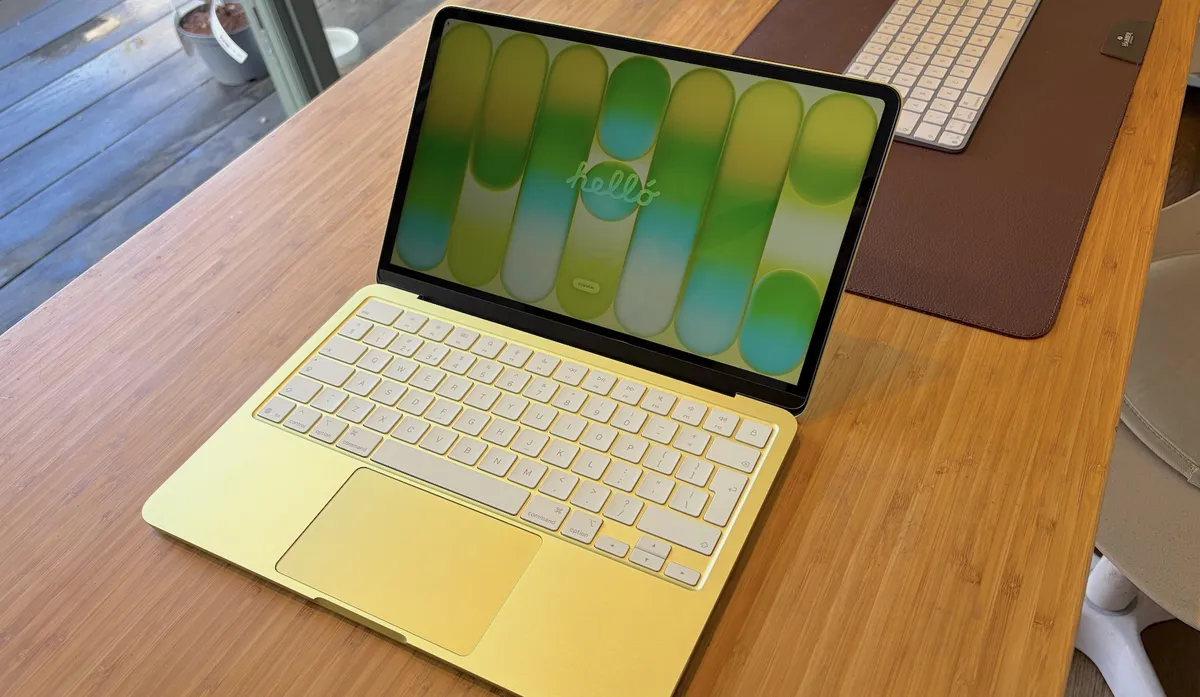



MacBooks remain a perennial favourite among graphic designers. That's partly due to tradition since some graphic design software was initially only available for Mac, but it's also because they just work. Some find Apple's operating system to be less troublesome, while others admire the sleek minimalist design and reliable build quality.
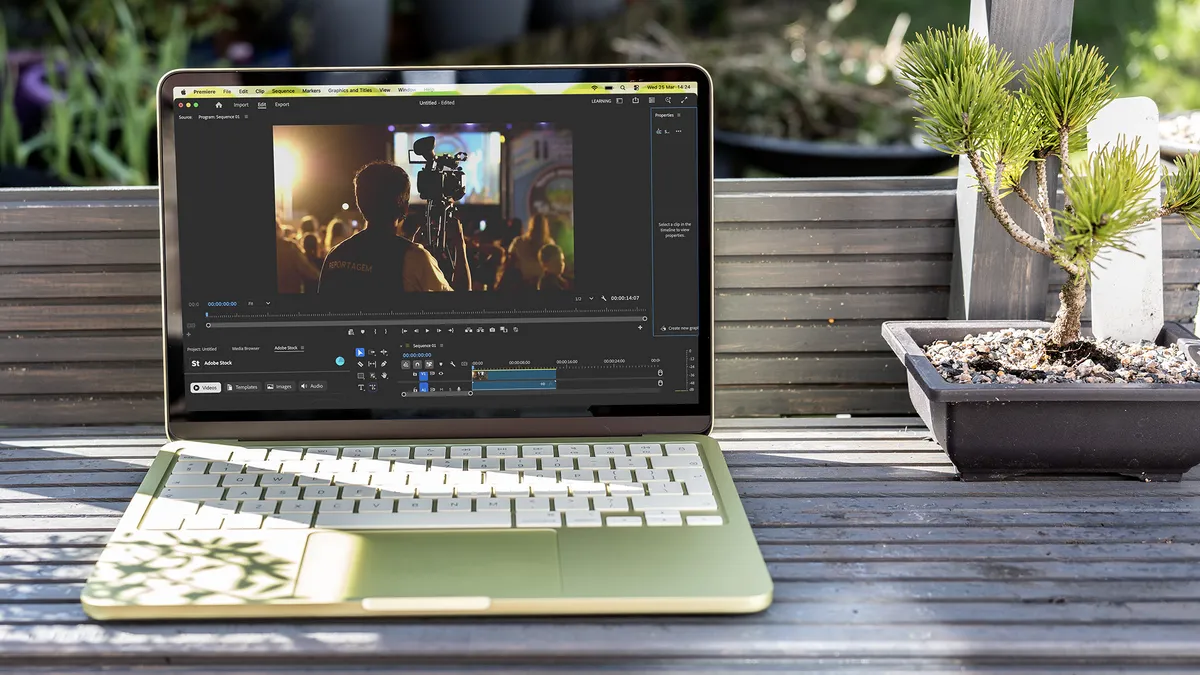
The newest addition to the family is Apple's first attempt at a budget laptop, and we were pleasantly surprised when we reviewed it. The mere 8GB of memory makes it relatively low powered, but we found the A18 Pro chip could efficiently handle most Photoshop and Illustrator work, although large multi-layered Photoshop files and complex Illustrator documents with many linked assets can start to hang a little.
There's no OLED display, and colour coverage spans around 98% of the sRGB gamut, and just 74% of DCI-P3. That compares to 100% of both on our top recommendation above and on Apple's own MacBook Airs. In practical terms, it should be sufficient for students of graphic design, but those working in motion design or video editing may want a better screen (and larger storage option, because a 256GB or 512GB will fill up fast with video files).
At 1.23kg and 1.27cm thick, the Neo is compact and bag-friendly. We measured up to 16 hours of battery life, which is decent but notably shorter than the Asus A14 above. Nevertheless, at just $599/£599, this is a great-value entry point to the Apple ecosystem.
Read our full MacBook Neo review.
Best budget 2-in-1 laptop for graphic design students


The HP Envy x360 is sleek, compact and provides added versatility for graphic design students since it doubles up as a tablet thanks to its 360 degree hinge and touchscreen capabilities. You can turn it into tent mode or even completely flat into a tablet to draw, and the stylus is included.
It's well-built, with a sturdy aluminium chassis, and the hinge feels reliable enough for regular use. Despite this, it weighs just 1.38kg, making it a handy 2-in-1 for commuting or using remotely in your favourite coffee shop.
Tablet mode can feel a little clunky since the keyboard doesn't detach, but it's the nearest we have to the best of both worlds and could save you from having to invest in an iPad or a dedicated drawing tablet if you want a stylus input device.
The HP MPP2.0 tilt pen is responsive and comfortable to work with. It's an active pen so needs charging but this is fairly convenient via USB-C. There's no dock as such for the pen, but there is a magnetic strip you can attach it to, which can also be handy for stowing a pair of AirPods, for example.
The OLED touchscreen FHD display delivers brightness of 400 nits covering 100% of the DCI-P3 colour space – more than the MacBook Neo above. We reviewed an Intel Corei7 1250U, 16GB RAM configuration and found it capable of multitasking and design in Photoshop and InDesign, although there was more lag large Illustrator projects.
Read our full HP Envy x360 review.
Best budget laptop for graphic design students with a large screen


A budget laptop for graphic design generally means going for a smaller device. That has the benefit of more portability, but some prefer a larger display for working in multiple panels in software like Photoshop or across multiple windows.
Enter the Acer Swift 16 AI, a 16-incher that's been designed to be as light and portable as six inches of laptop can be. Acer's got it down to just 1.5kg (3.4 lbs). The emphasis on keeping the weight down means it can feel a little bendy with its super-thin plastic and metal chassis, but it's worth that sacrifice if you're commuting with a large machine.
We found the Intel Core Ultra 7 and 16GB RAM configuration could handle 2D design work in Photoshop and Illustrator and light video editing without colour grading or effects. The 3K OLED display provides a wide colour space with 100% DCI-P3 coverage. It's Eyesafe 2.0 certified for limiting potentially harmful blue light too, and there is a Display HDR feature that's True Black 500 certified, making it a very reasonable display for this price point.
Read our full Acer Swift 16 AI review.
FAQs
What laptop specs do I need for graphic design?
For students of graphic design, we recommend aiming for a modern Intel Core Ultra, AMD Ryzen AI, Qualcomm Snapdragon X, or Apple M-series chip; at least 16GB RAM and a display with at least 1920×1080 resolution covering 100% sRGB (and a high coverage of DCI-P3 if you also do video work). A discrete or high-end integrated GPU helps for 3D and video work but isn't essential for 2D design.
For colour-critical work, look for a Delta E below 2.
How to choose
When choosing a laptop for graphic design on a budget, you need to choose your priorities in terms of power, portability, display size and cost. To keep the cost below around $1,200, you'll often have to sacrifice a dedicated GPU in favour of more affordable integrated graphics.
If you plan to take your laptop to college, the library or a cafe for working, we recommend opting for a lighter 14-inch laptop even though it makes working across multiple panels or windows less comfortable.
How we test
✅ We are solely focused on what creatives need
✅ Benchmark tests based on real workflows
✅ We consult actual designers and creative pros
✅ Over 100 laptops tested over 10,000 hours in the last two years
We've tested over 100 laptops over 10,000 hours of use in the last two years. As explained in our how we test laptops for graphic design article, we run extensive benchmark tests and also put laptops through their paces with real-world scenarios by completing test projects in software including Adobe Photoshop and Illustrator. We also test colour accuracy and brightness.