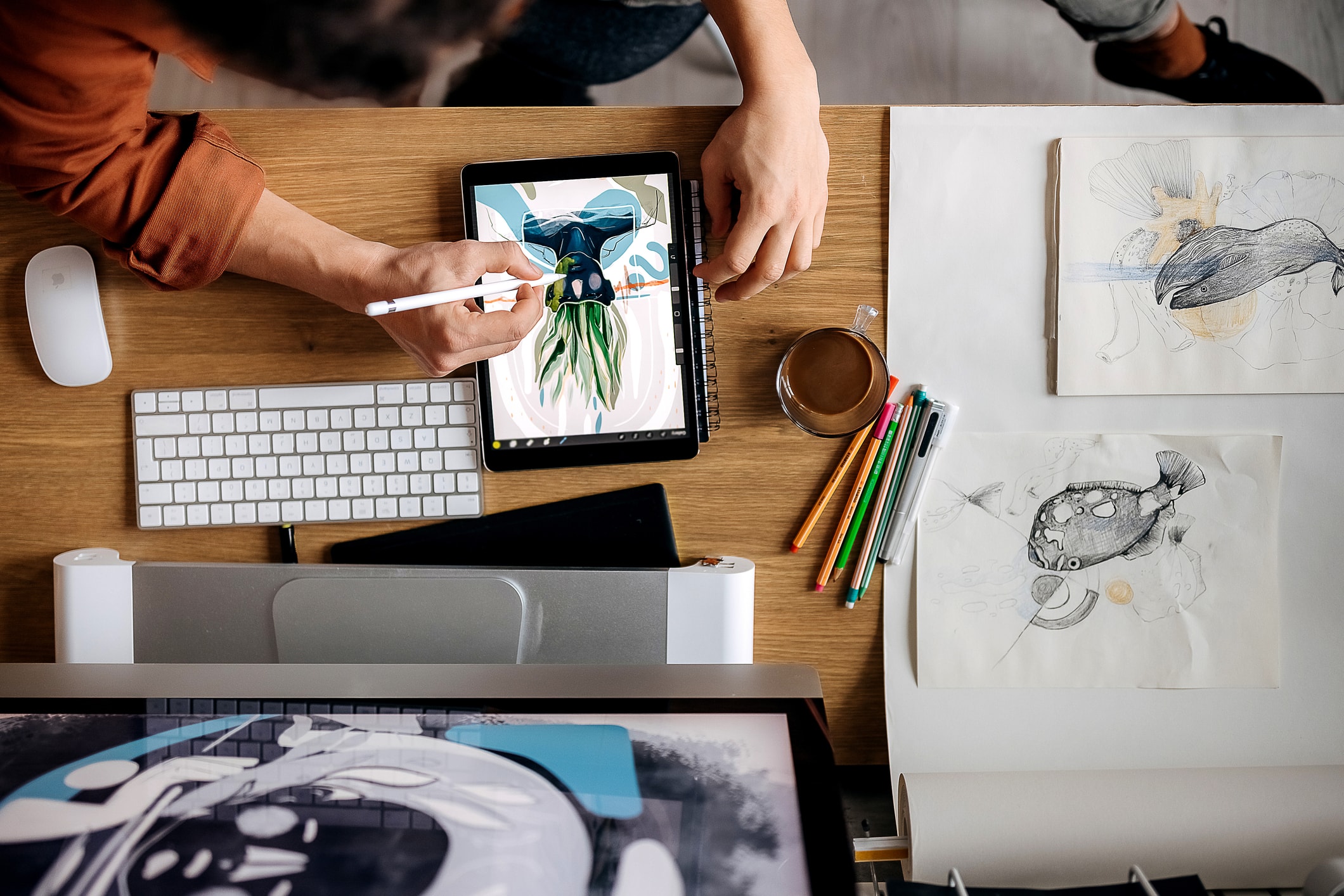








Black Friday is a funny time for everyone, but artists can feel more tempted than most, because there are definite things, particularly drawing tablets, you’ve likely had your eye on. Everything you've vaguely thought about buying for six months suddenly has a big red discount sticker.
The tablet you've been eyeing is £200 cheaper, a new stylus promises twice the pressure sensitivity, and maybe this time you need an Android drawing tablet. For some reason, you now really need an Android drawing tablet.
I've spent years testing the best drawing tablets, and even I get swept up in the Black Friday FOMO. My advice is simple: spend on things that will make you a better or happier artist, not on whatever has the biggest discount.
These are my best drawing tablet Black Friday sales:

Check the discount, question what you need
Black Friday is a time when headline discounts could be misleading. That 40% off looks impressive, but what did the product cost a month ago? Some retailers inflate discounts, so check the price history.
Then ask whether you need it at all. Upgrading everything at once adds up fast, and the best upgrade is often duller: a comfortable chair, a decent desk lamp, fresh nibs or a bigger external drive.
Do you really need an OLED tablet? Some specs target pros who work 10-hour days; if you’re a hobbyist like me, you don’t need a 27-inch drawing tablet. It’s great, but you don’t need one.
Tablets: ignore the headline specs
Manufacturers love big numbers. One tablet offers 8,192 pressure levels; another, 16,384, as if the second must be twice as good. It isn't, and 8,192 is plenty for most artists. Read my article on the 7 mistakes everyone makes when buying a new drawing tablet. I've added some advice below:
- Activation force: how lightly can you make a mark?
- Accuracy and tilt response: does the line land where you expect?
- Screen texture: Textured drawing tablet screens give paper-like resistance.
- Ergonomics: a beautiful 16-inch display is no fun if it leaves you hunched for hours.

Do you need a screen?
Screenless 'graphics' tablets like the Wacom Intuos Pro are cheaper and more portable, and once you're used to drawing by glancing up at a monitor, they're perfectly good. Some people even prefer them, since they force you to sit upright in a better posture. These are often a good alternative to using a mouse. If you do want a display, focus on size and resolution rather than buying the biggest one you can afford. Do you need 4K on a 27-inch screen? Will a huge screen work for travel?
One of my favourites is the Huion Kamvas 22 (Gen 3); it's a good size, 2.5K and 90Hz. Standalone Android drawing tablets are also worth a look, as they free you from your computer. New ones like XPPen’s Magic Pro 13 can connect to a PC and work as a standard pen display. With Android tablets, check that your apps are supported, because the experience won't match an iPad or desktop.
Buy for the artist you are
It's easy to buy for the artist you imagine becoming, the one who sculpts in 3D or draws every day. An expensive drawing tablet, iPad Pro or new stylus won't make that happen. Beginners, an affordable tablet is fine. Professionals, a better stylus or screen may improve your workflow. Either way, pay only for features you'll use and the specs you need.

Beyond the gadgets
I know this is a creative tech newsletter, but traditional materials are also a good value in sales. Pencils, brushes, sketchbooks and paints may give you more enjoyment than more hardware. Consider some of these: